Manychat
Manychat is a chat marketing automation platform that helps brands and creators drive sales and engagement through messaging apps like Instagram, WhatsApp, Facebook Messenger, and Telegram.
Website
Industry
Leadgen
Share this article:

How to delete automation in Manychat

Here is how to delete automation in manychat

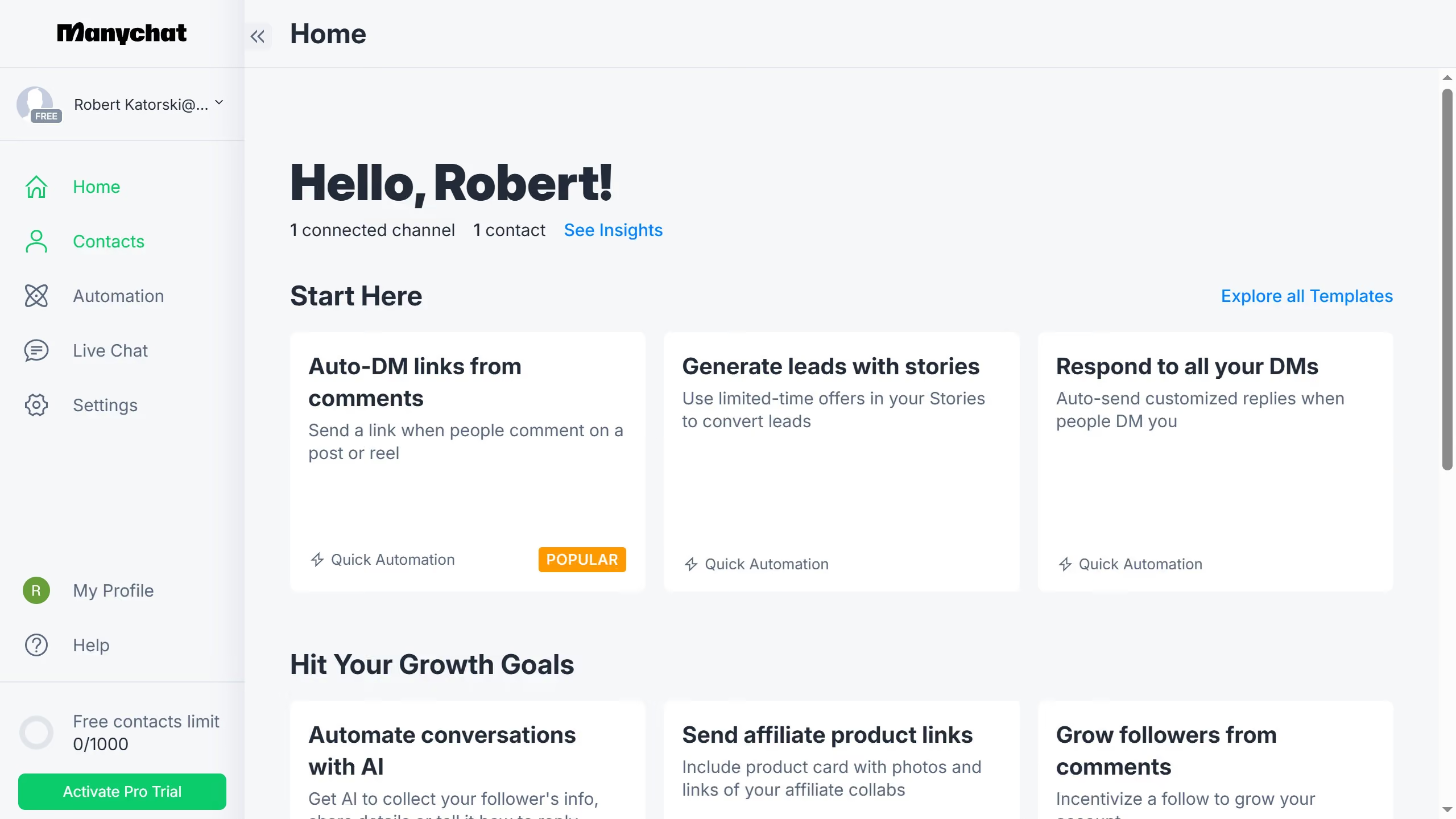
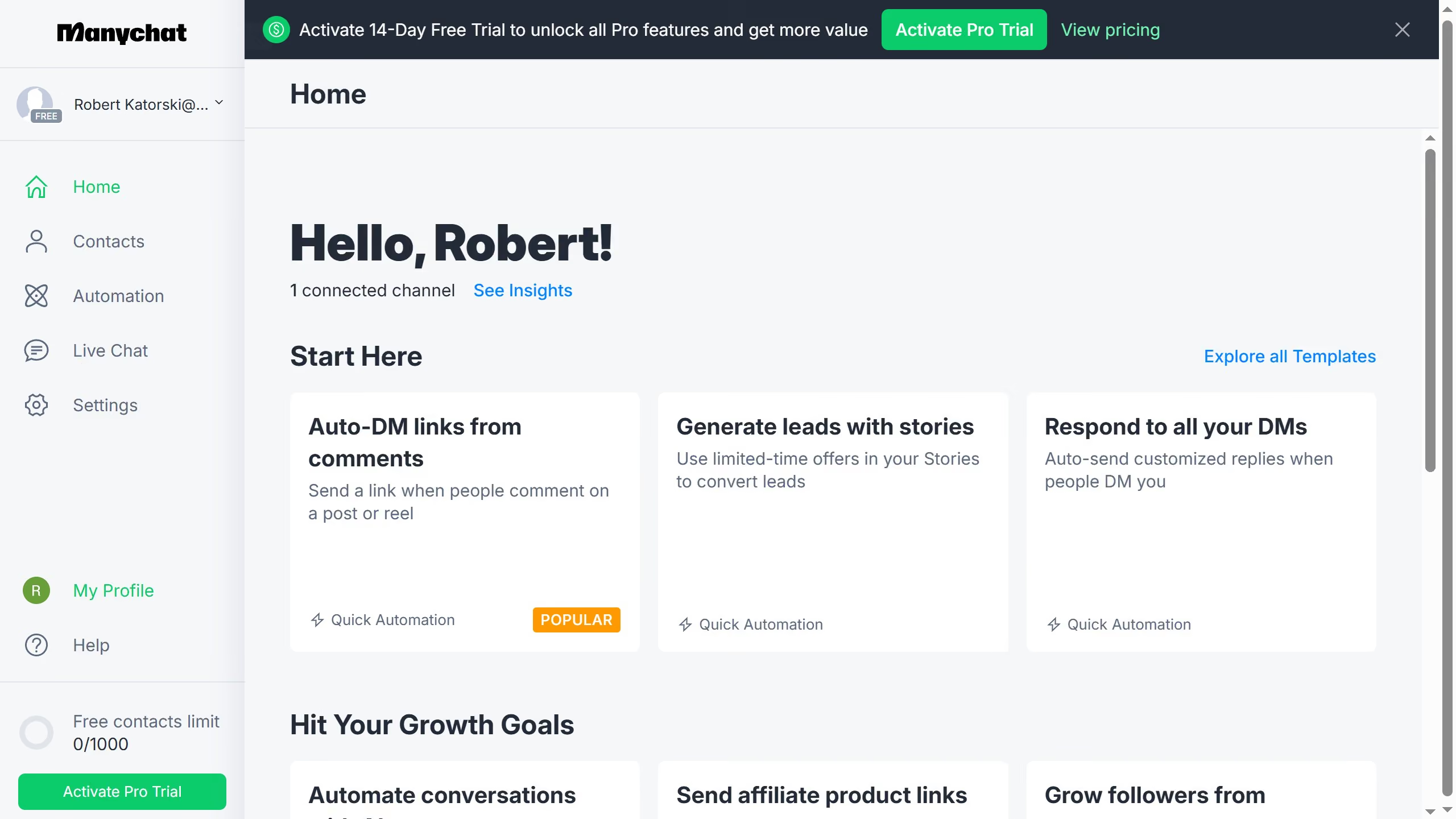
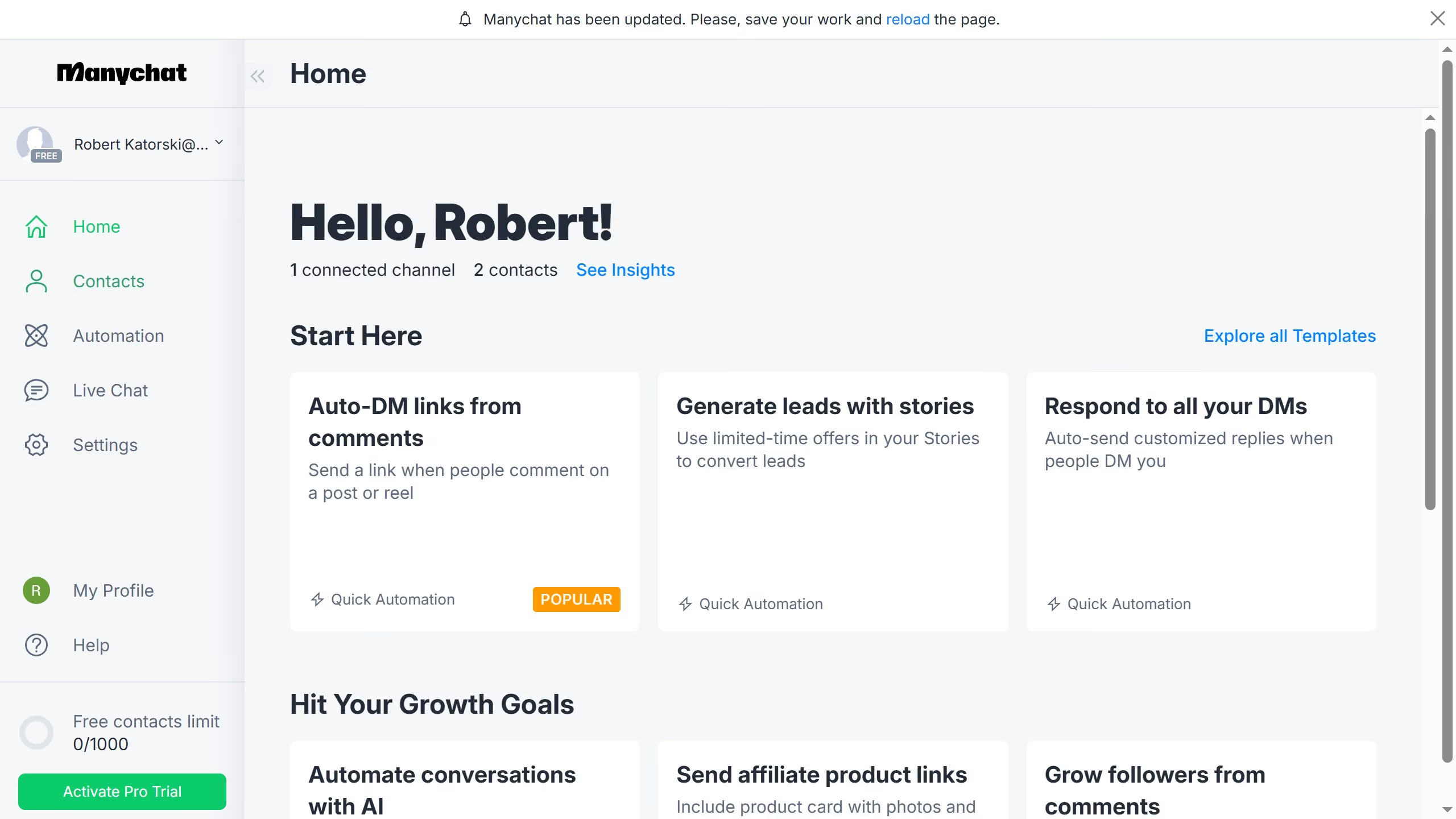
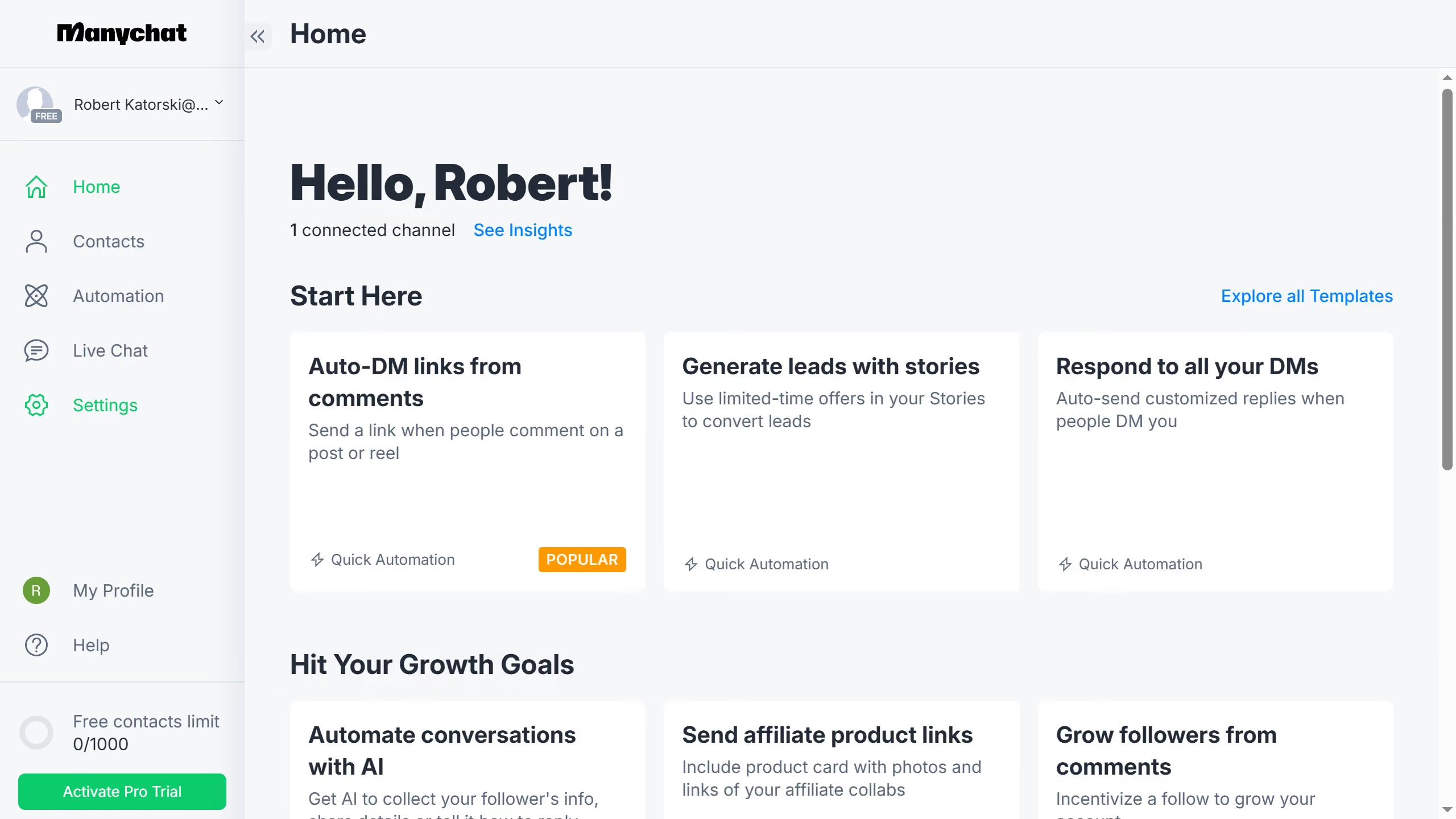
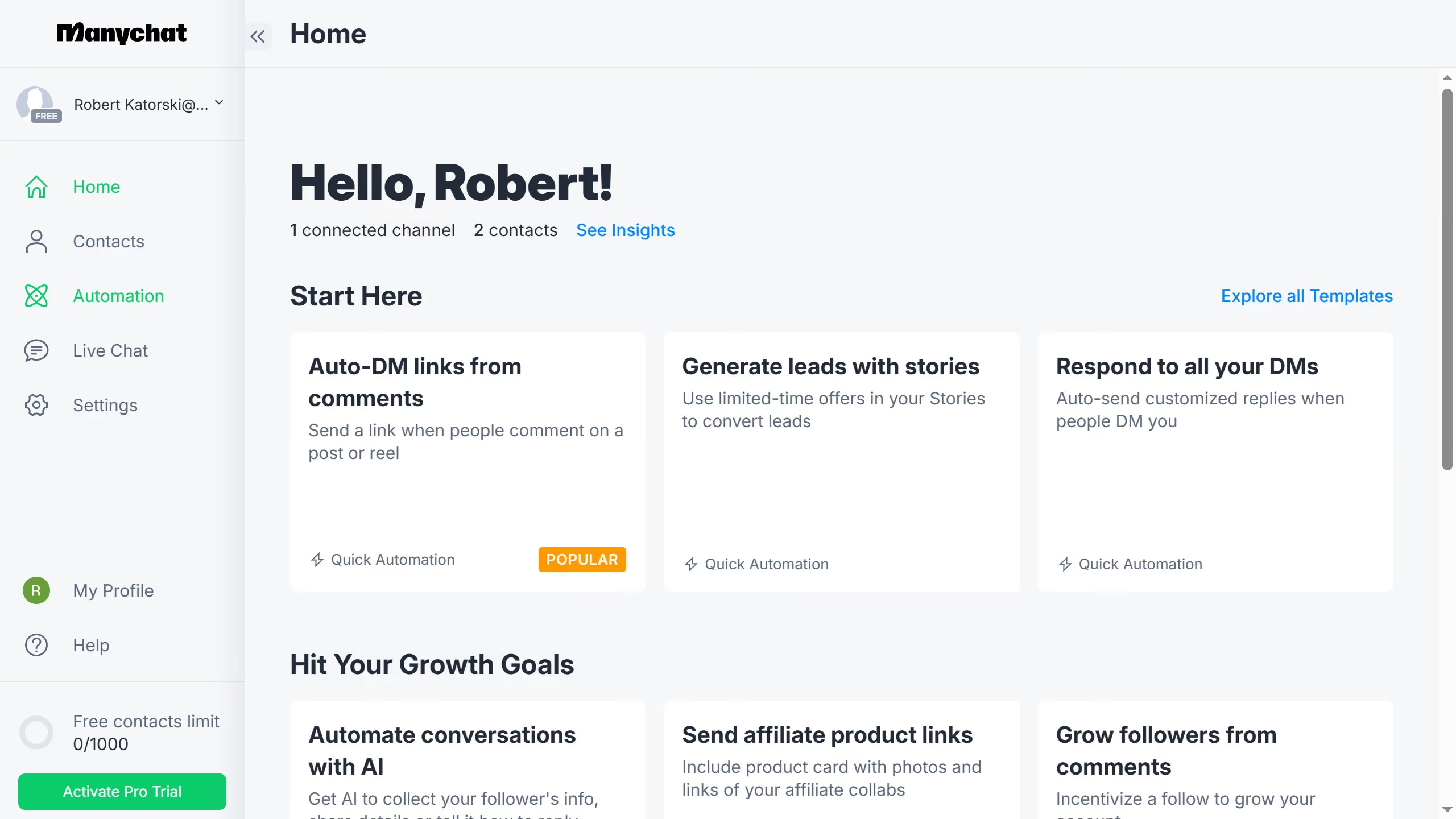
  1. First click on the "Automation" option in the left sidebar menu
  2. Then hover your mouse over the automation you want to delete from the automation list until you see the three dots menu icon
  3. Next click the "More options" button (three dots)
  4. Then select the "Delete" option from the dropdown menu
  5. Finally click the "Delete" button in the confirmation dialog to delete the automation

Create your own interactive guide with Guideflow

Why should you delete automation in Manychat

Manychat is a powerful tool that automates chat communication, making customer interactions seamless and efficient.

Deleting automation in Manychat is straightforward, helping you manage workflows with ease. This feature allows you to keep your chatbot interactions relevant by removing outdated sequences.

Utilizing this function ensures chatbots remain agile and effective, enhancing user experiences and keeping engagement fresh.

Ultimately, managing automations efficiently leads to better customer satisfaction and streamlined operations.

Last update
July 14, 2026
Cursor MariaA cursor points to a button labeled "James."

Loo oma esimene demo vähem kui 30 sekundiga.