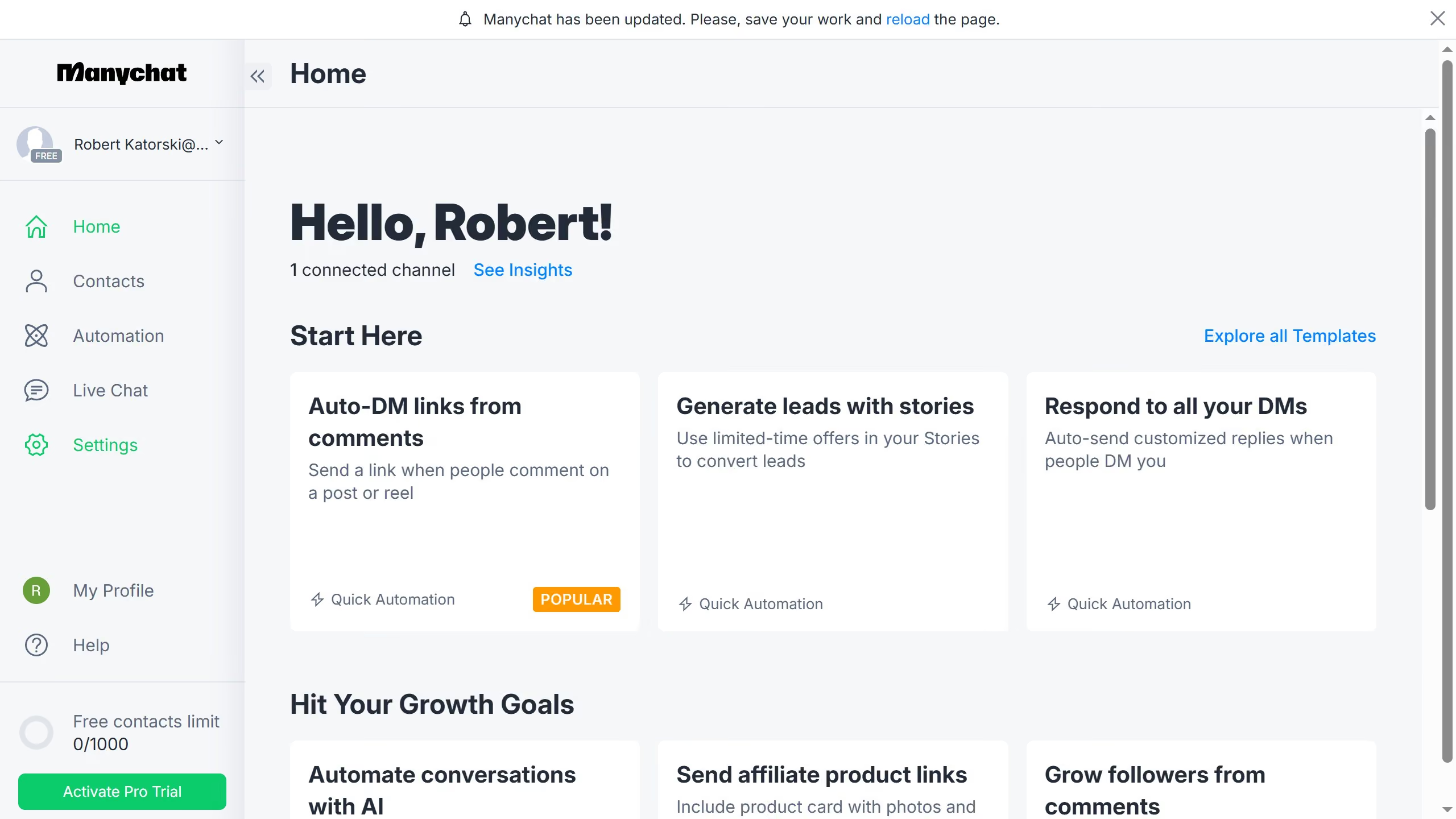
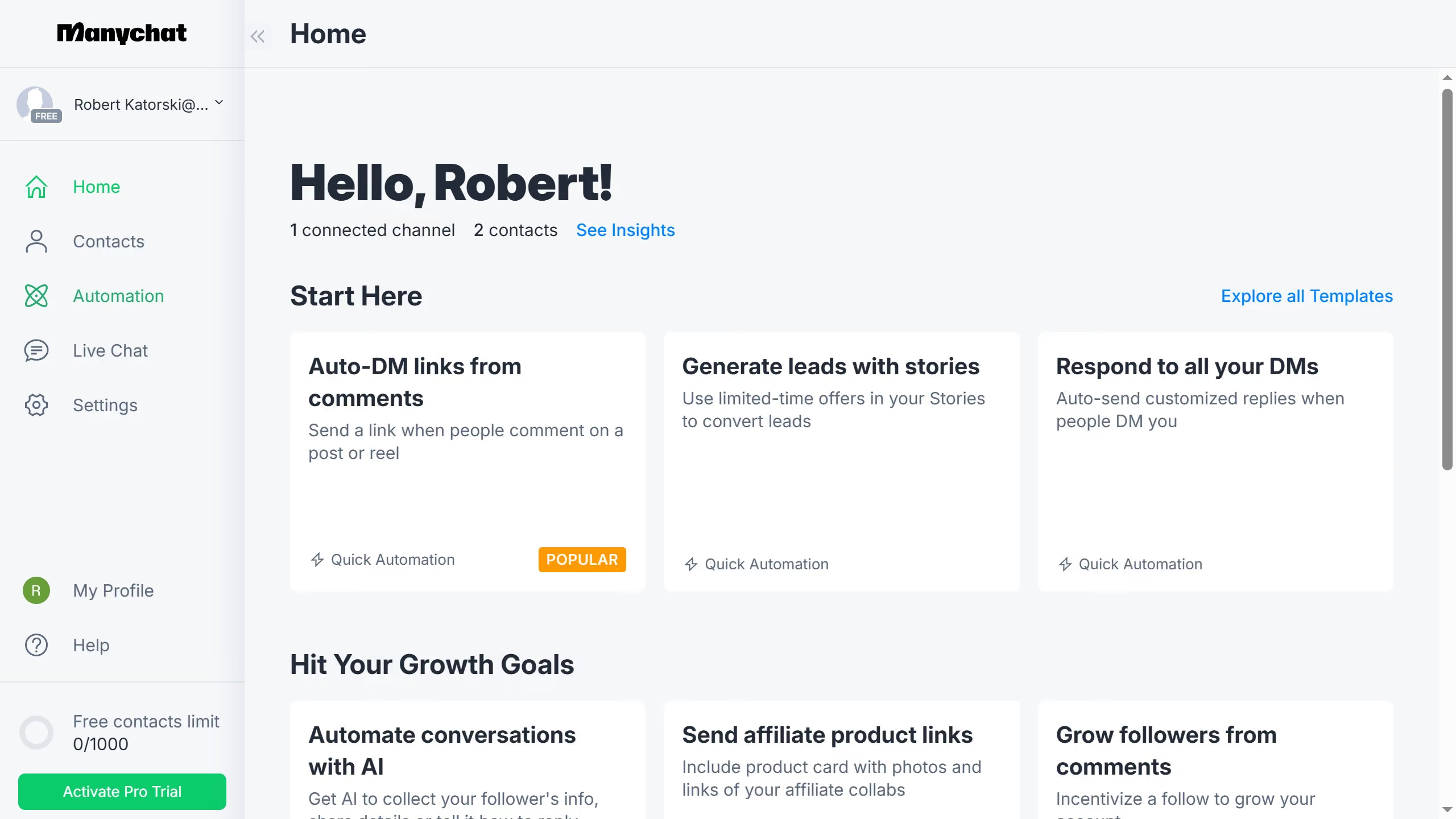
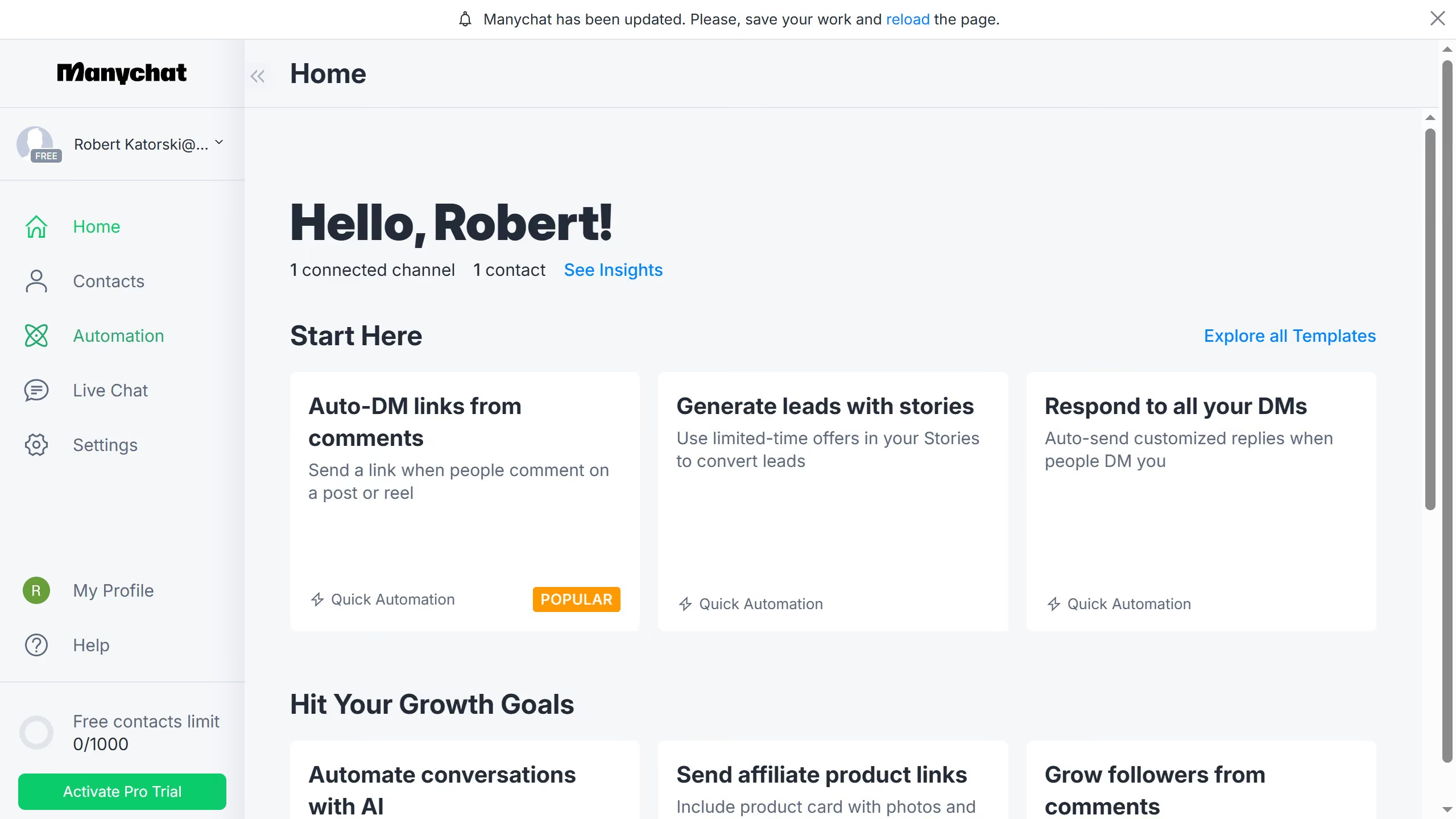
Here is how to resume automations for a contact in manychat
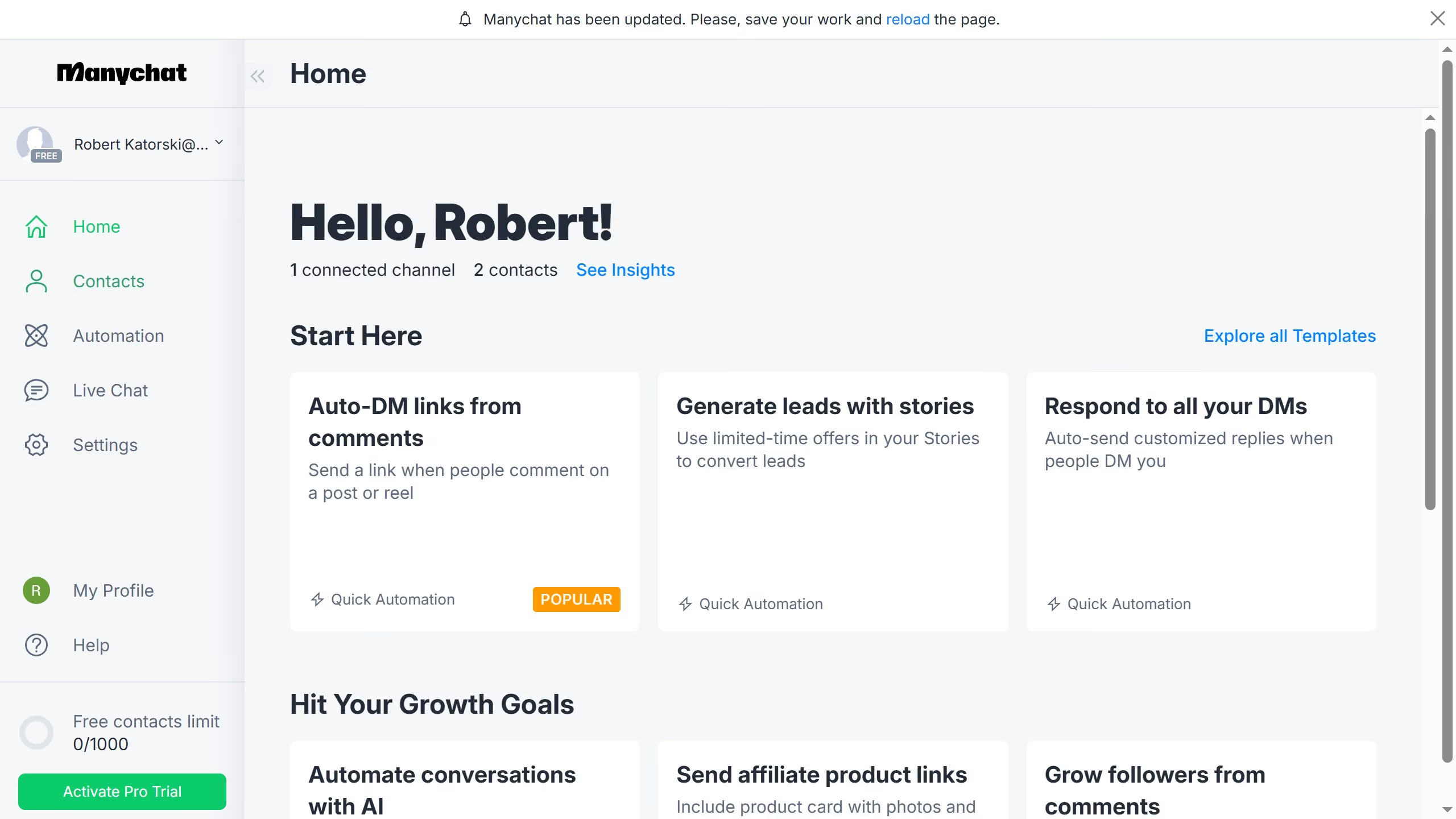
- First click on the "Contacts" option in the left sidebar menu
- Then click on the contact you want to resume the automation from the contacts list
- Next click on the automation status button in the contact details modal
- Finally click on "Resume automations" option in the pause duration dropdown menu