Manychat
Manychat is a chat marketing automation platform that helps brands and creators drive sales and engagement through messaging apps like Instagram, WhatsApp, Facebook Messenger, and Telegram.
Website
Industry
Leadgen
Share this article:

How to duplicate automation in Manychat

Here is how to duplicate automation in manychat

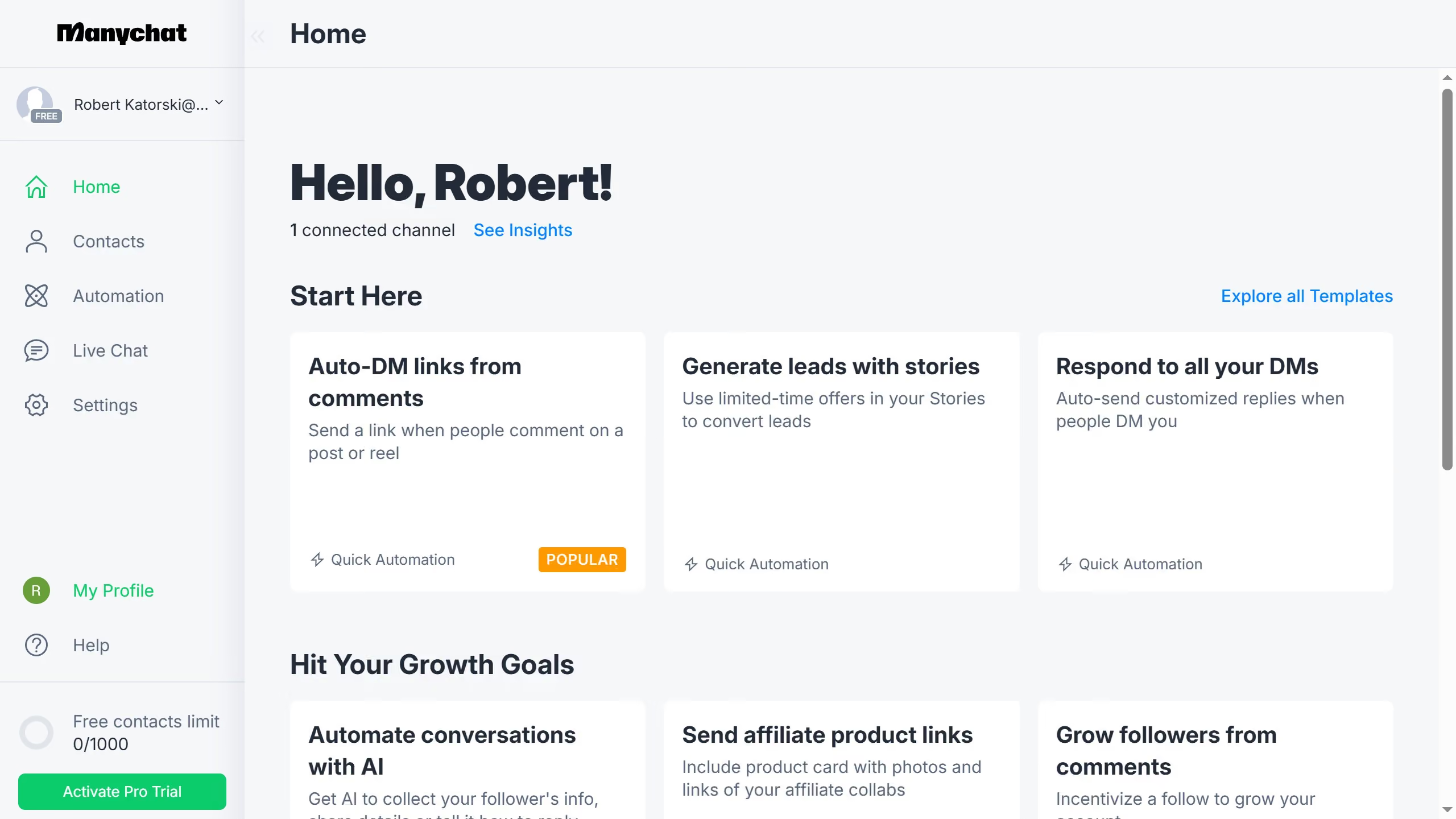
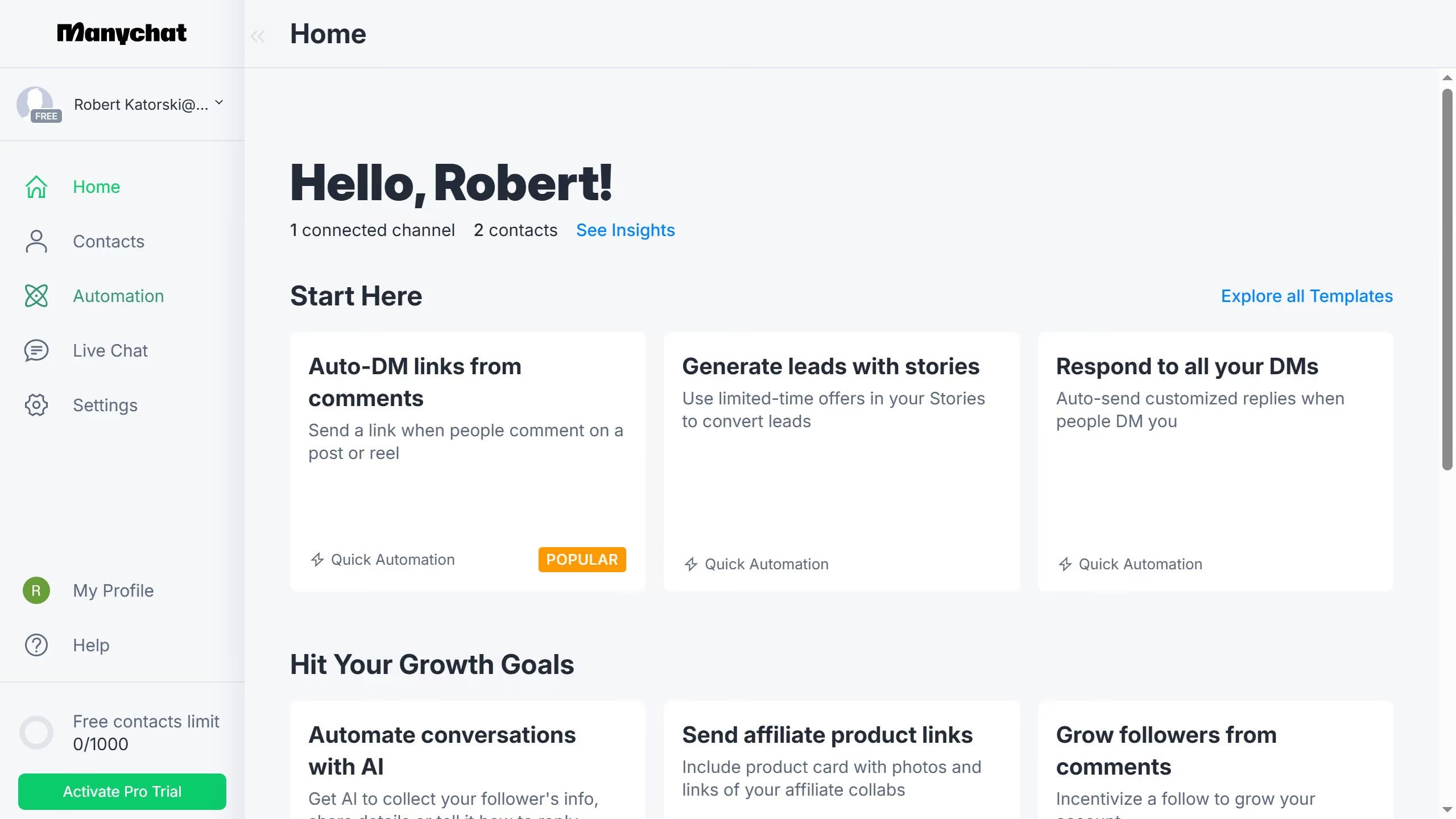
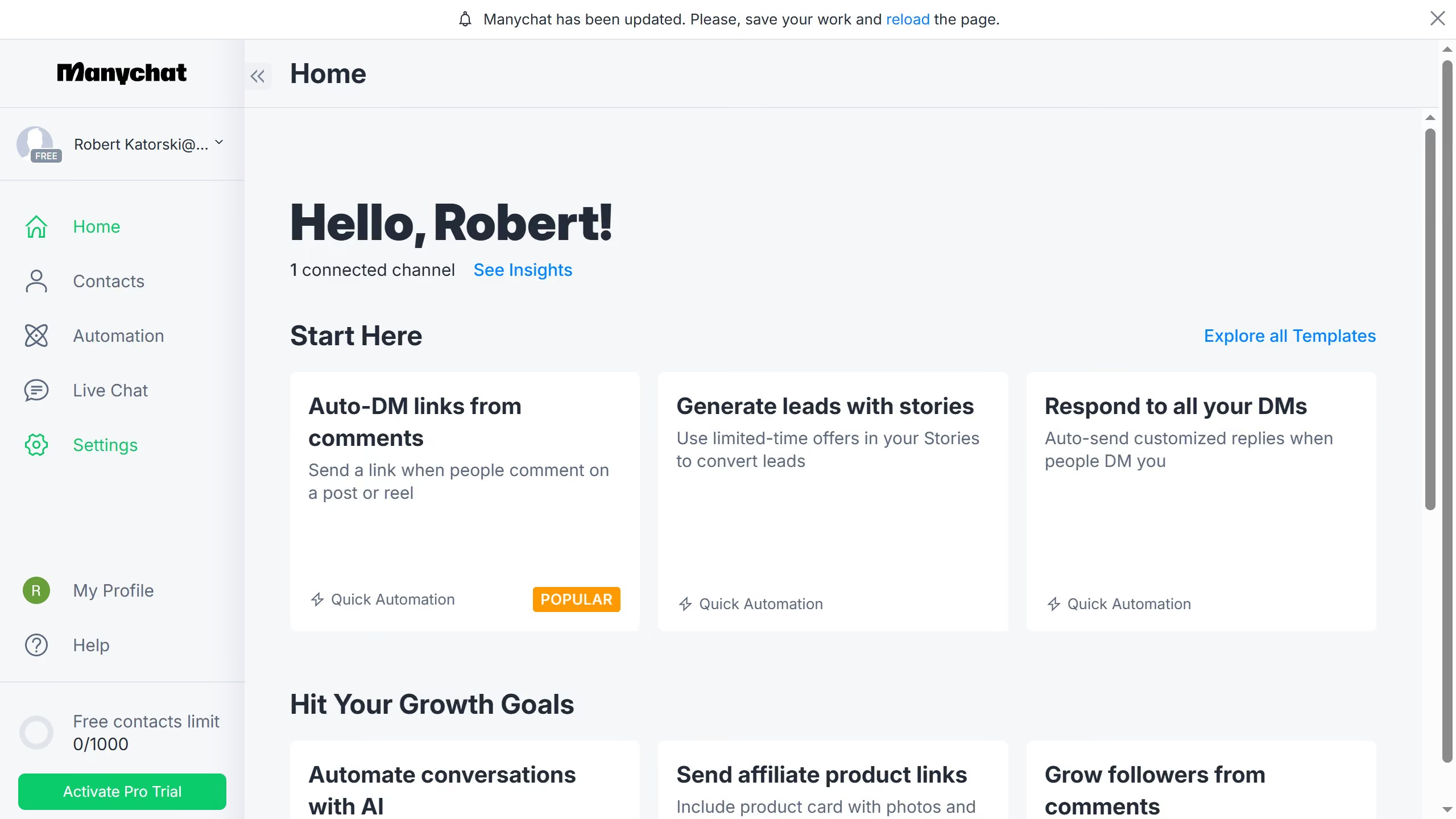
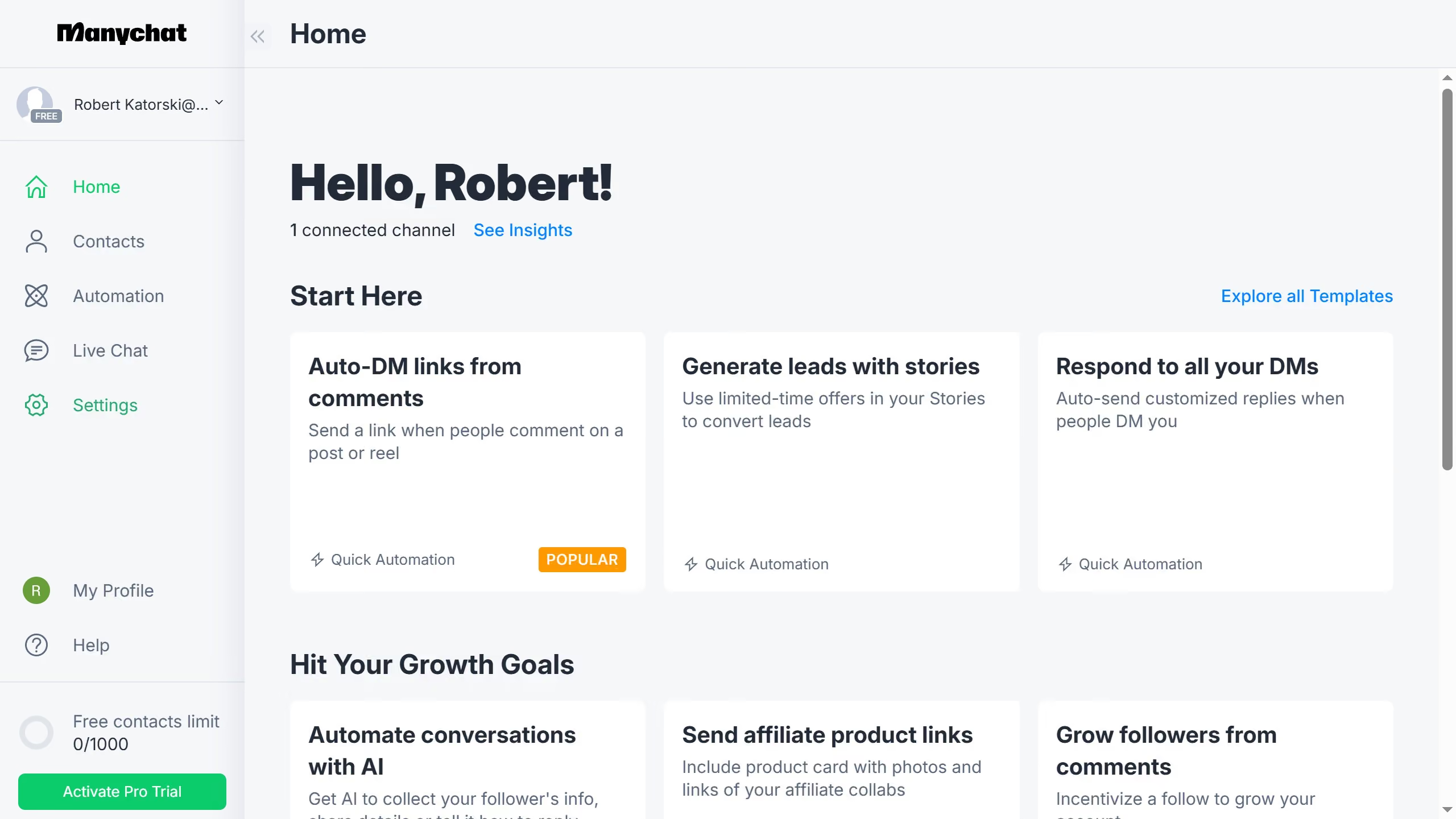
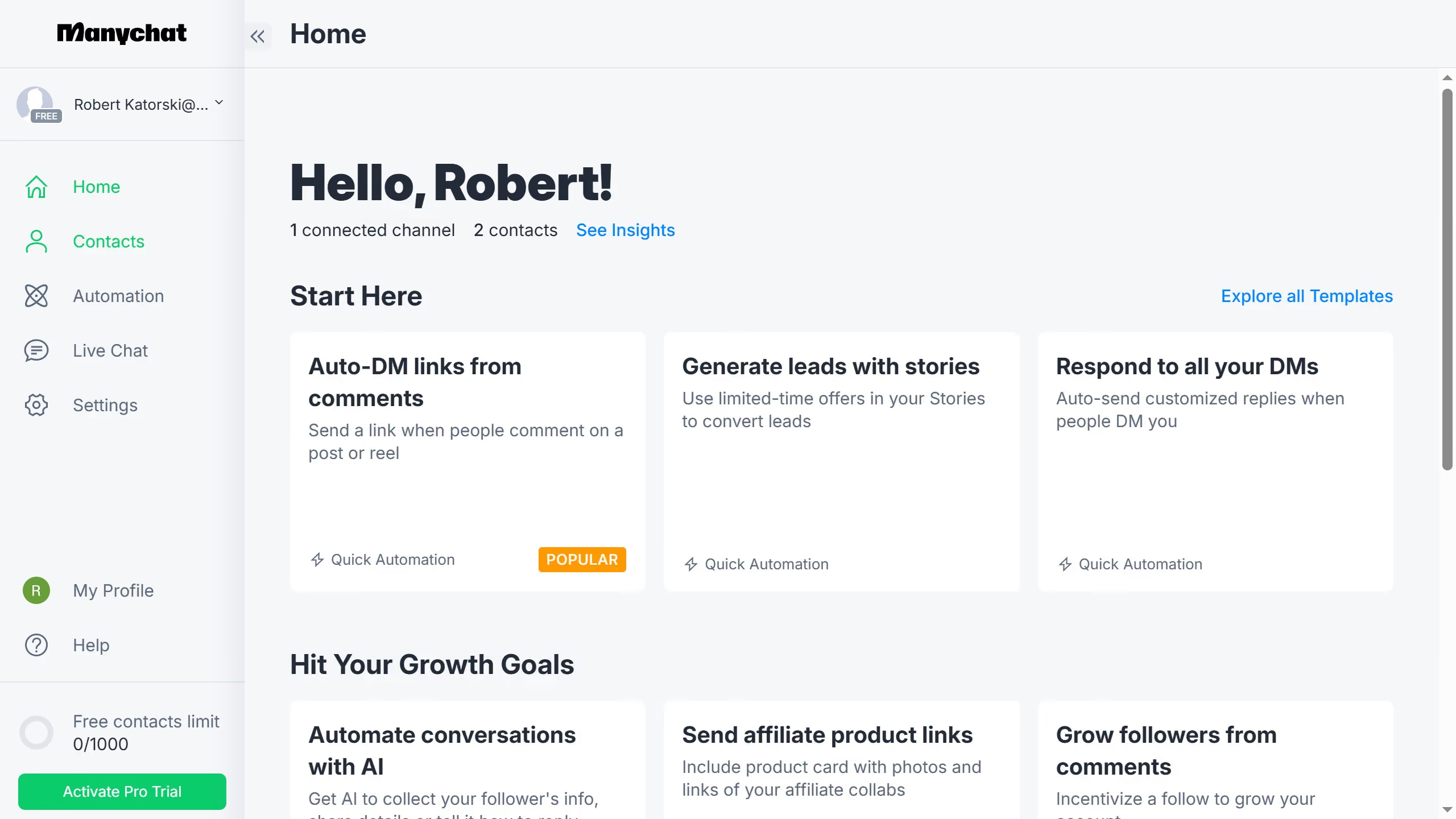
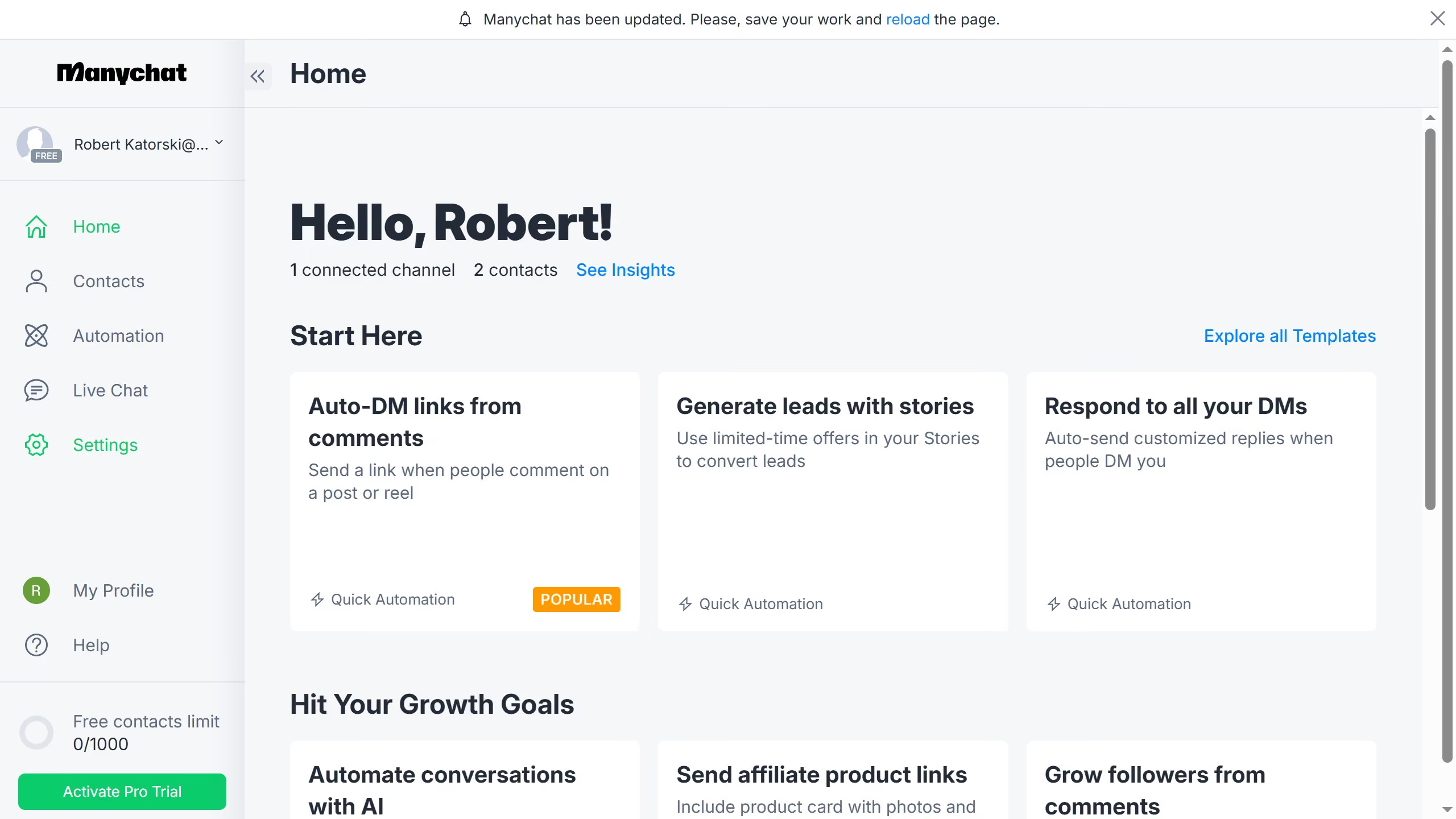
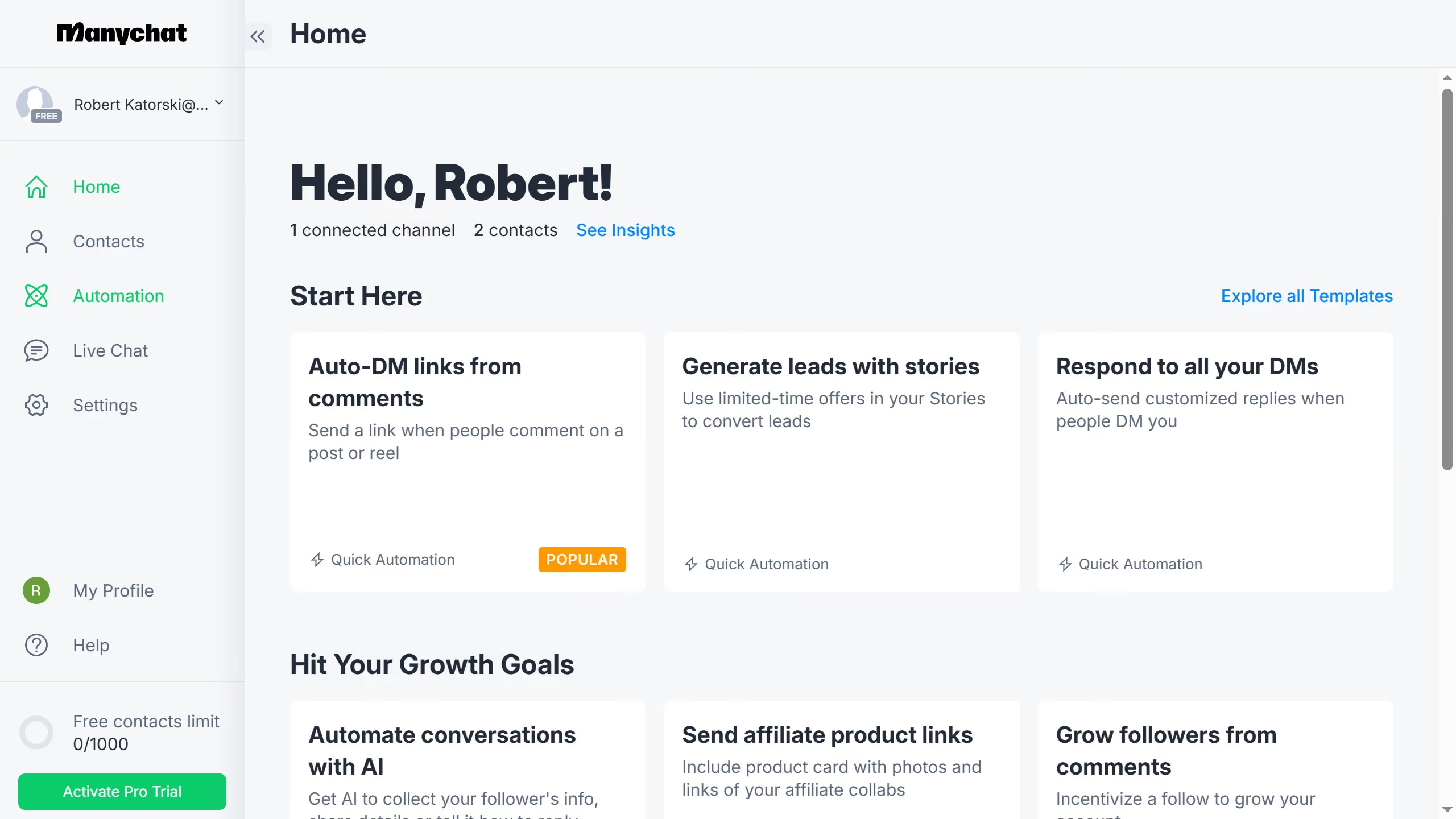
  1. First click on the "Automation" option in the left sidebar menu
  2. Then hover your mouse over the automation you want to duplicate
  3. Next click on the menu button (three dots) next to the name of the automation
  4. Finally select "Duplicate" option from the dropdown menu

Create your own interactive guide with Guideflow

Why should you duplicate automation in Manychat

Manychat is a dynamic platform designed to simplify communication through effective chatbot solutions.

Duplicating automation in Manychat is an incredibly efficient feature that streamlines workflow management.

By allowing users to easily replicate existing automations, it promotes consistency across campaigns with minimal effort.

This feature not only saves time but also ensures that successful strategies can be effortlessly reused and adapted, enhancing overall productivity and effectiveness in engaging with your audience.

Last update
July 14, 2026
Cursor MariaA cursor points to a button labeled "James."

Loo oma esimene demo vähem kui 30 sekundiga.