Your VPN was built for a network that no longer exists. Once a user connects, they land inside the perimeter with broad access to anything routable, and every contractor laptop, unmanaged phone, and dormant credential becomes a lateral-movement risk. Security and presales teams feel this every time a deal stalls in a security review, or an auditor asks why a vendor can reach the whole subnet just to use one app.
The market has moved. In 2025, 70% of enterprises accelerated migration from legacy VPNs to zero trust network access software, contributing to a 48% global increase in ZTNA deployments across hybrid and remote environments, according to SNS Insider (2025). The category is projected to grow from USD 3.53 billion in 2024 to USD 12.42 billion by 2030 at a 23.2% CAGR, per Grand View Research (2025). That is not hype. It is a structural shift toward identity-based access, least privilege, and application-level policy instead of open network tunnels.
If you are evaluating ZTNA software right now, the hard part is not understanding the concept. It is picking the right vendor for your environment: your identity provider, your app mix, your device posture requirements, and how much rollout complexity your team can absorb. The same evaluation discipline shows up across adjacent security categories, from ai security posture management to broader ai cybersecurity solutions, and presales teams who validate secure remote access daily know how much the details matter. This guide gives you a practical shortlist and a framework to sort it.
What's inside
This guide covers 10 zero trust network access solutions chosen for how well they handle real buying conditions: application coverage, identity and device policy support, deployment flexibility, scalability from SMB to enterprise, and fit for common access scenarios. We built it for teams evaluating secure remote access, VPN replacement, and hybrid workforce access, whether you are in IT, security, networking, or a presales role validating technical fit.
Each entry includes what the tool is best for, its key strengths, pricing where publicly available, and a current G2 rating. The comparison table lets you pre-sort before reading the detailed sections.
TL;DR
- Best for enterprise scale and SASE: Zscaler, for teams standardizing zero trust access and cloud security across a large footprint.
- Best for integrated security platform: Palo Alto Networks Prisma Access, for organizations that want ZTNA 2.0 inside a broader security architecture.
- Best for cloud-first and edge-delivered access: Cloudflare, for teams that want global edge presence and clientless access options.
- Best for a clean, lighter-weight VPN alternative: Twingate, for teams that want app-based access and a simple rollout.
- Best for developer-friendly private networking: Tailscale, for engineering teams that need fast, lightweight secure remote access.
- Best for access governance alongside ZTNA: Zluri, as an adjacent identity governance and SaaS visibility layer, not a core ZTNA engine.
What is ZTNA software and how zero trust network access works
Zero trust network access (ZTNA) is a security model that grants users access to specific applications based on verified identity and context, never to the underlying network as a whole. That is the ZTNA meaning in one sentence: connect people to apps, not networks.
The core principle is least privilege access. Instead of dropping an authenticated user onto a flat network where they can reach anything routable, ZTNA architecture enforces identity based access at the application level. A broker verifies who the user is (through your IdP, SSO, and MFA), checks device posture (is this a managed laptop, is disk encryption on, is EDR running), and only then brokers a connection to the one app the policy allows. Applications stay dark to everyone else. This is the fundamental difference from a zero trust VPN or traditional VPN, which authenticates once and then exposes broad network reachability.
Key capabilities to expect from ZTNA software:
- Identity-based access tied to your IdP with SSO and MFA enforcement
- Least privilege access at the application level, not the network level
- Device posture checks before and during a session (continuous verification)
- Encrypted, brokered app access that hides resources from unauthorized users
- Microsegmentation to contain lateral movement between apps and workloads
- App visibility and access policy controls for private apps, legacy apps, and SaaS
- Clientless access options for third-party and BYOD access scenarios
ZTNA architecture in practice
Most zero trust network access solutions follow one of two deployment models. Agent-based (endpoint) ZTNA installs a lightweight connector on the device and routes traffic to a policy broker. Service-based (clientless) ZTNA uses a connector deployed next to the application and requires no software on the user device, which is why it suits third party access and unmanaged devices. Both models rely on outbound-only connections from the app side, so nothing is exposed to the public internet. This is the architectural backbone of zero trust architecture: no implicit trust, continuous verification, and application-level enforcement.
What ZTNA 2.0 means
ZTNA 2.0 is Palo Alto Networks' framing for extending zero trust beyond the initial connection. First-generation ZTNA verifies identity once and grants access. ZTNA 2.0 adds continuous trust verification and continuous security inspection of traffic after access is granted, plus finer-grained least privilege for apps that use dynamic ports or server-initiated flows. The practical takeaway: access decisions should not be a one-time gate. They should adapt as device posture, risk, and behavior change during the session.
When to use zero trust network access
Replace VPN access for remote teams
Broad network access is too permissive for a distributed workforce. When your VPN grants an authenticated user reachability to entire subnets, one compromised credential becomes a network-wide problem. ZTNA gives each remote or hybrid worker access only to the specific apps their role requires. That is the core zero trust remote access case, and it is why 68% of enterprises now use ZTNA as a VPN replacement or supplement, per ZeroThreat.ai (2025).
Secure third-party and contractor access
Vendors, partners, and contractors rarely need the whole network. They need one or two applications for a defined period. ZTNA supports limited, time-bound application-level access without a VPN client, often through clientless access from an unmanaged device. You grant access to the exact app, log every session, and revoke cleanly when the engagement ends. This is one of the strongest arguments for third party access controls in a ZTNA rollout.
Protect BYOD and multicloud access
When employees connect from personal devices, device posture and contextual access matter most. ZTNA can require a managed-device check, step up MFA, or restrict actions based on risk signals before brokering access. The same policy engine extends to multicloud access, so private apps running in AWS, Azure, and GCP sit behind one consistent access policy instead of separate VPNs per environment.
Support legacy and private apps
Some private apps and legacy apps cannot be modernized quickly, but they still need protection. ZTNA publishes these applications without exposing them to the public internet, so users reach an internal ERP or an old on-prem tool through the broker rather than an open port. You get secure access to private apps without a full re-architecture.
Comparison table
The table below sorts the 10 options with the most enterprise-relevant first. Use it to pre-filter ZTNA software before reading each section. Pricing reflects publicly available figures at the time of writing; several enterprise vendors quote custom pricing only.
| # | Product | Intent | Key use case | Pricing | G2 rating |
|---|---|---|---|---|---|
| 1 | Zscaler | Enterprise ZTNA + SASE | Zero trust access and cloud security at scale | Custom (bundles/add-ons) | 4.4/5 |
| 2 | Palo Alto Networks | Integrated security platform | ZTNA 2.0 with continuous inspection | Custom | 4.4/5 |
| 3 | Cloudflare | Cloud-first edge access | Edge-delivered ZTNA and web/private app access | Free; Pro $20/mo; Business $200/mo; Contract custom | 4.5/5 |
| 4 | Solo.io | Cloud-native connectivity | Zero trust access for infra-heavy environments | Custom (scoped estimate) | 4.5/5 |
| 5 | Twingate | Lightweight VPN alternative | App-based secure remote access | Free; Teams $5/user/mo; Business $10/user/mo | 4.7/5 |
| 6 | Tailscale | Developer private networking | Fast identity-based access to internal resources | Free; Standard $8/user/mo; Premium $18/user/mo | 4.6/5 |
| 7 | NordLayer | SMB/mid-market access | Centralized secure remote access | Lite $8; Core $11; Premium $14/user/mo | 4.3/5 |
| 8 | Appgate | Software-defined perimeter | Direct-routed ZTNA with adaptive access | 30-day free trial; custom | Not listed |
| 9 | Check Point | Enterprise security stack | ZTNA within a broad security platform | Custom | 4.5/5 |
| 10 | Zluri | Access governance (adjacent) | Identity governance and SaaS access visibility | Custom | 4.6/5 |
1. Zscaler
Zscaler is a cloud-delivered zero trust security platform for users, applications, workloads, and data. Its Zero Trust Exchange inspects traffic inline and brokers access to private applications without placing users on the network. For large organizations consolidating VPN, secure web gateway, and private access under one architecture, it is the reference point in the enterprise ZTNA and SASE conversation.
Best for: Enterprises standardizing zero trust access and cloud security across a large, distributed footprint.
Key strengths
- Zero Trust Exchange: An inline security cloud that brokers every connection and keeps applications dark to the public internet.
- Private and Internet Access: Secure Private Access for internal apps and Secure Internet Access for outbound traffic, both under one policy model.
- Data and threat protection: Data security and threat prevention layered into the same access path, supporting SASE consolidation.
Why choose Zscaler: If your organization is large enough that VPN sprawl has become an operational and audit problem, Zscaler's inline cloud model enforces application-level access and least privilege at scale. Security teams choose it for broad enterprise deployment fit and the ability to fold ZTNA into a wider SASE strategy rather than running access as a standalone tool.
Zscaler pricing: Zscaler publishes platform bundles and add-ons rather than public per-seat prices. Pricing is scoped through sales and packaged around the services you deploy, such as Private Access and Internet Access. Expect enterprise-oriented, custom quotes. Its G2 rating sits at 4.4/5.
2. Palo Alto Networks
Palo Alto Networks delivers ZTNA through Prisma Access and coined the ZTNA 2.0 framing. The pitch is continuous trust verification and continuous security inspection after access is granted, not a one-time gate. For organizations that want ZTNA inside an integrated network, cloud, and security operations platform, Prisma Access fits naturally.
Best for: Enterprises needing integrated network, cloud, and SOC security with zero trust access built into the same platform.
Key strengths
- ZTNA 2.0: Continuous trust and continuous inspection extend zero trust beyond the initial connection.
- Prisma Access (SASE): Cloud-delivered secure access service edge that combines ZTNA with SWG and firewall capabilities.
- Platform breadth: Next-generation firewalls and Prisma Cloud tie access policy into a wider security architecture.
Why choose Palo Alto Networks: Teams already invested in Palo Alto's firewalls or SOC tooling get consistent policy and telemetry across network and access. The ZTNA 2.0 model matters for apps with dynamic ports or server-initiated traffic, where first-generation ZTNA can be coarse. This is a platform play, so it suits organizations consolidating rather than buying point tools.
Palo Alto Networks pricing: Public per-plan pricing for Prisma Access is not listed on a first-party pricing page; licensing is quote-based and typically credit or capacity oriented. Plan on an enterprise procurement conversation. Its G2 seller rating is 4.4/5.
3. Cloudflare
Cloudflare delivers ZTNA from its global edge as part of a broader connectivity cloud. Access decisions run close to the user, which suits distributed teams and clientless access to internal web apps. It integrates with common identity providers and layers ZTNA onto the same platform that handles CDN, DDoS, and web application protection.
Best for: Teams that want edge security, CDN, and zero trust networking from one platform with a fast, cloud-first rollout.
Key strengths
- Edge-delivered access: A global network enforces access policy close to users for low-latency secure remote access.
- IdP integration: Works with major identity providers for SSO and MFA-driven access decisions.
- Web and private app access: Publishes internal apps and supports clientless access without exposing them publicly.
Why choose Cloudflare: If you value a cloud-first access model and already use Cloudflare for performance or security, adding ZTNA keeps everything under one control plane. The edge footprint is a real differentiator for global teams, and the clientless options make third party access and BYOD access straightforward.
Cloudflare pricing: Cloudflare publishes clear plans for its Network and CDN products: Free at $0, Pro at $20/month (billed annually) or $25 monthly, Business at $200/month (billed annually) or $250 monthly, and a custom Contract tier. Zero Trust connectivity is available with a free entry point and usage-based options for advanced products. Its G2 rating is 4.5/5.
4. Solo.io
Solo.io is a cloud-native application networking platform for connectivity, service mesh, and AI/agentic infrastructure. Its zero trust access model fits infrastructure-heavy teams that enforce identity and policy at the workload and API layer, not just for human users. For environments with mixed app types running across Kubernetes and multiple clouds, it brings microsegmentation and policy control into the fabric.
Best for: Enterprises needing cloud-native connectivity, service mesh, and zero trust policy across containerized, multicloud access environments.
Key strengths
- Service mesh and traffic management: Enforce identity-based policy and encryption between services, not only between users and apps.
- Kubernetes-native API gateway: Apply least privilege access and access policy at the API and workload level.
- AI/agentic infrastructure and observability: Extend zero trust controls to modern AI-driven workloads with deep visibility.
Why choose Solo.io: Choose Solo.io when your zero trust problem is as much about workload-to-workload access and multicloud access as it is about remote users. Security-conscious platform teams use it to bring least privilege and microsegmentation into cloud-native architecture rather than bolting a user-only ZTNA on top.
Solo.io pricing: Solo.io does not publish a single price list. Pricing depends on your environment and use case, and is scoped through a specialist estimate. Its G2 rating is 4.5/5.
5. Twingate
Twingate is a zero trust network access platform focused on secure remote access to private apps, data, and environments. It is a modern VPN alternative with app-based access and a clean admin experience, which makes rollout fast for teams that do not want heavy infrastructure. Identity- and device-based controls sit at the core, with integrations across IdPs, MDM/EDR, and SIEMs.
Best for: Organizations replacing legacy VPN access with straightforward zero trust remote access, including smaller and growing teams.
Key strengths
- App-based access: Grant access to specific resources with least privilege, keeping the rest of the network invisible.
- Identity and device controls: Tie access to IdP identity and device posture signals for continuous verification.
- Broad integrations: Connect IdPs, MDM/EDR, and SIEMs so access decisions and logs flow into your existing stack.
Why choose Twingate: If you want a clean VPN replacement without standing up complex infrastructure, Twingate is one of the most approachable options here. The admin experience is simple, transparent pricing helps smaller teams start fast, and it still scales into business and enterprise needs.
Twingate pricing: Twingate publishes clear tiers. Starter is free for up to 5 users, Teams is $5/user/month (billed yearly), Business is $10/user/month (billed yearly), and Enterprise is custom. A Home plan is $15/month. Its G2 rating is 4.7/5, the highest on this list.
6. Tailscale
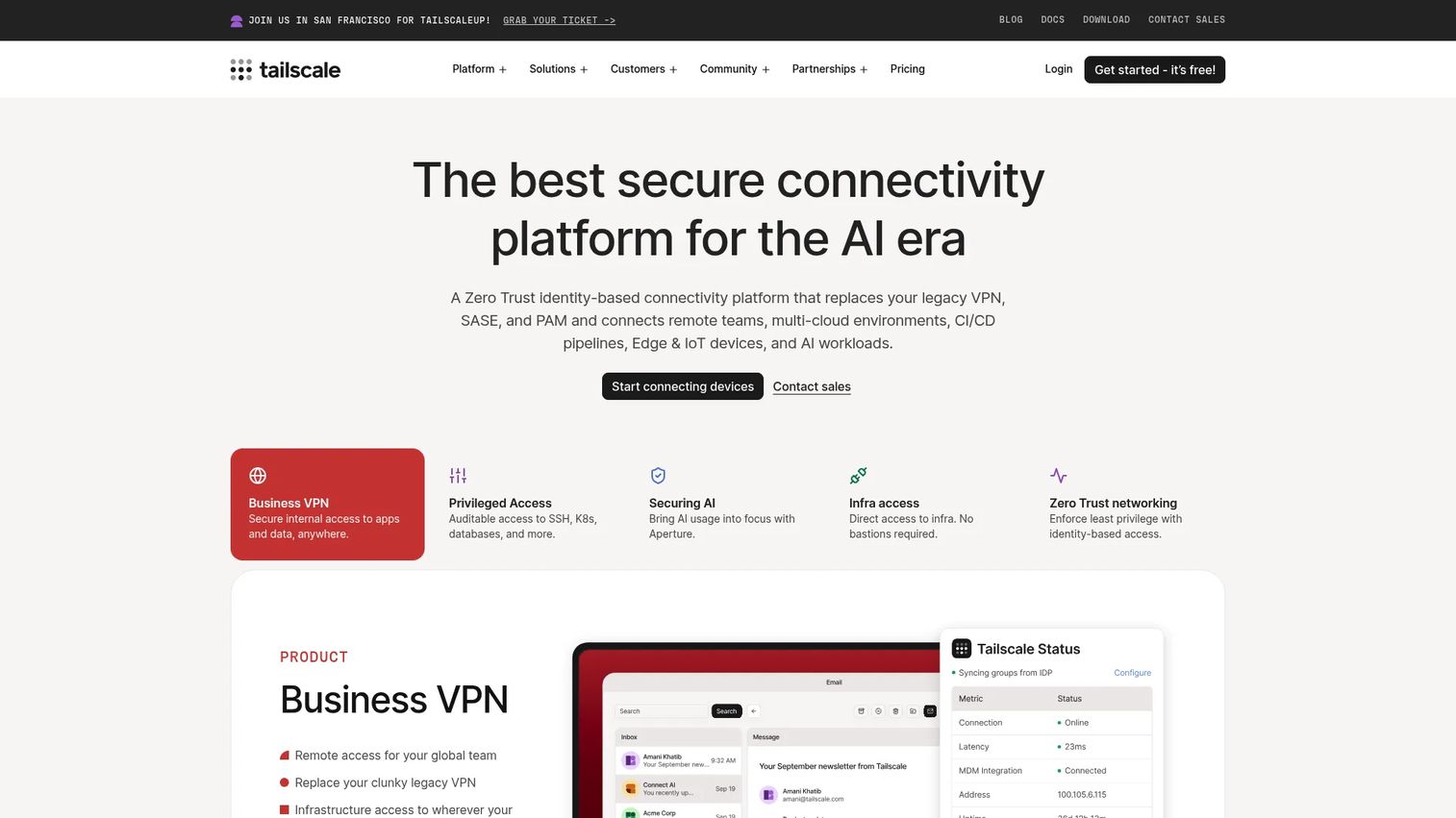
Tailscale is a secure connectivity platform built on WireGuard for private networking, access control, and device management. It is popular with engineering teams that need fast, identity-based access to internal resources without heavy infrastructure overhead. Setup is lightweight, and access control lists let you enforce least privilege across a mesh of devices.
Best for: Teams and individuals needing fast, developer-friendly secure private networking with access controls and admin visibility.
Key strengths
- WireGuard-based networking: Encrypted mesh connectivity with minimal configuration and strong performance.
- Tailscale SSH: Identity-based SSH access with centralized policy, useful for infrastructure and dev workflows.
- Funnel, Taildrop, and node sharing: Practical features for sharing access and services securely across users and devices.
Why choose Tailscale: Choose Tailscale when your team wants to connect to internal resources quickly and does not want to manage traditional VPN concentrators. It leans developer-friendly, ties access to identity, and scales from a single engineer to a full team without a heavy rollout.
Tailscale pricing: Tailscale is free forever for Personal use. Standard is $8/user/month, Premium is $18/user/month, and Enterprise is custom. Its G2 rating is 4.6/5.
7. NordLayer
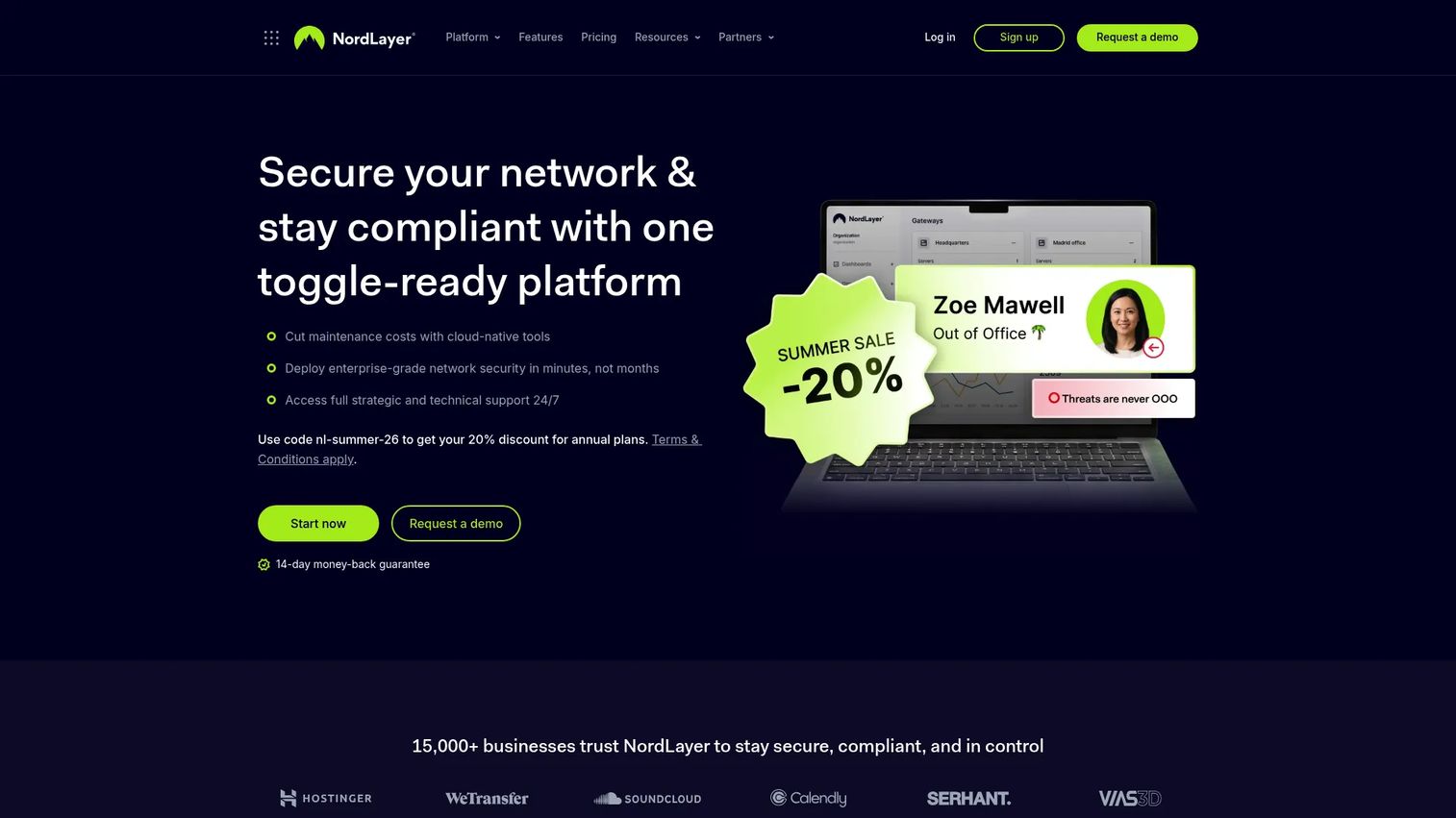
NordLayer is a business network security platform for secure remote access and network protection, aimed at SMB and mid-market teams. It packages network access control, secure internet access, and network connectors with an admin experience built for teams that want zero trust access without a dedicated security engineering function. Device posture features and straightforward setup make it a practical fit for remote work.
Best for: SMB and mid-market teams needing centralized, easy-to-administer secure remote access and network security.
Key strengths
- Network Access Control: Enforce identity- and policy-based access to company resources.
- Internet Access: Route and protect outbound traffic with security controls built in.
- Network Connectors: Link sites, clouds, and resources for consistent access policy across environments.
Why choose NordLayer: NordLayer is a good fit when usability and admin simplicity matter more than deep customization. Teams that need to roll out zero trust access and device posture checks quickly, without a large IT team, get a clean path to remote workforce security.
NordLayer pricing: NordLayer publishes Lite at $8/user/month, Core at $11/user/month, and Premium at $14/user/month, with an Enterprise offer from $6/user/month. Plans note a 5-user minimum and include malware protection with a 14-day money-back guarantee. Its G2 rating is 4.3/5.
8. Appgate
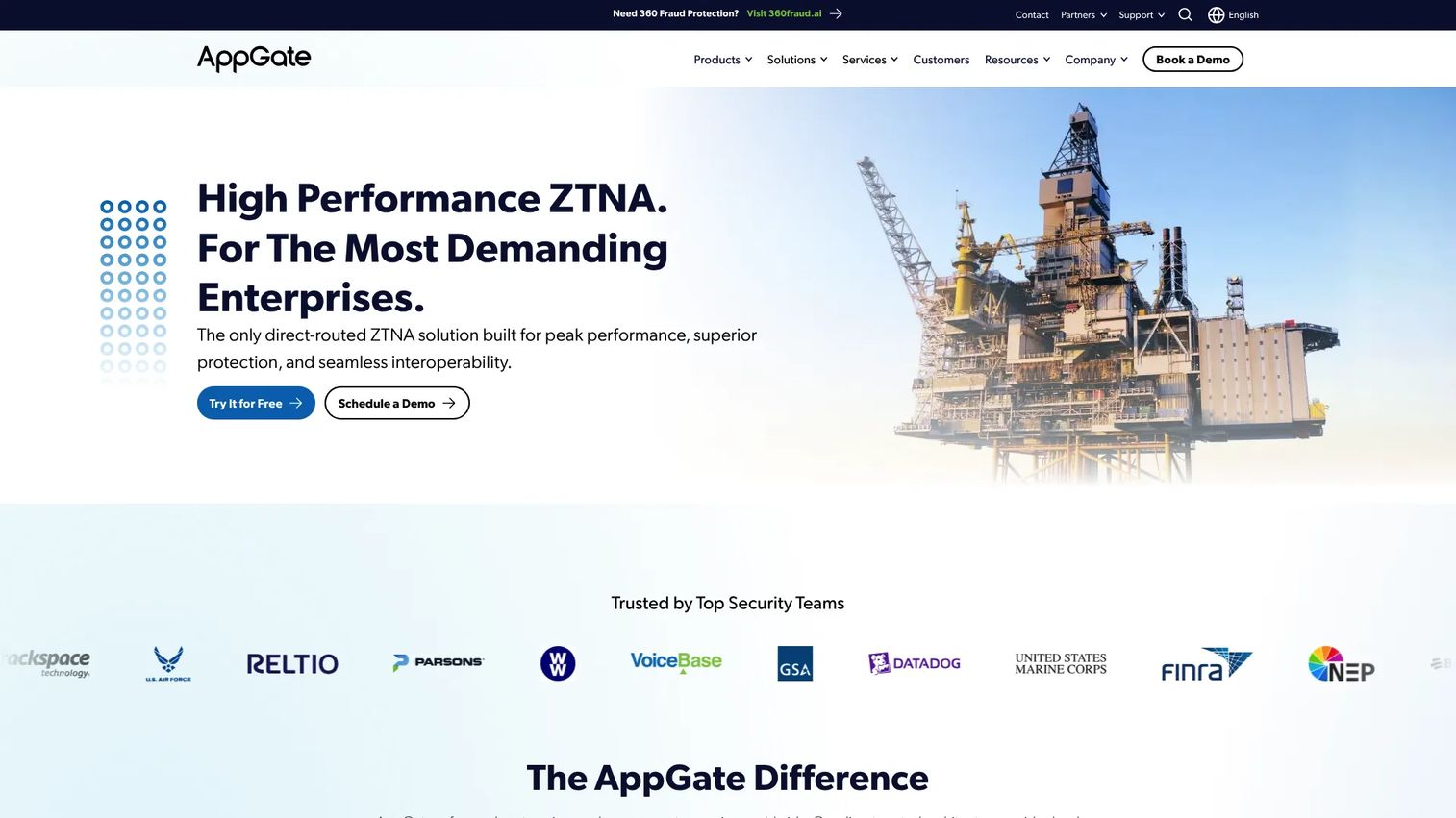
Appgate is a cybersecurity vendor focused on direct-routed zero trust network access built on a software-defined perimeter (SDP) model. It emphasizes adaptive risk scoring and application discovery, which appeals to organizations that want strict access segmentation and fine control. The direct-routed approach keeps traffic paths efficient while enforcing least privilege.
Best for: Enterprises and government teams needing direct-routed ZTNA with adaptive access controls and strong segmentation.
Key strengths
- Direct-routed ZTNA: Connect users to resources over efficient paths without backhauling all traffic.
- Adaptive risk scoring: Adjust access based on identity, device posture, and contextual risk signals for continuous verification.
- Application discovery and least privilege: Map what users actually need and enforce application-level access accordingly.
Why choose Appgate: Choose Appgate when segmentation and control are top priorities, especially for regulated environments and third party access where strict, adaptive policy matters. The SDP model suits security teams that want granular access enforcement rather than a broad platform bundle.
Appgate pricing: Appgate does not list public pricing. It offers a 30-day free trial and routes buyers to a demo or sales conversation for a scoped quote. A verified G2 rating was not available at the time of writing.
9. Check Point
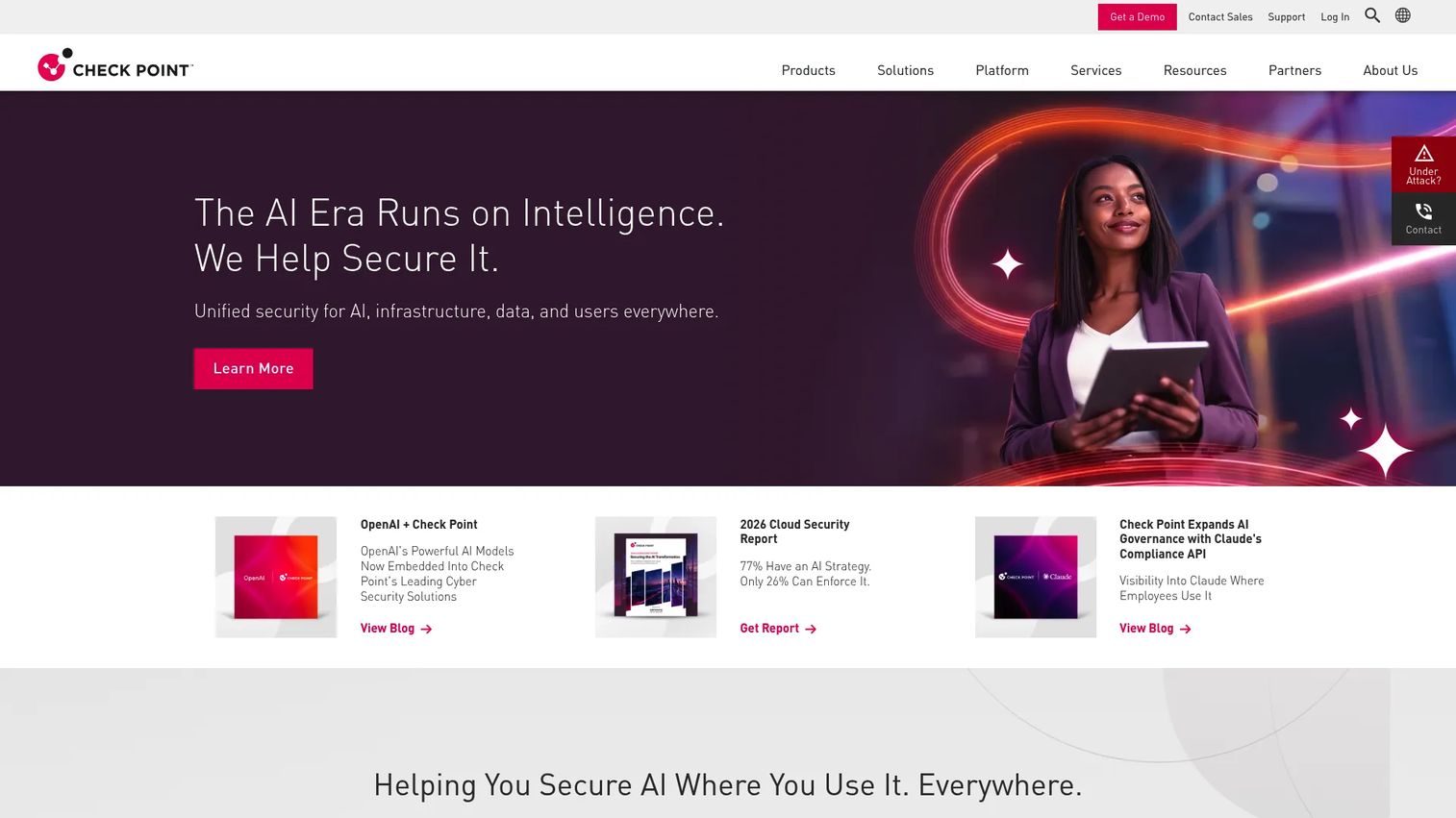
Check Point is a broad cybersecurity vendor offering network, cloud, endpoint, workspace, and AI security. Its ZTNA capabilities sit within this larger stack, which is the point: teams already standardized on Check Point get zero trust access with consistent policy and security operations alignment. For organizations that want access governance inside an established security ecosystem, it is a natural extension.
Best for: Enterprises already invested in Check Point who want ZTNA aligned with a broad security platform and SOC operations.
Key strengths
- AI-powered threat prevention: Threat prevention layered across network and access paths.
- Network security gateways and firewalls: Mature network security that ties access policy into existing enforcement points.
- Cloud, endpoint, and workspace security: Unified controls that extend zero trust across environments.
Why choose Check Point: If your security operations already run on Check Point, adding ZTNA keeps policy, logging, and management in one place. The value is consistency and enterprise access governance across an ecosystem you already know, rather than introducing a separate access vendor.
Check Point pricing: Check Point does not publish first-party pricing; product pages direct buyers to sales for a quote. Plan on an enterprise procurement process. Its G2 rating for its firewall line is 4.5/5.
10. Zluri
Zluri is an identity security and SaaS management platform, not a pure ZTNA engine. It belongs on this list as an adjacent access governance layer that complements a ZTNA evaluation rather than replacing it. Where ZTNA brokers the connection to an app, Zluri governs who should have access to which SaaS apps in the first place, and automates joiner-mover-leaver access changes.
Best for: Enterprises needing identity governance, access automation, and SaaS spend optimization alongside a ZTNA deployment.
Key strengths
- Identity visibility and intelligence: Discover accounts, entitlements, and SaaS access across the organization.
- Identity governance and administration: Automate access reviews, provisioning, and deprovisioning with policy.
- Identity security posture management: Surface access risk and enforce least privilege at the identity layer.
Why choose Zluri: Be clear-eyed here. Zluri does not broker network or application connections the way the other tools do, so it is not a VPN replacement on its own. It belongs in the stack when you need identity governance and SaaS access visibility to feed clean, least-privilege policy into your ZTNA. If your requirement is core zero trust connectivity, pair Zluri with a ZTNA platform rather than expecting it to stand alone.
Zluri pricing: Zluri does not publish public pricing; it is quote-based through a sales conversation. Its G2 rating is 4.6/5.
Considerations before you buy ZTNA software
Identity and device posture support
Your ZTNA is only as strong as the signals it consumes. Confirm native integration with your IdP for SSO and MFA, and check how the tool evaluates device posture, both at connection and continuously during a session. Weak device checks undermine the entire least privilege model.
Application and access policy coverage
Map your app types before choosing: SaaS, private web apps, legacy apps, and workloads across multicloud environments. Verify the tool can publish each type without public exposure, and that access policy granularity matches what your auditors and app owners expect.
Deployment model and rollout path
Decide whether you need agent-based access, clientless access for unmanaged devices and third party access, or both. Clientless matters most for contractor and BYOD access scenarios. Then look at how the vendor phases a VPN cutover so you avoid a risky big-bang migration.
SASE and platform fit
If you are heading toward SASE, decide whether ZTNA should be a standalone tool or part of a converged platform. Vendors like Zscaler and Palo Alto Networks fold ZTNA into SASE, while others focus tightly on access. Match the choice to your consolidation strategy, not just today's requirement.
Analytics, logging, and integrations
You need app visibility and clean session logs for security reviews and incident response. Check what the tool exports, how it connects to your SIEM, and whether reporting supports the audit questions you already field. For presales and security teams, this is often the difference between a smooth diligence process and a stalled one.
Conclusion
The right zero trust network access solutions depend on your environment, not a leaderboard. For enterprise scale and SASE consolidation, Zscaler and Palo Alto Networks lead, with Palo Alto's ZTNA 2.0 pushing continuous verification. For cloud-native simplicity and global edge delivery, Cloudflare is the strong pick. Solo.io fits infrastructure-heavy teams enforcing zero trust across service mesh and multicloud access.
For a lighter-weight VPN alternative with a clean rollout, Twingate and Tailscale both shine, with Twingate leaning team-friendly and Tailscale leaning developer-first. NordLayer suits SMB and mid-market teams that want usability, Appgate suits strict segmentation and contractor access, and Check Point fits organizations already standardized on its ecosystem. Zluri sits adjacent, governing identity and SaaS access to feed clean policy into your ZTNA.
Your next step: shortlist two or three tools that match your identity provider, app mix, and rollout tolerance, then run a scoped pilot against your hardest access scenario, whether that is legacy apps, BYOD, or third party access. That real-world validation will tell you more than any feature matrix.
FAQs
Zero trust network access software grants users access to specific applications based on verified identity and context, never to the broader network. It enforces least privilege access at the application level, checks device posture, and keeps apps hidden from unauthorized users. In evaluation terms, it is the layer that replaces or supplements a VPN with identity-based, application-level access.
A VPN authenticates a user once and then grants broad network reachability, so a compromised credential can move laterally. ZTNA connects users to individual apps, not the network, and continuously verifies identity and device posture. For deployment fit, this means far tighter blast-radius control and cleaner third party and BYOD access.
Prioritize IdP integration with SSO and MFA, device posture checks, application-level access policy, and support for your app mix (SaaS, private apps, legacy apps, multicloud). Also weigh deployment models, including clientless access for unmanaged devices, and the quality of logging and SIEM integration. These determine how cleanly the tool passes a security review.
Yes, and it is one of the strongest use cases. ZTNA grants vendors and contractors time-bound access to specific applications, often through clientless access from an unmanaged device, with full session logging. You avoid handing out VPN clients or broad network access, and you can revoke cleanly when the engagement ends.
Yes. ZTNA can publish legacy apps and private apps to authorized users without exposing them to the public internet. The application stays dark behind an outbound connector, so users reach an internal or on-prem tool through the broker rather than an open port. This lets you secure access without re-architecting the application.
ZTNA is well suited to BYOD access because it evaluates device posture and context before brokering access. You can require a managed-device check, step up MFA, or restrict actions based on risk, and clientless options let users reach approved apps without installing an agent. That combination gives you control without forcing device management onto every personal device.
ZTNA is a core component of SASE, which converges networking and security into a cloud-delivered service. In a SASE architecture, ZTNA handles identity-based application access while secure web gateway, firewall, and other controls handle the rest. Vendors like Zscaler and Palo Alto Networks deliver ZTNA inside a broader SASE platform, so evaluate whether you want convergence or a focused access tool.
ZTNA 2.0 is Palo Alto Networks' framing for extending zero trust beyond the initial connection with continuous trust verification and continuous security inspection of traffic. First-generation ZTNA verifies once and grants access; ZTNA 2.0 adapts as risk and posture change during the session. It matters for apps with dynamic ports or server-initiated flows, where coarse, one-time access is not enough.