
You open three trial downloads at once. One handles RAW files beautifully but can't organize a library. Another catalogs everything but chokes on retouching. The third looks great in the demo and then asks for a subscription you didn't budget for. A week later you're still editing in the wrong tool, and the campaign shipped late.
That friction is expensive. The global photo editing software market was valued at USD 3.2 billion in 2024 and is projected to reach USD 4.6 billion by 2028, growing at 7.2% annually according to Statista (2024). More tools enter the category every year, which means more choice and more chances to pick wrong. For a digital marketer shipping ads, social posts, landing page visuals, and campaign images on a deadline, the wrong editor is a tax you pay every single week.
This is a workflow-first comparison, not a hobbyist ranking. We evaluated each tool by how it fits real editing jobs: RAW processing, batch work, AI-assisted cleanup, organization, platform support, and pricing model. Prices and ratings were checked against vendor pages at publish time. If you're consolidating your stack the way most growth teams already are, the same instinct that makes you question a new ai design subscription applies here: pick the one tool that replaces the most steps. For context on adjacent creative stacks, our roundups of ai content creation tools and ai writing tools marketers rely on cover the copy and asset side of the same workflow.
What's inside
This guide compares nine photo editing tools across the criteria that actually decide fit: RAW editing depth, AI assistance, photo organization and culling, platform support, and pricing model. The list spans subscription, perpetual license, and free options so you can rule out anything too heavy or too expensive before you download it.
We picked tools for real-world workflow fit, not feature-count bragging rights. Each entry names who it's best for, three concrete strengths, why you'd choose it over the others, and current pricing. Read the comparison table first, then jump to the sections that match your workflow.
TL;DR
- Best overall: Adobe Lightroom. It combines RAW editing, batch presets, cloud sync, and cataloging in one workflow, which makes it the broadest fit for marketers and photographers alike in this best photo editing software 2026 lineup.
- Best pixel-level editor: Adobe Photoshop. Layers, selections, and generative AI make it the tool for retouching and compositing.
- Best pro workflow: Capture One. Color control, tethering, and sessions built for studio and high-volume shoots.
- Best AI photo editing software: Luminar Neo. Sky replacement, portrait tools, and AI masking speed up creative edits.
- Best free photo editing software: RawTherapee. Open-source RAW processing with deep technical controls at zero cost.
- Best for cataloging: ACDSee Photo Studio Ultimate 2026. All-in-one DAM plus RAW and layered editing on Windows.
What is photo editing software?
Photo editing software is any application used to adjust, retouch, organize, and export digital images, from RAW files straight off a camera to finished JPEGs for the web. The category splits into four rough types, and knowing which one you need saves hours of trial downloads.
- RAW editors process unprocessed camera files with maximum color and tonal control (Lightroom, Capture One, DxO PhotoLab, RawTherapee).
- Pixel editors work at the individual-pixel level for retouching, compositing, and manipulation (Photoshop, Affinity Photo).
- AI-powered editors automate cleanup and enhancement with one-click tools (Luminar Neo, and AI features now baked into most others).
- Cataloging-focused tools prioritize organizing, keywording, and culling large libraries (ACDSee, Lightroom's catalog side).
Across those types, the core capabilities to look for are consistent:
- Non-destructive editing so your original file is never overwritten.
- RAW support for the widest tonal and color latitude.
- Batch editing to apply presets and adjustments across hundreds of images at once.
- AI masking and denoise for faster selections and cleaner high-ISO shots.
- Cataloging and culling with keywords, ratings, and search across large libraries.
- Export and format support for web, print, and social output profiles.
Most photo editing programs blend several of these. The distinction that matters most for buyers is whether a tool is editor-first (deep on adjustments) or catalog-first (deep on organization), because very few nail both.
When to use photo editing software
Edit RAW files without destroying the original
RAW editing software matters most when image quality is non-negotiable: product shots, brand photography, anything headed to print or a hero banner. RAW files hold far more color and tonal data than a JPEG, so you can recover blown highlights, correct white balance, and push exposure without visible degradation. Non-destructive editing means every adjustment is an instruction layered over the untouched original, so you can export a dozen variations from one file. If you shoot or commission original imagery, this is the deciding factor.
Speed up repetitive editing work
Batch editing is where the time savings live. Apply a preset, a lens profile, or an AI denoise pass to 300 images in one action instead of 300. Presets and profiles lock in a consistent look across a campaign or a shoot, and AI-assisted cleanup handles the tedious parts: masking a subject, removing a distraction, smoothing skin. For a marketer producing weekly creative, batch work is the difference between editing being a bottleneck and editing being a background task.
Organize large photo libraries
Once you're managing tens of thousands of images, photo organization and culling matter more than raw editing power. Cataloging, keywording, ratings, and fast search turn a chaotic drive into a usable asset library. DAM-lite workflows and session or catalog structures let you find the one shot you need without scrubbing folders. If your team reuses visuals across campaigns, library management should weigh heavily in your choice.
Photo editing software comparison
Here's the fast photo editing software comparison. Pricing and G2 ratings were verified against vendor pages at publish time; check the vendor's current page before you buy, since promotional pricing shifts. The list is sorted by broadest workflow fit first, then by specialization.
1. Adobe Lightroom
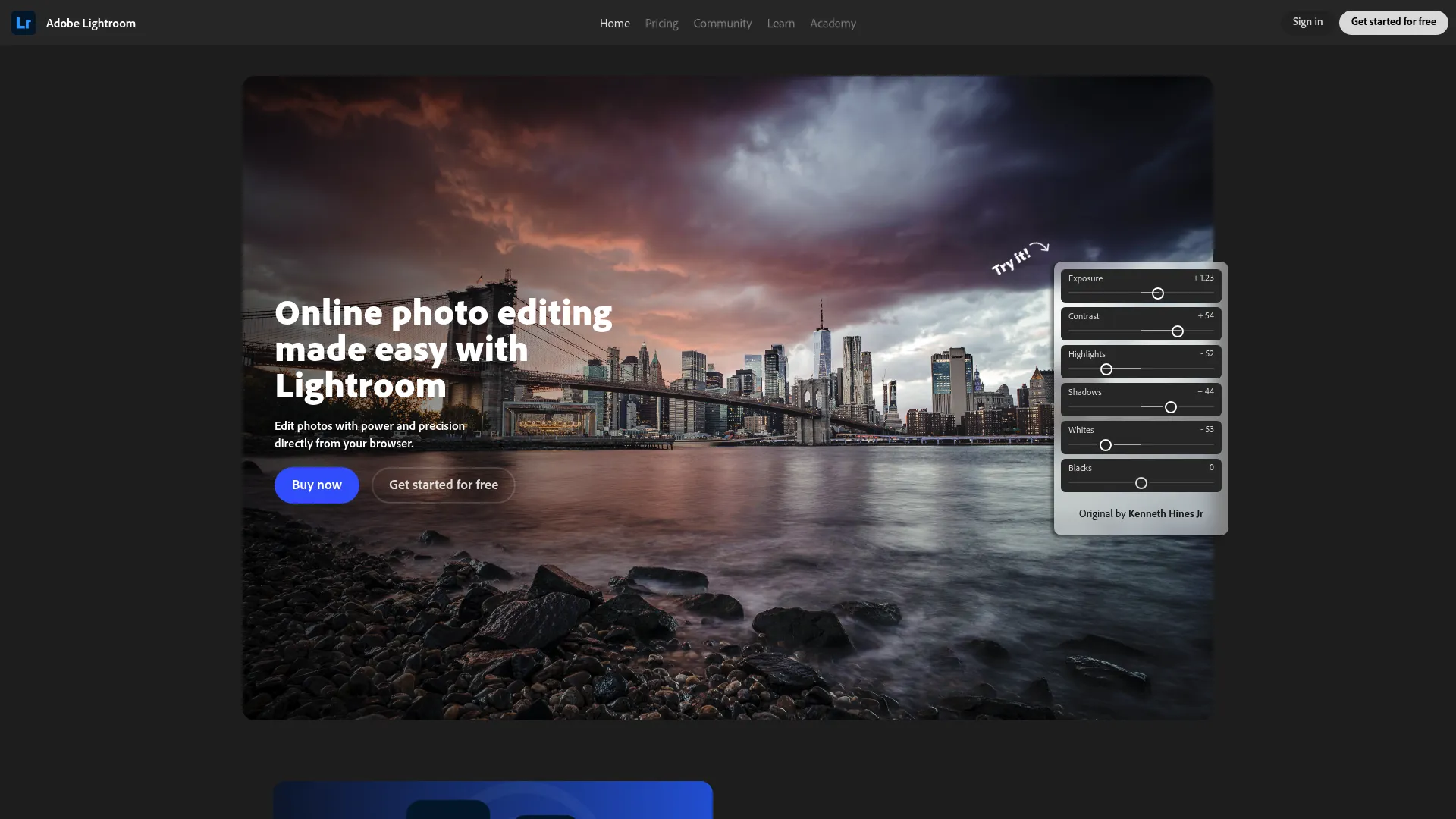
Adobe Lightroom is the broadest all-around choice for anyone who needs editing and organization in one place. It handles RAW editing, batch presets, and cloud sync across desktop, mobile, and web, and the standalone plan includes Lightroom Classic for a heavier catalog-first workflow. For a marketer managing a growing image library and shipping edits from any device, it's the tool that covers the most ground without stitching apps together.
Best for: Photographers and marketers who want a cross-device editor with cloud sync and organized photo storage.
Key strengths
- RAW and batch editing: Non-destructive adjustments with presets you can apply across hundreds of images at once.
- Cataloging and DAM-lite workflow: Keywording, ratings, and search that scale to large libraries.
- Cross-device sync: 1TB cloud storage keeps edits consistent across desktop, mobile editing, and web.
Why choose Adobe Lightroom: It's the safest default because it does the most jobs well. If you edit RAW, batch-process campaign images, and need to find a shot from six months ago, Lightroom covers all three without forcing you into a second app. It rewards a structured workflow more than a casual point-and-fix session.
Adobe Lightroom pricing: The standalone Lightroom plan starts at US$11.99/mo (annual, billed monthly). A Photography plan runs US$19.99/mo, and team and Creative Cloud Pro options are available above that. Lightroom for mobile is offered as a free app for iOS and Android, with premium features via upgrade.
2. Adobe Photoshop
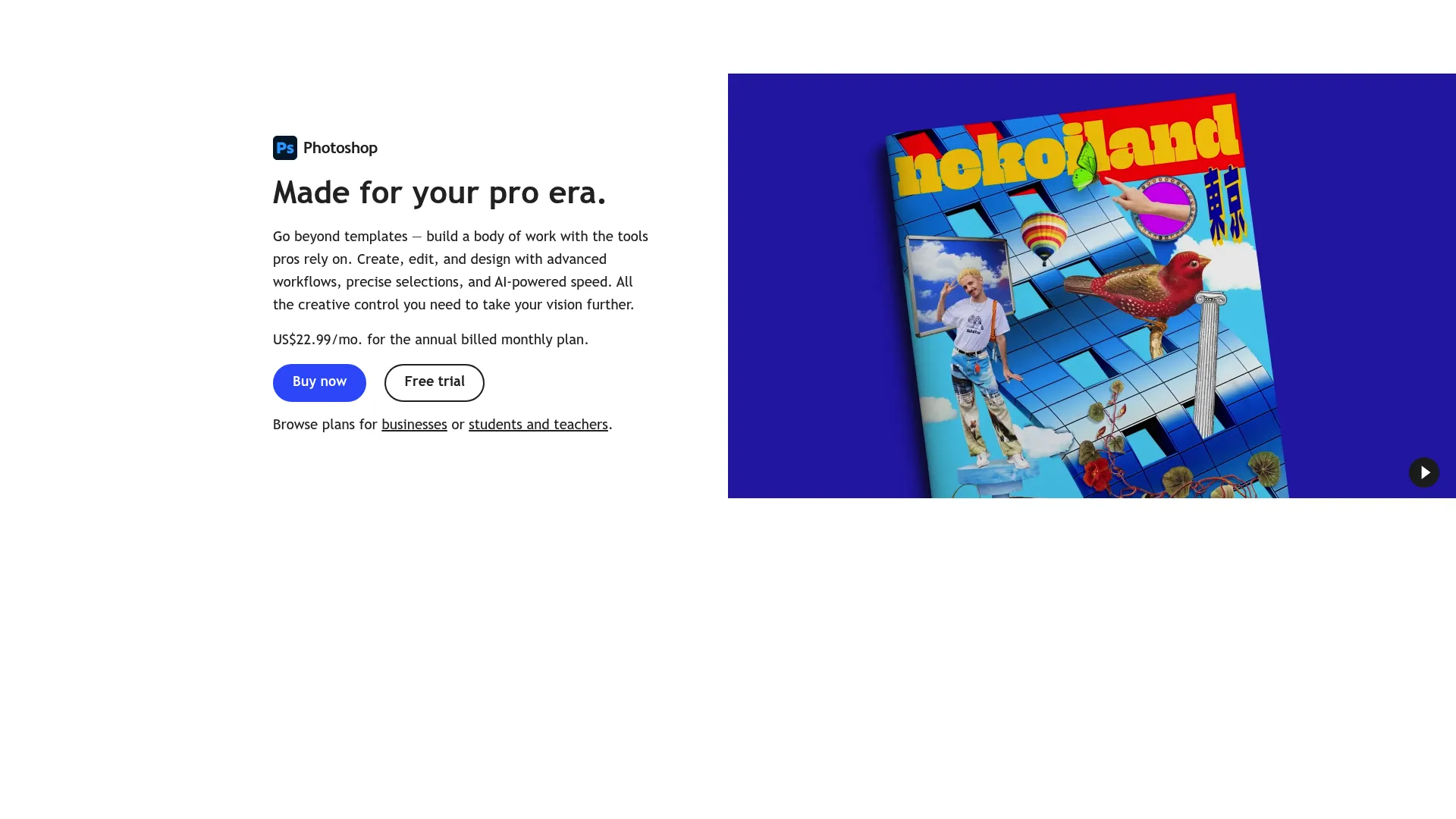
Adobe Photoshop is the strongest pixel-level editor in this list, built for retouching, compositing, and detailed cleanup rather than quick photo tweaks. Where Lightroom adjusts a whole image, Photoshop lets you work layer by layer, mask precisely, and rebuild parts of a scene. Its generative AI tools have made complex edits, extending a background, removing an object, faster than they've ever been.
Best for: Creatives and teams that need professional-grade image editing and AI-assisted compositing.
Key strengths
- Layers and selections: Full layer-based editing with precise selection and masking for detailed retouching.
- Generative AI: Generative Fill and Generative Expand add or remove content with a text prompt.
- Object and background removal: One-click cleanup tools that handle distractions and backgrounds cleanly.
Why choose Adobe Photoshop: Reach for it when the edit goes beyond adjusting exposure and color, when you're compositing, retouching a portrait, or building a layered ad graphic. It's the professional photo editing software standard for finishing work, and it pairs naturally with Lightroom for a full cull-to-composite pipeline.
Adobe Photoshop pricing: The standalone Photoshop plan starts at US$22.99/mo (annual, billed monthly). A Photography plan bundles Photoshop with Lightroom at US$19.99/mo. There's a 7-day free trial and no perpetual purchase option.
3. Capture One
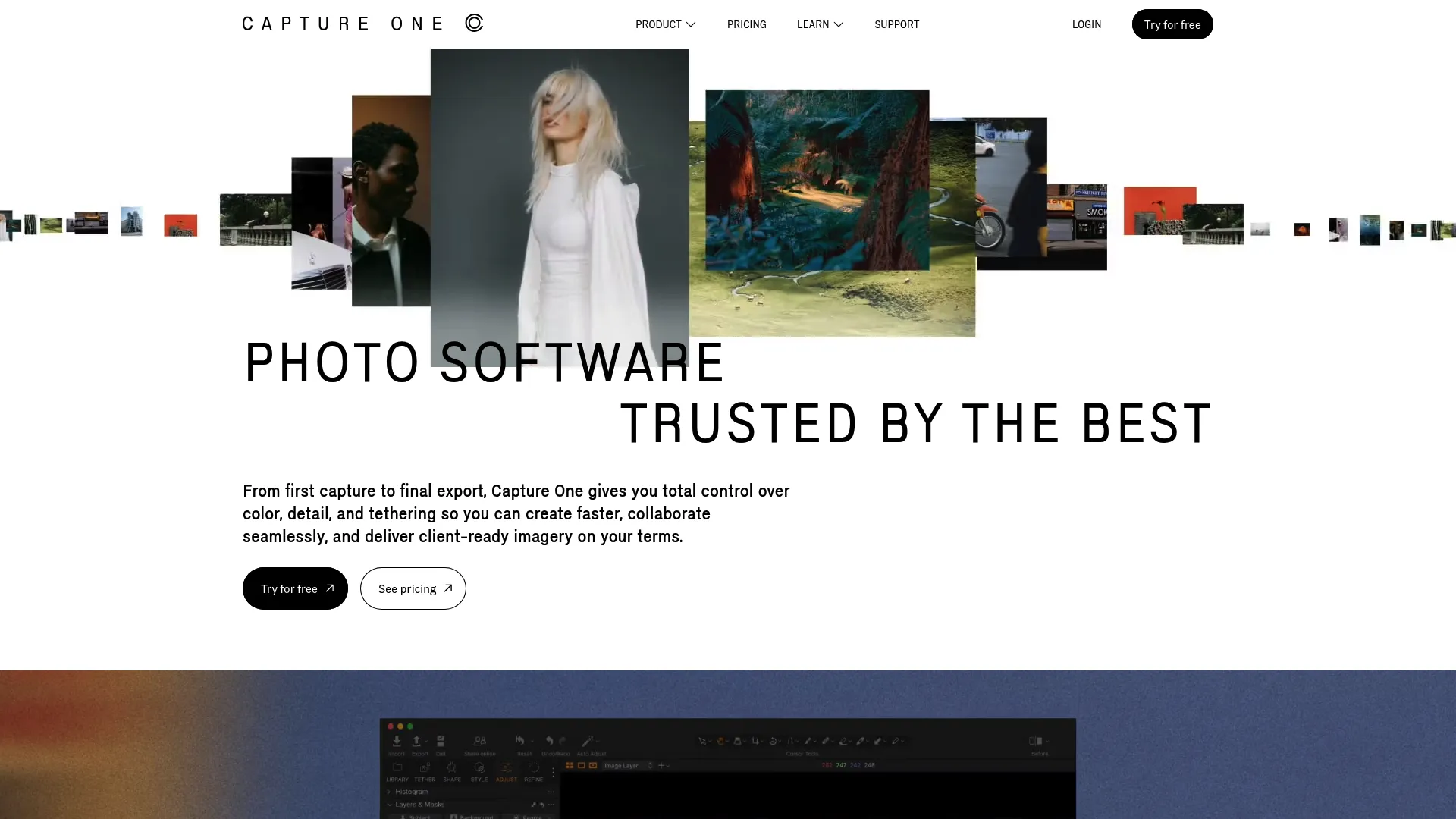
Capture One is the pro workflow pick for photographers who care about color precision and studio control. It's known for industry-leading tethering, which lets you shoot directly into the app and review images on a big screen as you go. Sessions and catalogs give you flexible ways to structure a shoot, and its assisted editing tools handle heavier lifting when you want it.
Best for: Professional photographers who need tethered shooting and high-end RAW editing.
Key strengths
- Tethering: Industry-leading tethered capture for studio and product photography.
- Color control: Precise, layered color adjustments that many pros prefer over the alternatives.
- Assisted editing and batch editing: AI Crop, Match Look, and Enhanced Denoise speed up repetitive work across a shoot.
Why choose Capture One: If your work lives in a studio or demands exacting color, this is the tool built for that reality. Tethering alone justifies it for product and commercial shooters. It's a deliberate, precision-first environment rather than a quick-edit app.
Capture One pricing: Capture One offers a free 7-day trial. Paid plans are Pro (€20.50/month billed annually, or €32/month billed monthly), All in One (€28/month annual, €43/month monthly), and Studio (€52.92/month annual, €68/month monthly). A Mobile plan for iPad and iPhone is available through the App Store, and Pro is also sold as a one-time perpetual license. Annual billing saves €138 to €181 per year depending on tier. Teams and enterprise pricing is quote-based through sales.
4. DxO PhotoLab
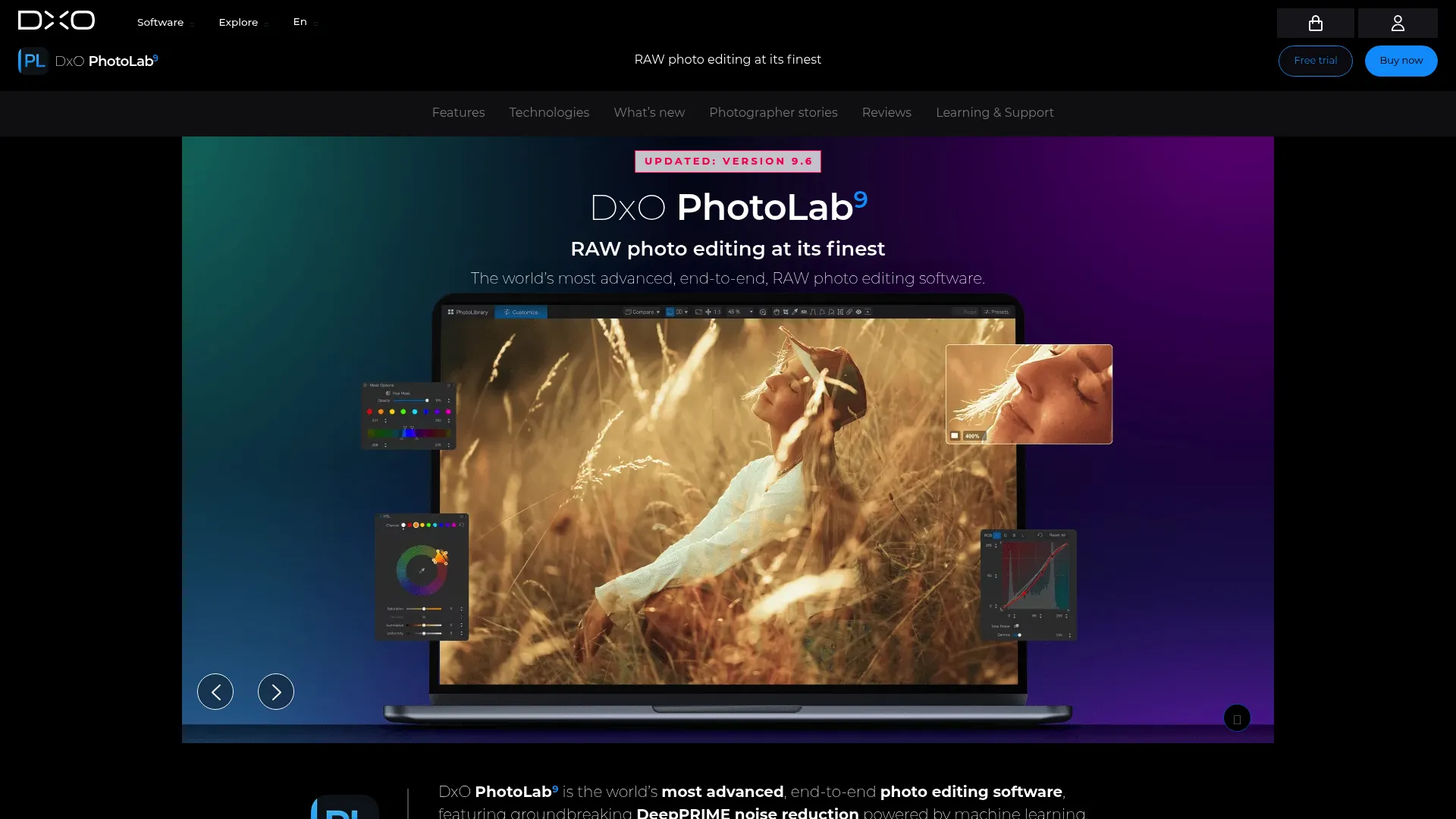
DxO PhotoLab is the choice when raw image quality and clean output matter most. Its DeepPRIME AI denoise is widely regarded as best-in-class for recovering detail from high-ISO shots, and its lens correction modules automatically fix distortion, vignetting, and sharpness based on your exact camera-lens combination. That means less manual cleanup and better files straight out of the editor.
Best for: Photographers who want high-quality RAW processing with strong lens corrections and noise reduction.
Key strengths
- DeepPRIME AI denoise: Recovers usable detail from noisy, high-ISO images.
- Optical corrections: DxO Modules apply camera- and lens-specific corrections automatically.
- Local adjustments: AI Masks and U Point control let you edit precise areas without complex masking.
Why choose DxO PhotoLab: Pick it if you want the best possible RAW rendering with minimal manual work, especially if you shoot in low light. The one-time license model also appeals to anyone avoiding subscriptions. It's focused on image quality rather than library management.
DxO PhotoLab pricing: DxO PhotoLab is a one-time purchase. The Essential edition is US$149.99 and the Elite edition is US$239.99. There's no subscription and no free tier, though a trial is typically available from DxO's site.
5. Luminar Neo
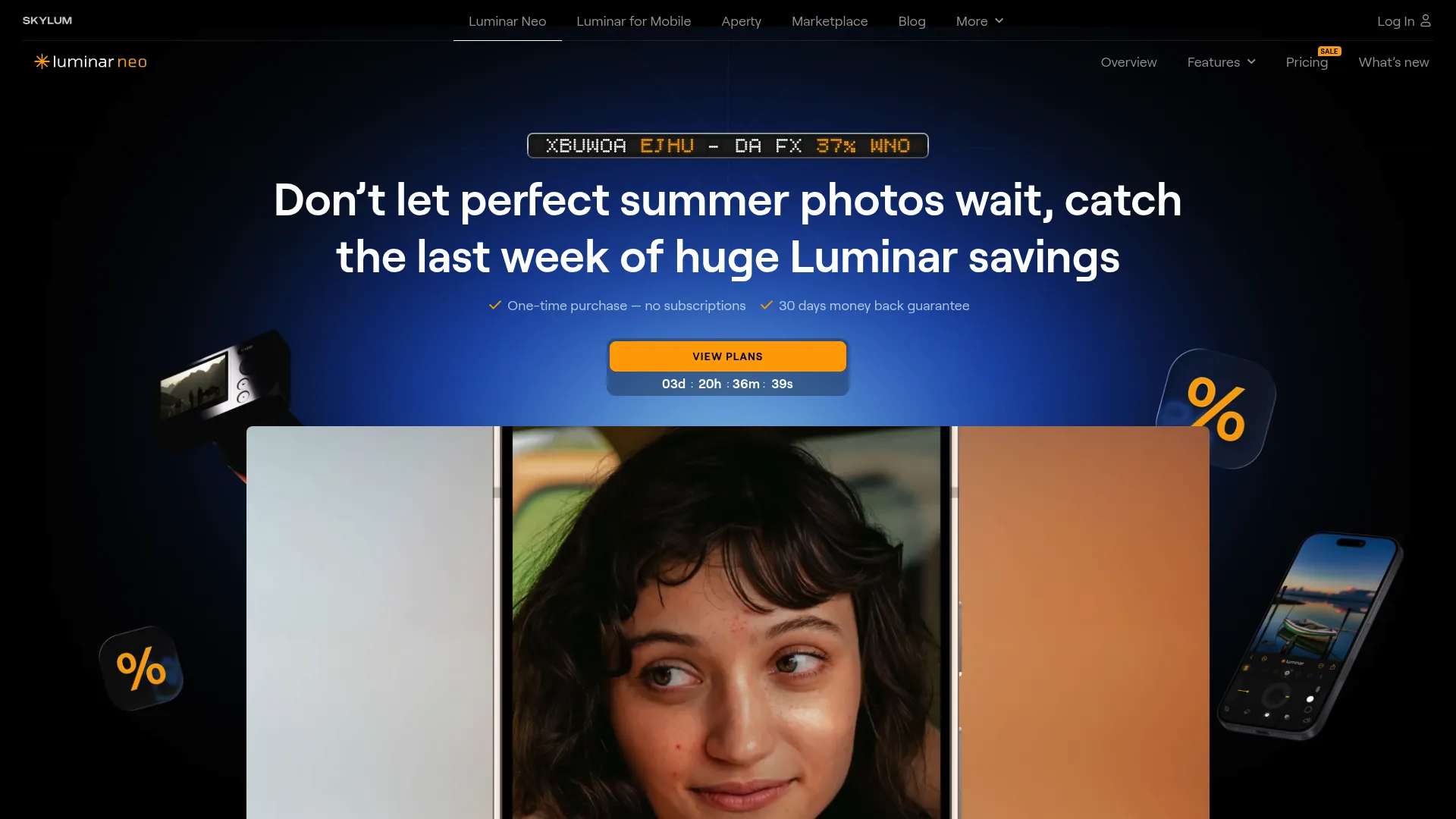
Luminar Neo by Skylum is the most AI-forward option here, built to make creative edits fast. Sky replacement, portrait enhancement, AI masking, and generative tools like remove-distractions and expand-scene turn multi-step edits into single clicks. It works as a standalone app or as a plugin for Photoshop, Lightroom, and Apple Photos, so it can slot into a workflow you already have.
Best for: Photographers and creators who want AI-assisted editing with one-time purchase options.
Key strengths
- Sky replacement: Swap skies realistically in a click, with matched lighting.
- AI masking and portrait tools: Fast subject selection and one-tap portrait retouching.
- Generative AI: Remove distractions, expand scenes, and replace objects without leaving the app.
Why choose Luminar Neo: Choose it when speed and creative enhancement beat deep manual control, for social content, quick campaign visuals, or one-click looks. Creators who value output velocity over pixel-by-pixel precision get the most from it, and the plugin support means it complements rather than replaces your main editor.
Luminar Neo pricing: Luminar Neo offers one-time perpetual licenses: a Desktop License at US$119 and a Max License at US$164.99. A 7-day free trial is available. Add-on packs extend the creative library.
6. ACDSee Photo Studio Ultimate 2026
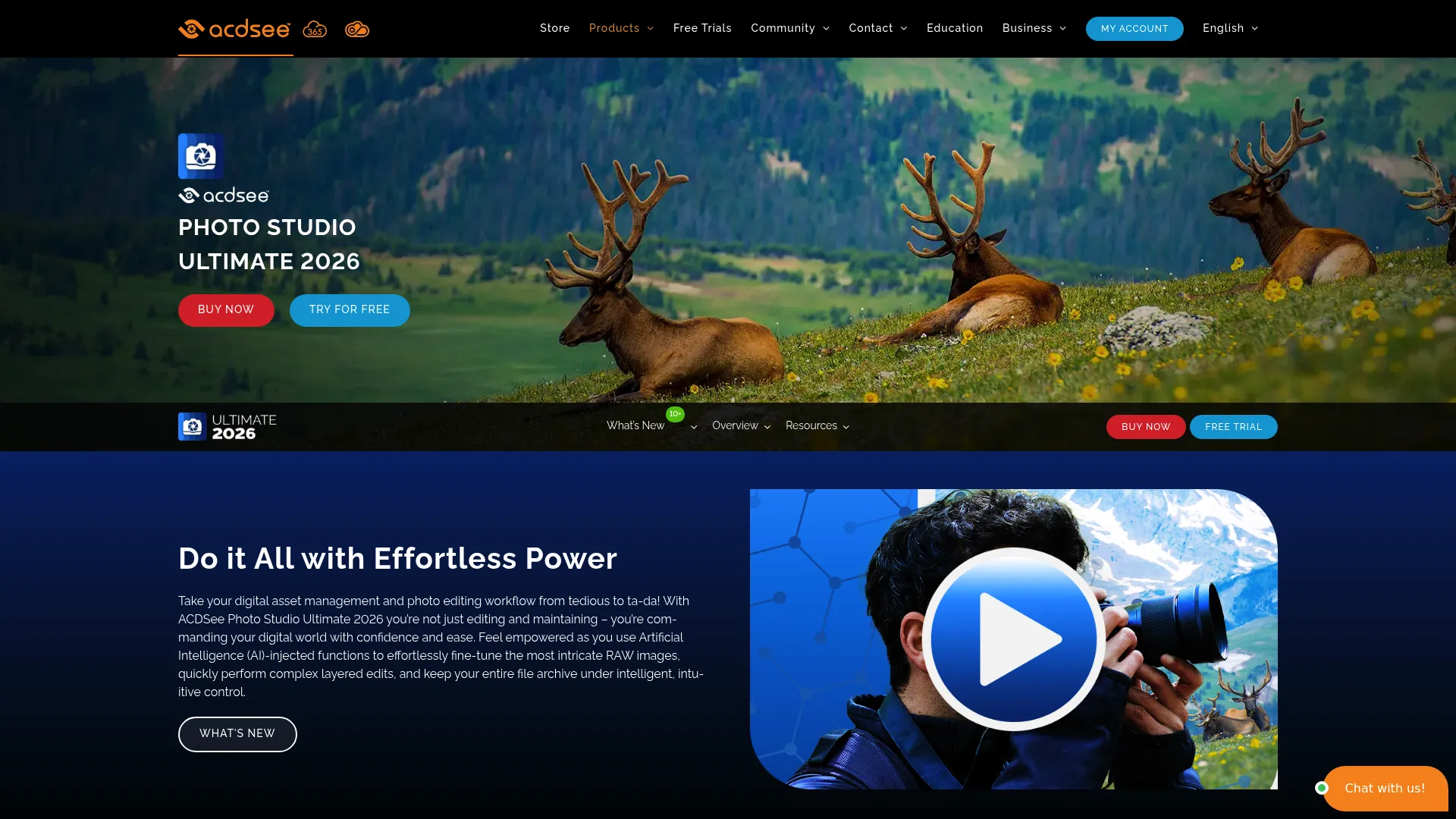
ACDSee Photo Studio Ultimate 2026 is the strong all-in-one choice for organizing, editing, and managing a large library on Windows. It pairs a genuine digital asset manager with RAW editing and layered editing, so you can cull, keyword, adjust, and composite without leaving one app. AI tools like AI Denoise and AI Hair Masking handle the fiddly work, and AI keyword generation speeds up cataloging.
Best for: Photographers who want an all-in-one DAM plus RAW and layered editor on Windows.
Key strengths
- Cataloging and DAM: Fast browsing, keywording, and search across large libraries.
- AI-assisted editing: AI Denoise, AI Hair Masking, and AI Develop Presets cut manual effort.
- Batch editing and layers: Batch adjustments plus layered editing in a single Windows app.
Why choose ACDSee Photo Studio Ultimate 2026: It's a Lightroom-adjacent workflow with a different buying model, including a one-time license. If you want cataloging and editing together and prefer to own your software outright, it's a compelling fit. The deepest experience is on Windows.
ACDSee pricing: Options include the ACDSee 365 Home Plan at US$8.90/month or US$89/year, the perpetual ACDSee Photo Studio Ultimate 2026 license at US$79.95, and the Ultimate Pack 2026 bundle at US$119. That mix of subscription and perpetual license is rare in this category.
7. ON1 Photo RAW
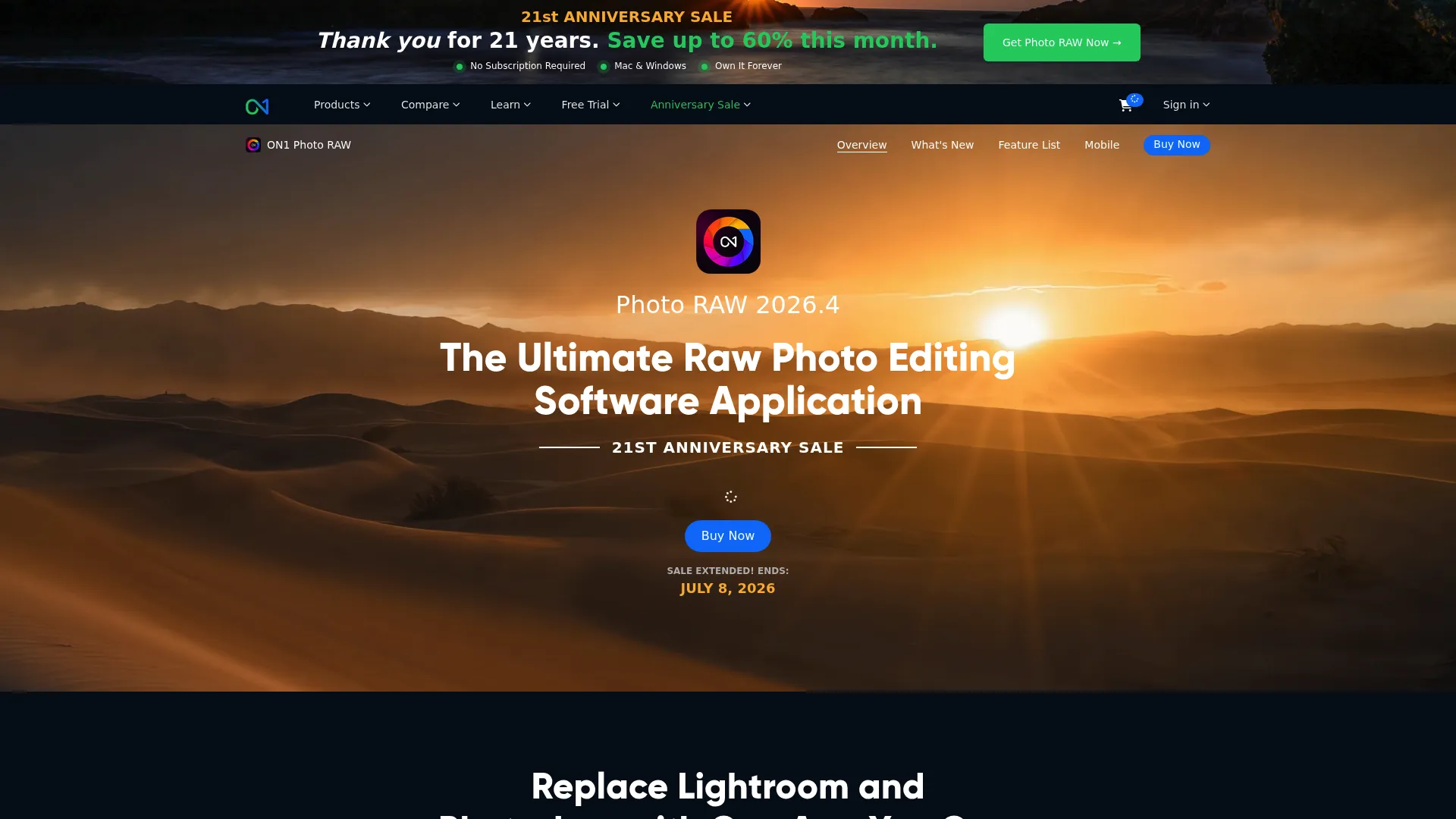
ON1 Photo RAW is a hybrid editor that folds RAW processing, effects, organization, and AI tools into one app. If your goal is fewer separate programs, its appeal is obvious: non-destructive editing, layers, masks, resizing, and a deep effects library all live in a single workflow. AI tools including NoNoise AI, Resize AI, Sky Swap, and Generative Erase cover the automated cleanup most editors want.
Best for: Photographers who want a single desktop editor with RAW workflow, layers, masks, and AI tools.
Key strengths
- All-in-one workflow: RAW processing and photo organization in the same app.
- Layers, masks, and effects: Non-destructive editing with a large creative effects library.
- AI tools: Resize AI, NoNoise AI, Sky Swap, and Generative Erase handle heavy lifting.
Why choose ON1 Photo RAW: Reach for it when you want to consolidate several apps into one and keep everything non-destructive. It suits photographers who value breadth and a single editing home over specializing in any one area. Batch editing across a library keeps repetitive work fast.
ON1 Photo RAW pricing: Photo RAW MAX is listed at US$89.99/year (billed annually). A higher-tier Photo Studio subscription adds extra ON1 apps, cloud sync, Lightpanel, and ON1 Plus training. Check ON1's site for current pricing on the Photo Studio tier.
8. Affinity Photo
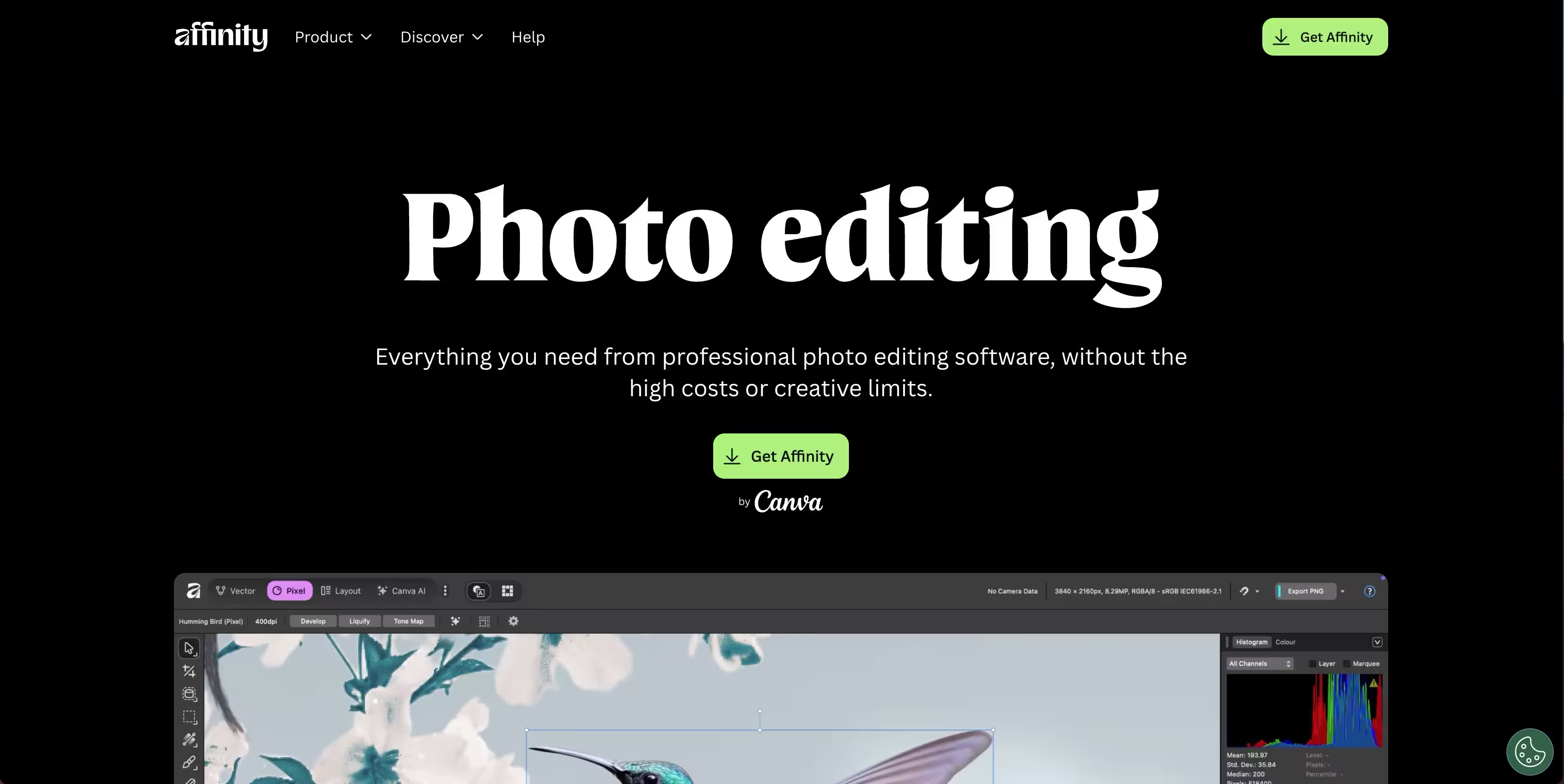
Affinity Photo has long been the go-to one-time-purchase alternative for serious pixel editing, and the all-new Affinity is now free for everyone. It delivers professional retouching, compositing, and RAW development in its Develop Studio, with a non-destructive workflow that holds up against far pricier tools. For anyone who dislikes recurring software fees, it's a genuinely strong value play.
Best for: Photographers and editors who want a fast, professional photo workflow.
Key strengths
- Non-destructive editing: Full non-destructive workflow with layers and adjustment stacking.
- RAW development: Develop Studio processes RAW files with pro-level control.
- Retouching and compositing: Advanced tools for detailed cleanup and layered composites.
Why choose Affinity Photo: Choose it when you want Photoshop-class pixel editing without a subscription bill. As a free alternative for retouching and compositing, it removes the cost objection entirely while keeping the depth serious editors need. It's editor-first rather than a catalog-first library manager.
Affinity Photo pricing: The all-new Affinity is free for everyone, described by the brand as having no stripped-back version and no gotchas. That makes it one of the most capable no-cost editors available.
9. RawTherapee
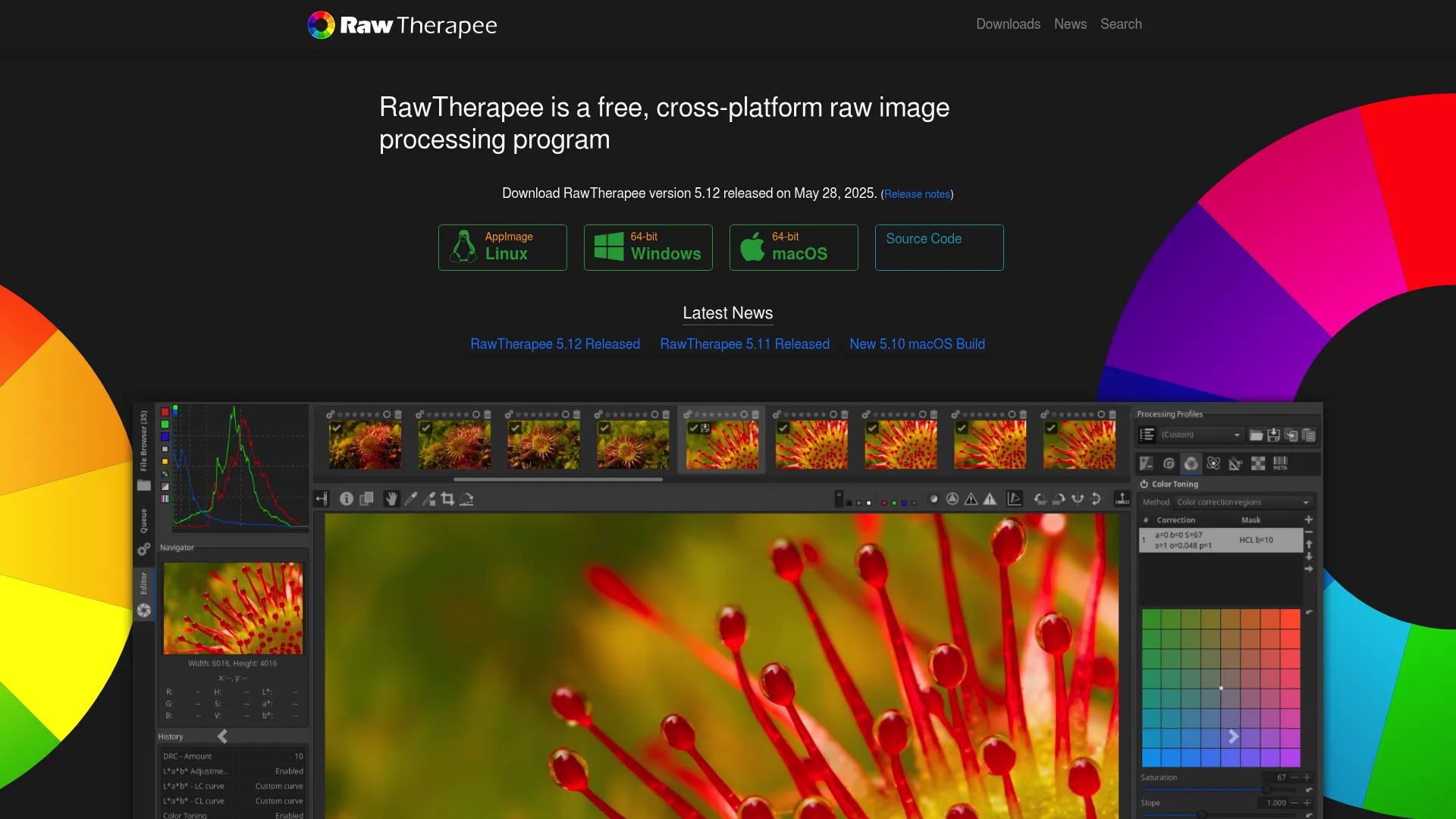
RawTherapee is the best free, open-source option for photographers who want serious RAW processing without paying a cent. Its 32-bit floating-point engine, advanced demosaicing, and deep color and detail controls rival paid tools on pure technical capability. It runs on Linux, macOS, and Windows, which makes it a flexible free alternative for cross-platform setups.
Best for: Photographers who want a free, open-source RAW editor with advanced controls.
Key strengths
- 32-bit RAW processing: Non-destructive, high-precision floating-point raw development.
- Advanced controls: Demosaicing options plus granular color and detail editing.
- Cross-platform: Runs on Linux, macOS, and Windows at no cost.
Why choose RawTherapee: Pick it if you're budget-conscious and comfortable trading interface polish for raw technical power. It rewards users who want to understand and control every step of RAW development. It's less suited to anyone who wants a fast, guided editing experience or built-in library cataloging.
RawTherapee pricing: RawTherapee is free and open source.
Considerations before you buy
RAW workflow matters
If you shoot or commission original imagery, RAW support should drive your decision. Check four things: highlight and shadow recovery, color and white-balance tools, export quality, and processing speed on your machine. A tool that renders RAW well saves you cleanup on every single file, which compounds fast across a campaign.
Pricing model and total cost
Compare subscription, one-time purchase, and free models on total cost, not entry price. A US$11.99/mo subscription is US$143 a year and keeps recurring; a US$149.99 one-time license is a single hit that you own. Subscription vs perpetual license is a real decision, weigh how long you'll use the tool and whether you value continuous updates and cloud sync against ownership.
AI features versus manual control
AI photo editing software saves real time on masking, denoise, and cleanup. But automation becomes a distraction when it overrides the precise control a shot needs. The best setup balances both: let AI handle the repetitive 80% and keep manual tools for the finishing 20% that defines the image.
Organization and culling
When your library grows past tens of thousands of images, cataloging becomes a deciding factor. Look at tagging, keyword search, face recognition, session or catalog structures, and how fast the catalog performs at scale. For teams reusing visuals across campaigns, a strong DAM saves more time than any single editing feature.
Platform compatibility
Confirm Windows and Mac compatibility, and check mobile if you edit on the go. Some tools are Windows-first, some are cross-platform, and cloud sync for multi-device workflows is not universal. If your team works across devices, verify that multi-device support is actually included in the plan you're eyeing.
Conclusion
The right pick comes down to workflow, then price. Adobe Lightroom is the broadest fit for anyone who needs editing and organization together. Adobe Photoshop is the best pixel-level editor for retouching and compositing. Capture One suits pro studio control and tethering. DxO PhotoLab wins on RAW image quality and denoise, Luminar Neo leads on AI speed, ACDSee delivers cataloging plus editing on Windows, ON1 Photo RAW consolidates everything into one app, and Affinity Photo offers pro editing for free. For free RAW processing, RawTherapee covers it with no compromise on technical depth.
Choose based on the jobs you do most, not the longest feature list. Pick one tool from this list, download the trial, and run it on a real project this week, an actual campaign image, not a test file. You'll learn more about fit in one real edit than in a month of comparison tables.