You built the form. The field team filled it out on paper because the app broke without signal. Half the entries came back with impossible values. The other half never synced. Now you are cleaning data by hand instead of analyzing it.
That is the failure mode of most data capture. Spreadsheets and static forms work until the workflow gets messy: offline sites, branching questions, required validations, or audit trails a regulator will actually read. The moment structure matters, the tool has to enforce it. And the moment collection scales across teams, the tool has to hold up without an engineer babysitting every export.
The demand for better tooling is real. The global electronic data capture (EDC) systems market is expected to grow from USD 1.86 billion in 2025 to USD 3.64 billion by 2031, an 11.86% CAGR, according to Mordor Intelligence (2024). Web and cloud-based delivery now makes up roughly 89.10% of that market. Buyers are moving off paper and desktop installs fast.
Picking the right tool depends on the job. Field teams need offline capture and geolocation. Clinical teams need 21 CFR Part 11 compliance and query tracking. General-purpose teams need a flexible form builder that routes clean data into the systems they already run. This guide separates those jobs so you do not overpay for compliance you do not need, or underspend on a tool that breaks the first time you go offline. If your capture workflow touches regulated processes, pair this with a look at audit management software and how a customer data platform consumes what you collect downstream.
What's inside
This guide is a buyer's decision tool, written for product managers, research teams, and operations leads who own data workflows across segments. It covers three distinct jobs: field data collection, general survey and form capture, and regulated clinical electronic data capture software.
We selected the eight tools on four criteria that matter when data quality and maintenance burden are on the line:
- Offline and field readiness: whether the tool captures reliably without a connection.
- Workflow controls: branching logic, validation checks, query tracking, and approvals.
- Export and integration depth: CSV, Excel, statistical packages, APIs, and webhooks.
- Security and compliance: audit trails, access control, and regulatory posture (HIPAA, 21 CFR Part 11, GDPR).
TL;DR
- Best for academic and nonprofit research: REDCap, free to consortium partners, with audit trails and statistical exports built in.
- Best for clinical trial EDC: OpenClinica, purpose-built for eCRFs, eConsent, and EHR-to-EDC.
- Best for field teams: Fulcrum, with offline capture and native geospatial support.
- Best for fast form rollout: FastField or Jotform, depending on whether you are field-first or form-first.
- Best free and open source: KoboToolbox, with a generous free tier and NGO roots.
- Best for complex workflows: Fluix for approvals and routing, FormAssembly for Salesforce-connected governance.
What is data capture software?
Data capture software is a category of tools that collect, validate, and structure information at the point of entry, then route it into databases, analytics, or downstream systems. It replaces manual entry, paper forms, and unstructured spreadsheets with controlled digital workflows.
The category splits into three overlapping segments:
- Field data collection: Mobile-first, offline-capable apps for teams capturing data on site. Think inspections, surveys, asset audits, and geospatial records. Media capture (photos, signatures, GPS) matters here.
- Survey and database capture: General-purpose form and survey builders that store submissions in structured databases. These serve broad use cases from intake forms to event registration to research surveys.
- Clinical EDC and eCRF systems: Electronic data capture platforms built for regulated clinical research. These enforce data integrity through eCRF software, validation checks, query tracking, and compliance with 21 CFR Part 11 and GCP.
Core features that define the category:
- Offline capture: collect data without a connection, then sync when back online.
- Branching logic: show or hide questions based on prior answers.
- Validation checks: reject impossible or out-of-range values at entry.
- Audit trails: log every change with a timestamp and user for governance and compliance.
- Integrations: push clean data to analytics, CRM, EHR, or statistical tools via APIs, webhooks, and formats like FHIR.
The right segment depends on where your data lives, who captures it, and how tightly it must be controlled.
When to use data capture software
Capture data in the field
Field capture is where offline-first design earns its keep. When teams collect data on job sites, in remote locations, or anywhere connectivity is unreliable, the tool has to store entries locally and sync later without loss. Media-rich capture matters too: photos, signatures, barcode scans, and GPS coordinates that tie a record to a place. If your team works off a tablet or phone away from wifi, prioritize offline capture and geolocation over anything else.
Run regulated clinical data workflows
Clinical and healthcare research demands a different tier of control. Electronic data capture software for trials enforces data integrity through eCRFs, edit checks, and query tracking, so bad values get flagged and resolved with a documented trail. Compliance is non-negotiable: 21 CFR Part 11 for electronic records, GCP for trial conduct, and HIPAA where patient data is involved. If a regulator or auditor will inspect your data, you need a purpose-built clinical trial EDC platform, not a general form tool.
Replace spreadsheet-based processes
Most teams start with spreadsheets and hit a wall. The wall shows up as inconsistent entries, no validation, and no way to route submissions or track who changed what. When you find yourself cleaning data manually every cycle, branching logic and validation checks pay for themselves. The shift is worth it once your process needs conditional routing, approvals, or reliable exports that feed a data visualization layer or reporting stack.
Comparison table
Use this table to separate clinical, field, and general-purpose tools before you read the deep dives. Intent tells you the primary job. Key differentiation tells you why you would pick it over a neighbor.
| # | Product | Intent | Key differentiation | Pricing | G2 rating |
|---|---|---|---|---|---|
| 1 | REDCap | Research and academic data capture | Free to consortium partners, audit trails, statistical exports | Free to nonprofit consortium members | 4.3/5 |
| 2 | OpenClinica | Clinical trial EDC | eCRFs, eConsent, EHR-to-EDC, GCP posture | From $750/month | 4.2/5 |
| 3 | Fulcrum | Field data collection | Offline capture with native geospatial and GIS | From $43/user/month | 4.6/5 |
| 4 | FastField | Mobile forms for field teams | Custom form builder with offline capture and AI features | From $30/seat/month | Not listed |
| 5 | Jotform | General-purpose form capture | Drag-and-drop builder, broad integrations, free tier | Free; paid from $39/month | 4.7/5 |
| 6 | KoboToolbox | Free and open-source collection | Open source, offline app, NGO and research roots | Free Community Plan | 4.8/5 |
| 7 | Fluix | Workflow automation and approvals | Conditional workflows, e-signature, multi-step approvals | From $29/user/month | 4.8/5 |
| 8 | FormAssembly | Enterprise form and data routing | Salesforce-connected workflows, governance, security | Free; paid from $45/month | 4.5/5 |
The 8 best data capture software tools for 2026
1. REDCap
REDCap is a secure web application for building and managing online surveys and databases, built for research and operational data capture. Developed and maintained through a large academic consortium, it has become a default choice for universities, hospitals, and nonprofit research groups that need controlled data collection without a commercial license fee.
Best for: academic, nonprofit, healthcare, and research teams needing secure survey and database capture.
Key strengths
- Online and offline project design: Build data collection instruments that work in the browser or on the mobile app, syncing entries when connectivity returns.
- Audit trails and user activity tracking: Every change is logged, giving research and compliance teams the accountability they need for governance.
- Automated statistical exports: Push clean data straight to Excel, PDF, and statistical packages like SPSS, SAS, Stata, and R.
Why choose REDCap: If you sit inside an academic or nonprofit institution that can join the REDCap Consortium, this is hard to beat on cost and credibility. The trade-off is that access runs through your institution rather than a self-serve signup, so it fits organizations with the right affiliation rather than a solo team or commercial startup.
REDCap pricing: REDCap is available at no cost to REDCap Consortium Partners, and free to nonprofit organizations that join the consortium. There is no public paid pricing tier published on the official site, since distribution runs through member institutions rather than a commercial sales motion.
2. OpenClinica
OpenClinica is a clinical trial technology platform for electronic data capture, eConsent, eCOA, randomization, analytics, and patient recruitment. It is built for the regulated end of the market, where data integrity and auditability are the whole point.
Best for: small to mid-size sponsors, CROs, and academic teams running clinical trials.
Key strengths
- EDC with dynamic eCRFs: Build electronic case report forms that adapt to the protocol, with validation checks and query tracking baked in.
- eConsent, eCOA, randomization, and EHR-to-EDC: Cover the full trial data lifecycle inside one platform, including EHR-to-EDC data flow.
- Reporting and analytics: Real-time study insights help teams monitor data quality and site performance as the trial runs.
Why choose OpenClinica: For clinical research data capture, general form tools do not clear the compliance bar. OpenClinica is purpose-built for 21 CFR Part 11 and GCP contexts, so if you are running trials with sponsors, CROs, or IRBs watching, the workflow depth justifies the price. It fits regulated teams rather than casual survey work.
OpenClinica pricing: The public pricing page lists a Launch plan at $750 billed monthly, a Core plan at $3,000 per month per study on a 12-month contract, and an Advanced plan at $3,750 per month per study on a 12-month contract. Enterprise and Academic pricing is custom and quoted annually per study. There is no free tier.
3. Fulcrum
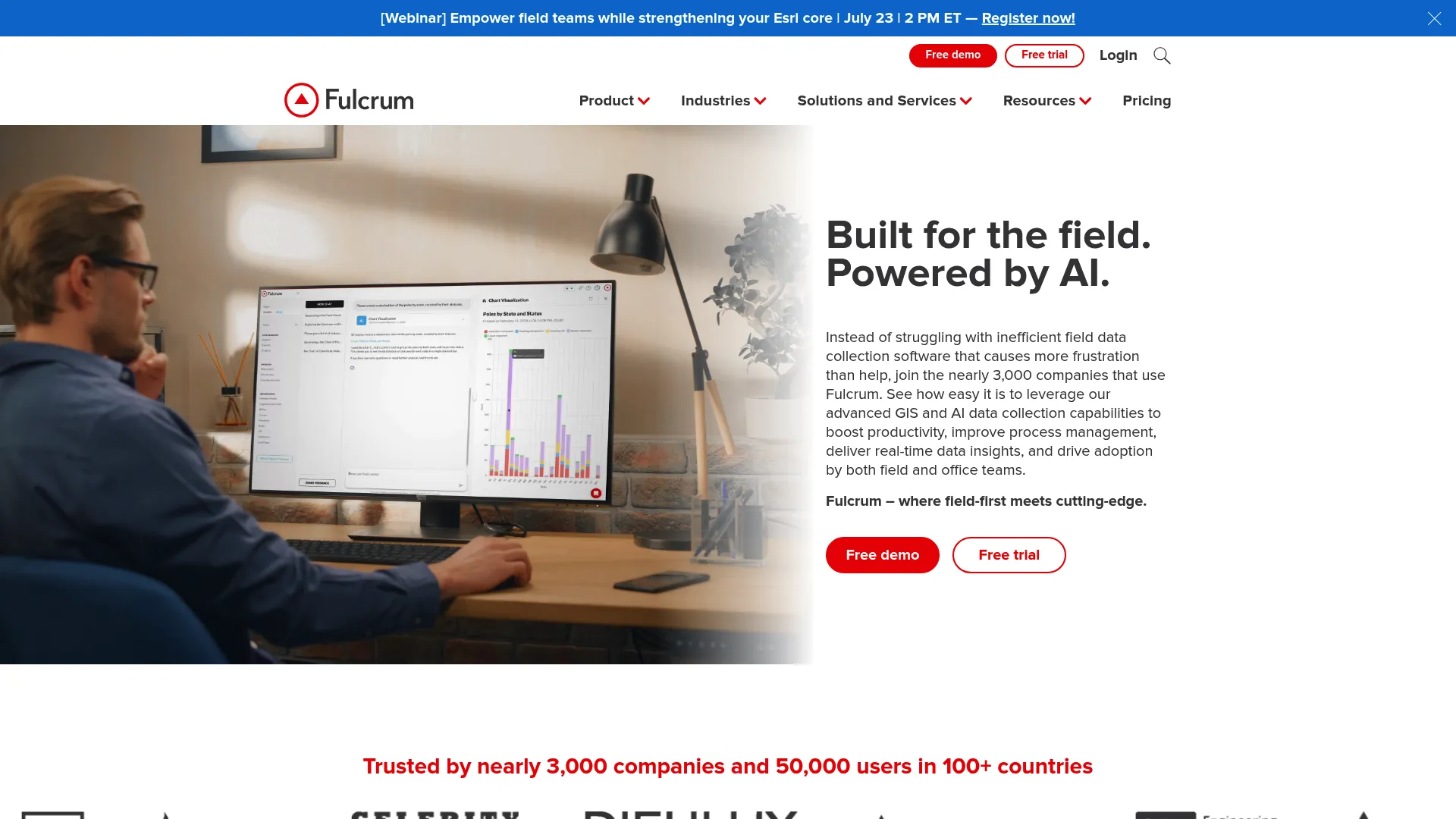
Fulcrum is a field-first platform for mobile data collection, inspections, and process management. If your data lives outside the office, on job sites, in the field, tied to physical locations, Fulcrum is designed for that reality.
Best for: teams needing configurable field inspections and mobile data collection with GIS support.
Key strengths
- Offline mobile data capture: Collect data with no connection and sync when back online, so remote sites never block the workflow.
- Drag-and-drop app builder: Build custom capture apps without code, so field workflows ship without an engineering queue.
- Geospatial capture and GIS integrations: Tie every record to a location with native maps and GIS integrations for location-heavy work.
Why choose Fulcrum: For field data collection with a geospatial component, Fulcrum handles the offline-first and mapping requirements that general form tools skip. It fits inspection teams, utilities, environmental researchers, and anyone whose records are anchored to a place. Less relevant if your capture is all desk-based.
Fulcrum pricing: Fulcrum offers a Professional plan and an Elite plan, with pricing shown around $43 US per user license per month and $39 US per user license per month respectively, plus a custom-quoted Enterprise plan. A free trial is available. Monthly pricing is available for the first 12 months as a Fulcrum customer.
4. FastField
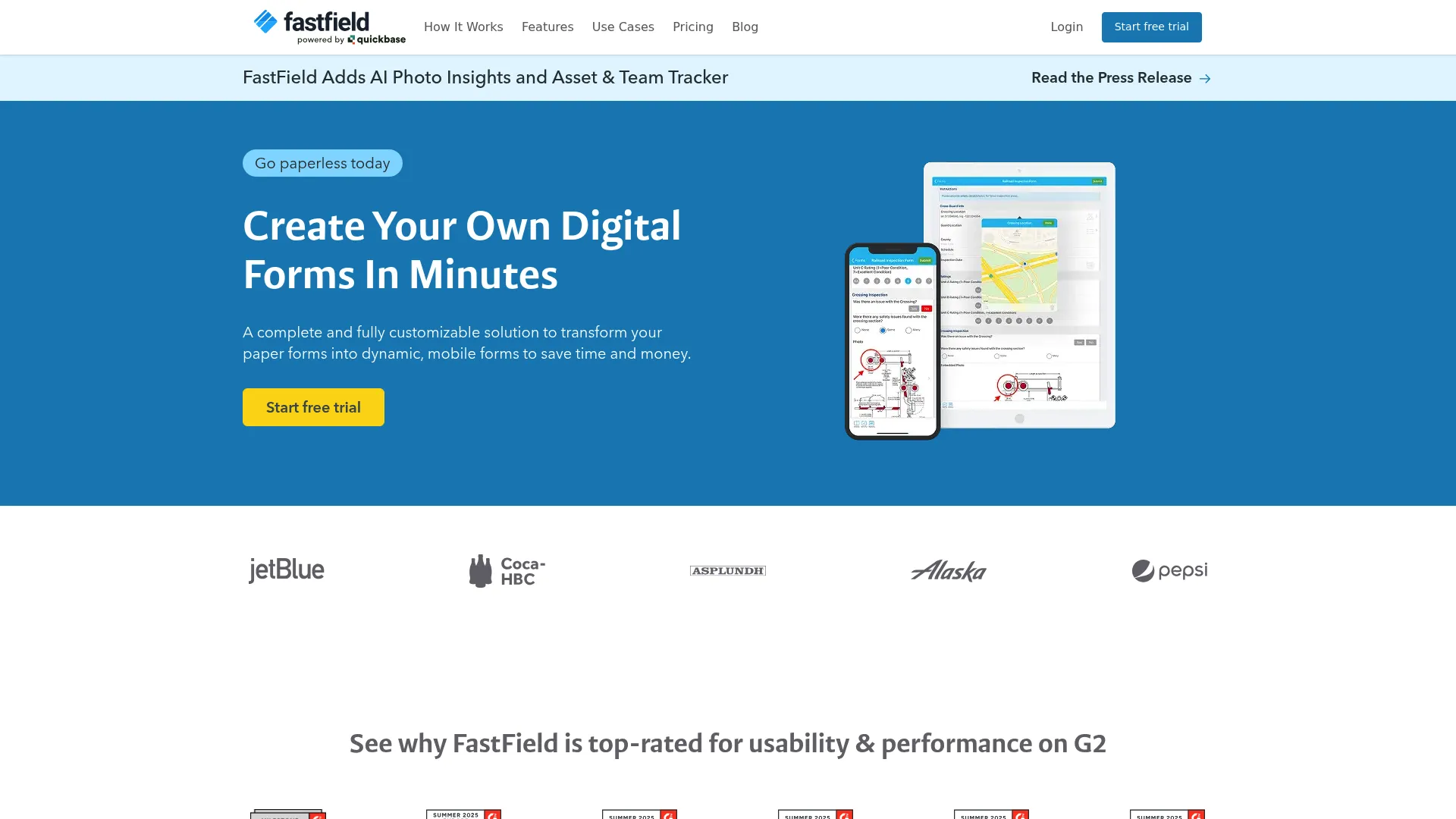
FastField is mobile forms software for field data collection, workflow automation, and reporting. It leans toward teams that want structured mobile capture running quickly, without a heavy configuration project.
Best for: field teams needing customizable mobile forms with offline capture and workflow automation.
Key strengths
- Custom form builder: Build tailored data collection forms that match your process rather than forcing your process to match a template.
- Offline mobile data capture: Capture in the field without a connection, then sync, so connectivity gaps never stall collection.
- AI features: Photo insights, form conversion, label scanning, and workflow analysis speed up how fast teams turn raw input into structured data.
Why choose FastField: If your priority is faster implementation and less ongoing administration, FastField is built to get mobile forms into the field quickly. It fits operations teams that want structured capture without standing up a full platform. The AI features are a differentiator for teams processing photos and physical documents.
FastField pricing: FastField (now hosted on a Quickbase product page) lists a Core plan at $30 per seat per month and a Pro plan at $45 per seat per month, with a custom-priced Enterprise plan. The pricing page also shows external forms add-on packages for teams collecting from non-seat users.
5. Jotform
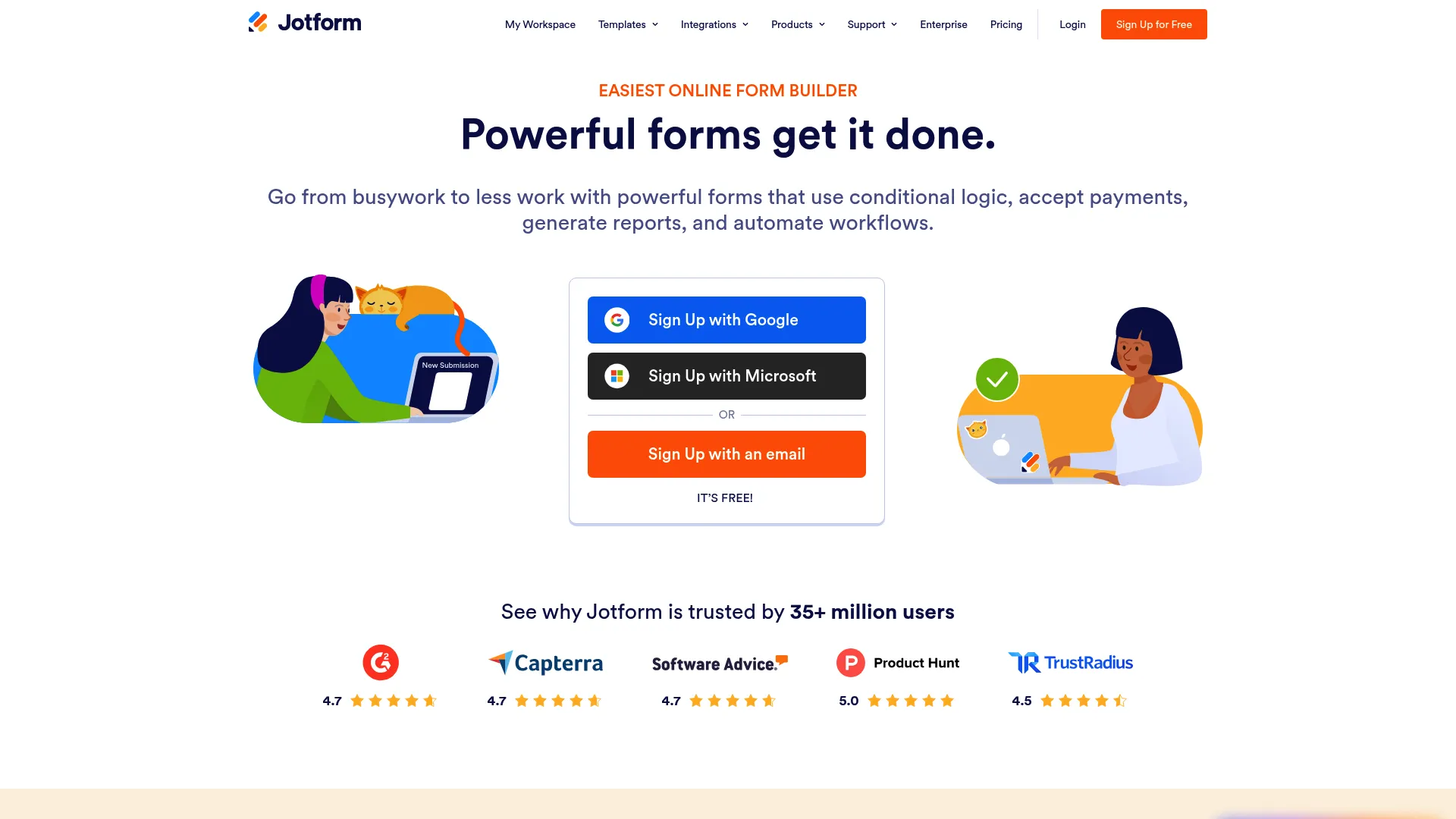
Jotform is an online form builder and workflow platform for creating forms, collecting data, and automating submissions. It is the most general-purpose tool on this list, which is exactly why so many teams reach for it first.
Best for: teams that need a flexible online form builder with automation and workflow features.
Key strengths
- Drag-and-drop form builder: Build data collection forms fast, with no code and a low learning curve for non-technical teams.
- Form templates: Start from a large library instead of a blank canvas, cutting setup time for common capture jobs.
- Conditional logic: Show, hide, and route fields based on responses to keep forms clean and relevant.
Why choose Jotform: When your need is broad and form-first rather than field-first or clinical, Jotform covers the widest range of use cases. It fits intake forms, registrations, surveys, and payment capture, backed by a large integration ecosystem. It is not built for offline-heavy field work or regulated clinical trials, so match it to general-purpose collection.
Jotform pricing: Jotform offers a free Starter plan, then paid tiers: Bronze at $39 per month, Silver at $49 per month, and Gold at $129 per month, plus custom Enterprise pricing. Yearly billing brings discounts off the monthly headline prices.
6. KoboToolbox
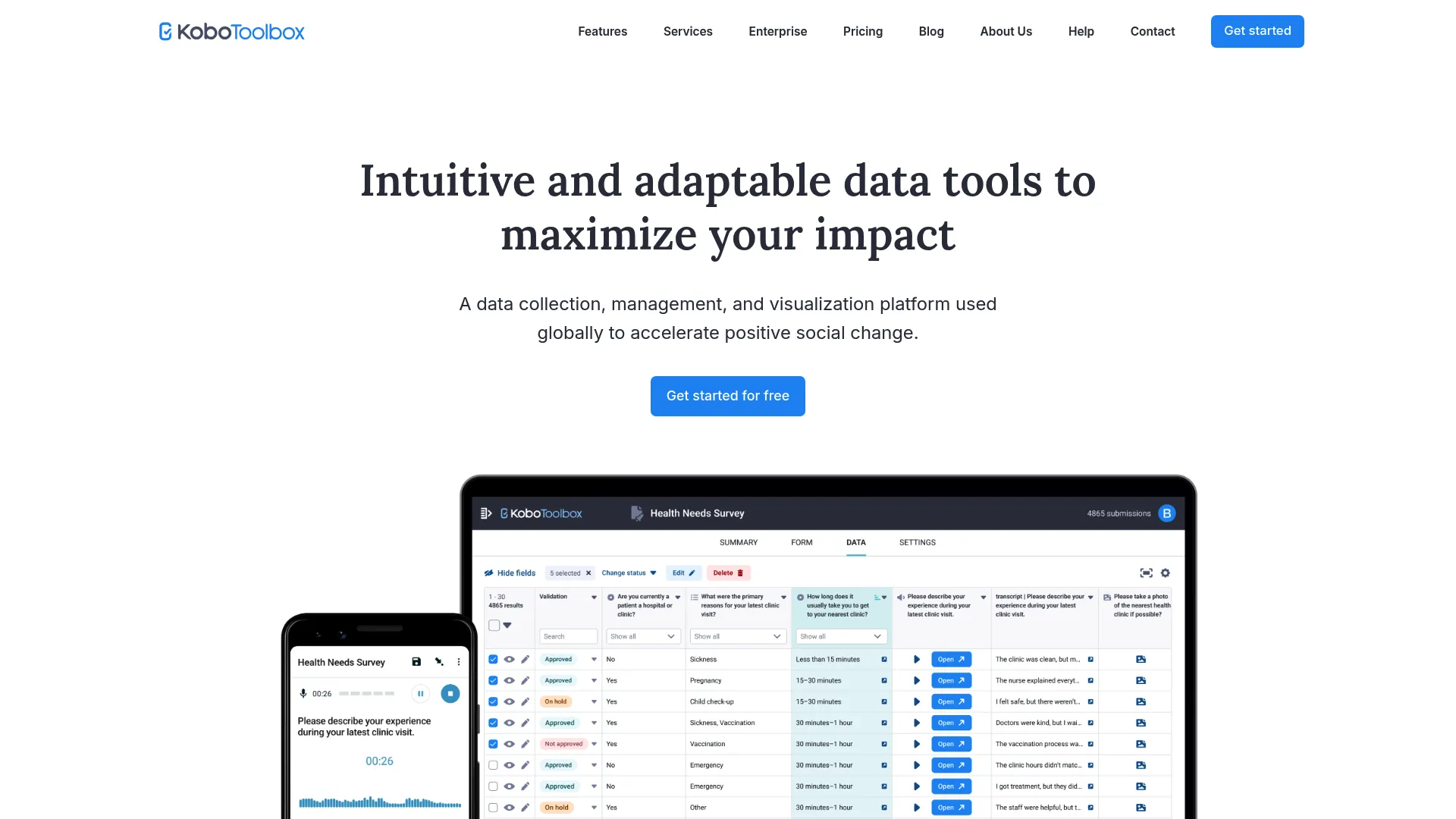
KoboToolbox is an open-source data collection and management platform for surveys, forms, and field data capture. Born out of humanitarian and research work, it stays free for the organizations that need it most.
Best for: nonprofit and social-impact teams needing mobile-friendly survey and field data collection.
Key strengths
- Rich questionnaire building: 25 question types, XLSForm editing, skip logic, validation, and multilingual support for complex surveys.
- Offline and online collection: Capture via the Android app or web browser, online or offline, with maps, reports, and exports.
- Project and team management: Permissions, API access, and unlimited collaborators so research teams scale without seat anxiety.
Why choose KoboToolbox: For budget-conscious research and NGO workflows, KoboToolbox delivers serious survey and field data collection at no cost for nonprofit users. The open-source foundation and generous free limits make it a strong fit for humanitarian data gathering software needs, where funding is tight and offline capture is essential.
KoboToolbox pricing: Nonprofit users can use the free Community Plan, which includes 5,000 survey submissions per month and 1 GB of file storage. A storage add-on is available at $9.95 per month. Professional, Teams, and Enterprise plans exist, though public starting prices for the core paid plans are not shown on the pricing page.
7. Fluix
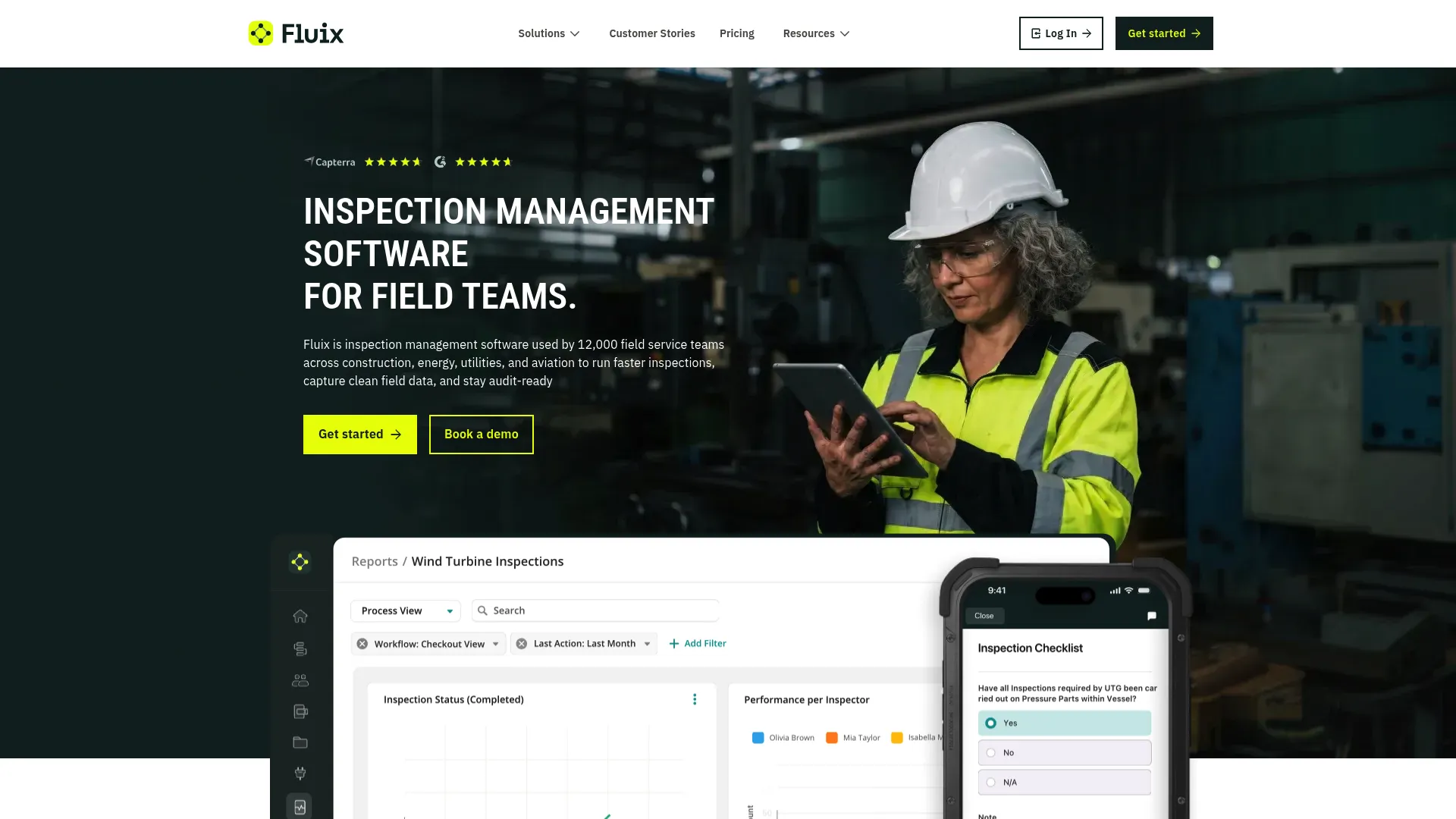
Fluix is a workflow and form automation platform for field teams. Where simple form tools stop at collection, Fluix carries the data through routing, approvals, and sign-off.
Best for: field teams that need mobile forms, workflow automation, and approvals.
Key strengths
- Forms and documents with offline completion: Complete forms and documents offline on mobile, with e-signature support built in.
- Automated workflows with conditional logic: Multi-step approvals and conditional routing move records through your process without manual handoffs.
- Access and security controls: SSO, guest access, and role-based permissions keep data governed as it moves.
Why choose Fluix: When your capture need extends past a form into a real process, conditional routing, multi-step approvals, sign-off, Fluix has the operational depth. It fits teams whose data collection is one step in a larger workflow, not the end of it. Overkill if you only need a simple form.
Fluix pricing: Fluix lists a Crews plan for 5+ users at $29 per user per month, an Operations plan for 15+ users at $49 per user per month, and a custom Enterprise plan for 25+ users. A trial is available to get started.
8. FormAssembly
FormAssembly is a data collection and workflow platform for building secure online forms and routing submissions into systems like Salesforce. It sits at the enterprise, governance-first end of general-purpose capture.
Best for: teams that need secure forms, Salesforce-connected workflows, and compliance-focused data collection.
Key strengths
- No-code and high-code form building: Build with a visual editor or drop into code when a form needs custom behavior.
- Workflow automation, approvals, and assignments: Route submissions through approvals and assignments so data lands where it belongs.
- E-signature, document generation, and Salesforce integration: Generate PDFs, collect signatures, and push clean data directly into Salesforce.
Why choose FormAssembly: If your data capture has to plug into a business process, especially a Salesforce-centered one, FormAssembly is built for that integration and governance depth. It fits teams that treat forms as the front end of a larger data operation and need security and compliance controls around them.
FormAssembly pricing: FormAssembly offers a free Explorer plan and a Team plan at $45 per month billed annually. Enterprise and Gov Cloud plans are available via contact sales. The free tier makes it accessible to evaluate before committing to a paid workflow.
Considerations before you buy
A demo looks clean. Your real workflow is messy. Run every shortlisted tool against these criteria before you commit budget.
Offline and field reliability
If any part of your capture happens away from stable connectivity, test the offline mode with real conditions, not a wifi-off toggle in the office. Check how the tool handles sync conflicts, large media files, and long stretches offline. For field-heavy work, offline capture is the difference between usable data and lost records.
Compliance and audit depth
Match the tool to your regulatory reality, not the strictest possible standard. Clinical trials need 21 CFR Part 11, GCP, and full audit trails. Healthcare data needs HIPAA. General EU data needs GDPR. Paying for clinical-grade compliance you do not need wastes budget, and skipping compliance you do need creates real risk.
Export and integration fit
Data you cannot get out is data you do not own. Confirm the tool exports to the formats your analysts actually use, CSV, Excel, SPSS, SAS, Stata, or R, and that it integrates with your stack through APIs, webhooks, or native connectors. For clinical work, check for FHIR and EHR-to-EDC support.
Maintenance burden and scale
Ask who owns the tool after launch. Form rot is real: as your process changes, someone has to keep instruments current. Favor tools with template-driven design and low administration overhead if you lack dedicated ops capacity. Check seat pricing and submission limits against your projected volume so cost does not spike as you scale.
Conclusion
There is no single best data capture software, only the best fit for your job. Sort by workflow first, then compliance, then cost.
- REDCap for nonprofit and research-heavy environments that can join the consortium.
- OpenClinica for clinical trial EDC where 21 CFR Part 11 and GCP are non-negotiable.
- Fulcrum or FastField for field capture, with Fulcrum leading on geospatial depth.
- Jotform for broad, general-purpose form and survey capture.
- KoboToolbox for free and open-source research and NGO collection.
- Fluix or FormAssembly for capture that lives inside a larger workflow or business process.
Your next step: shortlist two tools that match your primary job, then run a real workflow through each free trial or free tier before you decide. Test offline behavior, validation, and export against your actual data, not a demo dataset. The tool that survives your messiest process is the one to buy.
FAQs
Data capture software is the broad category covering any tool that collects, validates, and structures data at entry, from field apps to survey builders. Electronic data capture (EDC) software is a specialized subset built for regulated clinical research, with eCRFs, query tracking, and compliance features like 21 CFR Part 11 and GCP. All EDC is data capture software, but most data capture software is not EDC.
Fulcrum, FastField, Fluix, KoboToolbox, and REDCap's mobile app all support offline capture, storing entries locally and syncing when connectivity returns. Fulcrum and KoboToolbox are especially strong for field data collection, with Fulcrum adding native geospatial support. Always test offline behavior under real conditions, since sync reliability and media handling vary between tools.
Audit trails that log every change with a timestamp and user identity are the foundation. Beyond that, look for role-based access control, authentication and authorization, electronic signatures, and validation checks that enforce data integrity at entry. For regulated work, confirm the tool documents 21 CFR Part 11, HIPAA, GCP, or GDPR posture depending on your context.
Most established tools export to Excel and CSV as standard. REDCap goes further, offering automated exports formatted for statistical packages including SPSS, SAS, Stata, and R, which is why research teams favor it. Before buying, confirm the specific export formats your analysts need, since statistical package support is not universal across form-first tools.
Prioritize dynamic eCRF software, edit checks, query tracking, and a complete audit trail, alongside documented 21 CFR Part 11 and GCP compliance. Interoperability matters too: EHR-to-EDC data flow, FHIR support, and clean exports for analysis. OpenClinica is purpose-built for these requirements and fits sponsors, CROs, and academic trial teams.
Yes. KoboToolbox offers a free Community Plan for nonprofit users with 5,000 submissions per month, offline capture, and rich questionnaire logic. REDCap is free to nonprofit organizations that join its consortium, with audit trails and statistical exports. Both are strong, no-cost options for research and NGO data gathering software needs.
Branching logic shows only relevant questions based on prior answers, so respondents never see fields that do not apply, which reduces noise and error. Validation checks reject impossible or out-of-range values at the moment of entry, catching bad data before it reaches your database. Together they cut the manual cleaning that spreadsheets force on you every cycle.
APIs and webhooks are the baseline for pushing captured data into analytics, CRM, or downstream systems in real time. For clinical work, FHIR and EHR-to-EDC connectivity are critical. For business processes, native connectors, FormAssembly's Salesforce integration is a strong example, let clean data flow into the systems your team already runs without manual re-entry.