A server drive fails on a Friday afternoon. The last verified restore was three weeks ago. Nobody tested it. By Monday, you are explaining to a customer why their data is gone and to your CFO why the recovery took two days instead of two hours. This is the scenario cloud backup software exists to prevent, and it is why the category gets evaluated very differently from cloud storage or file sync.
Storage keeps a copy you can reach. Backup keeps a copy you can recover, on a schedule, with versioning, retention, and a restore path you can actually test. The distinction matters because the global cloud backup market is projected to grow from USD 8.73 billion in 2026 to USD 51.57 billion by 2034, a 24.86% CAGR, according to Fortune Business Insights (2024). That growth reflects one hard truth: organizations are moving more critical data off single points of failure, and they need recovery they can prove.
For presales teams and technical evaluators, backup software is rarely a personal purchase. You are validating fit for endpoints, servers, and SaaS data across a buying committee that includes IT, security, and finance. The job is to reduce risk and show clear recovery outcomes, not to pitch generic storage. If you build technical evaluation collateral for a living, the same discipline you apply to demos and proofs of concept applies here: prove the outcome before you commit. Teams that document evaluations well also lean on tools like interactive demos and structured data visualization tools to communicate technical risk to non-technical stakeholders.
This guide ranks eight cloud backup solutions by the factors that decide real recovery outcomes.
What's inside
This is an evaluation-first shortlist of cloud backup software for business and technical buyers, not a consumer file-storage roundup. It covers tools that handle endpoint backup, server backup, SaaS protection, and disaster recovery, with notes on where each fits best.
We selected and ranked these tools on four criteria that matter to technical evaluators: restore speed and recovery reliability, device and server coverage, security and encryption posture, and administrative control across a growing team. Pricing and G2 ratings are included where publicly verified. Each entry explains who it suits and why a presales or IT team should care.
TL;DR
- Best overall for broad coverage: IDrive, covering computers, mobile, servers, NAS, and object storage under one account.
- Best for business and server backup: CrashPlan, with centralized admin, unlimited retention, and endpoint plus SaaS coverage.
- Best for simple desktop backup: Backblaze, low-friction and set-and-forget for Mac and Windows.
- Best for ransomware-focused recovery: Acronis Cyber Protect Home Office, pairing full-image backup with anti-malware.
- Best for privacy-sensitive data: SpiderOak One Backup, with zero-knowledge encryption before upload.
- Best for long-term retention economics: Zoolz Cloud Backup, with cold-storage tiers for archival data.
What is cloud backup software?
Cloud backup software copies data from your devices, servers, and applications to an offsite cloud repository on an automatic schedule, then lets you restore that data after loss, corruption, or attack.
The line people blur most often is backup versus storage. Cloud storage and sync tools mirror your current files. Delete or encrypt a file, and the change propagates to every synced copy. Backup keeps point-in-time versions you can roll back to, which is what actually saves you during ransomware or accidental deletion.
What gets backed up depends on the tool, but a business-grade platform should cover:
- Endpoints: laptops and desktops across Windows, macOS, and Linux, with file-level and often full-image backup.
- Servers: file servers, system state, databases, and virtual machines for business continuity.
- SaaS data: Microsoft 365 and Google Workspace mailboxes, drives, and shared content.
- Network and external drives: NAS devices and attached storage.
Restores are the part that decides everything. Good backup software offers granular file restore, full-image or bare-metal recovery, and version history so you can pick a clean point before an incident. The single most overlooked practice is recovery testing. A backup you have never restored is a hypothesis, not a safeguard. Schedule test restores the same way you schedule the backups themselves.
For business buyers, the evaluation checklist narrows to restore speed, coverage breadth, encryption and key management, retention and versioning depth, and the admin controls needed for compliance and scale.
When to use cloud backup software
Protect laptops and desktops
Endpoint backup covers the machines your team actually works on, where accidental deletion and device loss happen daily. Look for continuous or scheduled automatic backup, deep version history, and fast single-file restore. When a user overwrites a critical document, the win is pulling back yesterday's version in minutes, not filing a ticket and hoping.
Back up servers and shared infrastructure
Server backup cloud coverage protects the systems your business runs on. This means file servers, system state, databases, and virtual machines, backed up in a way that supports full recovery. The goal is business continuity: when a server fails, you can restore the system, not just scattered files. Bare-metal and image-based recovery matter here because rebuilding from scratch costs days you do not have.
Protect SaaS and critical business data
Microsoft 365 and Google Workspace do not back up your data the way you think. Their retention windows are limited, and native recycle bins expire. SaaS backup captures mailboxes, drives, calendars, and shared files into independent recovery points you control. If a compromised account deletes a shared drive, SaaS backup is what lets you restore it cleanly. For any team relying on cloud productivity suites, this is no longer optional.
Comparison table
The table below summarizes each tool's intent, primary use case, verified pricing, and G2 rating. Use it to shortlist quickly, then read the detailed entries for fit against your recovery needs. Prices reflect publicly listed values at time of writing and may change.
| # | Product | Intent | Key use case | Pricing | G2 rating |
|---|---|---|---|---|---|
| 1 | IDrive | Broad multi-device coverage | Computers, mobile, servers, NAS, object storage | Free 10 GB; Personal $179.82 / 2 yrs | 4.5/5 |
| 2 | Carbonite | Automatic endpoint and small-business backup | Unlimited encrypted PC/Mac backup | From $4.92/month | 4.0/5 |
| 3 | Acronis Cyber Protect Home Office | Backup plus cyber protection | Full-image backup with ransomware defense | From $89.99/year | 4.3/5 |
| 4 | Backblaze | Simple set-and-forget backup | Unlimited desktop backup; B2 object storage | Personal backup $99/year | 4.6/5 |
| 5 | SpiderOak One Backup | Privacy-first encrypted backup | Zero-knowledge backup for sensitive data | Contact for pricing | 4.2/5 |
| 6 | pCloud | Storage with backup and sharing | Long-term file backup, sync, media access | Premium 500 GB $49.99 lifetime | 4.3/5 |
| 7 | Zoolz Cloud Backup | Tiered business and archival backup | Cold-storage archive, server and NAS backup | From $7.99/month (2.5 TB) | 1.9/5 |
| 8 | CrashPlan | Managed business backup | Endpoint, server, and SaaS backup with central admin | From $8 per user/month | 4.6/5 |
1. IDrive
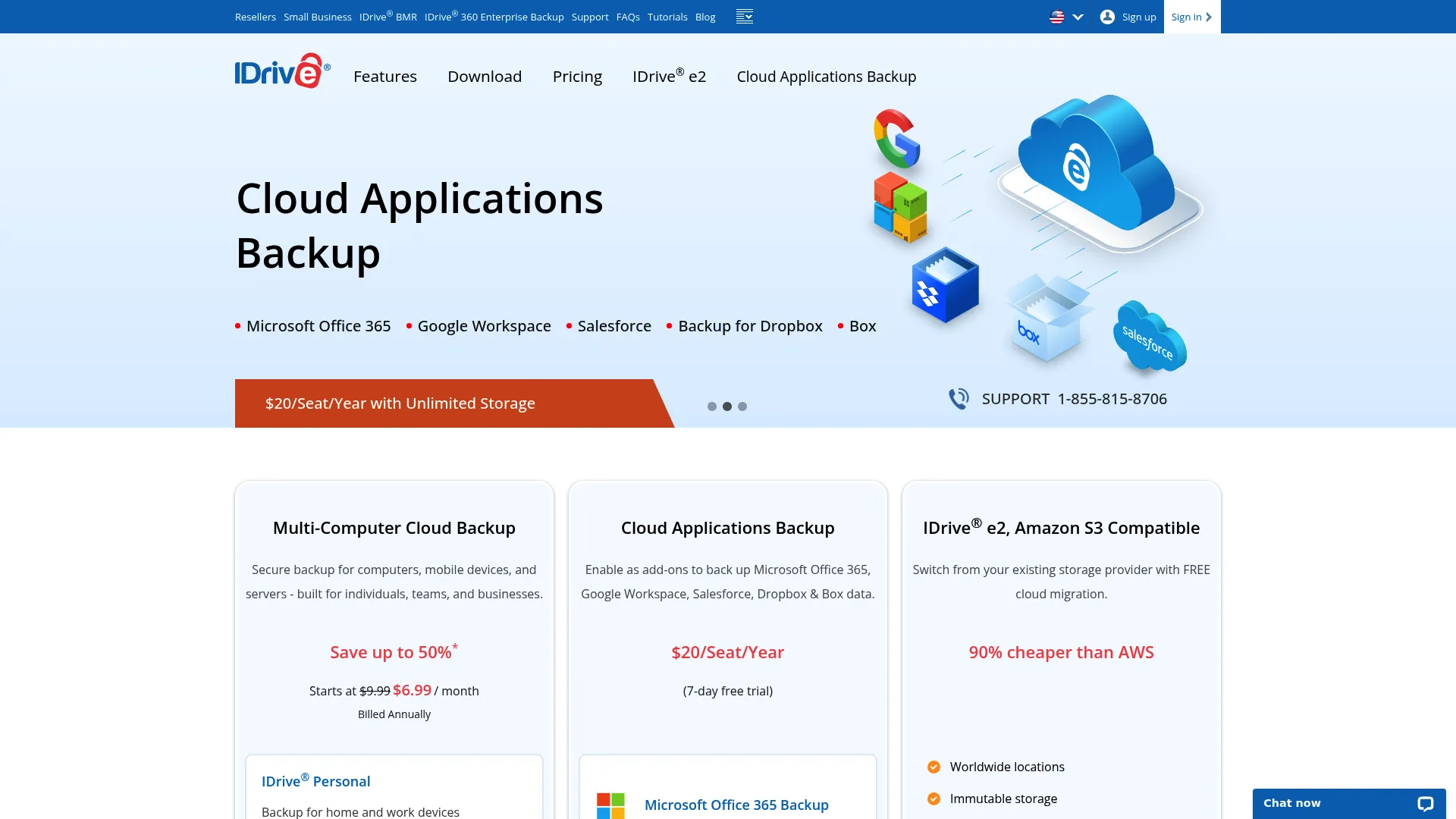
IDrive is a cloud backup and storage provider that spans individuals, teams, and businesses from a single account. It backs up PCs, Macs, Linux machines, iOS, and Android devices, and adds cloud drive sync, file sharing, and business admin features like sub-accounts and single sign-on. For teams that want one platform covering computers, mobile, servers, NAS, and object storage, it is the broadest option on this list.
Best for: Businesses and technical buyers who need cross-device backup with cloud sync and centralized admin controls in one product.
Key strengths
- Multi-device coverage: One account backs up Windows, macOS, Linux, iOS, and Android endpoints.
- Business admin features: Sub-accounts, SSO, and IDrive Express physical seeding for large initial backups.
- Sync plus backup: Cloud drive functionality sits alongside true versioned backup, so you get both models.
Why choose IDrive: The breadth is the point. If your evaluation spans endpoints, servers, NAS, and SaaS, IDrive lets you consolidate rather than stitch together separate vendors. That single-pane coverage simplifies procurement and the security review, which presales teams know is often where deals stall.
IDrive pricing: IDrive offers a free 10 GB plan with no credit card required. Paid tiers include IDrive Personal at $179.82 for two years and IDrive Business at $359.82 for two years, with discounted first-year promotional pricing shown on the pricing page. Its G2 rating sits at 4.5/5.
2. Carbonite
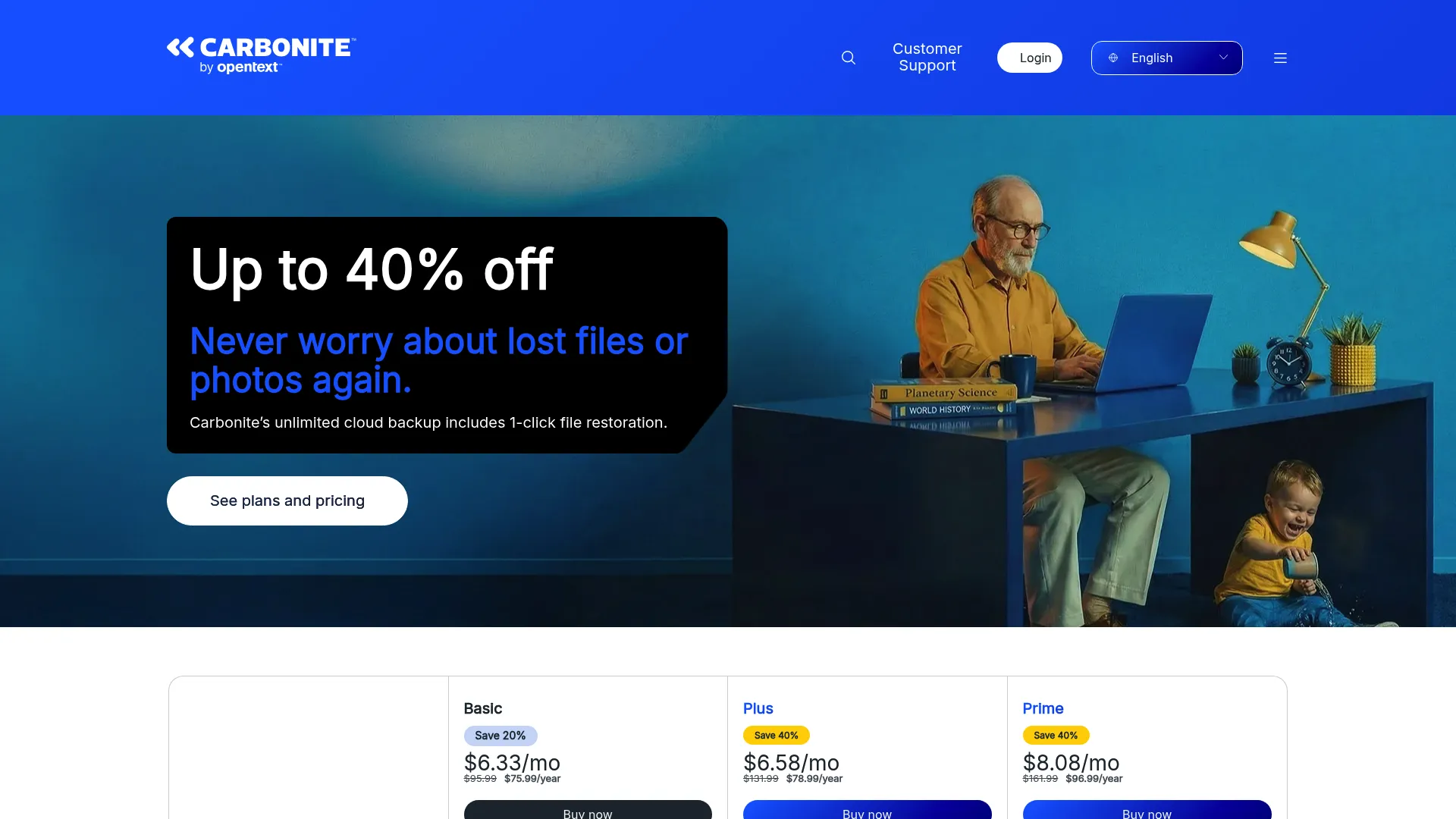
Carbonite delivers automatic, encrypted cloud backup for individuals, small businesses, and servers. Its consumer plans focus on unlimited automatic backup with file restore and remote access, while its business options extend to external drives and server backup. The tiering from personal to business makes it an approachable entry point for smaller teams building their first backup and recovery process.
Best for: Individuals and small businesses that want automatic cloud backup and straightforward restore without heavy administration.
Key strengths
- Unlimited automatic backup: Encrypted backup runs continuously in the background once configured.
- File restore and remote access: Recover files and reach backups from anywhere.
- External and server coverage: Business tiers add external drive and server backup options.
Why choose Carbonite: Carbonite suits teams that value simplicity and set-it-and-forget-it automation over deep configurability. For a small business standing up its first offsite backup, the low-friction setup and predictable monthly pricing keep the evaluation short and the deployment fast.
Carbonite pricing: Consumer plans start at $4.92/month for Basic, $7/month for Plus, and $8.75/month for Prime, with one-, two-, and three-year subscription options in the comparison table. Business pricing is available through Carbonite directly. Its G2 rating is 4.0/5.
3. Acronis Cyber Protect Home Office
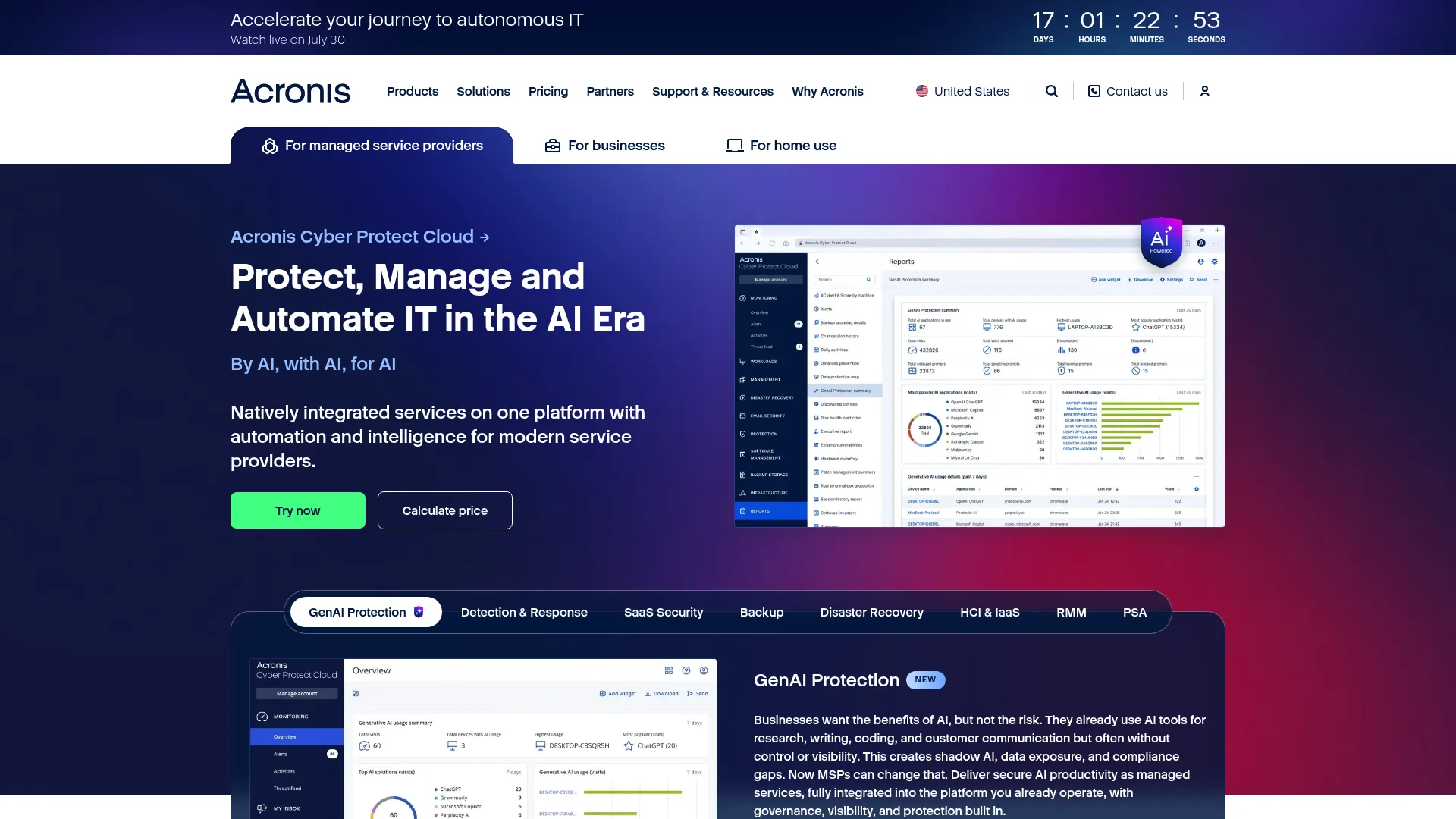
Acronis Cyber Protect Home Office, now offered as Acronis True Image, combines full-disk and file backup with anti-malware and ransomware protection in a single product. It backs up entire machines, individual files, Microsoft 365 data, and mobile devices, and layers active threat defense on top. The positioning is recovery-first security: back up the whole image, then defend it.
Best for: Individuals, families, and technical evaluators who want backup and cyber protection bundled rather than run as separate tools.
Key strengths
- Full-image backup: Capture an entire disk for bare-metal recovery, not just files.
- Ransomware protection: Active anti-malware defends backups and live data against encryption attacks.
- Broad data coverage: Backs up local disks, Microsoft 365, and mobile devices.
Why choose Acronis Cyber Protect Home Office: When ransomware recovery is the primary concern, the combination of full-image backup and integrated anti-malware is compelling. You get a clean restore point and a defensive layer that reduces the odds you need it. That pairing is why security-conscious buyers shortlist it.
Acronis pricing: Subscriptions run $49.99/year for Essentials, $89.99/year for Advanced with 500 GB cloud storage, and $124.99/year for Premium with 1 TB cloud storage. There is no free tier. Its G2 rating is 4.3/5.
4. Backblaze
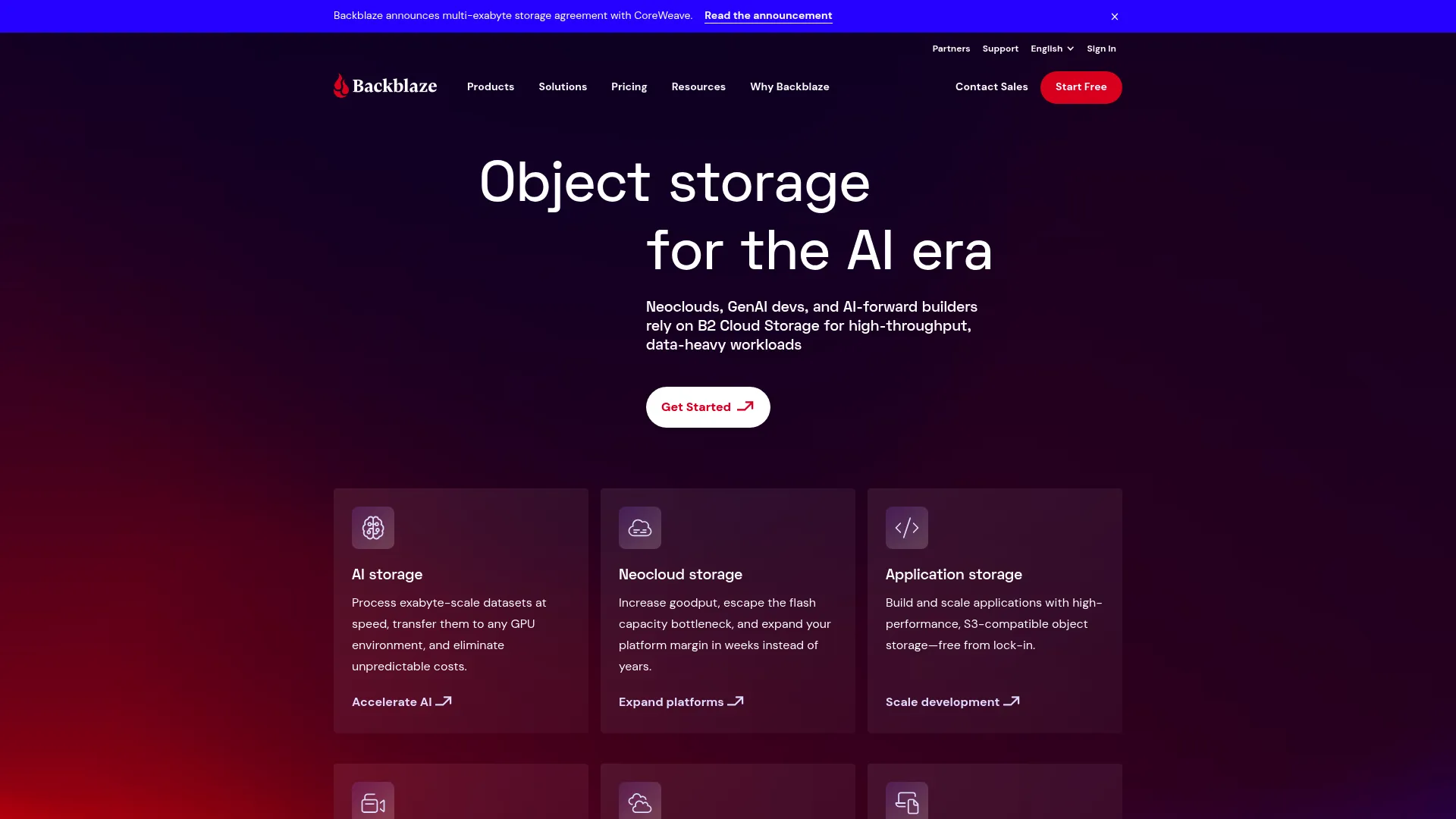
Backblaze is known for making backup boringly simple. Its Computer Backup product runs quietly on Mac and Windows, backing up everything without per-file selection headaches, while its B2 Cloud Storage delivers S3-compatible object storage at a low, predictable price. For teams that want offsite backup without a project plan, simplicity is the feature.
Best for: Individuals and teams that want set-and-forget desktop backup, or developers who need affordable S3-compatible object storage.
Key strengths
- Effortless computer backup: Installs and backs up everything with minimal configuration.
- S3-compatible object storage: B2 works with existing tooling and offers free egress up to three times stored data.
- Predictable pricing: Flat per-computer backup and transparent per-TB object storage.
Why choose Backblaze: When breadth is not the goal and reliability is, Backblaze performs best. It excels at removing decisions from the backup process for endpoints, and its B2 storage gives technical teams a cheap, standards-compatible target for custom backup pipelines and disaster recovery archives.
Backblaze pricing: Personal and Business computer backup are listed at $99/year each. B2 Cloud Storage starts at $6.95 per TB per month, with B2 Overdrive at $15 per TB per month for multi-petabyte commitments. A free tier is available for B2. Its G2 rating is 4.6/5.
5. SpiderOak One Backup
SpiderOak One Backup builds its entire pitch around privacy. Data is encrypted on your device before it ever leaves, under a zero-knowledge model where SpiderOak cannot read your files even if compelled. It is also HIPAA-compliant as a Business Associate, which matters for regulated data. For buyers where data sensitivity is the deciding factor, this is the tool to evaluate.
Best for: Privacy-sensitive individuals and organizations that need encrypted cloud backup with no provider access to plaintext.
Key strengths
- On-device encryption: Files are encrypted before upload, so the provider never sees plaintext.
- Zero-knowledge model: Only you hold the keys, eliminating provider-side exposure.
- HIPAA compliance: Operates as a Business Associate for healthcare and regulated data.
Why choose SpiderOak One Backup: Security reviews are where deals live or die, and SpiderOak's zero-knowledge architecture gives presales and IT teams a clean answer to the hardest data-access questions. If your buying committee includes a security lead who blocks anything with provider-side key access, this is the shortlist candidate that clears the bar.
SpiderOak pricing: SpiderOak's current product pages direct buyers to contact the company for pricing rather than listing public numeric plans. Its G2 rating is 4.2/5.
6. pCloud
pCloud sits at the overlap between cloud storage and backup. It offers backup and recovery, file sharing, sync, and built-in media playback, with a distinctive lifetime pricing option. It is worth being precise here: pCloud leans toward storage and sync more than deep versioned backup, so evaluate it as a backup-adjacent choice rather than a full business continuity platform.
Best for: Individuals and small teams that want long-term cloud storage with backup, sharing, and media access in one place.
Key strengths
- Backup and recovery: Protects files alongside its core storage and sync features.
- Lifetime pricing: One-time payment tiers avoid recurring subscription cost.
- Media and sharing: Built-in audio/video player, offline access, and file sharing.
Why choose pCloud: For readers whose primary need is durable secure cloud storage with a backup layer and generous sharing, pCloud's lifetime plans are attractive. Just draw the line clearly: if you need image-based server recovery or granular point-in-time restore, pair it with a dedicated backup tool.
pCloud pricing: pCloud offers monthly, annual, and lifetime billing. Lifetime plans include Premium 500 GB at $49.99, Premium Plus 2 TB at $99.99, and Ultra 10 TB at $299.99. A free tier is available. Its G2 rating is 4.3/5.
7. Zoolz Cloud Backup

Zoolz Cloud Backup is a business backup service built around tiered cold and hot storage. It continuously monitors file changes and backs up desktops, laptops, servers, and external and network drives, with 256-bit AES encryption. Its cold-storage economics make it a fit when the priority is long-term retention and archival rather than instant retrieval.
Best for: Businesses that need tiered cloud backup with cost-efficient cold storage plus server and NAS support.
Key strengths
- Cold and hot storage tiers: Archive rarely-touched data cheaply while keeping active data accessible.
- Broad device coverage: Backs up desktops, laptops, servers, and network drives.
- 256-bit AES encryption: File-level encryption protects archived data.
Why choose Zoolz Cloud Backup: When your retention policy requires holding data for years and access is infrequent, cold-storage tiering keeps the bill reasonable. Weigh its lower G2 sentiment against your specific archival needs, and test restore times from cold tiers during your evaluation so recovery expectations are set correctly.
Zoolz pricing: Plans are priced by storage tier: 2.5 TB at $7.99/month, 7 TB at $23.99/month, 12 TB at $39.99/month, 24 TB at $75.99/month, and 60 TB at $159.99/month, with yearly options shown for each. Its G2 rating is 1.9/5.
8. CrashPlan

CrashPlan is purpose-built for IT-managed business environments. It covers endpoint backup across Windows, macOS, and Linux, plus Microsoft 365, Google Workspace, and server backup, all with unlimited version retention and device migration. Centralized administration and team-oriented restore workflows make it a strong fit where an IT team owns backup and recovery for the whole organization.
Best for: Businesses that need managed endpoint and SaaS backup with centralized recovery and deep retention.
Key strengths
- Unlimited version retention: Keep every version indefinitely for clean point-in-time recovery.
- Endpoint, server, and SaaS coverage: Protects computers, servers, Microsoft 365, and Google Workspace.
- Centralized admin: Manage backups and restores for the whole team from one console.
Why choose CrashPlan: For IT and presales teams evaluating business backup software, CrashPlan's admin controls and unlimited retention answer the governance questions buying committees ask. Device migration and centralized restore keep the operational burden low as headcount grows, which is exactly what scaling teams need.
CrashPlan pricing: SMB pricing lists Endpoints at $8 per user/month ($88/year, $158 for two years) and Microsoft 365 at $4 per user/month ($44/year, $79 for two years) for up to 249 employees. Teams of 250+ contact sales for a quote. There is no free tier. Its G2 rating is 4.6/5.
Considerations before you buy
Use this checklist to structure your evaluation. Score each tool against the criteria that map to your recovery requirements, not to a generic feature list.
Restore speed and reliability
The metric that matters is time-to-recovery, not backup completion. Run a test restore during your trial: pull back a single file, a full folder, and if relevant, a full image. Measure how long each takes and whether the restored data is intact.
Device and server coverage
Confirm the tool covers every environment you run: Windows, macOS, Linux, servers, VMs, and NAS. A tool that backs up laptops but not your file server leaves a gap that shows up at the worst time. Match coverage to your actual infrastructure map.
SaaS protection
If you run Microsoft 365 or Google Workspace, verify the tool captures mailboxes, drives, and shared content into independent recovery points. Native retention is not backup. Check the granularity of SaaS restore before you commit.
Security and encryption
Evaluate encryption at rest and in transit, and clarify who holds the keys. Zero-knowledge models remove provider-side access entirely, which security reviews favor. Confirm compliance certifications relevant to your data, such as HIPAA or SOC 2.
Retention and versioning
Longer version history means a better chance of rolling back to a clean point before an incident. Understand retention limits per tier and whether immutable backup options exist to protect against tampering and ransomware.
Admin and compliance controls
For team deployments, weigh centralized management, role-based access, audit logs, and reporting. These are the controls that get your purchase through IT and security. The best data backup services scale their governance alongside your headcount.
Conclusion
The right cloud backup software depends on what you are protecting and how fast you need it back. IDrive is the strongest all-around pick for teams that want endpoints, servers, NAS, and SaaS under one account. CrashPlan is the choice when an IT team manages business backup at scale with deep retention. Backblaze wins on simplicity for desktop backup, Acronis pairs backup with ransomware defense, and SpiderOak clears the highest privacy bars with zero-knowledge encryption. Zoolz fits archival retention, and pCloud works as a storage-plus-backup layer when you draw the boundary clearly.
Start with the tool whose coverage matches your recovery needs, then validate the two things that decide real outcomes: restore speed and coverage breadth. Run a timed test restore during the trial before you sign anything. A backup you have proven beats a bigger storage quota you have never tested.
Start your journey with Guideflow today!
FAQs
Cloud storage and sync keep a live mirror of your current files, so a deletion or ransomware encryption propagates to every synced copy. Cloud backup keeps point-in-time versions on a schedule, letting you roll back to a clean state after an incident. Backup is built for recovery; storage is built for access.
Yes, when the tool encrypts data in transit and at rest and offers clear key management. Zero-knowledge providers encrypt on-device so they never see plaintext, which security teams favor. Verify compliance certifications relevant to your data, such as HIPAA or SOC 2, and confirm retention and access controls during evaluation.
Yes, provided you have clean point-in-time backups from before the infection. This is why versioning and retention depth matter: you restore to a recovery point that predates the attack. Immutable backup options add protection by preventing attackers from altering stored copies. Tools that pair backup with anti-malware add a defensive layer on top.
For server backup cloud coverage, look for image-based and bare-metal recovery, system state, database, and VM support. CrashPlan suits IT-managed environments needing centralized server and endpoint backup, while IDrive and Zoolz both extend to servers and network drives. Match the tool to your infrastructure and test a full server restore before committing.
Yes. Native retention windows are limited and recycle bins expire, so a compromised or malicious account can permanently delete shared data. SaaS backup captures mailboxes, drives, and shared content into independent recovery points you control. CrashPlan and IDrive both offer SaaS backup for these platforms.
Run a timed test restore during the trial. Recover a single file, a full folder, and if relevant, a full image, then measure recovery time and verify the restored data is intact. This surfaces the real recovery outcome the marketing page will not tell you and is the single most valuable step in any backup evaluation.
Restore speed, in most business cases. A large storage quota is worthless if a full recovery takes days you cannot afford during an outage. Evaluate time-to-recovery and recovery reliability first, then confirm the tool holds enough versioned data for your retention policy. Capacity is a floor requirement; recovery is the outcome.
Yes. Sync services mirror your current files but do not keep the deep version history and independent recovery points that true backup and recovery provides. If a file is corrupted, encrypted, or deleted and the change syncs, the drive follows it. Dedicated backup software gives you point-in-time restore that sync alone cannot.