

Your schedule lives in one spreadsheet. Your crews text you when they finish a job. Your invoices sit in a separate accounting tool, and half your clients still get their appointment reminders because someone remembered to send them. Every morning starts with reconciling all of it by hand.
That is the real problem cleaning business software solves. Not "digital transformation." Just the daily friction of running scheduling, crews, client communication, and billing across four disconnected tools that never talk to each other.
The market reflects how many operators are moving off spreadsheets. The cleaning service software market was valued at $2.5 billion in 2023 and is projected to reach $5.5 billion by 2032, growing at a 9% CAGR, according to Dataintelo (2024). More telling for how you actually run a crew: roughly 62% of cleaning service bookings are now made through mobile apps or online platforms, per Grand View Research (2025). Your clients already expect the digital experience. The question is whether your back office can keep up.
This guide compares eight platforms that promise to be that single system. Some are cleaning-specific. Some are broader field service tools that fit cleaning well. The right cleaning company software depends on whether you run residential jobs, maid-service routes, or commercial contracts, and that distinction drives most of what follows.
If you are earlier in your evaluation, roundups like best CRM software and best business intelligence software can help you think through how a cleaning platform fits the rest of your stack. And if reporting is a priority, comparing against dedicated audit management software is worth a look before you commit.
What's inside
We picked these eight tools by looking at the parts of a cleaning business that actually break without software: scheduling depth, mobile access for field crews, automated customer communication, billing and payments, and operational visibility for the owner.
The list spans three business models on purpose. Residential and house cleaning software, maid-service platforms, and commercial cleaning software all have different workflows, and a tool that nails one can feel heavy for another. Each entry notes who it fits and who might look elsewhere. Pricing and G2 ratings reflect the vendors' published figures at the time of writing, so confirm current numbers before you buy.
TL;DR
- Best overall for all-in-one operations: Connecteam, for teams that need scheduling, time tracking, and communication in one app.
- Best for field-friendly scheduling and invoicing: Jobber, for a polished client-facing workflow.
- Best for maid-service workflows: ZenMaid, purpose-built maid service software with booking and reminders.
- Best for CRM-style cleaning management: The Cleaning Software, a crm for cleaning business owners who want routing control.
- Best for commercial cleaning teams: WorkWave, for contracts, SLAs, and multi-site operations.
- Best for small service businesses: ServiceM8, for lean job management and fast admin.
- Best mobile-first service platform: Housecall Pro, for standardizing office-to-field work.
- Best for crew communication and accountability: Swept, built for janitorial oversight.
What is cleaning business software?
Cleaning business software is a platform that centralizes scheduling, crew coordination, client communication, invoicing, payments, and reporting for residential and commercial cleaning companies in one system. Instead of stitching together a calendar, a texting app, an invoicing tool, and a spreadsheet, cleaning management software runs the whole operation from a single place with a connected mobile app for field teams.
The strongest cleaning service management software covers a consistent set of capabilities. Here is what buyers should expect:
- Scheduling and dispatch: calendar, map, and route views that let you assign jobs, handle shift changes, and reschedule without chaos.
- Mobile access for crews: a cleaner-facing app for schedules, job notes, checklists, photos, and time tracking.
- Customer communication: automated confirmations, reminders, and on-my-way notifications over SMS and email.
- Booking and lead capture: online booking forms that turn website visitors into scheduled jobs.
- Invoicing and payments: invoice generation, online payment, auto-charging, and payment reminders.
- Payroll and accounting handoff: hours tracking, pay rules, and exports into accounting tools.
- Reporting and visibility: dashboards on jobs completed, revenue, crew productivity, and profitability.
Not every tool weighs these equally. A maid service platform leans into recurring residential scheduling, while commercial cleaning management software prioritizes contracts, SLAs, and site-level accountability. The value comes from removing manual work at the exact point your current process leaks time.
When to use cleaning business software
When scheduling stops living in spreadsheets
If route planning, shift swaps, and last-minute reschedules are a daily fire drill, you have outgrown manual scheduling. Cleaning scheduling software gives you one calendar with dispatch and map views, so a canceled 9 a.m. does not mean twenty minutes of texting to fill the slot. Centralized control also means the office and the field see the same schedule in real time, which cuts the "wait, who is covering the Johnson job?" conversations.
When field teams need mobile access and proof of work
Cleaners in the field need their schedule, job notes, checklists, and time tracking on their phone, not on a whiteboard back at the office. A mobile app with photo capture and completion checklists gives you proof of work for every job and cuts the back-and-forth between crews and dispatch. That accountability matters most when a client disputes whether a task was done, and a timestamped photo settles it instantly.
When billing and payments are slowing cash flow
If invoices go out days late and payments trickle in whenever clients remember, your cash flow is bleeding on admin. Software for cleaning company billing automates invoice generation, online payment, and auto-charging for recurring clients, so you collect faster with less chasing. Payroll and accounting handoff matters here too: hours tracked in the field can flow into pay runs and your accounting tool without manual re-entry.
Comparison table
The table below maps each tool to its core buyer intent and differentiation. Pricing and G2 ratings are the vendors' published figures at the time of writing and should be verified before you commit, since plans and per-seat structures change often in this cleaning crm software category.
| # | Product | Intent | Key differentiation | Pricing | G2 rating |
|---|---|---|---|---|---|
| 1 | Connecteam | All-in-one ops | Scheduling, time tracking, and communication in one app | From $29/mo | 4.6/5 |
| 2 | Jobber | Field service scheduling | Polished client-facing quoting, scheduling, and invoicing | From $29/mo | 4.6/5 |
| 3 | ZenMaid | Maid-service scheduling | Purpose-built booking, reminders, and cleaner app | From $19/mo | 4.8/5 |
| 4 | The Cleaning Software | CRM-style cleaning management | Map-based scheduling with payroll automation | From $97/mo | 4.9/5 |
| 5 | WorkWave | Commercial cleaning | Contracts, routing, and multi-site operations | Custom pricing | 4.1/5 |
| 6 | ServiceM8 | Small service business | Lean job management with a free solo tier | From $0/mo | 4.0/5 |
| 7 | Housecall Pro | Mobile field operations | Booking, dispatch, and customer messaging | From $59/mo | 4.3/5 |
| 8 | Swept | Janitorial oversight | Crew communication and accountability | From $24/mo | 4.3/5 |
The 8 best cleaning business software platforms
1. Connecteam
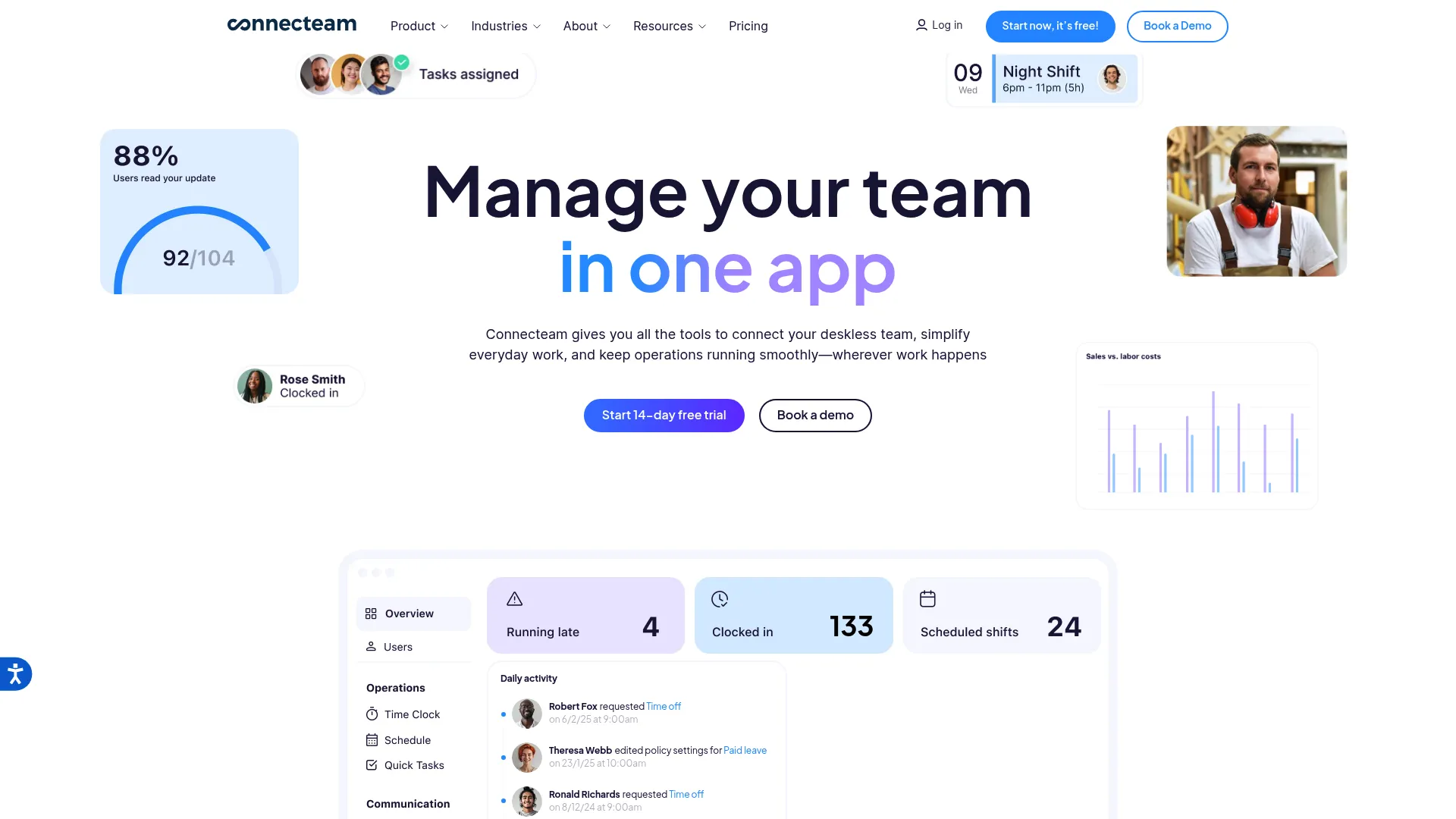
Connecteam is workforce management software built for frontline and deskless teams, which describes almost every cleaning crew. It handles scheduling, time tracking, and team communication in one app, plus HR functions like onboarding, training, and document management. For cleaning operators who also need to run broader field operations, that breadth is the draw.
Best for: deskless and frontline cleaning teams that want an all-in-one operations app rather than a cleaning-only tool.
Key strengths
- Scheduling and time tracking: assign shifts and jobs, then track hours from the crew's phone for accurate payroll.
- Team communication: in-app chat, updates, and announcements keep the whole crew on the same page without group texts.
- HR and training: onboarding flows, document management, and training modules for growing teams.
Why choose Connecteam: If your cleaning business is really a workforce-management problem first, with crews spread across sites and constant scheduling churn, Connecteam covers more of your day than a narrow maid-service CRM. Operators who only want residential booking and route optimization may find it broader than they need, but teams scaling headcount will value the HR depth.
Connecteam pricing: The Basic plan starts at $29 per month for the first 30 users, billed monthly, with per-additional-user charges above that. Connecteam offers a 14-day free trial, a Limited plan free for life up to 30 users, and a free Small Business Plan for businesses with fewer than 10 employees. It holds a 4.6/5 rating on G2.
2. Jobber
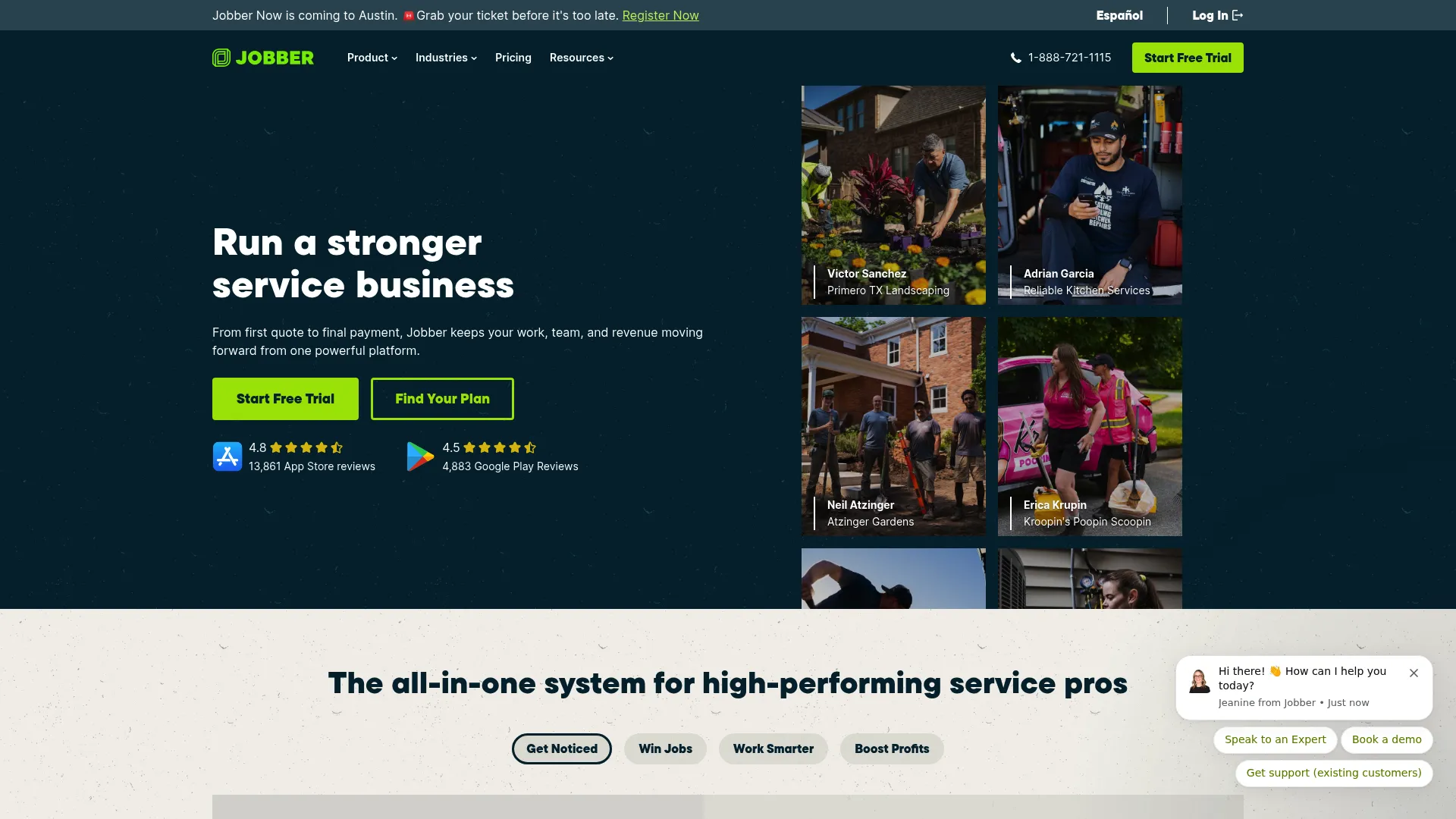
Jobber is field service management software for home service businesses, and it fits cleaning operators who want a polished, client-facing workflow. It covers scheduling, quoting, invoicing, and payments in one system, with client management (CRM) built in. The experience your clients see, from quote to booking to payment, is where Jobber stands out.
Best for: home service and cleaning teams that need scheduling, quoting, invoicing, and payments in one clean system.
Key strengths
- Scheduling: calendar and dispatch views that keep crews and jobs organized across the day.
- Invoicing and payments: generate invoices, collect online payments, and reduce the lag between job done and cash in.
- Client management: a built-in CRM that tracks client history, properties, and communication in one place.
Why choose Jobber: Jobber is a general home service platform rather than a cleaning-specific product, which is exactly why it appeals to operators who value a refined client experience over niche maid-service features. If your differentiator is professionalism, from the quote to the follow-up, Jobber delivers that polish. Teams wanting deep janitorial or route-density tools may want a more specialized option.
Jobber pricing: Jobber offers four paid plans, billed monthly: Core at $29, Connect at $89, Grow at $149, and Plus at $499. There is no free tier, but a 14-day free trial is available on the Grow plan. Jobber holds a 4.6/5 rating on G2.
3. ZenMaid

ZenMaid is scheduling and operations software built specifically for maid and cleaning businesses, which makes it one of the clearest fits for residential house cleaning software on this list. It combines calendar, dispatch, and map scheduling with automated SMS and email communications, plus booking forms, invoicing, and online payments. The whole product is shaped around how a maid service actually runs.
Best for: cleaning and maid service owners who need scheduling and team coordination purpose-built for residential recurring work.
Key strengths
- Scheduling views: calendar, dispatch, and map views tuned for recurring residential routes.
- Automated communications: SMS and email confirmations, reminders, and on-my-way notifications sent without manual effort.
- Booking and billing: online booking forms feed leads straight in, while invoicing and payments close the loop.
Why choose ZenMaid: Teams that want lead capture and client communication in one maid service software package will feel at home here, because the tool was designed for exactly that motion. The automated reminders alone cut the manual texting that eats into a residential owner's morning. Commercial-heavy operators with complex contracts may need a more contract-oriented platform.
ZenMaid pricing: ZenMaid publishes three monthly plans: Starter at $19, Pro at $39, and Pro Max at $49. A 14-day free trial is available, though SMS charges are separate. ZenMaid holds a 4.8/5 rating on G2.
4. The Cleaning Software
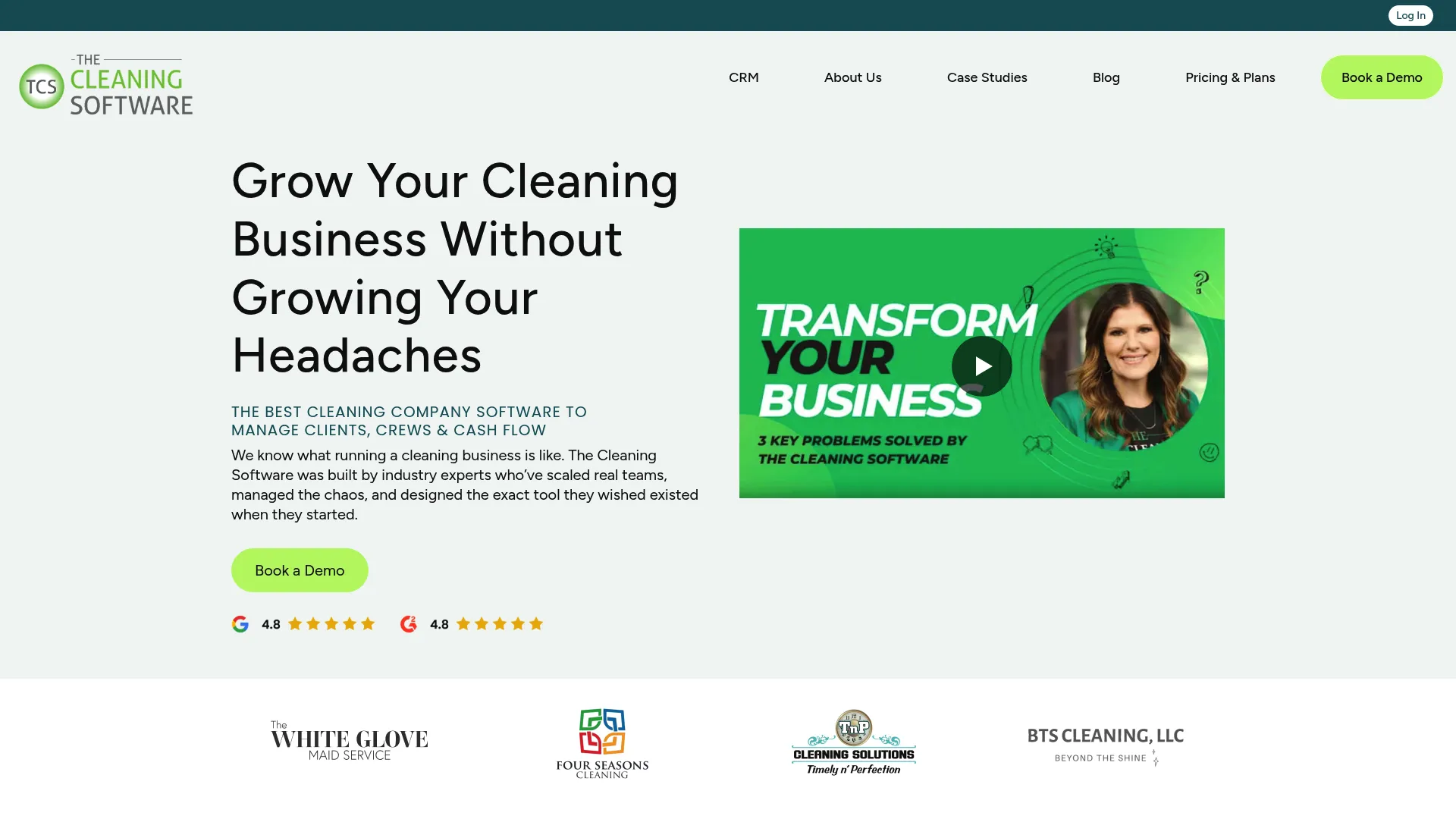
The Cleaning Software is a crm for cleaning business owners who want more control over routing, team assignment, and money movement. It covers map-based scheduling and route management, automated payroll and payment handling, and customer management with subscriptions and interaction logs. For residential cleaning teams, it aims to be the operational brain of the business.
Best for: residential cleaning businesses that want scheduling, payroll, and customer management in one connected platform.
Key strengths
- Map-based scheduling: plan routes and assign crews visually, then adjust as the day changes.
- Payroll and payment automation: auto-charge clients and automate payroll handling to cut manual bookkeeping.
- Customer management: subscriptions, recurring plans, and interaction logs give you a full client picture.
Why choose The Cleaning Software: Owners who want tight control over routing and automatic money movement, both charging clients and paying crews, will value how much this cleaning crm software automates. The subscription handling suits recurring residential plans especially well. Its focus is residential, so commercial operators running SLA-heavy contracts may look elsewhere.
The Cleaning Software pricing: The platform publishes three plans, billed monthly: Starter at $97 (3 users), Pro at $297 (3 users), and Agency at $597 with custom seat pricing noted as coming soon. It holds a 4.9/5 rating on G2, the highest on this list.
5. WorkWave
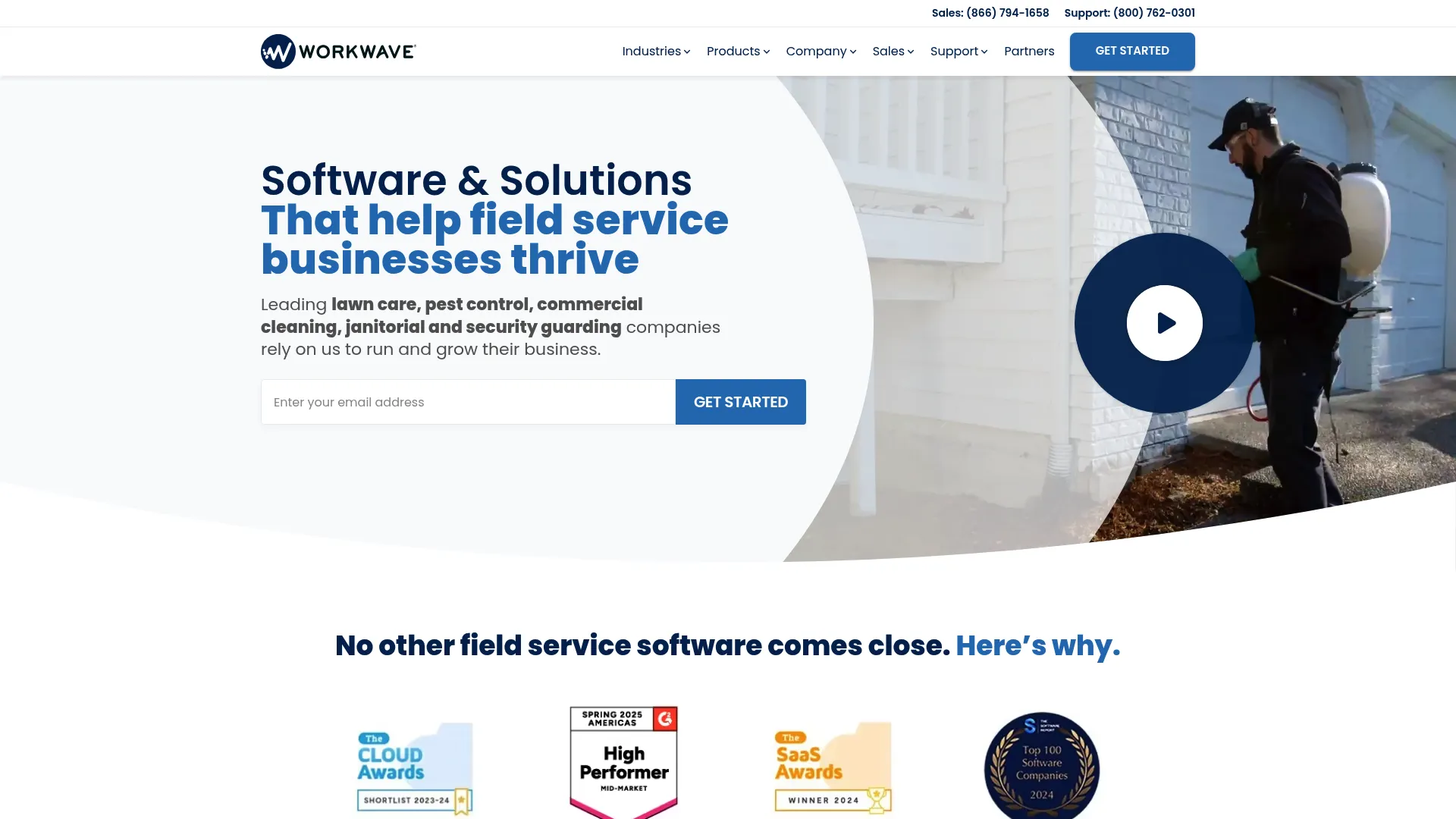
WorkWave provides vertical SaaS software for field service and logistics businesses, and it is the strongest commercial cleaning software fit on this list. It brings together CRM and ERP software, routing and scheduling, billing and payments, mobile operations, and AI technology. For larger teams and multi-site operators, that depth handles contracts, SLAs, and site-level accountability that lighter tools do not reach.
Best for: commercial and multi-site field service businesses that need industry-specific operations software at scale.
Key strengths
- Routing and scheduling: plan crew coverage across many sites and optimize routes for larger operations.
- CRM and ERP: manage the full operation, from client relationships to back-office resource planning.
- Mobile operations: field access for daily activity reports, QA, and crew coordination on site.
Why choose WorkWave: When your business runs commercial contracts with SLAs, multiple sites, and payroll complexity, WorkWave's enterprise-style coverage fits better than a residential-first tool. Larger teams that have outgrown lightweight scheduling apps are the core audience. Smaller residential operators may find it heavier than their workflow requires.
WorkWave pricing: WorkWave does not publish standard numeric pricing; the site indicates some products use all-inclusive pricing while others require contacting sales, so treat it as custom pricing and request a quote. It holds a 4.1/5 rating on G2.
6. ServiceM8
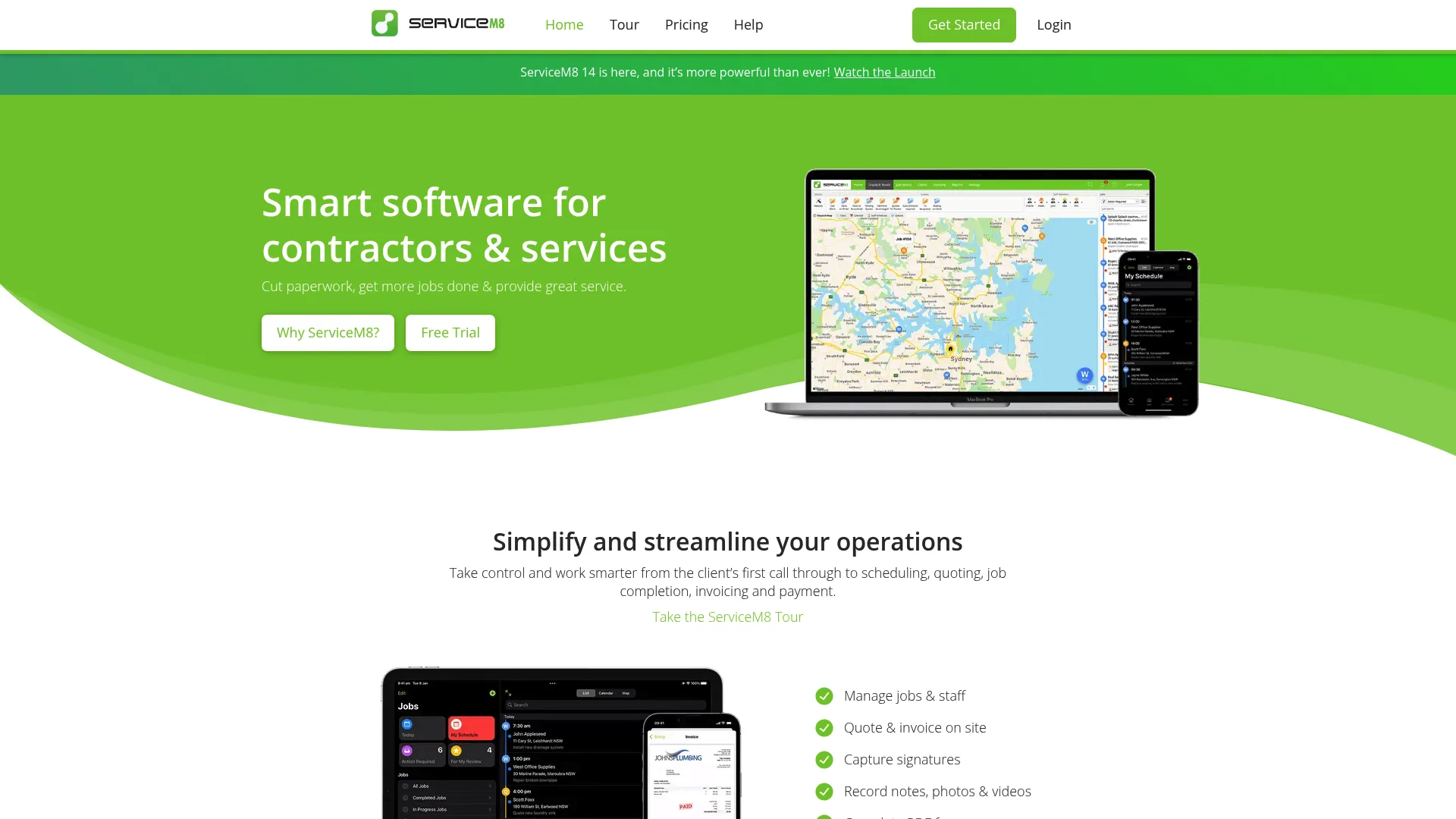
ServiceM8 is field service management software for trade and service businesses, useful for smaller cleaning operations that need clean workflows and fast admin. It handles job scheduling, quoting, invoicing, and online bookings, with a strong mobile experience for field teams. It is service-business broad rather than cleaning-only, which suits lean operators who value simplicity.
Best for: smaller trade and service businesses that need job dispatch, quoting, invoicing, and client communication in one system.
Key strengths
- Job scheduling: organize and dispatch jobs quickly, with a mobile app crews can use on site.
- Quoting and invoicing: move from quote to invoice fast to keep admin off your evenings.
- Online bookings: let clients book online and feed jobs straight into your schedule.
Why choose ServiceM8: Solo operators and small crews get the most value here, especially given the free tier for solo work. The workflow is lean by design, which is a feature if admin overhead is your main pain. Larger commercial operations with heavy contract management may need more than ServiceM8 targets.
ServiceM8 pricing: ServiceM8 lists five plans, billed monthly: a Free plan for solo operators, Starter at $29, Growing at $79, Premium at $149, and Premium Plus at $349. It holds a 4.0/5 rating on G2.
7. Housecall Pro
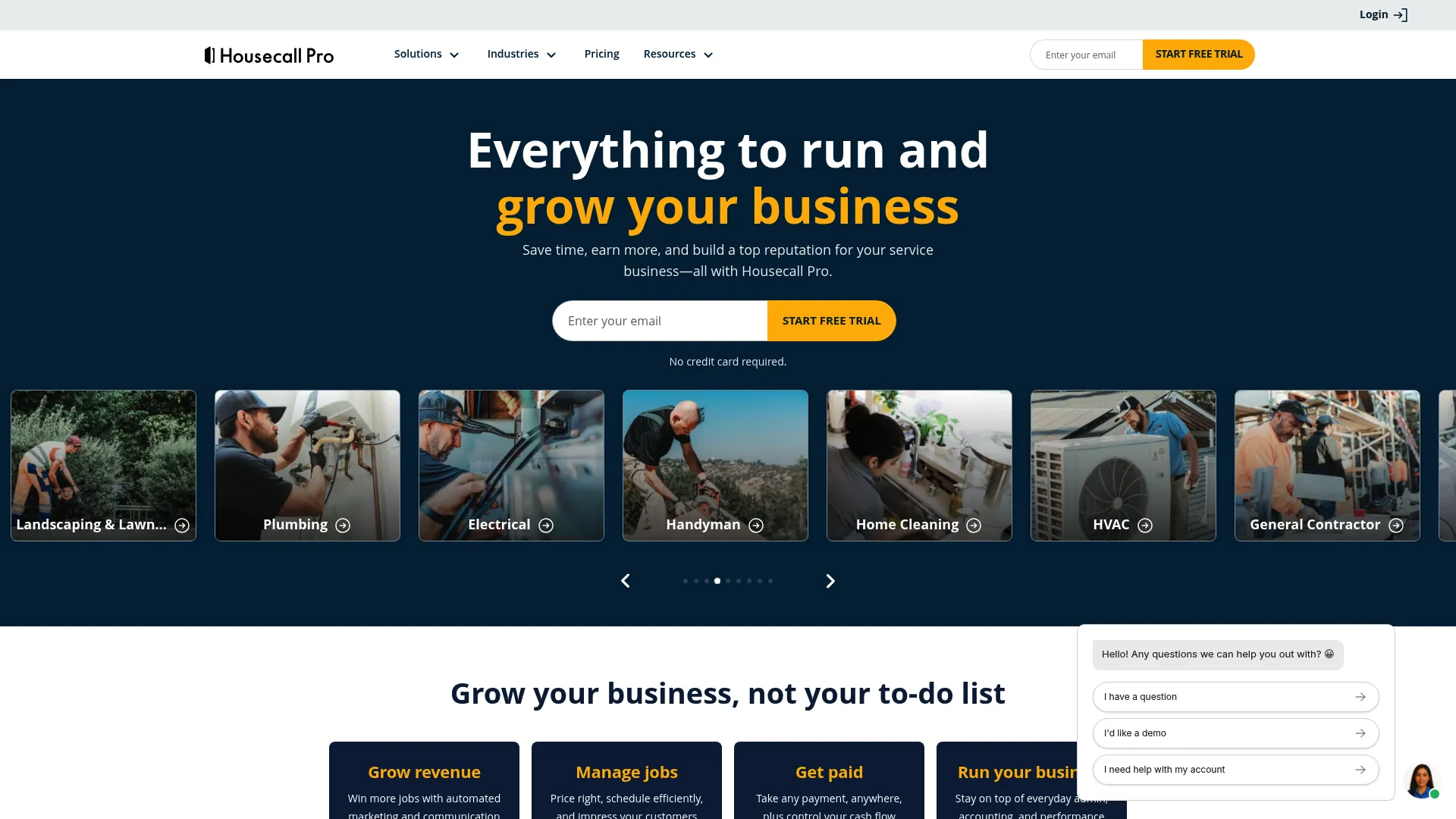
Housecall Pro is field service management software for home service businesses, and it fits cleaning operators who want a recognizable, all-in-one service platform. It covers scheduling and dispatching, invoicing and payments, and online booking with customer communication. The mobile app helps owners standardize the handoff between office and field.
Best for: home service and cleaning businesses that want an all-in-one field service platform with strong mobile support.
Key strengths
- Scheduling and dispatching: assign and dispatch jobs with a mobile app crews carry to every job.
- Invoicing and payments: invoice and collect payment quickly to keep cash flow moving.
- Online booking and communication: let clients book online and keep them updated automatically.
Why choose Housecall Pro: Owners who want a broad, well-known platform to standardize office-to-field operations will find Housecall Pro a comfortable fit. Its mobile experience is a real strength for crews in the field all day. The entry price sits higher than the leanest options, so very small operators should weigh the tier that matches their size.
Housecall Pro pricing: Housecall Pro publishes three plans, billed annually: Basic at $59 per month, Essentials at $149 per month, and MAX at $299 per month. There is no free tier, but a 14-day free trial is available. It holds a 4.3/5 rating on G2.
8. Swept
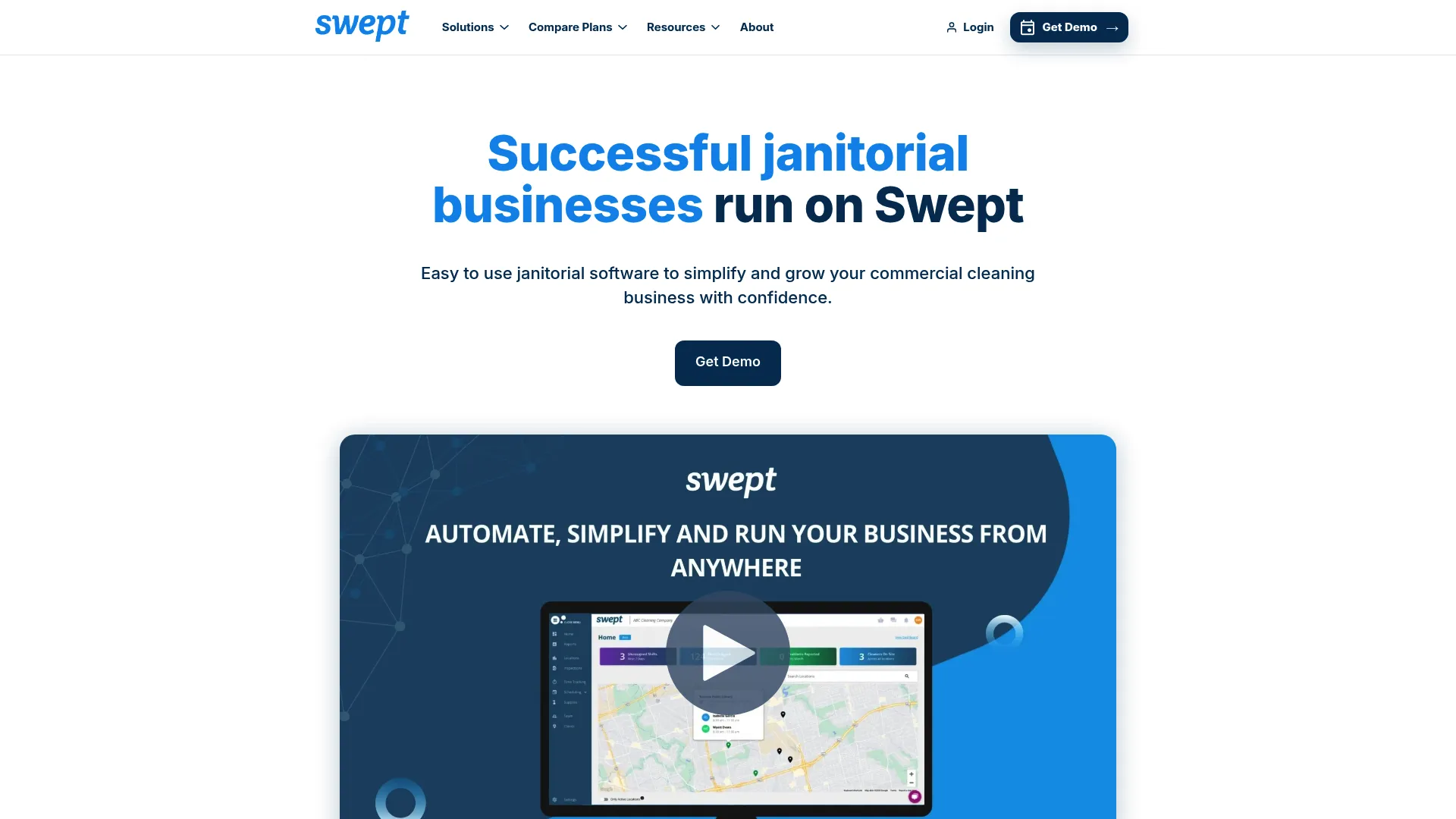
Swept is janitorial software built for commercial cleaning businesses, and it centers on crew communication and operational oversight. It covers time tracking with GPS check-ins, scheduling and one-time work orders, inspections, checklists, and messaging, plus profitability and supply management. For commercial teams where accountability across many sites is the constant challenge, that focus pays off.
Best for: commercial cleaning companies that need janitorial operations software focused on crew accountability.
Key strengths
- Time tracking with GPS: GPS check-ins confirm crews are on site when and where they should be.
- Inspections and checklists: standardize quality with inspections and completion checklists per site.
- Messaging and oversight: team messaging plus profitability and supply management keep owners in control.
Why choose Swept: Commercial cleaning operators who care most about knowing what their crews are doing, and proving it, get the most from Swept. GPS check-ins and inspections build the accountability layer janitorial contracts demand. Residential maid services will likely prefer a booking-and-reminders tool built for their motion.
Swept pricing: Swept publishes three plans priced by location, starting at 15 locations. Launch starts at $24 per month ($30 annual), Optimize at $120 per month ($150 annual), and Scale at $180 per month ($225 annual), with annual billing saving 20%. It holds a 4.3/5 rating on G2.
Considerations before you buy
Choosing cleaning business management software comes down to matching the tool to how you actually operate. Use this checklist before you commit.
Match the tool to your business model
A maid service, a residential recurring-cleaning company, and a commercial janitorial operation have different workflows. Buy for the model you run today, not the one you imagine. A residential-first tool will feel cramped on commercial contracts, and a commercial platform will feel heavy for a two-crew maid service.
Test scheduling and routing together
Scheduling looks fine in a sales demo and gets messy in daily use. Evaluate how the tool handles same-day reschedules, route density, and crew reassignment. If you run tight routes, map-based scheduling is worth prioritizing over a plain calendar.
Check mobile access and proof of work
Your crews live in the mobile app, not the web dashboard. Confirm the app handles schedules, job notes, checklists, photos, and time tracking, and that it works with spotty connectivity. Proof-of-work features settle client disputes and protect your reputation.
Confirm billing and payment fit
Look at invoicing, online payments, auto-charging for recurring clients, and payroll or accounting handoff. The goal is fewer manual steps between finishing a job and getting paid, plus clean exports into whatever accounting tool you already use.
Weigh onboarding and switching cost
Migration and training determine how fast the tool earns its place. Check for data import support, setup help, and how quickly your crews can actually adopt it. A tool that takes a quarter to roll out costs you more than its subscription.
Conclusion
The best software for cleaning company operations depends entirely on how you run the work. There is no single winner, only the right fit for your model.
For all-in-one operations with heavy scheduling and communication needs, Connecteam covers the most ground. Maid services get the cleanest fit from ZenMaid, and owners who want CRM-style control over routing and money movement should look hard at The Cleaning Software. Commercial and multi-site operators are best served by WorkWave, with Swept as the sharper choice when crew accountability is the priority. Jobber and Housecall Pro suit teams that want a polished, general home service platform, while ServiceM8 is the lean pick for small operations and solo cleaners.
Pick the platform that connects scheduling, team visibility, client communication, and cash collection with the least admin burden for your current operating model. The right choice is the one your crews actually use every day and that gets you paid faster, not the one with the longest feature list.
FAQs
Cleaning business software centralizes scheduling, crew coordination, client communication, invoicing, payments, and reporting for cleaning companies in one system. Instead of juggling a calendar, a texting app, and a separate invoicing tool, cleaning service software runs the whole operation from one place with a connected mobile app for field teams.
There is no single best tool; it depends on your model. Maid services fit ZenMaid, residential owners who want routing and payroll control fit The Cleaning Software, commercial operators fit WorkWave, and teams wanting broad all-in-one operations fit Connecteam. Match the software for cleaning company workflows to how you actually run jobs today.
Yes. Most cleaning scheduling software automates job scheduling, appointment confirmations, and reminder messages over SMS and email, including on-my-way notifications. Exact features vary by vendor, so confirm which communications are automated and whether SMS costs are included in your plan.
Mobile access is standard because field crews need their schedules, job notes, and updates on the go. Most tools include a cleaner-facing app for viewing jobs, adding notes and photos, completing checklists, and tracking time, which also gives owners proof of work for every completed job.
ZenMaid is the most obviously maid service software on this list. It is built around residential recurring work, with scheduling, automated reminders, online booking, and billing shaped for how a maid service actually operates day to day.
WorkWave is the strongest commercial cleaning software fit here, with routing, scheduling, and CRM or ERP depth for multi-site operations, contracts, and SLAs. Swept is the sharper choice when crew accountability and janitorial oversight, through GPS check-ins and inspections, matter most.
Switching is manageable when the vendor supports data import and offers setup help. The bigger factor is crew adoption, so prioritize tools with clean mobile apps and onboarding support. Easier onboarding and import assistance are legitimate buying criteria, so ask vendors directly how migration works before you commit.
Compare scheduling and routing depth, mobile access and proof of work, invoicing and payments, automated reminders, reporting, and customer communication. Weigh each against your business model, since a maid-service tool and a commercial cleaning management software platform prioritize different things. Confirm current pricing and switching support before you decide.