Monday.com
Monday.com is a work operating system that helps teams plan, track, and deliver work with customizable workflows and collaboration features.
Website
Industry
Collaboration
Share this article:

How to sort a column in Monday.com

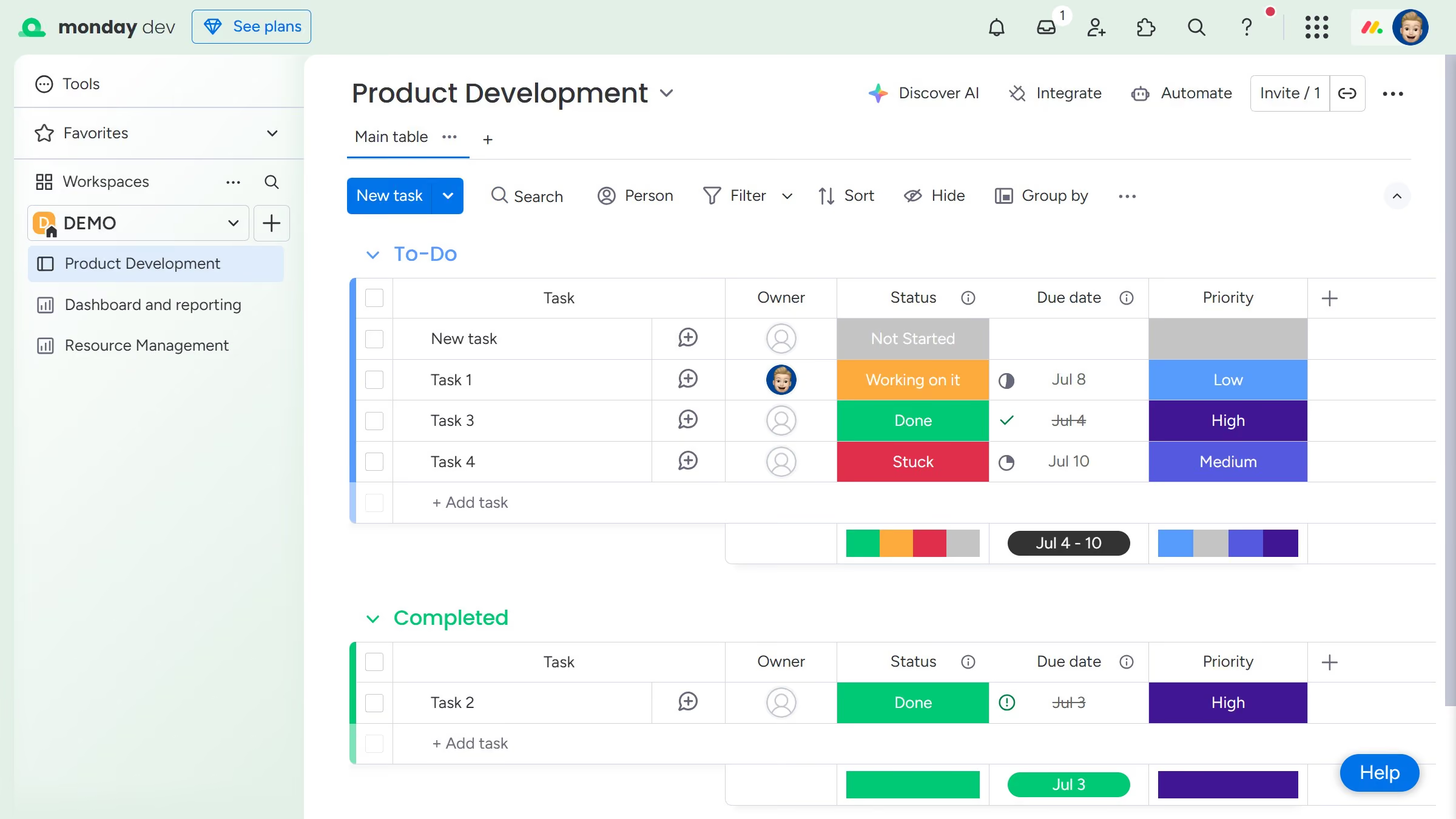
Here is how to sort a column in monday.com

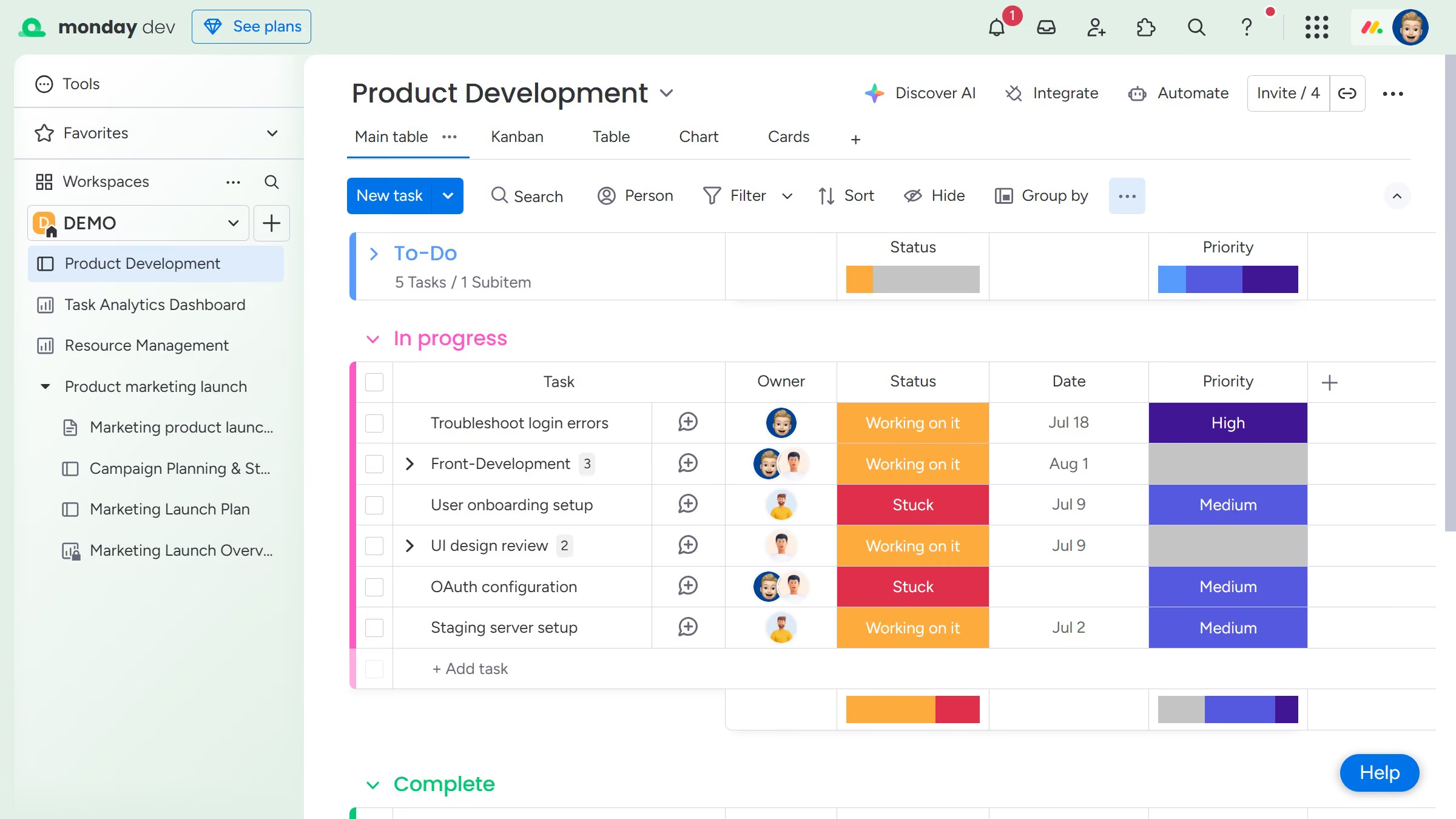
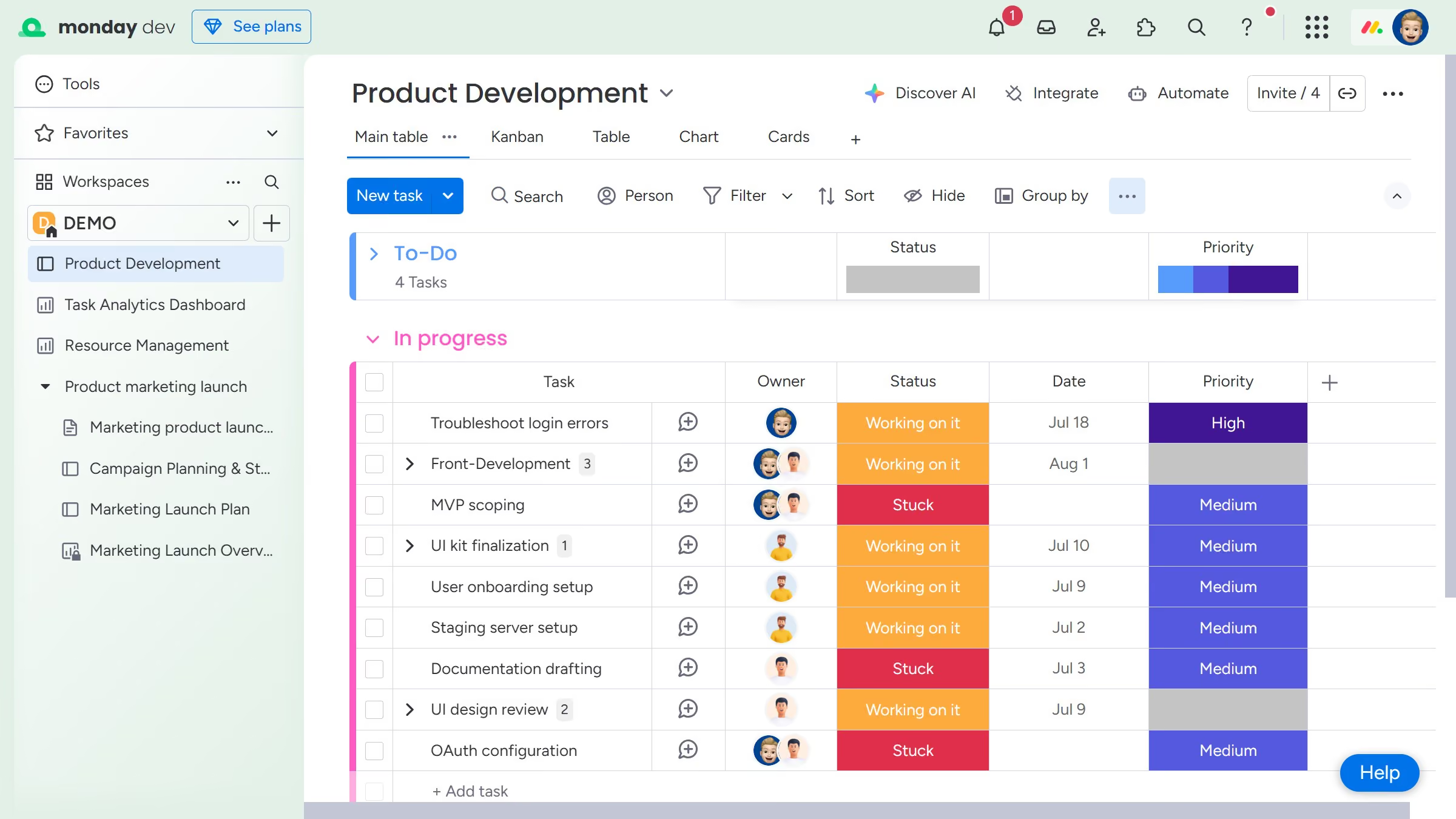
  1. First locate the column you want to sort on the board
  2. Hover over the column name and click the arrow icon to toggle between ascending and descending order
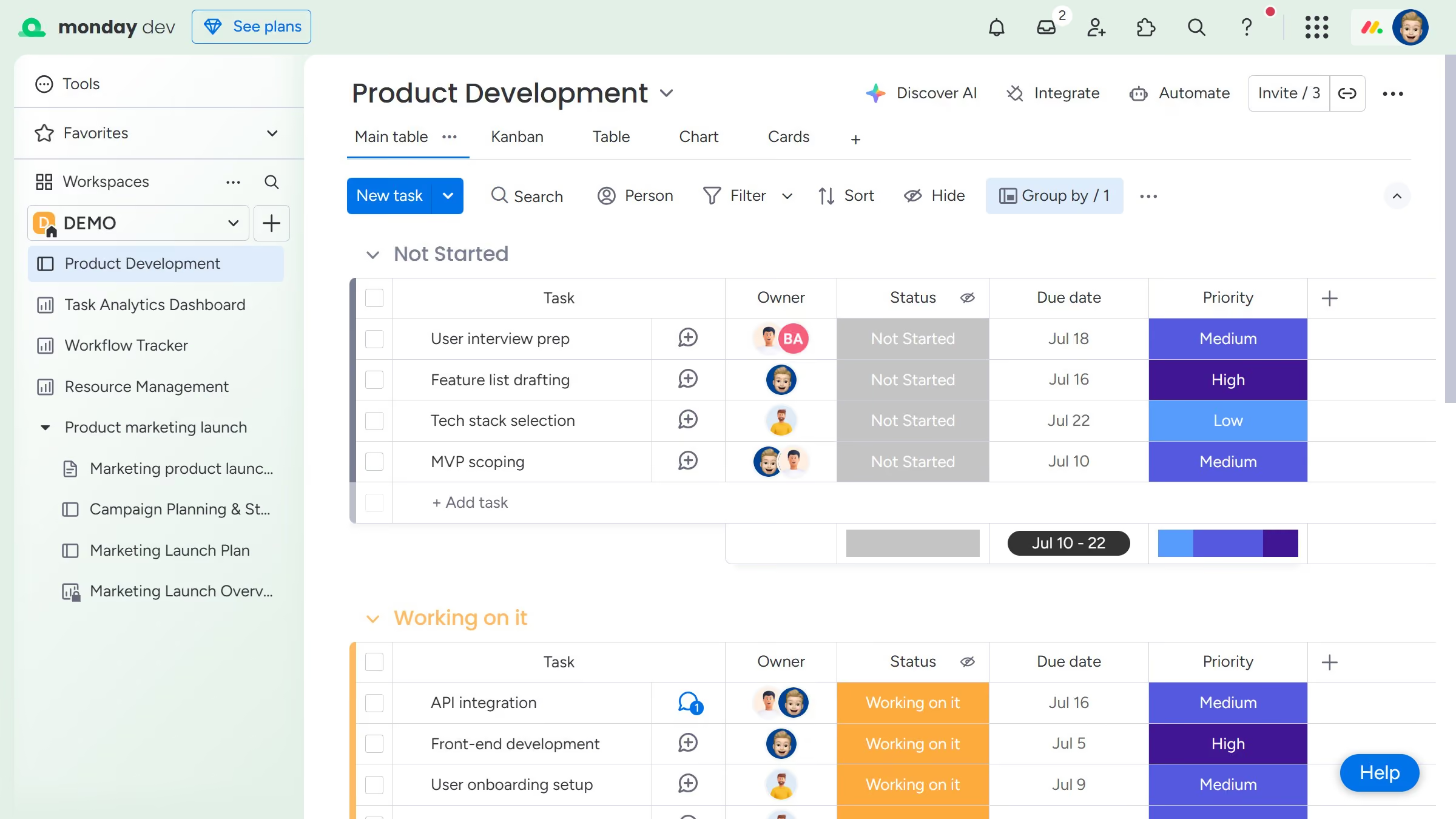
  3. Then the board will rearrange items based on the selected sort order for that column
  4. Finally if you want the sort to save, click on the "Save" button to the left of the sort button

Create your own interactive guide with Guideflow

Why should you sort a column in Monday.com

Monday.com is a versatile work operating system designed to streamline team collaboration and project management.

Sorting a column in Monday.com allows users to organize data effortlessly, making information retrieval more efficient.

By leveraging this feature, users can quickly prioritize tasks, identify trends, and improve data visibility.

Being able to sort columns not only enhances productivity but also aids in strategic decision-making and planning, ensuring your team remains focused and aligned.

Last update
July 14, 2026
Cursor MariaA cursor points to a button labeled "James."

Loo oma esimene demo vähem kui 30 sekundiga.