Monday.com
Monday.com is a work operating system that helps teams plan, track, and deliver work with customizable workflows and collaboration features.
Website
Industry
Collaboration
Share this article:

How to convert an item to a subitem in Monday.com

Here is how to convert an item to a subitem in monday.com

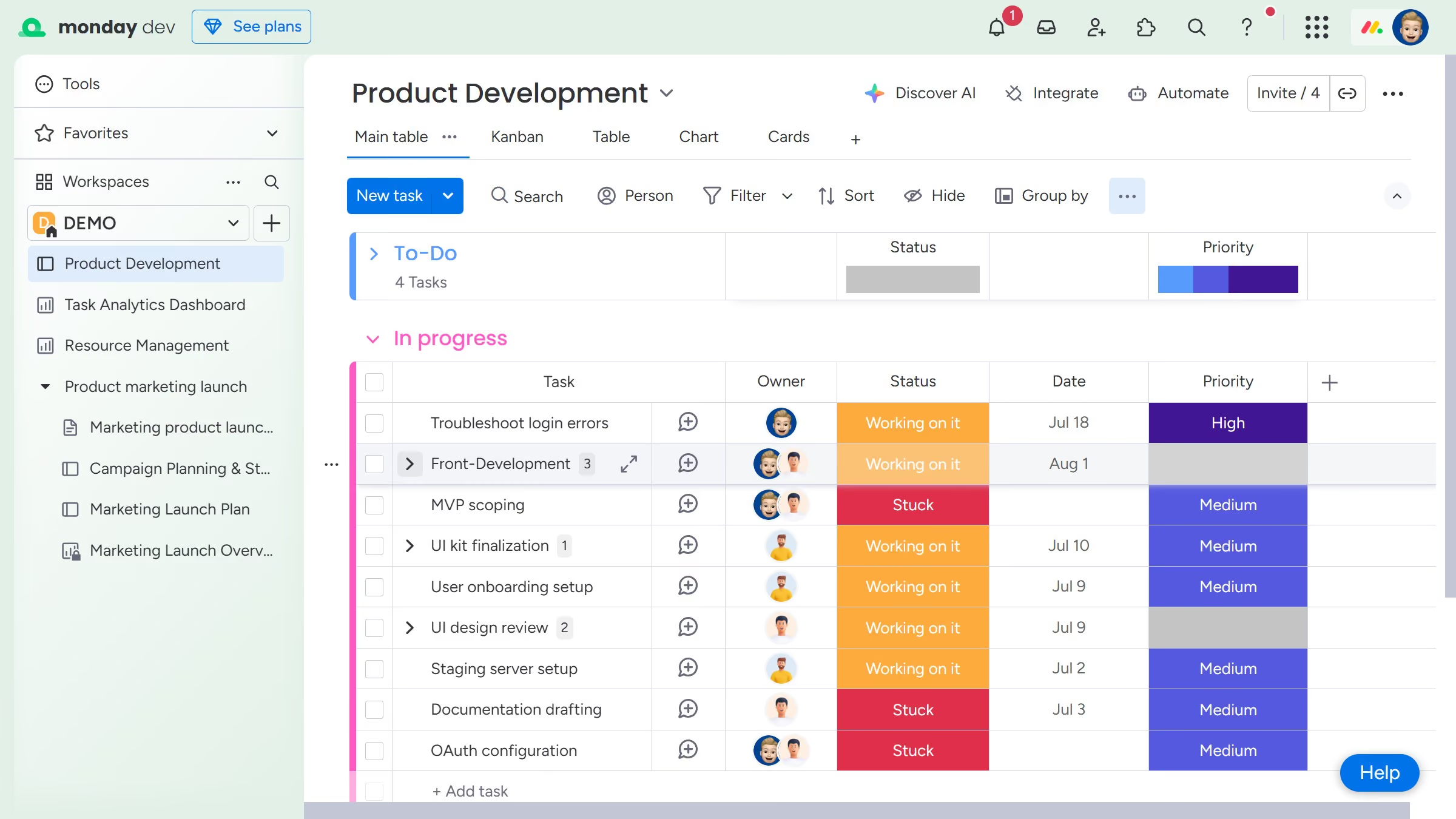
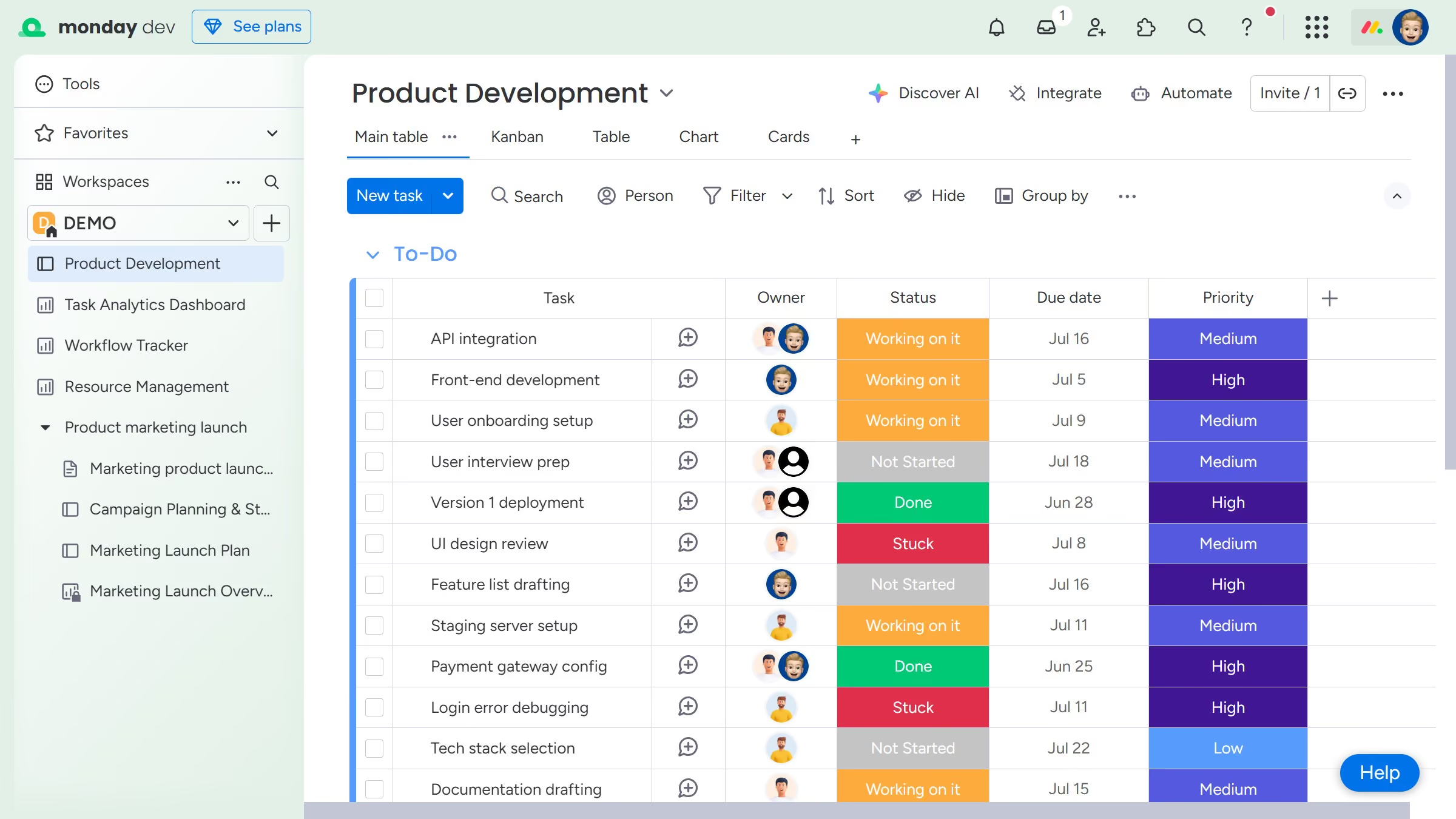
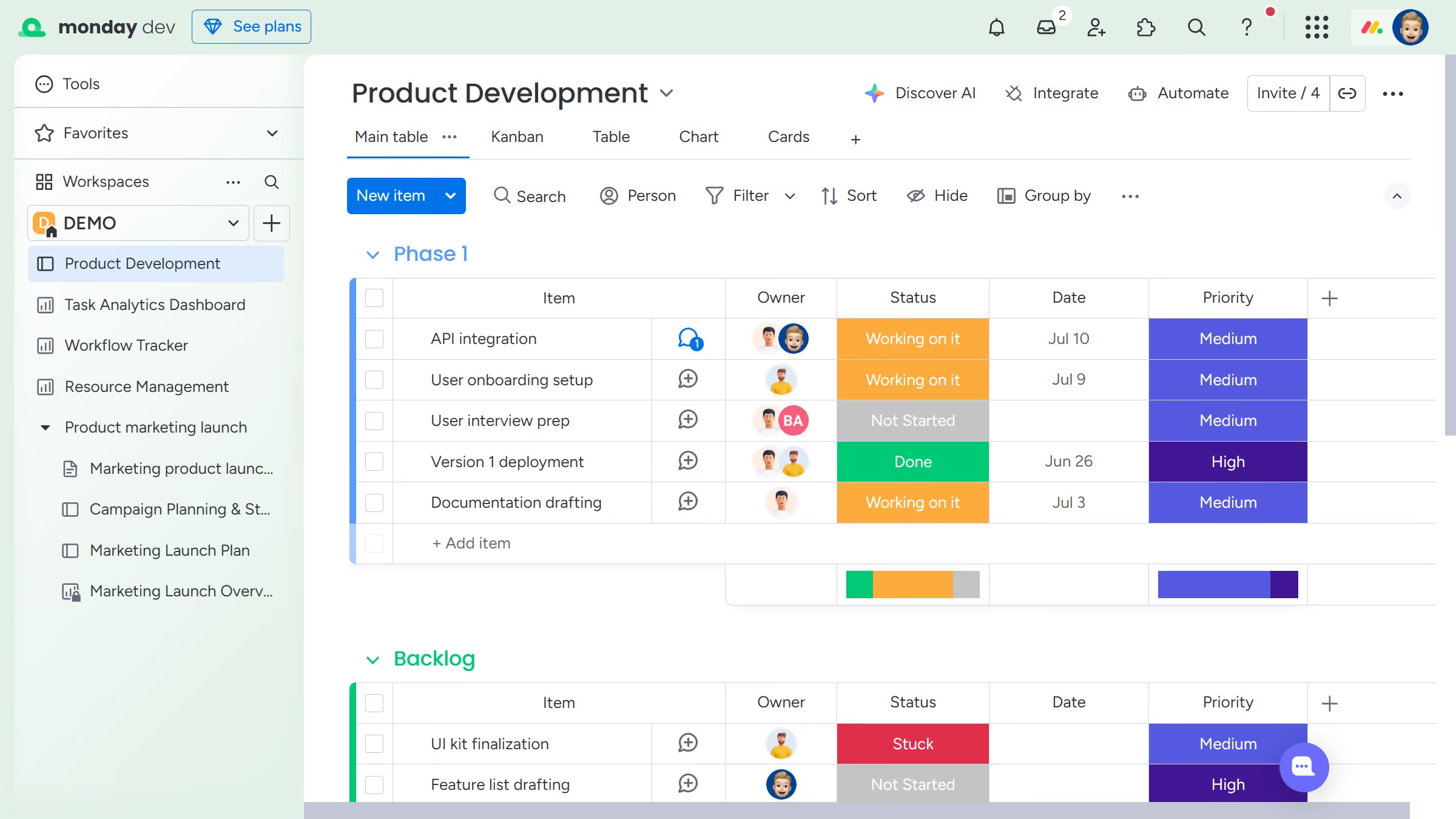
  1. First locate the item you want to convert
  2. Next click the checkbox next to the item name to select it
  3. From the task actions menu that appears, click the "Convert" button
  4. Finally select the parent item you want to nest it under from dropdown  list

Create your own interactive guide with Guideflow

Why should you convert an item to a subitem in Monday.com

Monday.com is a versatile work operating system that empowers teams to optimize their workflow efficiency.

Transforming an item into a subitem in Monday.com is a feature that enhances organizational clarity by breaking down tasks into manageable components.

This functionality allows teams to maintain an overview while efficiently tracking specific elements within a larger project.

Using subitems helps prioritize tasks, facilitates better communication, and ensures each project segment receives focused attention, ultimately driving more effective project management.

Last update
July 14, 2026
Cursor MariaA cursor points to a button labeled "James."

Loo oma esimene demo vähem kui 30 sekundiga.