Here is how to add another admin to your account in monday.com
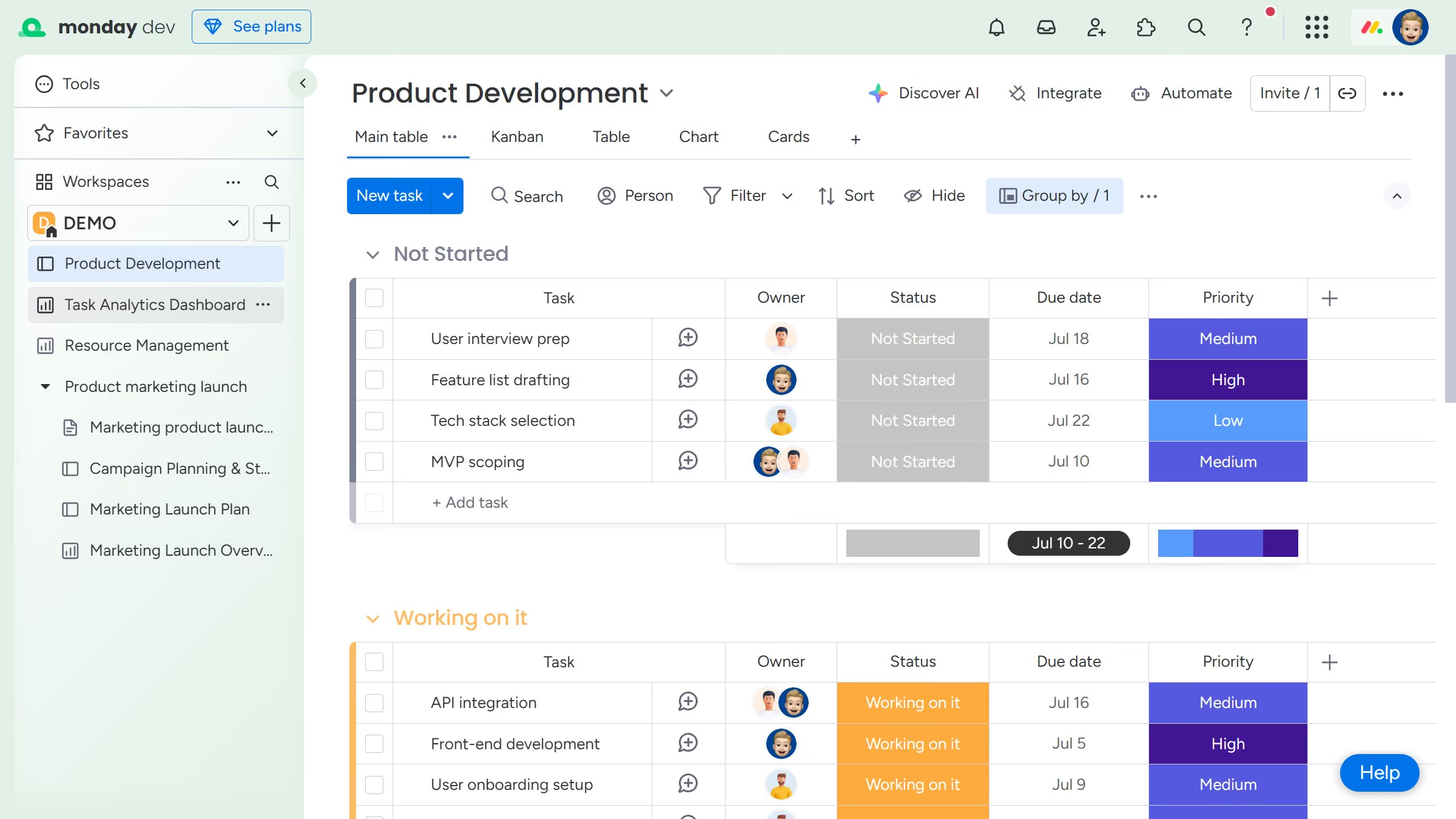
- First click on the profile picture in the top-right corner of the header
- Then click on the "Administration" option in the dropdown menu
- Click on "Directory" section in the left sidebar
- Next click on "Users" in the Directory submenu
- Locate the user you want to make an admin from the user list
- Then click the dropdown menu in the "User Role" column next to the user's name
- Finally select "Admin" from the role dropdown menu
- The selected user will immediately gain admin rights and full access to all administrative settings