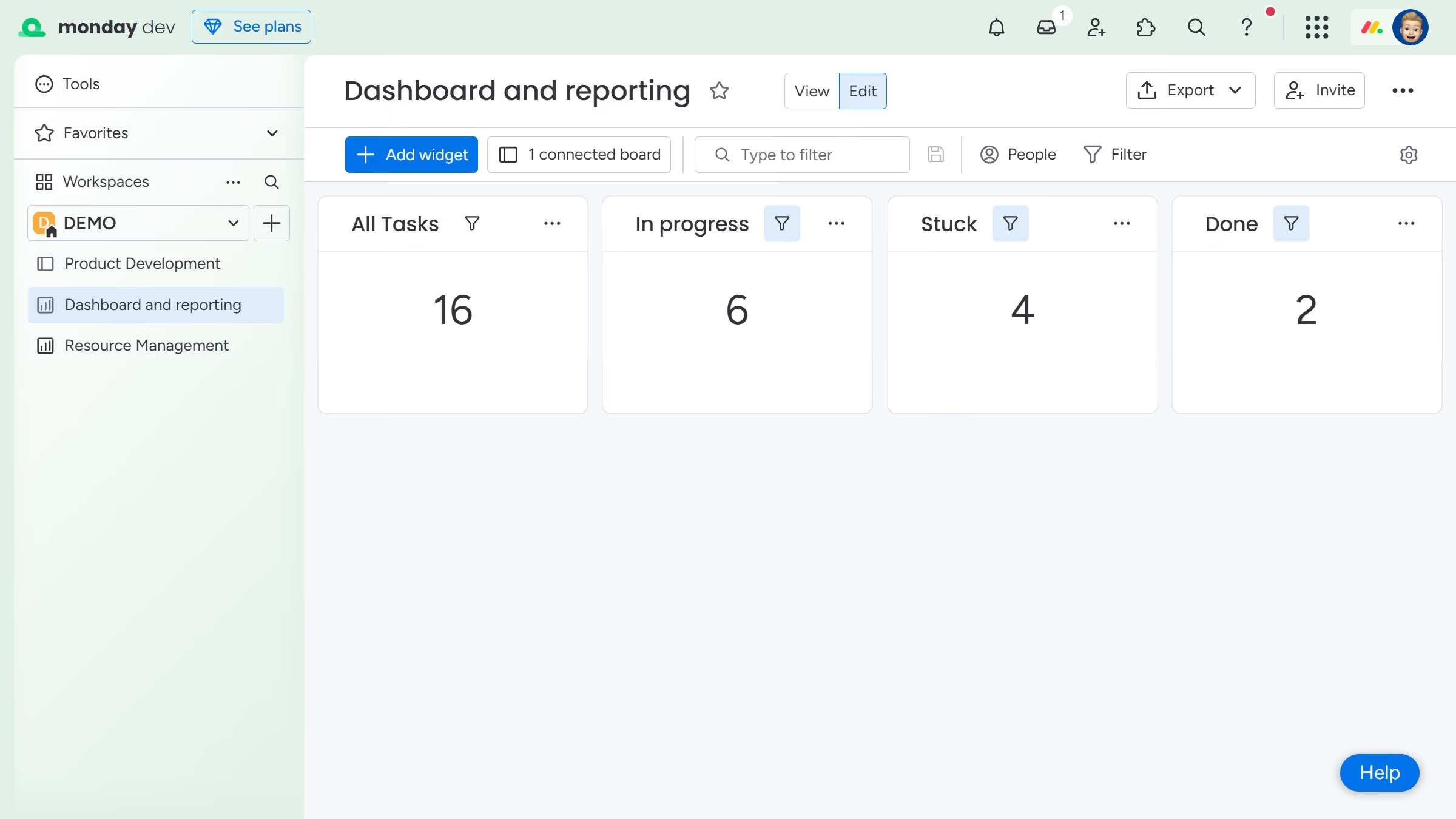
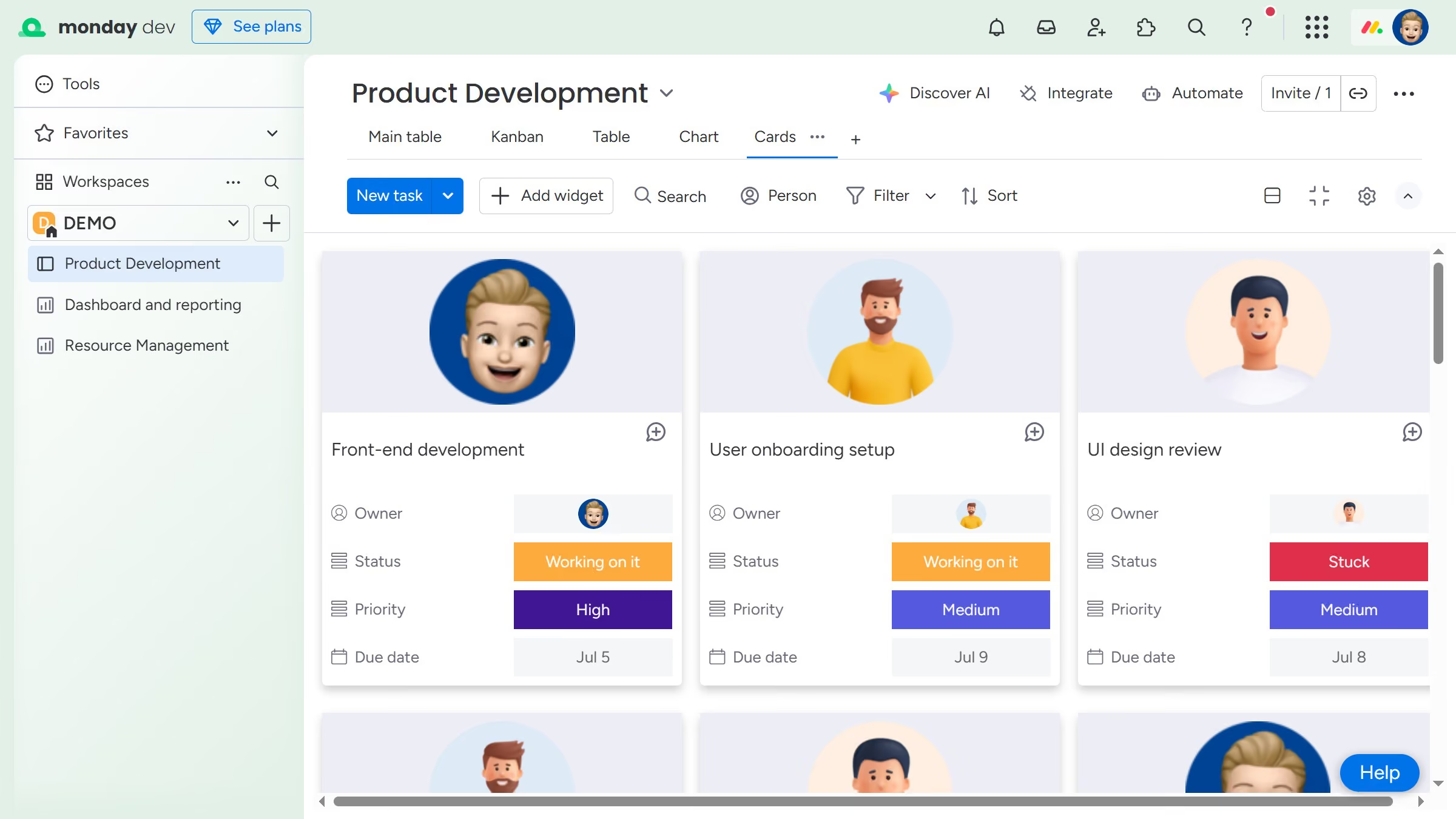
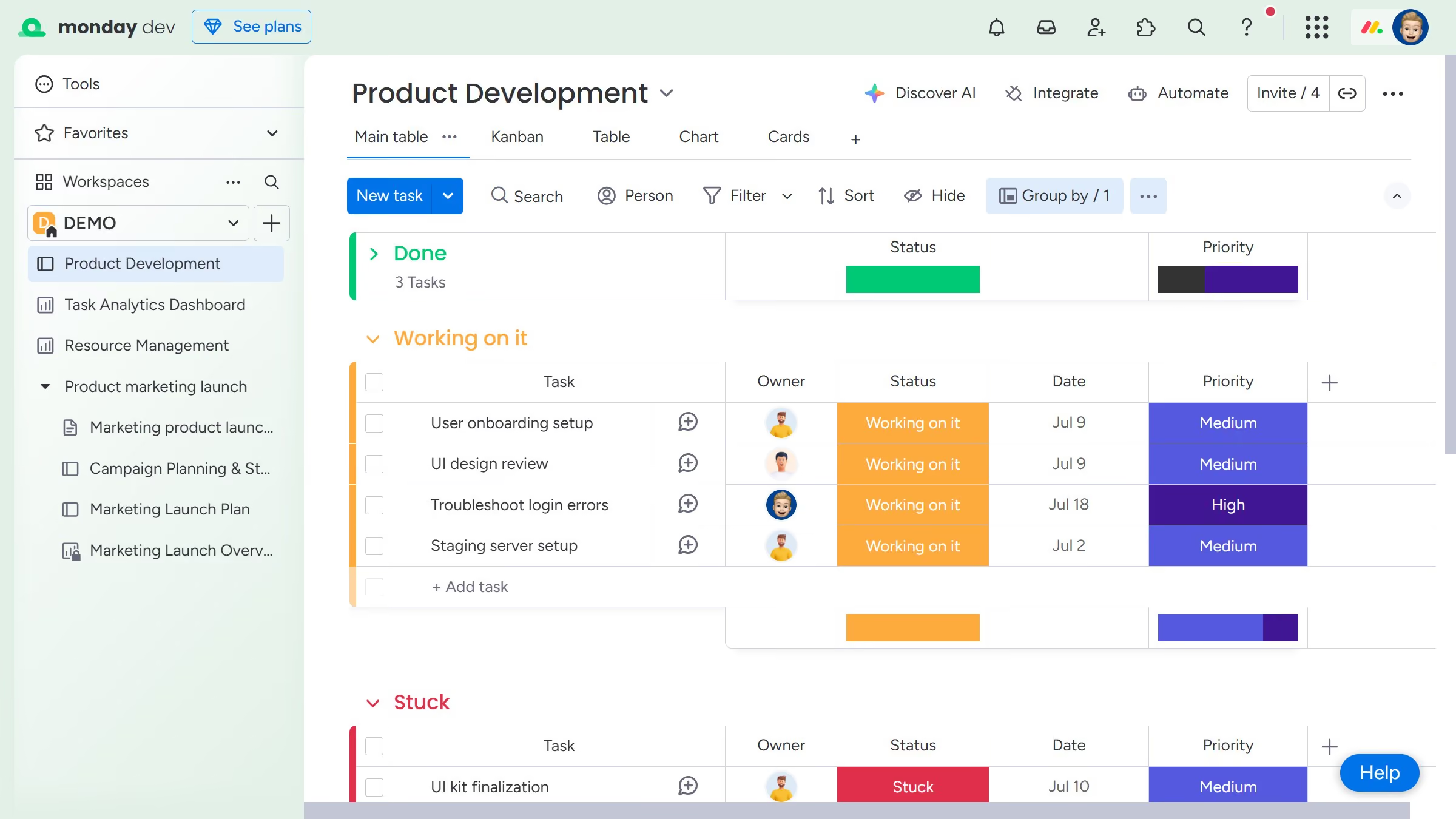
Here is how to resize a widget in a dashboard in monday.com
- First in the left sidebar, open the dashboard containing the widget you want to resize
- Next locate and hover over the widget you want to resize on the dashboard
- Then a resize handle will appear. Click and drag it to resize the widget to your desired dimensions
- Finally release the mouse to apply the new size