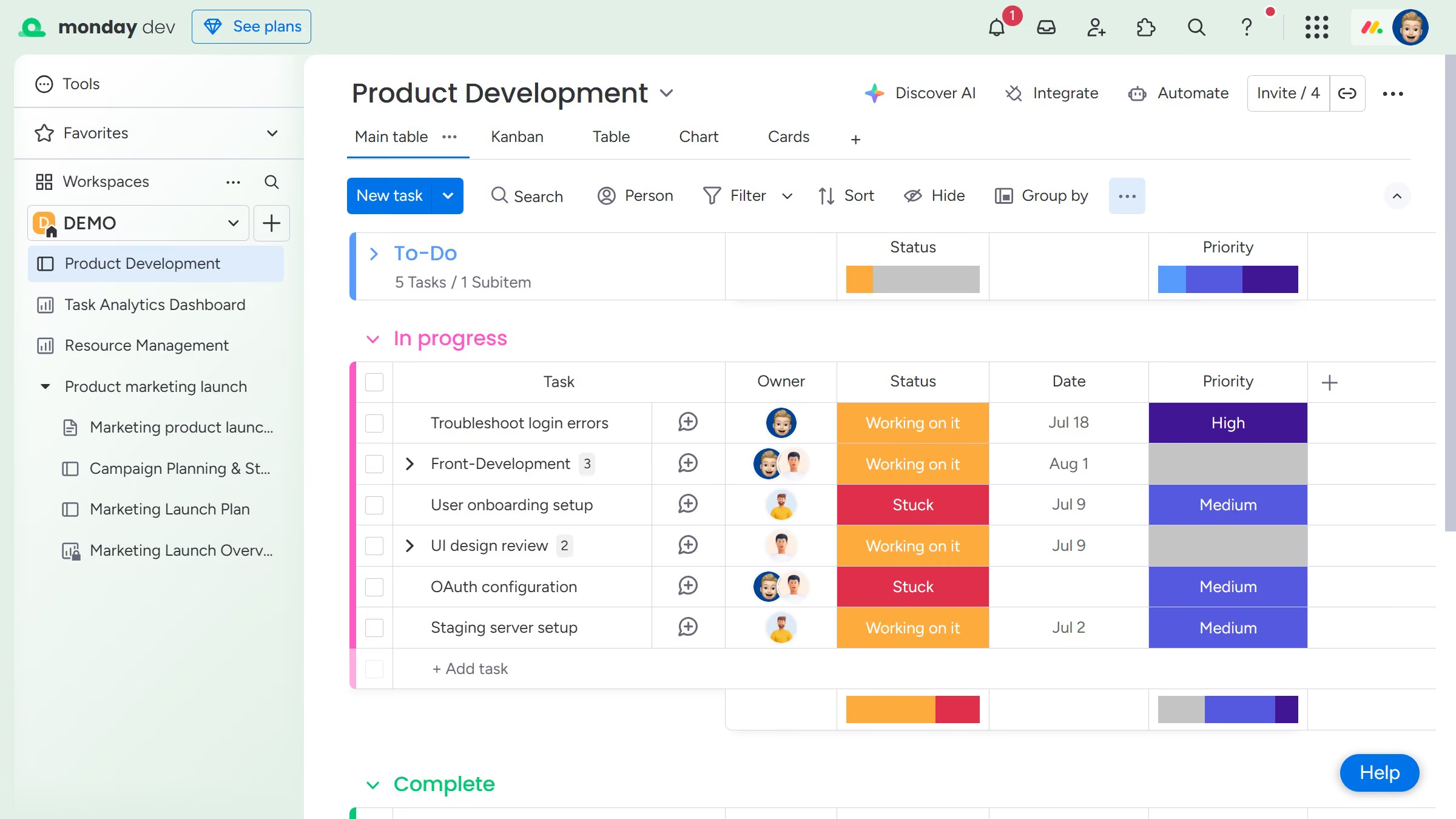
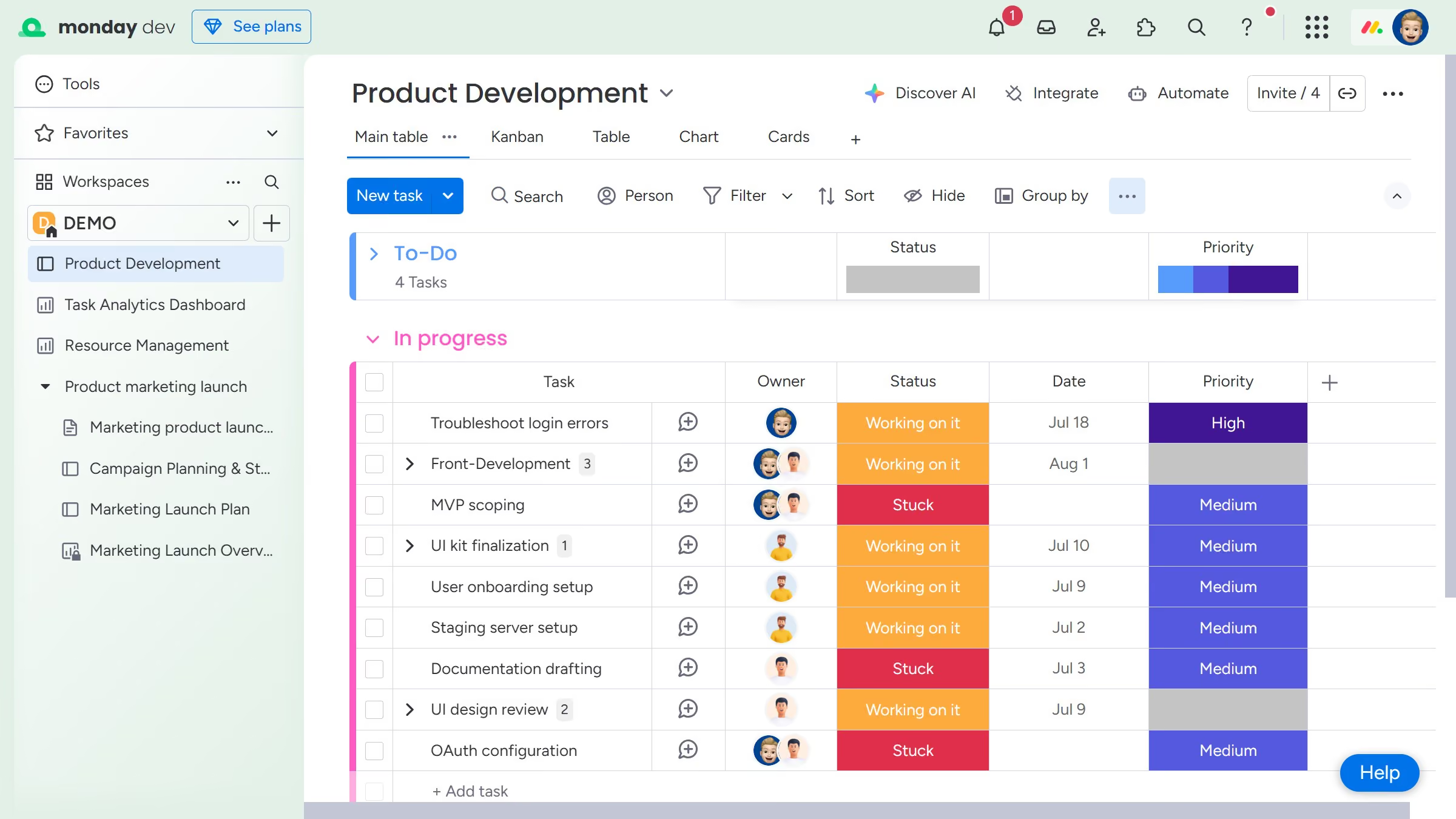
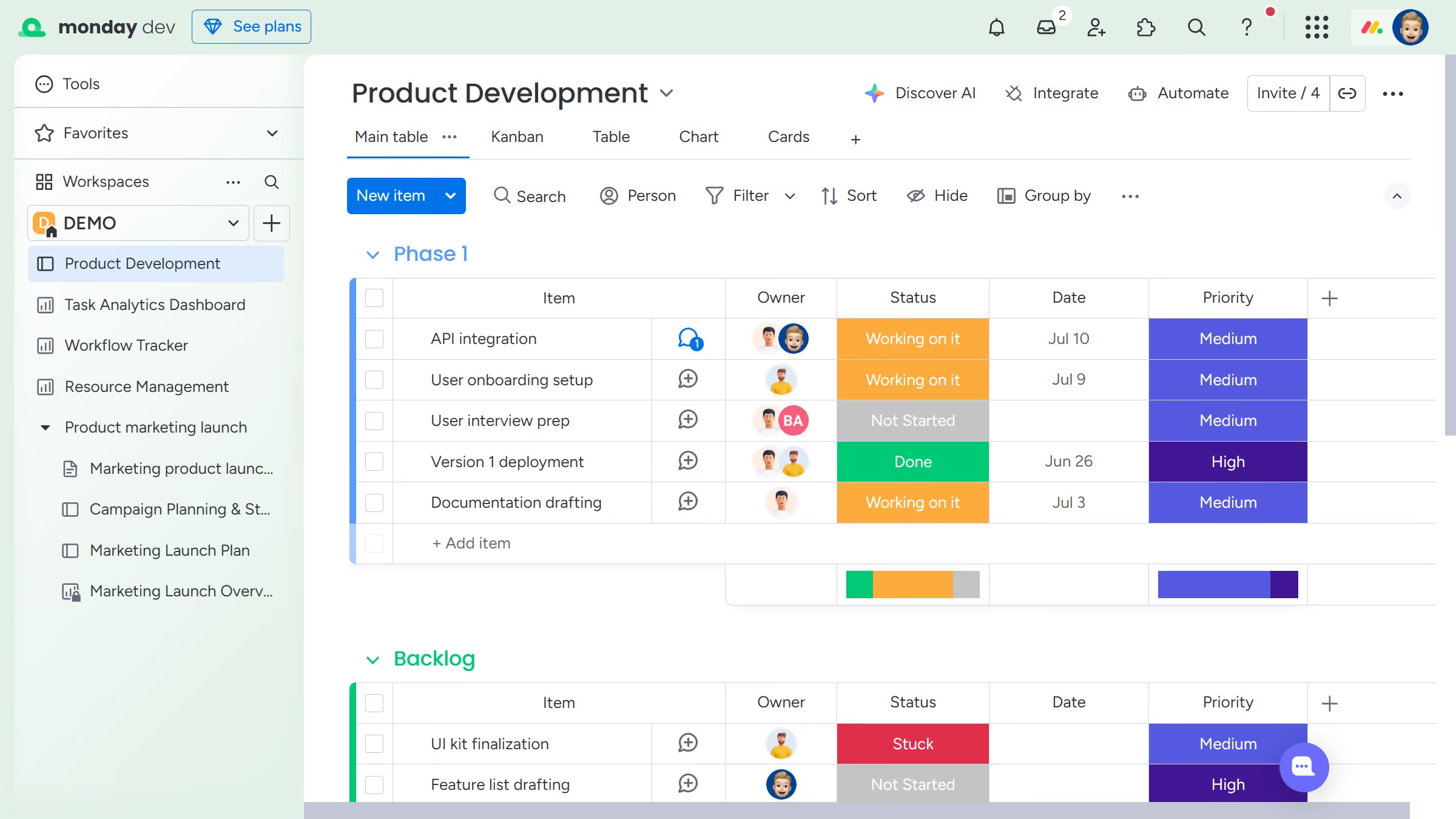
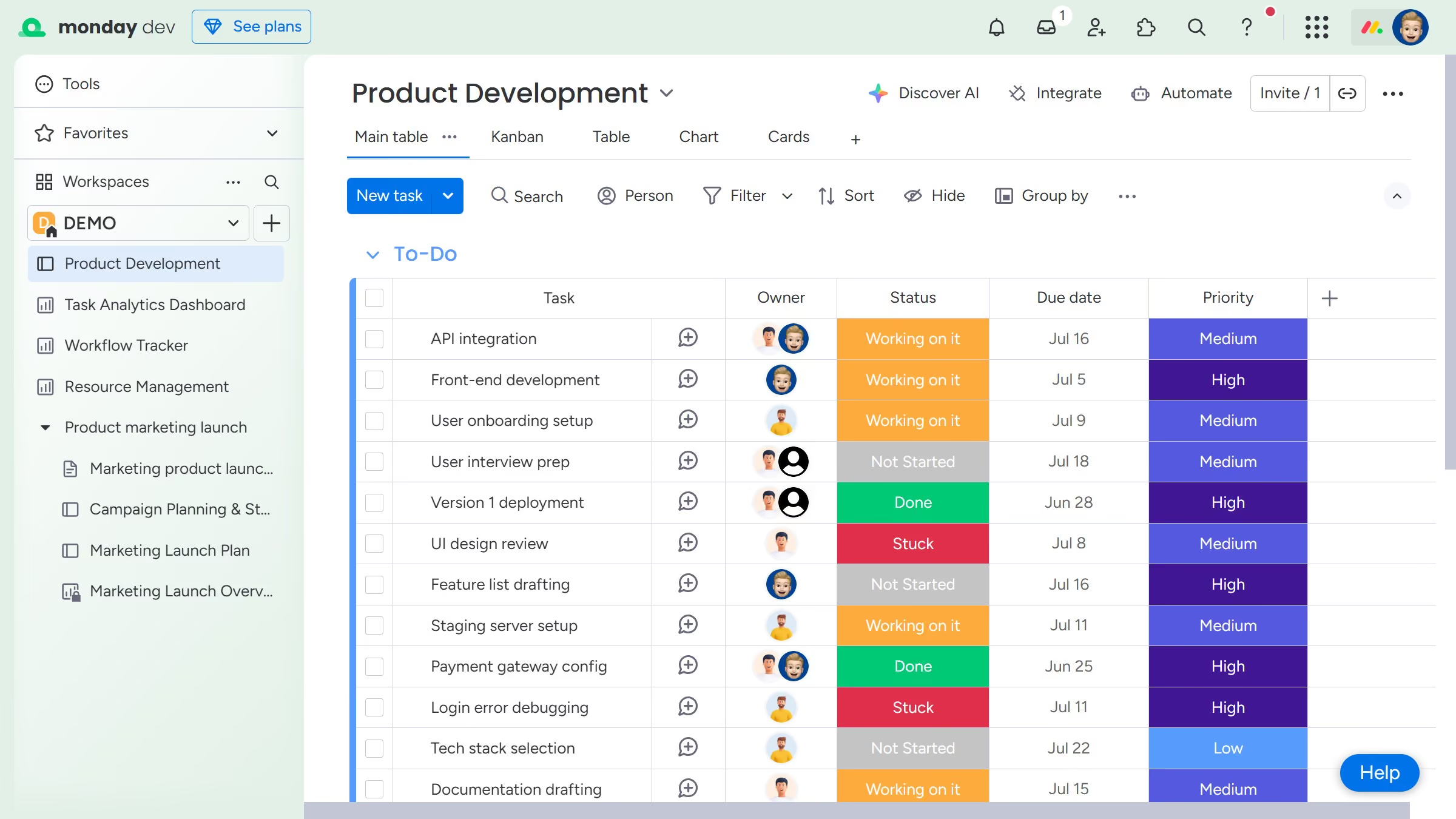
Here is how to add a view to a board in monday.com
- First navigate to the board where you want to add a new view
- Then click on the "+" button on the right side of the views bar
- Finally select the view type you want to add from the dropdown menu


Create your own interactive guide with Guideflow
Monday.com is a versatile work operating system designed to streamline project management and team collaboration.
Adding a view to a board in Monday.com offers users the flexibility to visualize their data in a way that best suits their needs. By customizing views, teams can switch between kanban boards, timeline, or calendar formats, enhancing their insight into project progress.
This feature empowers users to align their work environment with their unique workflow preferences, boosting efficiency and ensuring everyone stays on the same page effectively.
Why leading companies build with Guideflow