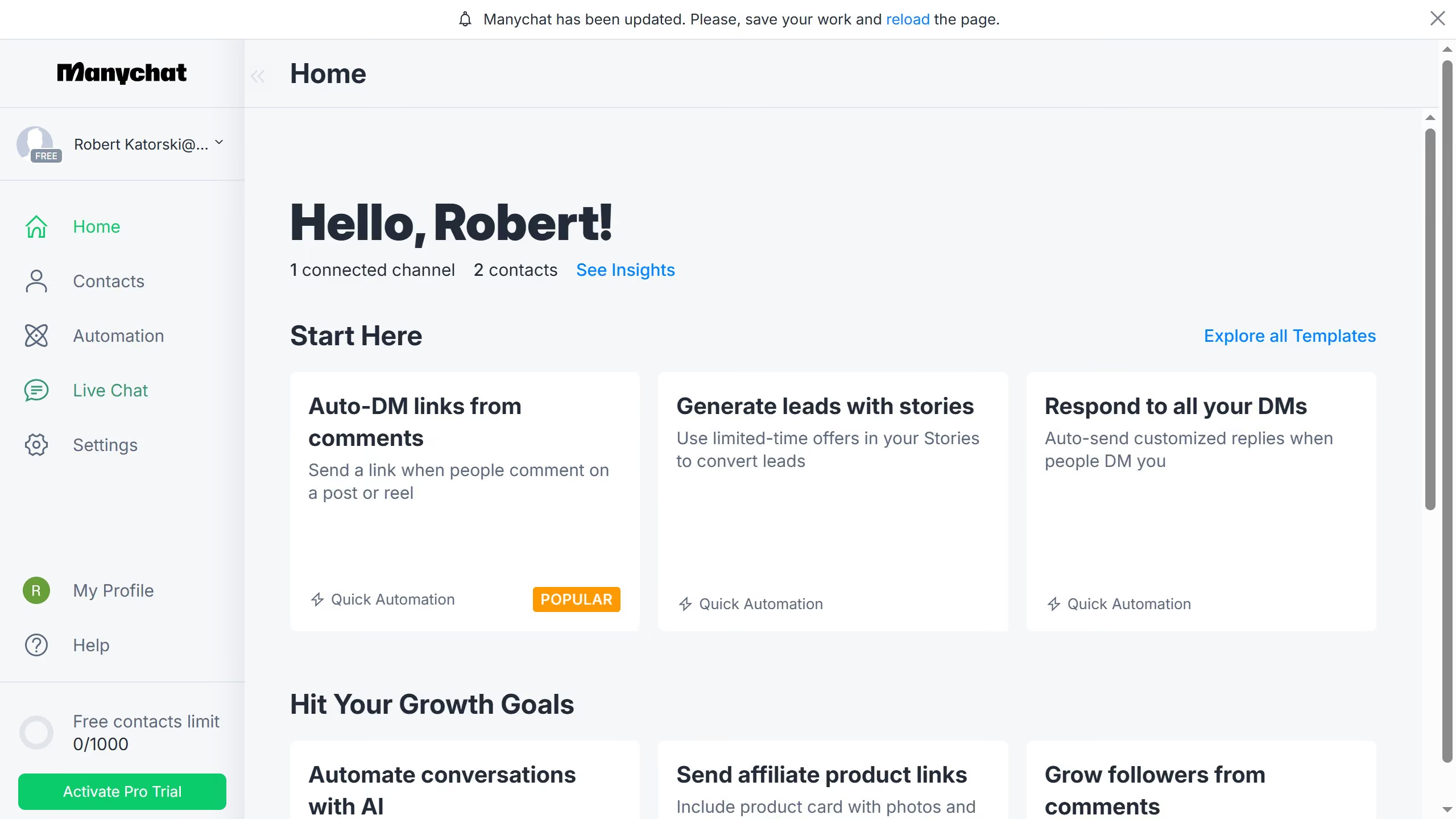
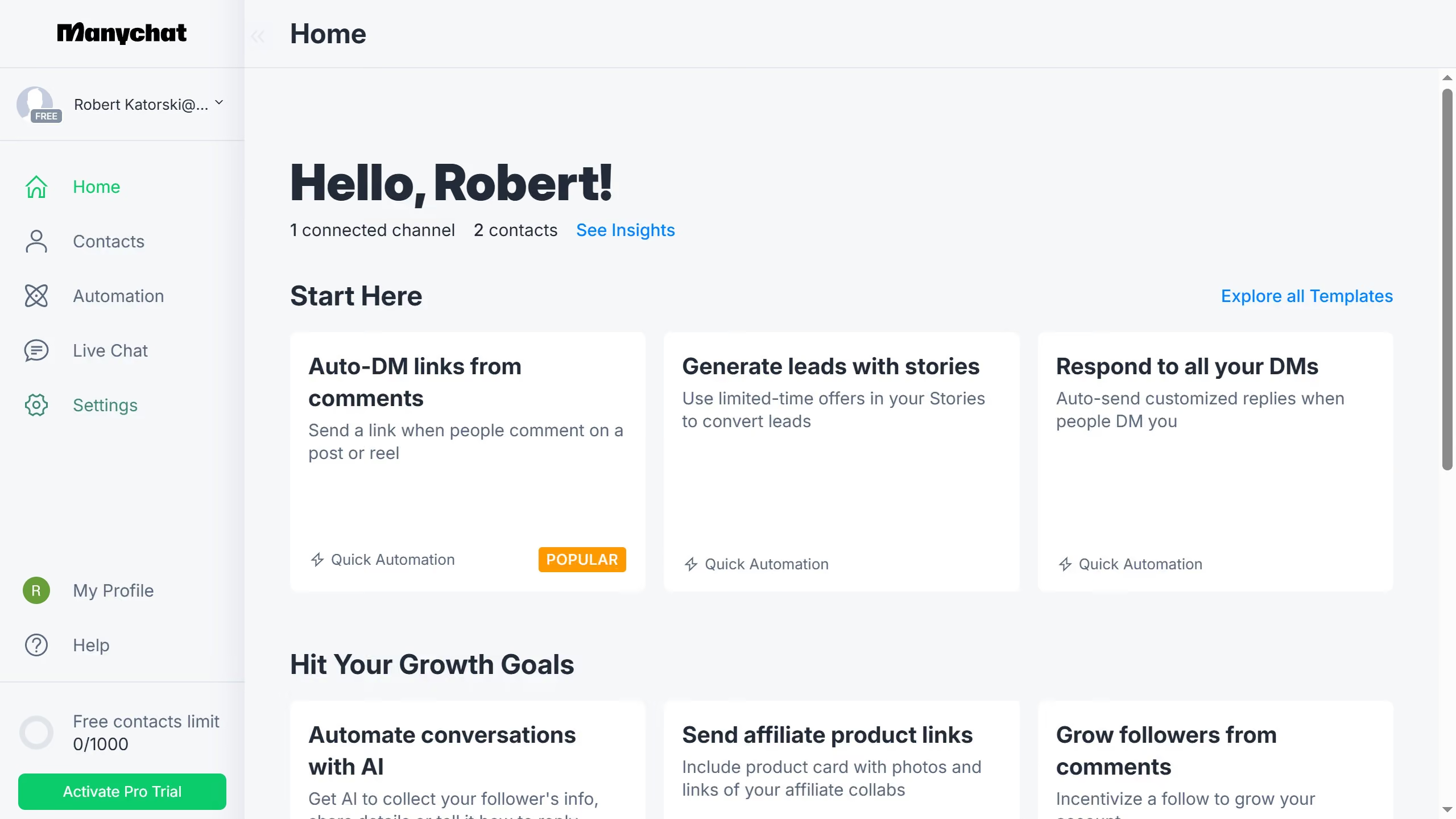
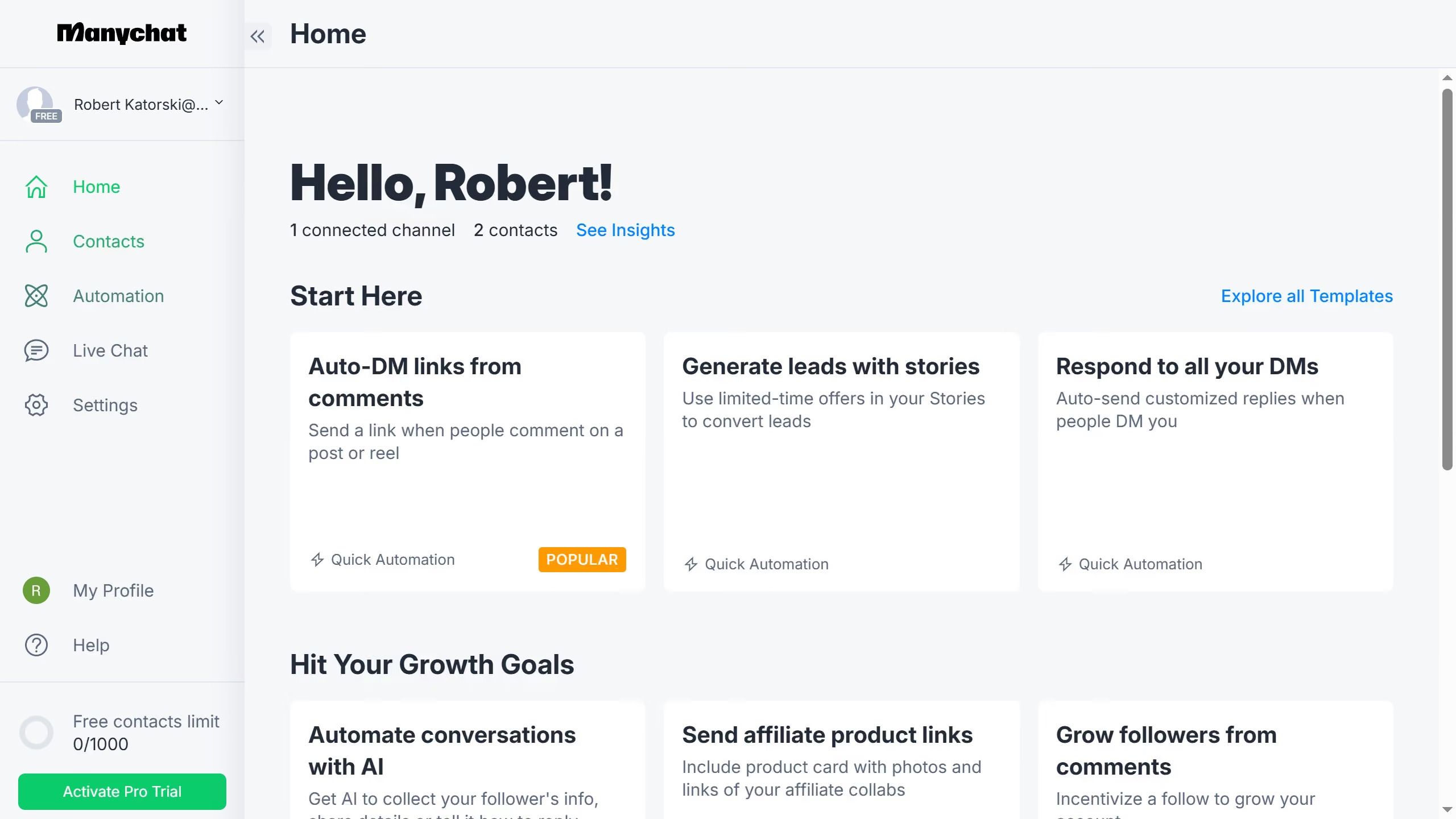
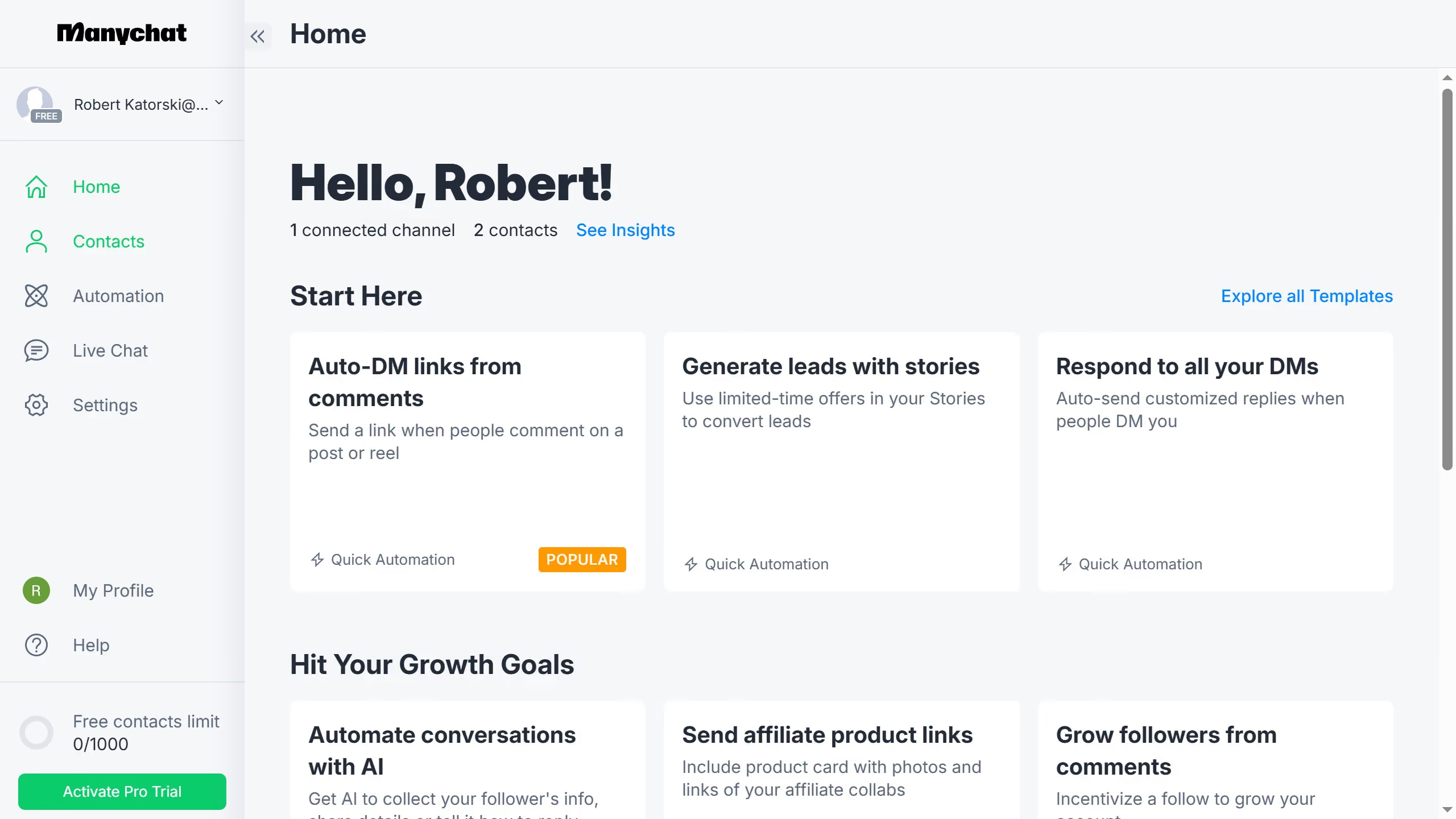
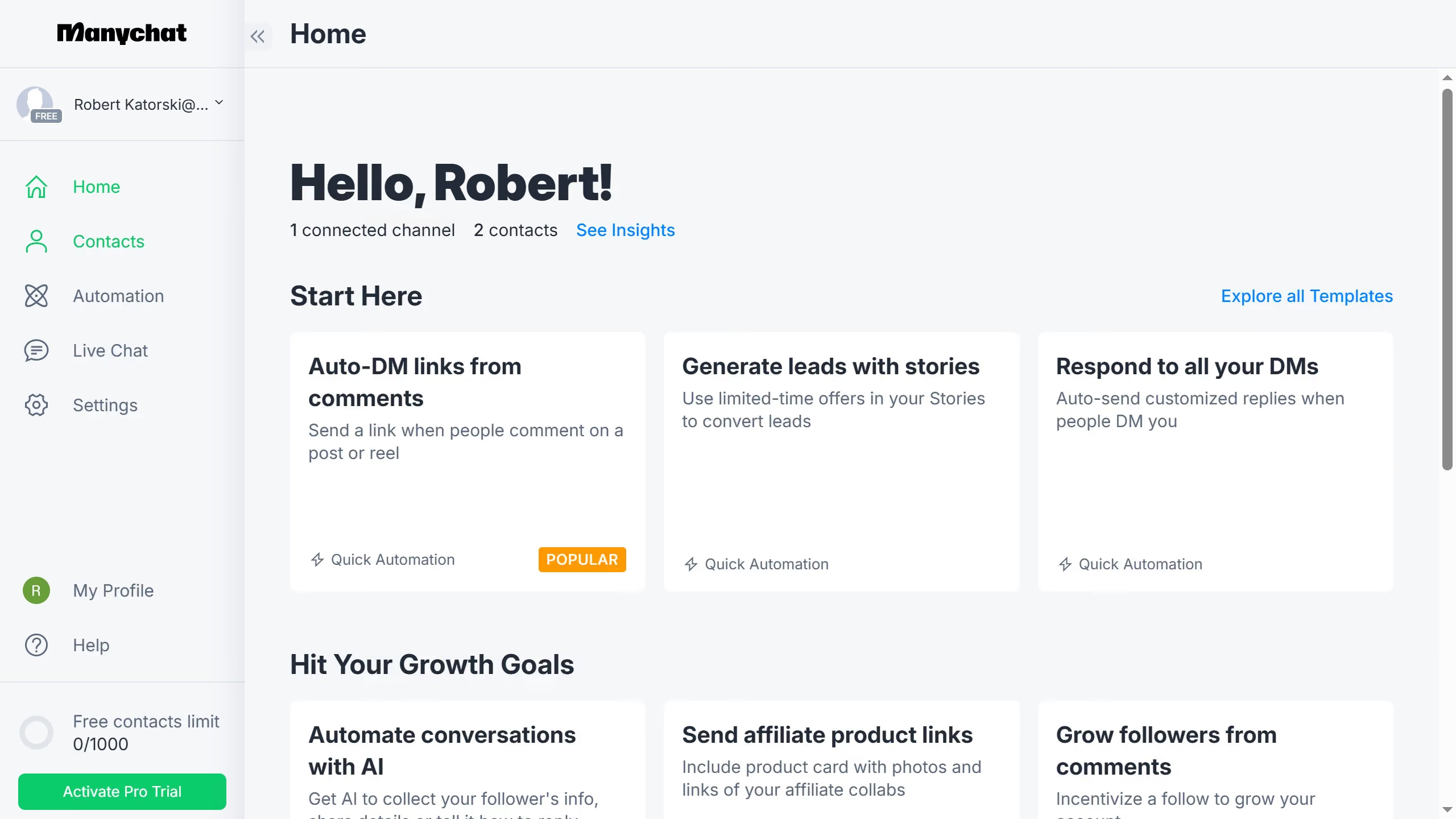
Here is how to refresh api key in manychat
- First click on "My Profile" link in the left sidebar
- Then click on "API Settings" option in the profile dropdown menu
- Next click on "Refresh API Key" button in the API settings page
- Finally click on "Refresh" button in the confirmation dialog box