Manychat
Manychat is a chat marketing automation platform that helps brands and creators drive sales and engagement through messaging apps like Instagram, WhatsApp, Facebook Messenger, and Telegram.
Website
Industry
Leadgen
Share this article:

How to add a mark conversation as open action in Manychat

Here is how to add a mark conversation as open action in manychat

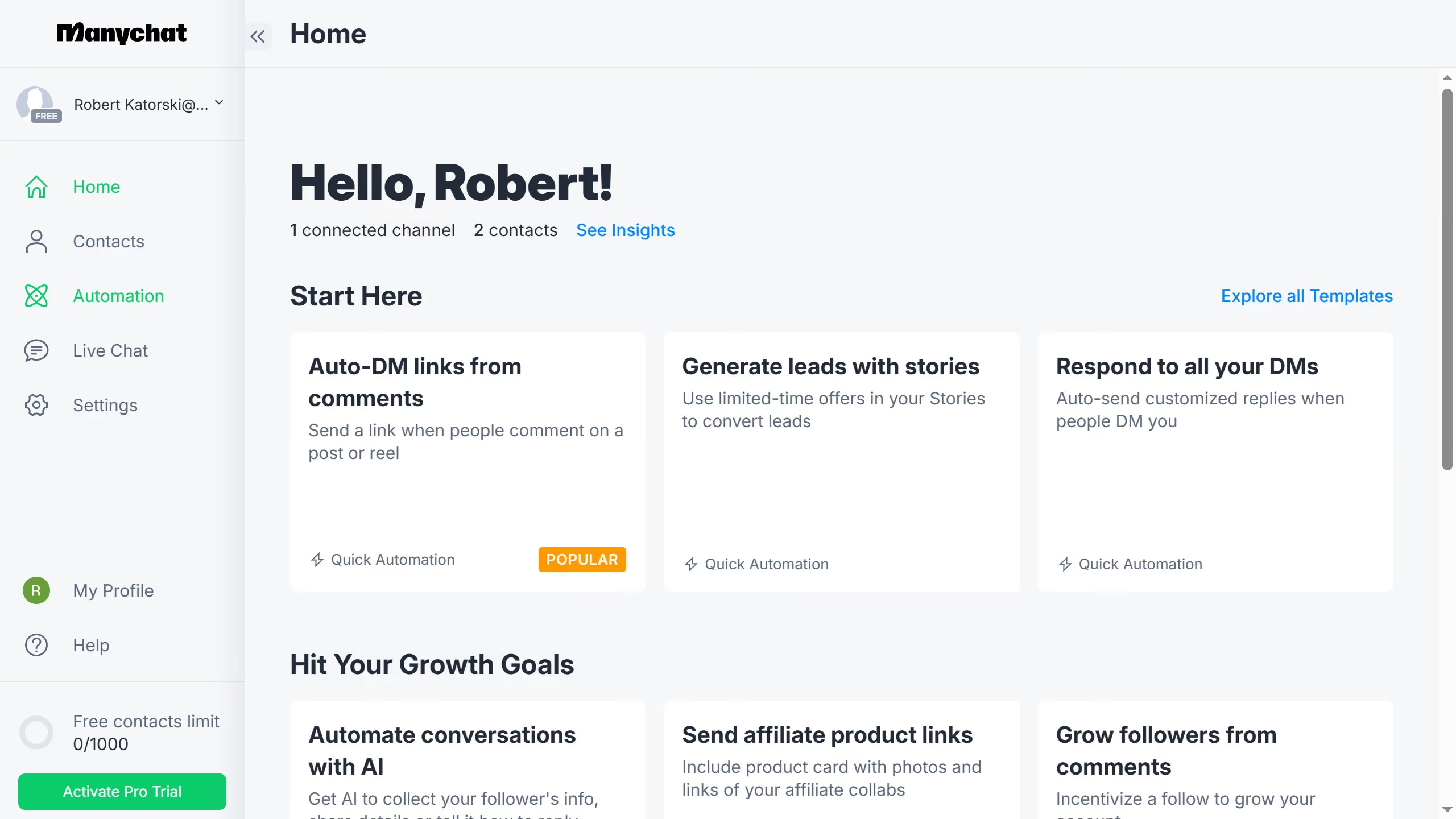
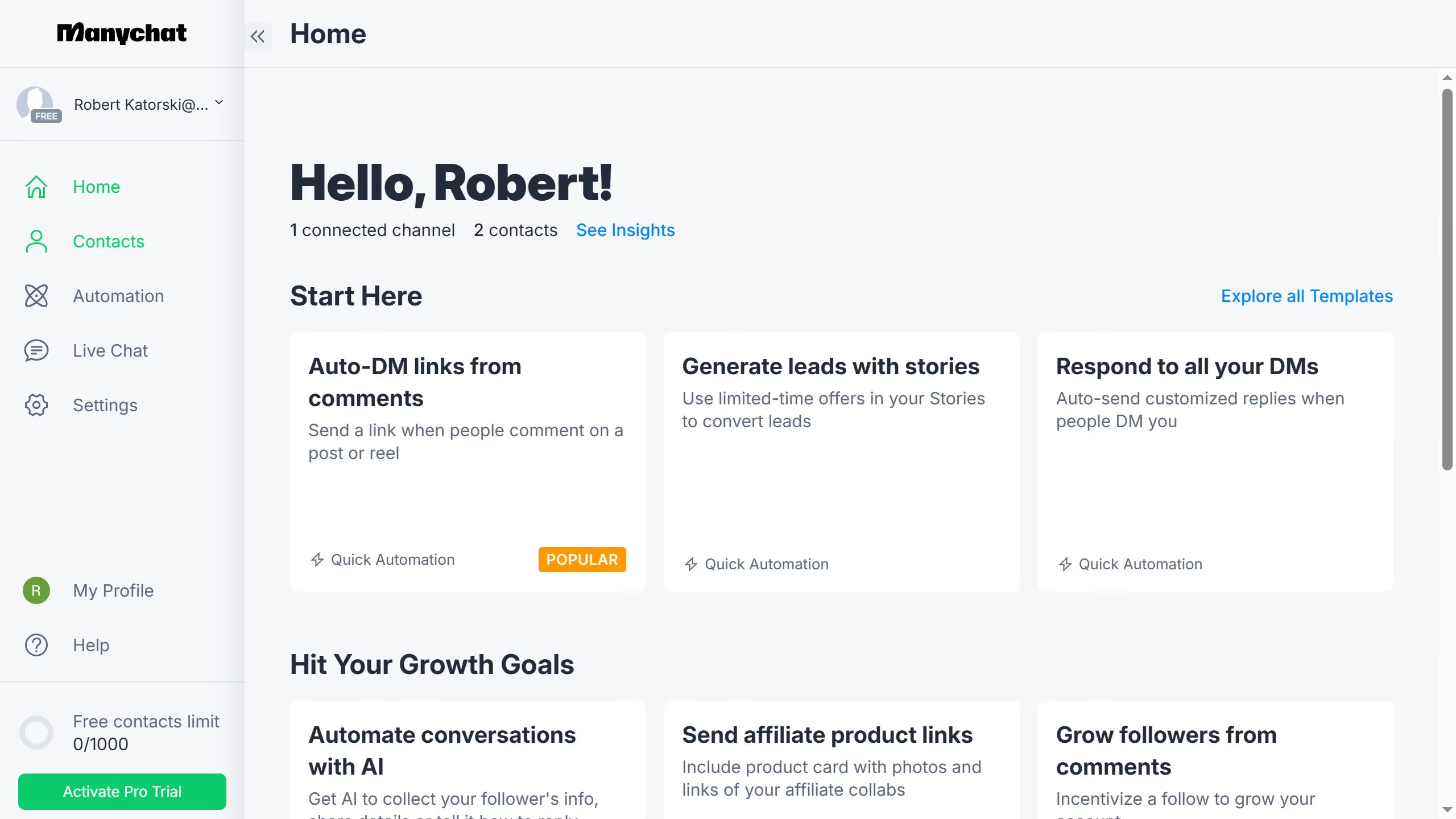
  1. First click on the "Automation" option in the left sidebar menu
  2. Then click an automation from the automation list
  3. Next click on the "+" button in the automation flow builder
  4. Scroll down in the menu pop up
  5. Select the "Actions" option in the Logic section of the sidebar
  6. Click on the "+ Action" in the left side panel
  7. Click on the "Live Chat" category in the actions menu
  8. Finally click on the "Mark conversation as Open" option in the Live Chat section

Create your own interactive guide with Guideflow

Why should you add a mark conversation as open action in Manychat

ManyChat is a powerful tool designed to streamline communication and enhance engagement through automated messaging conversations.

One standout feature of ManyChat is the ability to mark a conversation as open. This allows businesses to prioritize engagement and keep track of ongoing conversations, ensuring no query or customer interaction falls through the cracks.

By marking conversations as open, businesses can effectively manage their customer interactions, enhancing response times and customer satisfaction levels. This streamlined approach reduces the risk of overlooked messages, ultimately fostering stronger customer relationships.

Last update
July 14, 2026
Cursor MariaA cursor points to a button labeled "James."

Loo oma esimene demo vähem kui 30 sekundiga.