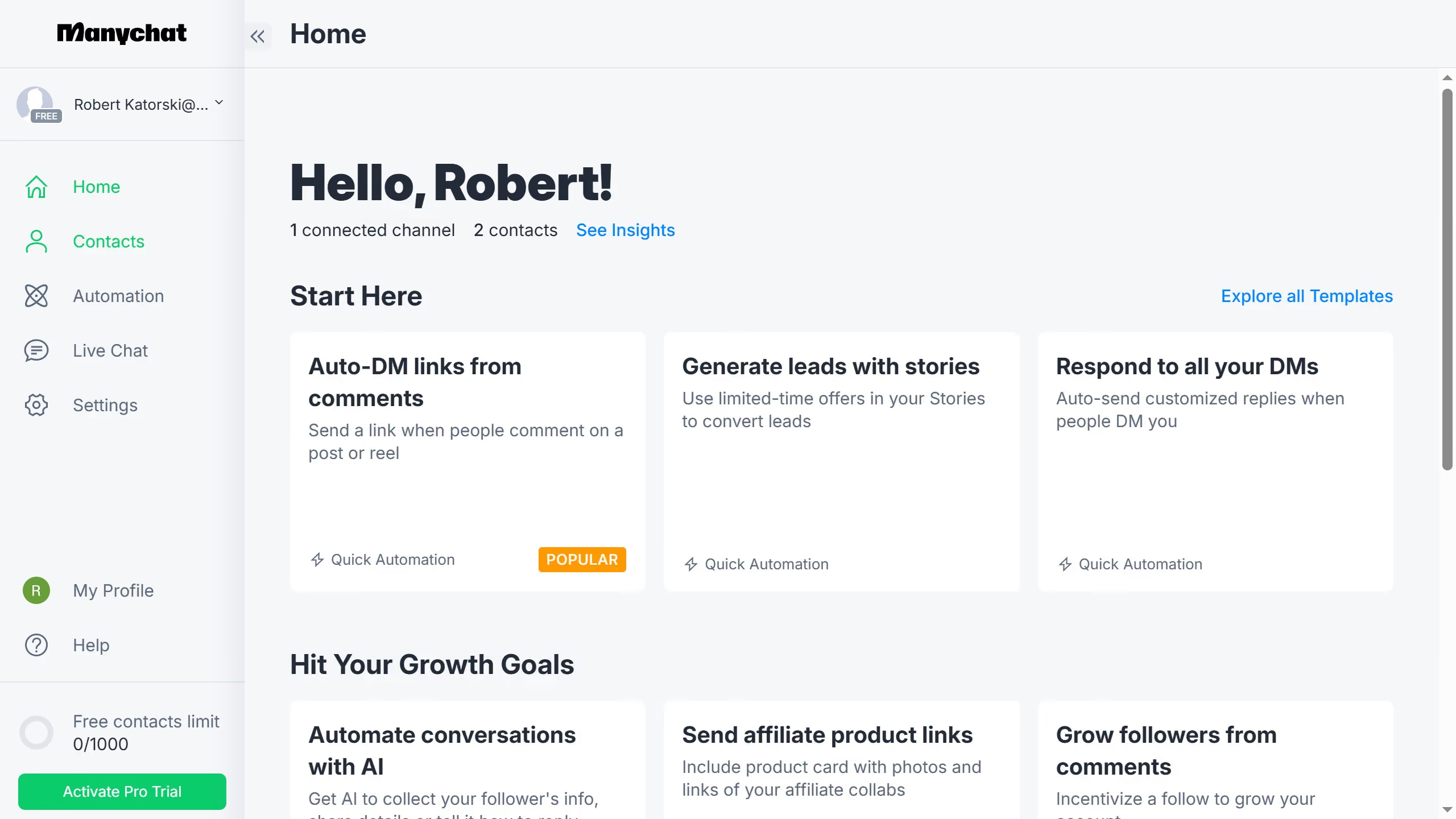
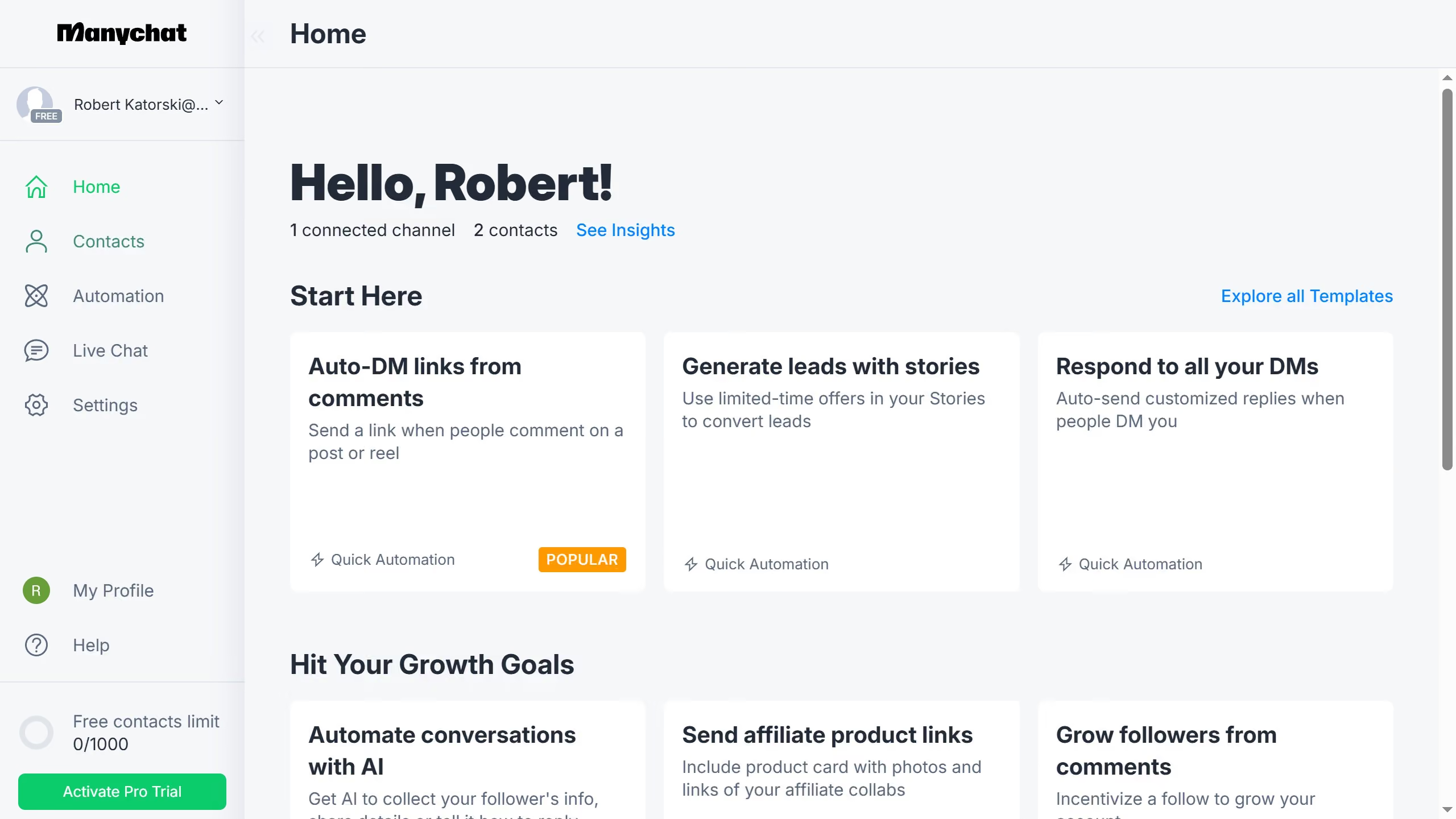
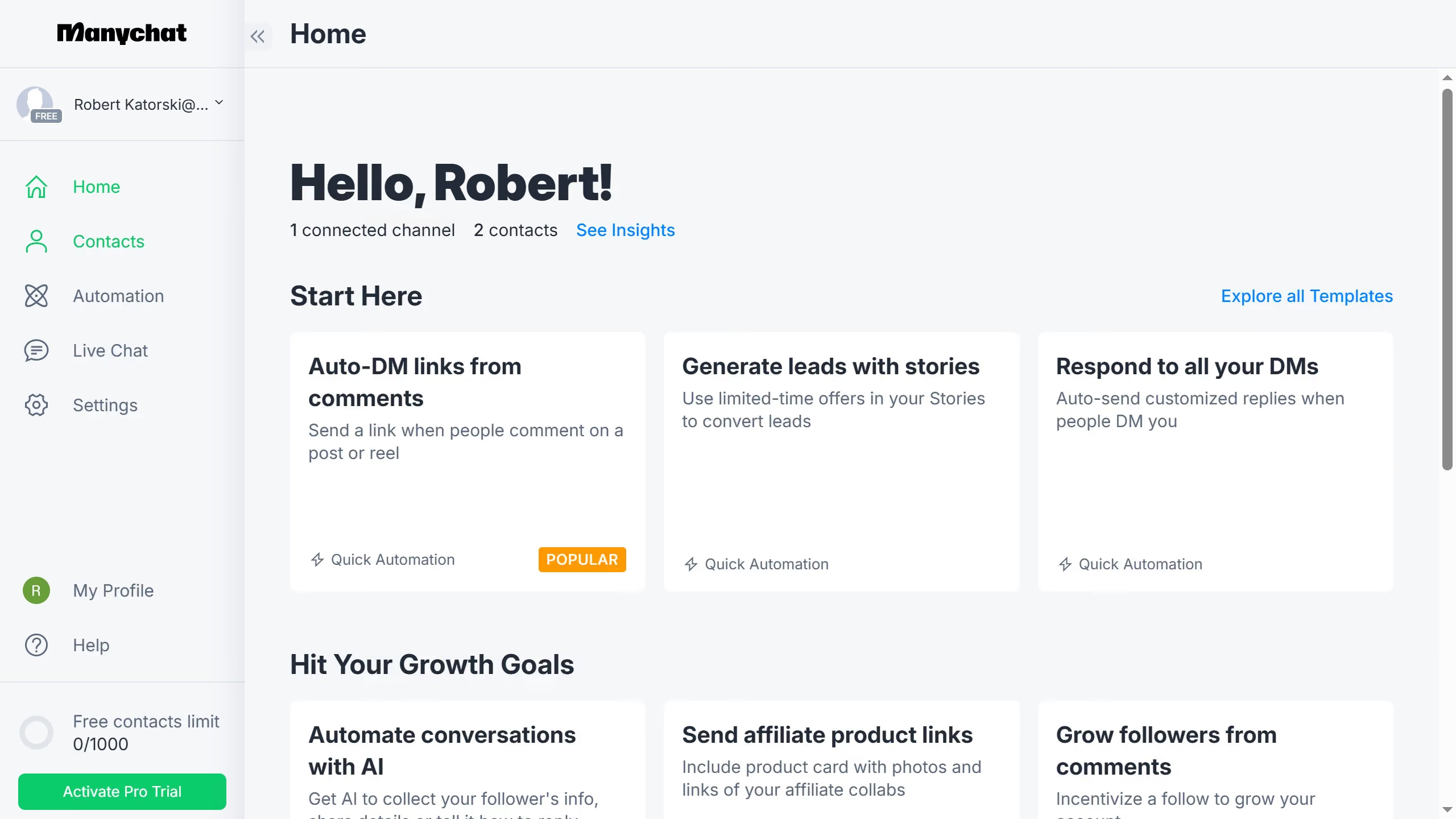
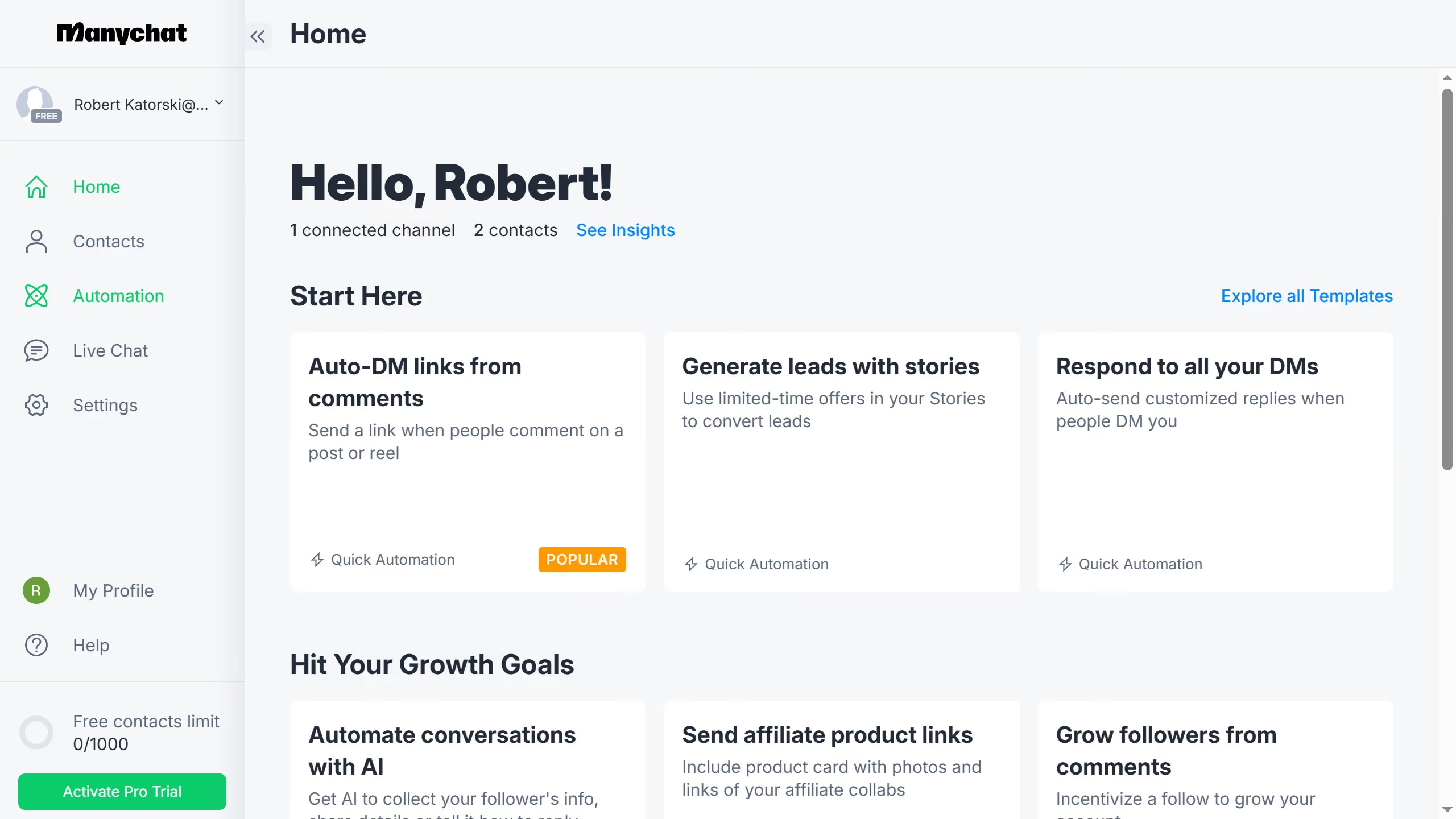
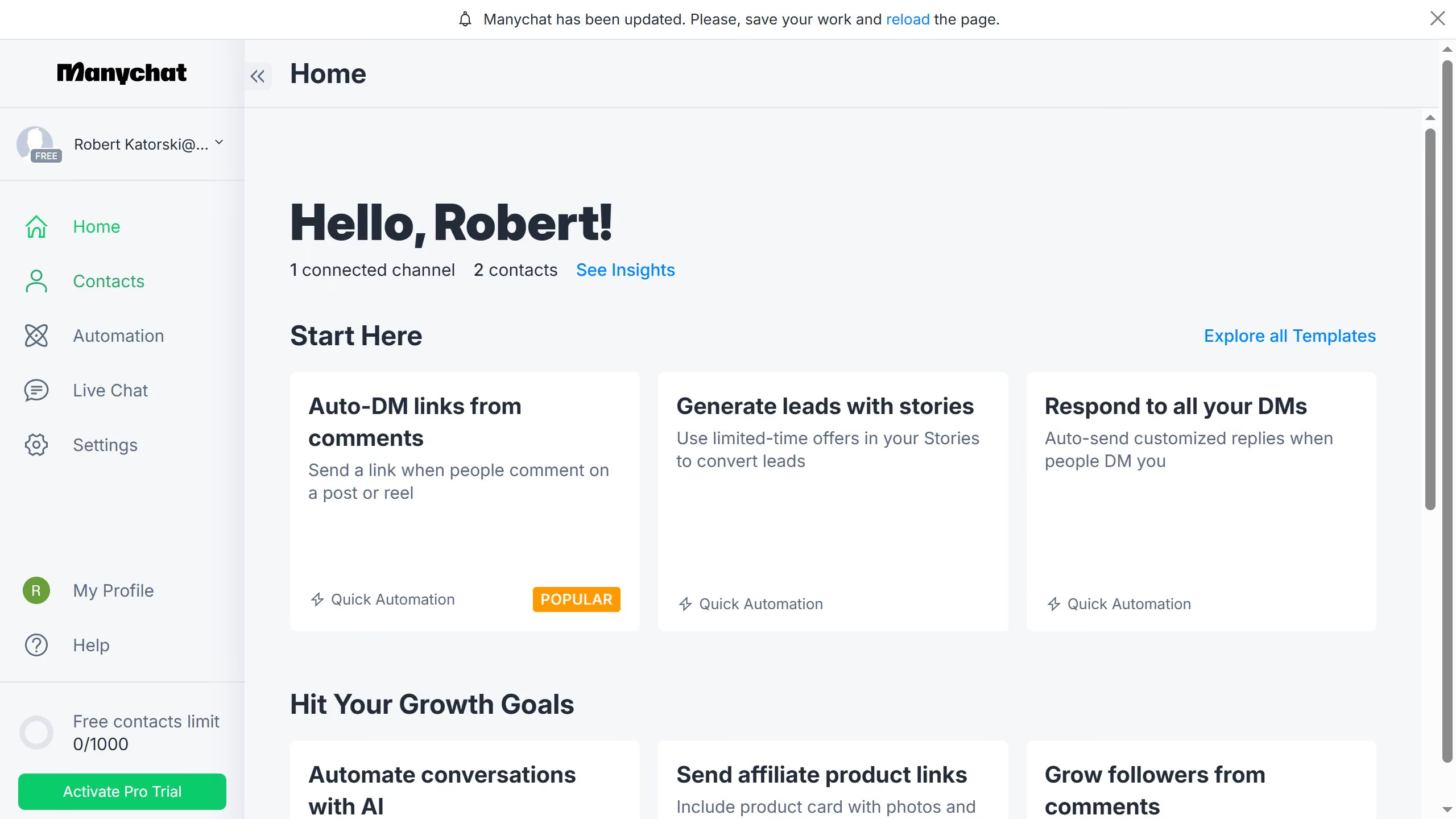
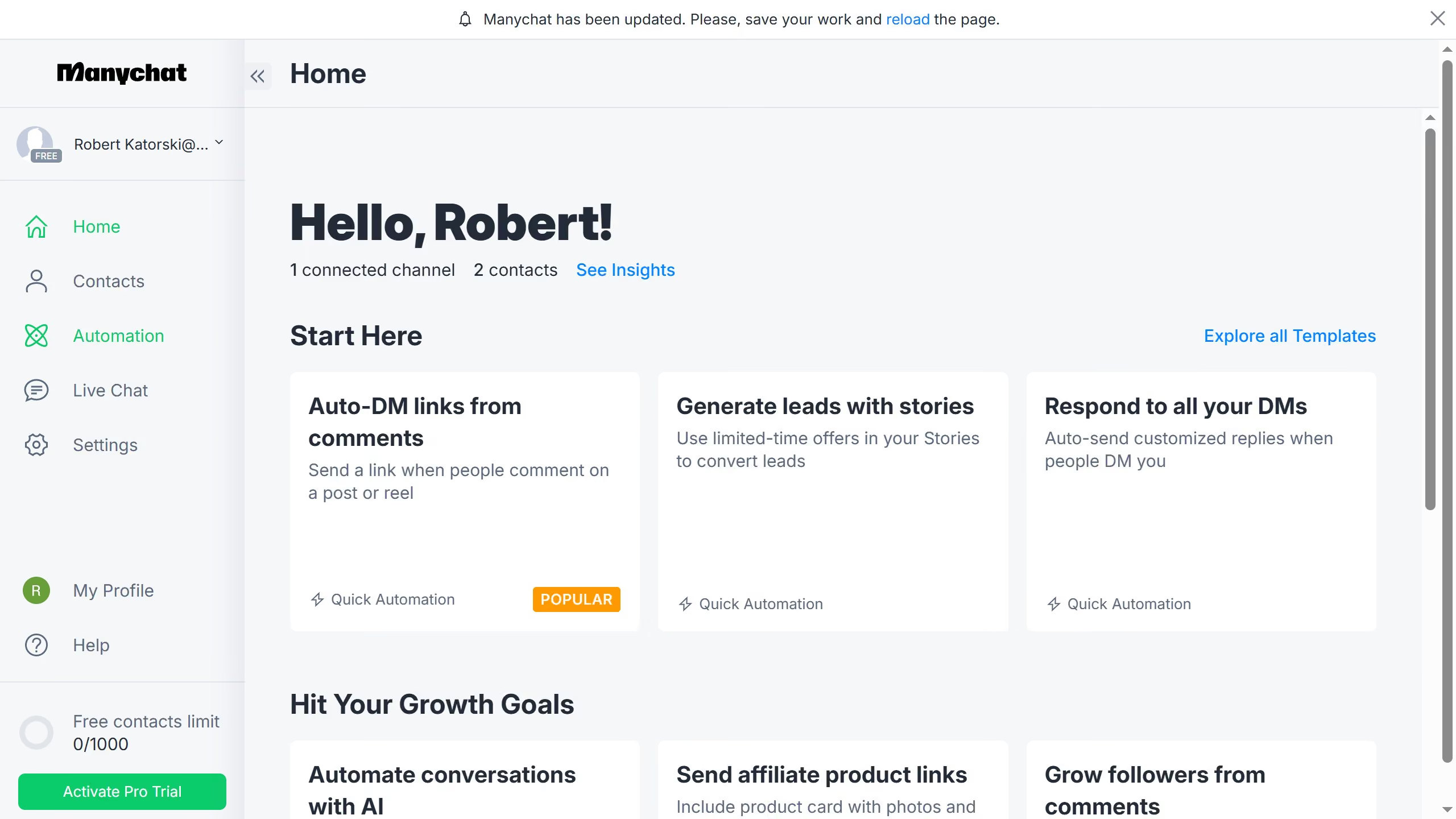
Here is how to remove a tag from multiple contacts in manychat
- First click on the "Contacts" item in the left sidebar menu
- Then click on the checkbox next to the contacts you want to remove tags from in the contacts list
- Click on the "Bulk Actions" button in the top right corner
- Select "Remove Tag" from the dropdown menu
- Click the empty text field to open the tag selection dropdown
- Select the tag you want to remove from the contacts from the available options
- Click the "Save" button to apply the tag removal
- Finally click "Confirm" in the confirmation dialog