Monday.com
Monday.com is a work operating system that helps teams plan, track, and deliver work with customizable workflows and collaboration features.
Website
Industry
Collaboration
Share this article:

How to duplicate an item on a board in Monday.com

Here is how to duplicate an item on a board in monday.com

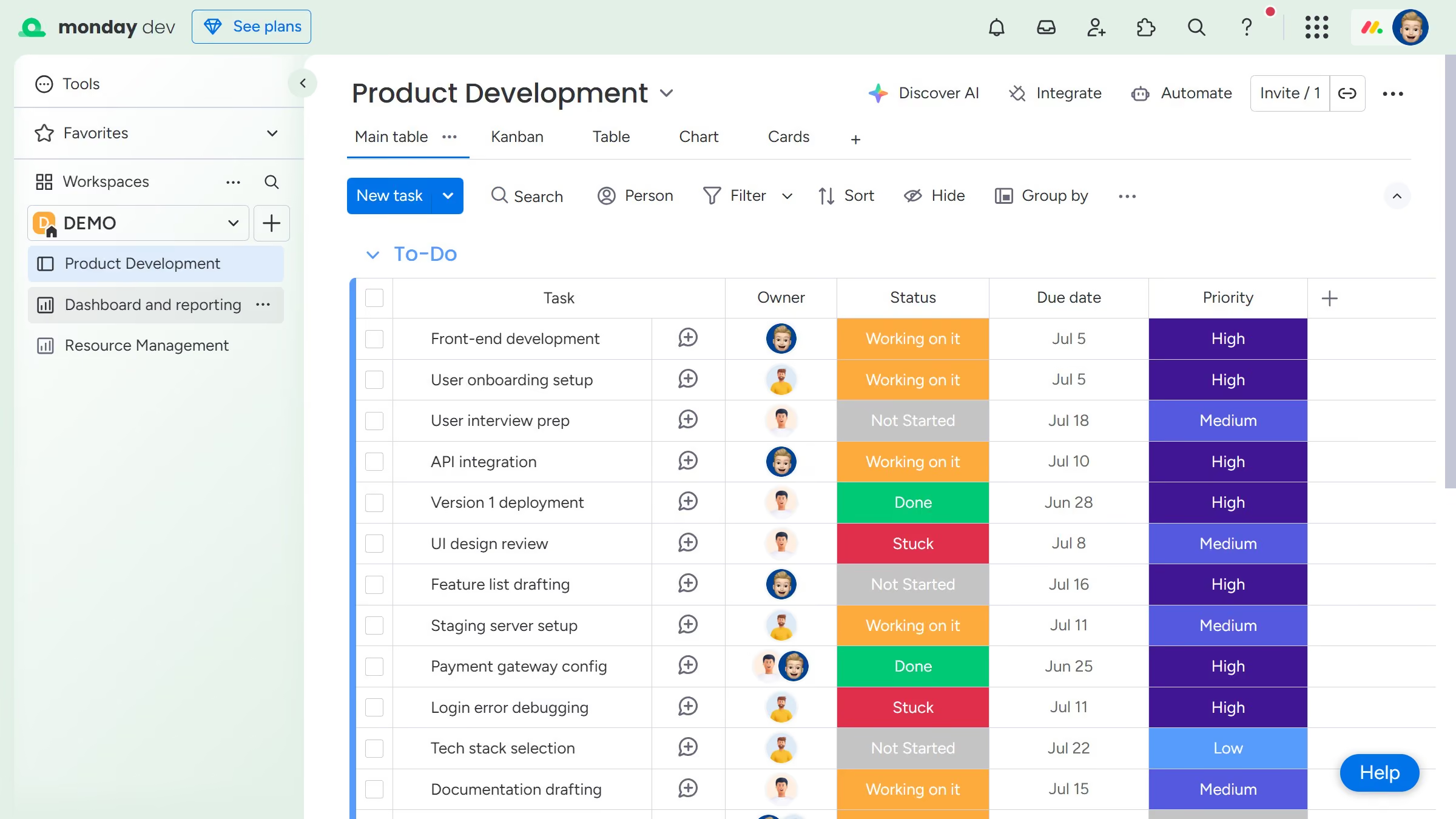
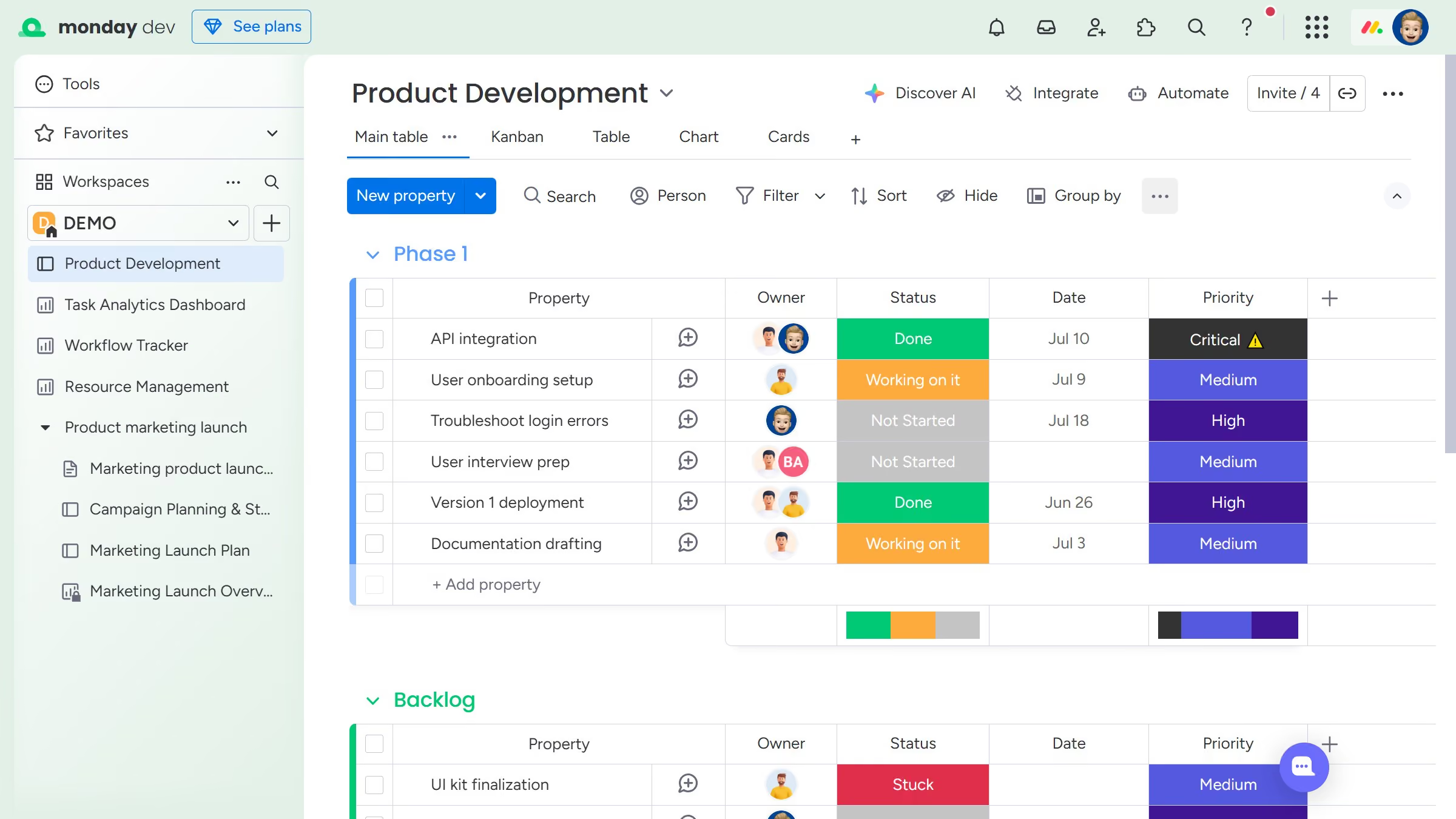
  1. First, locate the item you want to duplicate on the board
  2. Next hover the item and click on the actions menu (three dots) next to it
  3. Then in the context menu, click on "Duplicate"
  4. Alternatively, select the item you want to duplicate by clicking the checkbox next to it
  5. Then click on the "Duplicate" button in the bottom action bar
  6. Finally choose whether to "Duplicate with updates" or "Duplicate without updates"

Create your own interactive guide with Guideflow

Why should you duplicate an item on a board in Monday.com

Monday.com is a versatile work operating system that powers team collaboration and productivity.

One standout feature is the ability to duplicate an item on a board, streamlining workflow efficiency. By easily replicating tasks or projects, teams can save valuable time and maintain consistency across their work.

This feature is ideal for recurring tasks or similar projects, enabling users to effortlessly replicate successes and maintain momentum without starting from scratch.

Duplicating an item on a board reinforces team cohesiveness and ensures alignment, thereby enhancing overall productivity and focus.

Last update
July 14, 2026
Cursor MariaA cursor points to a button labeled "James."

Loo oma esimene demo vähem kui 30 sekundiga.