Monday.com
Monday.com is a work operating system that helps teams plan, track, and deliver work with customizable workflows and collaboration features.
Website
Industry
Collaboration
Share this article:

How to add a Cards View to a board in Monday.com

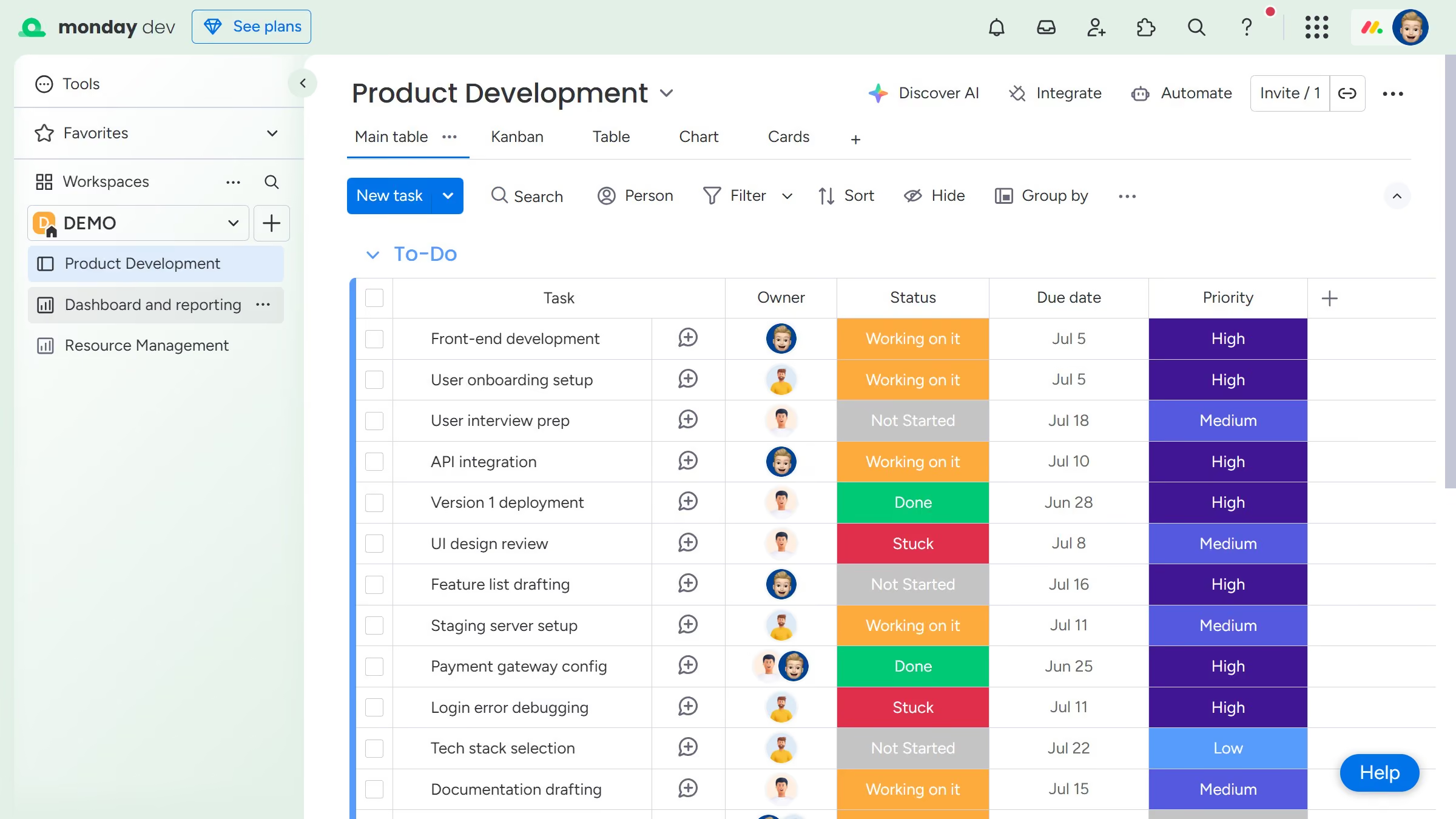
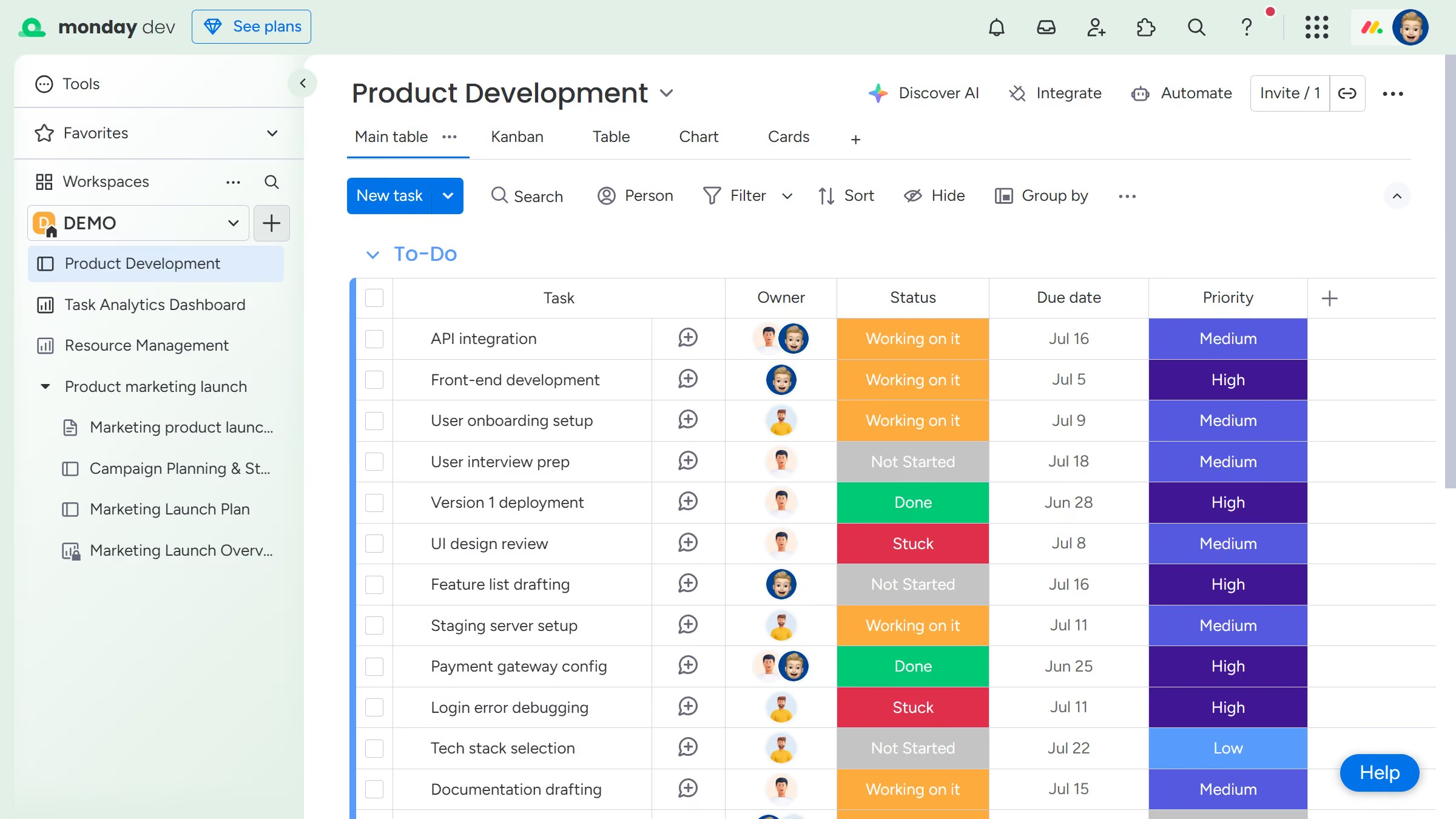
Here is how to add a cards view to a board in monday.com

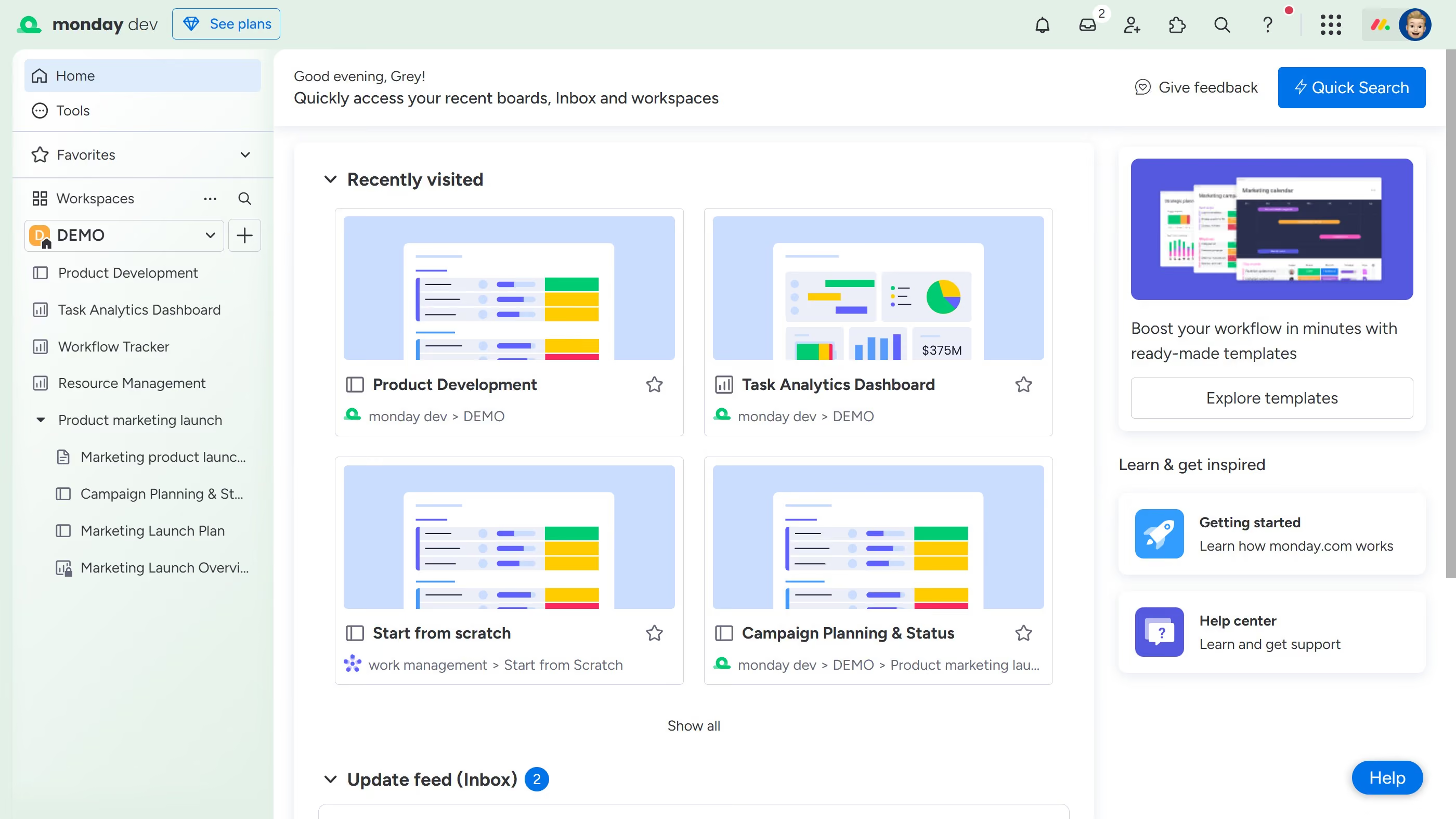
  1. First open the board where you want to add the Cards View from the left sidebar
  2. Next click the "+" button in the views bar
  3. From the views dropdown menu, click on "Explore more views" option
  4. In the Views Center that appears, scroll down or search for “Cards”
  5. Finally click on "Open in board" button under the Cards view option

Create your own interactive guide with Guideflow

Why should you add a Cards View to a board in Monday.com

Monday.com is an intuitive project management platform that empowers teams to collaborate and organize their work efficiently.

Add a Cards View to a board in Monday.com to visually streamline your tasks and projects, making data more digestible at a glance.

This feature allows for a more dynamic and interactive way to manage workflow, improving prioritization and focus.

By easily moving cards, teams can maintain the flexibility and clarity needed to stay ahead in fast-paced environments, enhancing overall productivity and transparency.

Last update
July 14, 2026
Cursor MariaA cursor points to a button labeled "James."

Loo oma esimene demo vähem kui 30 sekundiga.