Monday.com
Monday.com is a work operating system that helps teams plan, track, and deliver work with customizable workflows and collaboration features.
Website
Industry
Collaboration
Share this article:

How to create a new dashboard in Monday.com

Here is how to create a new dashboard in monday.com

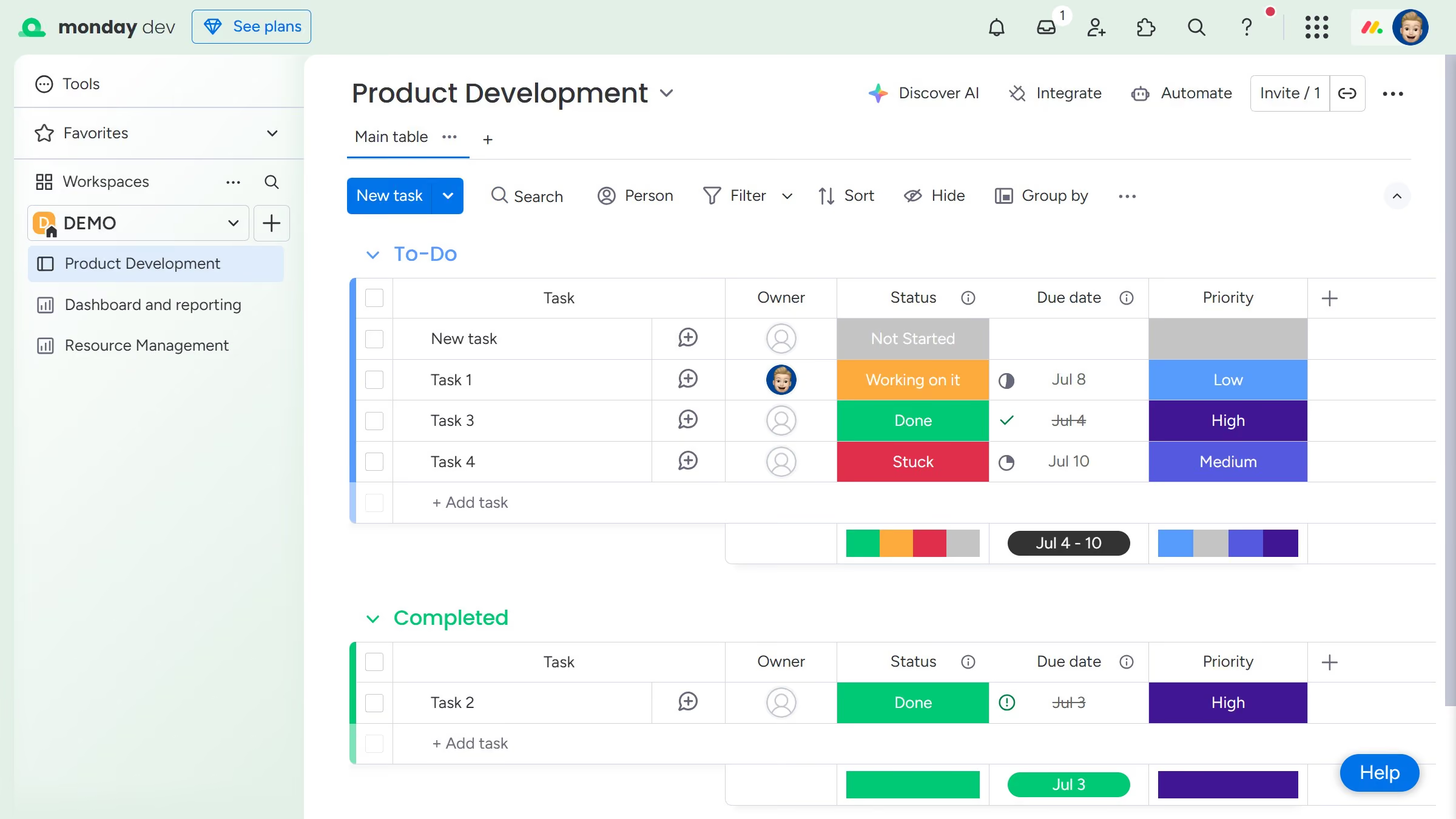
  1. First click on the "+" button next to the workspace name in the left sidebar
  2. Select "New Dashboard" from the dropdown menu
  3. In the pop-up window, enter a name for your new dashboard
  4. Next choose your Dashboard type (Main or Private)
  5. Then click the "Create Dashboard" button to create the dashboard
  6. Next select boards to connect to the dashboard from the list of available boards
  7. Finally click the "Done" button to connect the selected board
  8. You can now start editing your dashboard layout, adding widgets, and customizing their formatting

Create your own interactive guide with Guideflow

Why should you create a new dashboard in Monday.com

Monday.com is a versatile work operating system that boosts team productivity by centralizing workflows.

Creating a new dashboard in Monday.com allows you to visualize data seamlessly, providing at-a-glance updates on your projects and tasks.

This feature helps you consolidate information across various boards, ensuring that you tailor the view to meet your organization's dynamic needs.

Utilizing dashboards fosters informed decision-making, promotes collaboration, and helps teams stay on track by providing key insights and analytics effortlessly.

Last update
July 14, 2026
Cursor MariaA cursor points to a button labeled "James."

Loo oma esimene demo vähem kui 30 sekundiga.