Monday.com
Monday.com is a work operating system that helps teams plan, track, and deliver work with customizable workflows and collaboration features.
Website
Industry
Collaboration
Share this article:

How to access your email notification settings in Monday.com

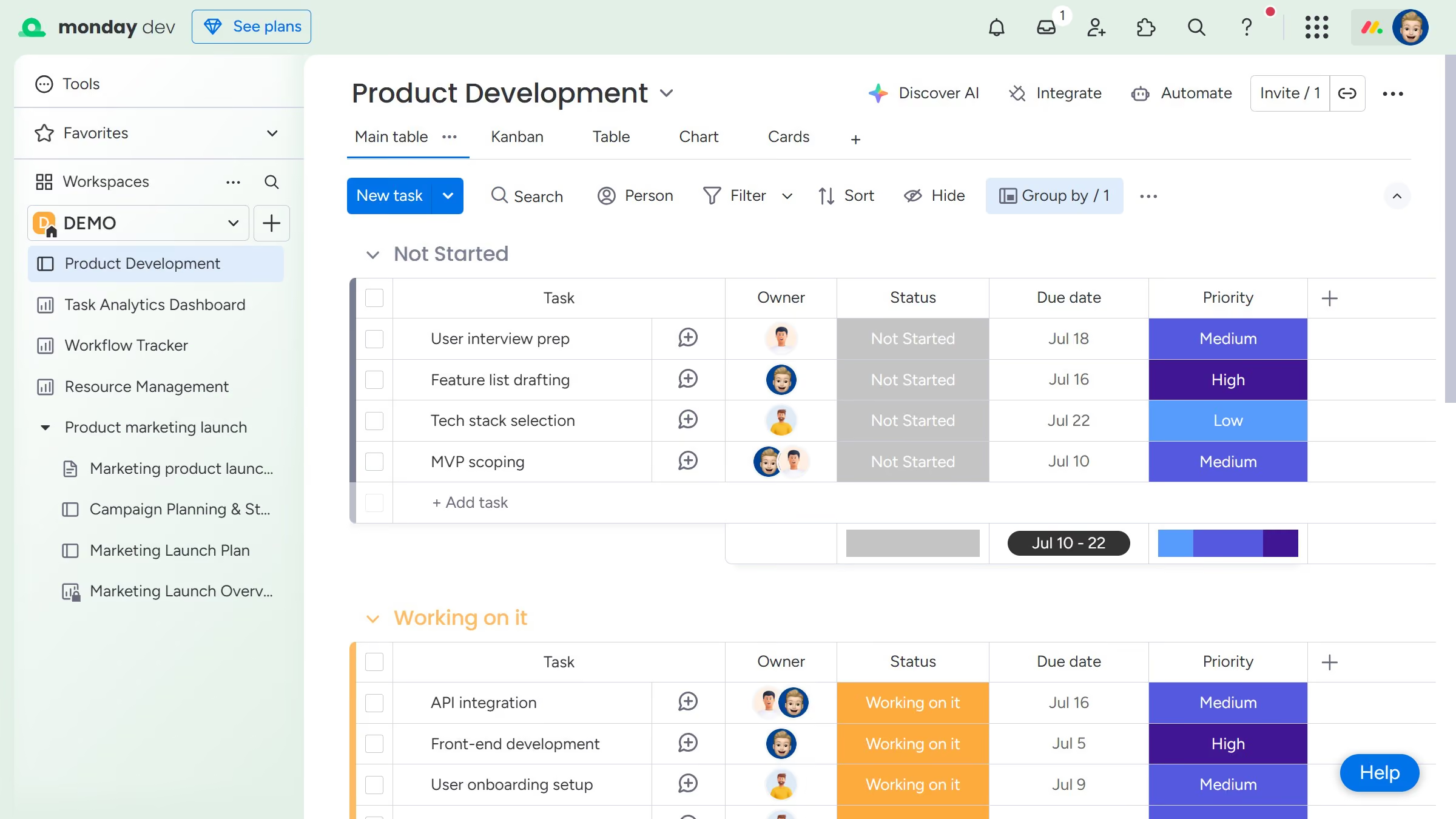
Here is how to access your email notification settings in monday.com

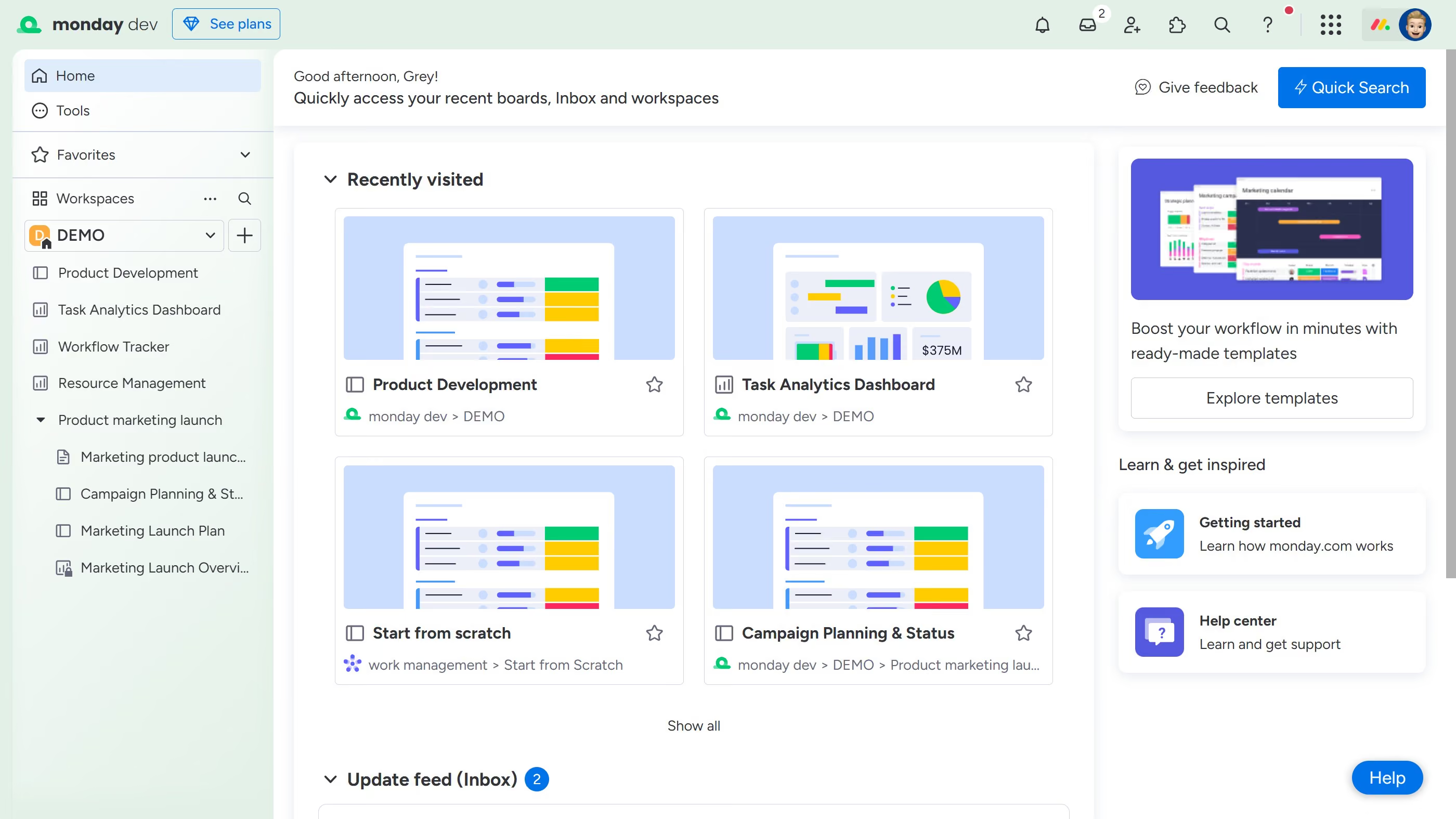
  1. First click on your profile picture in the top-right corner of the interface
  2. Next click on the "My profile" option in the dropdown menu
  3. Click on "Notifications" in the left sidebar of the Profile settings
  4. Then you will now see all the available email notifications in the notifications table

Create your own interactive guide with Guideflow

Why should you access your email notification settings in Monday.com

Monday.com is a robust work operating system designed to streamline team collaboration and project management.

Accessing the email notification settings in Monday.com allows users to tailor alerts to their preferences, ensuring they receive the most relevant updates.

This feature enhances productivity by preventing information overload and helps keep teams informed without unnecessary distractions.

By customizing email notifications, users can stay focused on what truly matters, enhancing both efficiency and team communication.

Last update
July 14, 2026
Cursor MariaA cursor points to a button labeled "James."

Loo oma esimene demo vähem kui 30 sekundiga.