

You said the campaign would ship Friday. The hero section needs motion, the paid social variant needs three cuts, and the explainer needs B-roll you were never going to film in time. So you open a stock footage software tab and now you’re weighing library size against licensing terms against a subscription you’re not sure you’ll use next quarter. The clip is easy to find. The decision about whether you can legally run it in a paid ad is not.
That friction is worse now because video is doing more of the work. The stock footage software market is projected to reach US$24.27 billion across 2026 to 2034, according to The Insight Partners, driven by how much pre-produced video now runs across landing pages, ads, and social. Monthly active users across AI video platforms already crossed 124 million in January 2026 per ngram.com, and most of those tools pull from stock libraries. The demand for clips is not slowing down. Neither is the pressure on your budget or your timeline.
This guide is for that decision, not for browsing. If you also assemble those clips into finished assets our roundup of the best AI video generators pairs well with this list. And if you produce interactive product experiences alongside your video work Guideflow covers that side of the workflow.
What's inside
This is a buyer’s guide to stock footage software for marketers, not a gallery. We cover eight platforms spanning free, subscription and premium licensing so you can match the model to how much video you actually ship. We chose them on five criteria that matter when you’re producing ads, explainers, landing pages and social content:
- Library size and how current the catalog feels
- Search quality, filters and taxonomy
- Licensing clarity for commercial and ad use
- Pricing and value relative to your output volume
- Workflow fit with your existing creative stack
Every pricing figure and rating below is from each vendor’s live pricing page and G2 listing as of 2026.
TL;DR
- Best all-around for commercial teams: Adobe Stock, especially if you already live in Creative Cloud and want video, images, templates and 3D in one license.
- Best for high-volume, broad inventory: Shutterstock, when your team pulls dozens of assets a month across formats.
- Best free-first option: Pexels, for tight budgets and fast turnaround where the license fits.
- Best subscription for frequent video producers: Storyblocks, with unlimited downloads on paid plans and predictable spend.
- Best per-clip flexibility: Pond5, when you buy occasionally and want to pay only for what you use.
- Best cinematic quality: Artgrid, for storytelling-heavy brand campaigns that need polish.
What is stock footage software?
Stock footage software is a platform that lets you search, license, and download pre-produced video clips, usually alongside photos, audio, and other creative assets, for use in your own content. Instead of filming everything yourself, you license footage that already exists under terms that define how you can use it.
The terms overlap, so it helps to separate them. Stock footage libraries are the underlying catalogs of clips. Stock video sites are the browsing and search interfaces you actually use. Subscription platforms bundle download volume into a recurring plan instead of charging per clip. Most modern platforms blend all three: a large library, a search-first site, and multiple pricing models on top.
When you evaluate any stock footage software, these features decide the day-to-day experience:
- Search and browse experience: how fast you find a usable clip
- Filters and taxonomy: resolution, orientation, duration, mood, and subject tags
- Licensing and rights usage: what commercial, ad, and redistribution rights you get
- Pricing models: subscriptions, credit packs, and per-clip purchase
- Download workflow: formats, resolution options, and how assets move into editing
- Library freshness and quality signals: 4K and 8K availability, vertical formats, recent uploads
For marketers, all of this ties back to output. Ads need clips that convert. Landing pages need motion that holds attention. Brand videos need footage that matches your positioning. Royalty-free stock footage lets you produce all of it without a shoot, which is why it sits so close to your video marketing and content creation work.
When to use stock footage software
Not every project needs a custom shoot, and not every shoot is worth the timeline. Here is when stock footage earns its place in your workflow.
Build content faster without filming everything
When you're testing three ad concepts and only one will survive, filming all three is a waste. Stock footage lets you produce variants at the speed of iteration. You license the clip, cut the version, ship the test, and reallocate budget to whatever wins. This is where stock footage software beats a production calendar: campaign velocity. You move from idea to live asset in hours, not weeks, and you keep experimenting without booking a crew every time.
Fill creative gaps in campaigns and landing pages
Your explainer needs a two-second cutaway. Your hero section needs ambient motion. Your nurture sequence needs a visual that matches the email subject line. These are the small gaps that stall a launch, and they rarely justify original footage. Stock clips close them fast and reduce the design bottleneck, so your creative workflow doesn't grind to a halt waiting on one asset. The same library that feeds a landing page feeds your ads, social cuts, and product pages.
Control spend while keeping production quality high
Budget is the constant tension. A single day of production can cost more than a year of a stock subscription. Stock footage lets you hold quality high while keeping output volume up, which matters when leadership wants more content and the same budget. The trick is matching the pricing model to your cadence. Free libraries cover low-stakes needs, subscriptions suit steady producers, and premium per-clip buying fits the occasional flagship asset. Your ad production budget stretches further when the model fits the volume.
Comparison table
Read this table as a shortlist filter, not a ranking. "Best for" tells you the primary reason a team picks each platform. "Key differentiator" is the single thing that sets it apart. Pricing shows the entry point, and licensing model matters as much as the number. All figures reflect each vendor's live pricing page and G2 listing as of mid-2026.
1. Adobe Stock
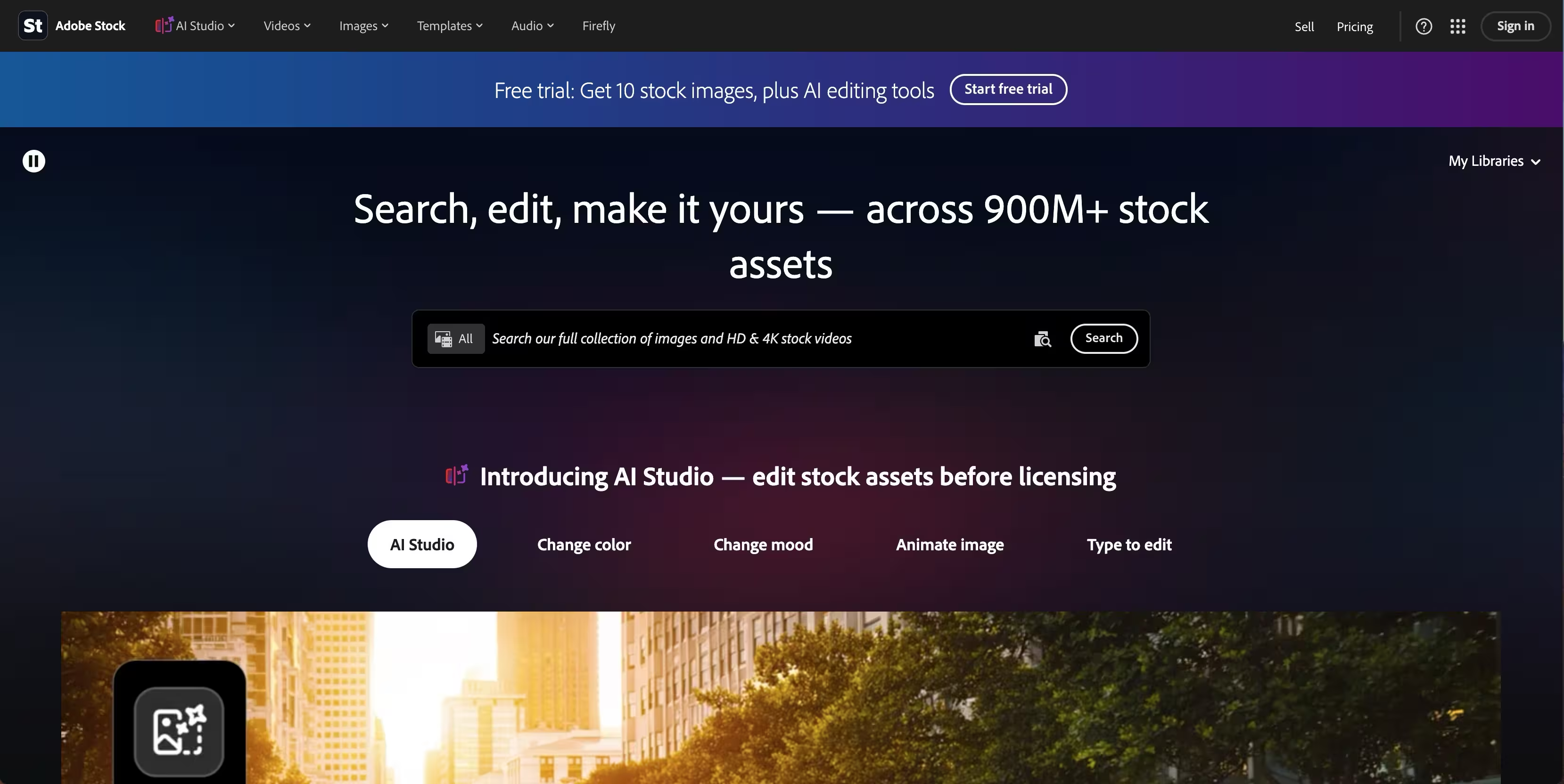
Adobe Stock is a stock media marketplace covering photos, videos, templates, audio, vectors, and 3D assets, all built to plug directly into Adobe's creative ecosystem. If your team already edits in Premiere Pro or designs in Photoshop, licensed clips drop into your project without leaving the app. That workflow convenience is the whole pitch. For marketers running video, static, and motion graphics from one stack, it removes the friction of moving assets between disconnected tools.
Best for: Teams and individuals who need licensed stock media inside Adobe's ecosystem.
Key strengths
- Deep multi-format library: Millions of images, templates, 3D assets, music tracks, and videos in one searchable catalog.
- Flexible plan mix: Mix-and-match subscriptions covering standard assets or videos to match your content mix.
- On-demand credits: Credit packs for one-time purchases and premium content when you need something off-plan.
Why choose Adobe Stock: If your creative workflow already runs on Creative Cloud, this is the option with the least friction. You license inside the tools you already use, and one subscription covers video, images, and design assets. Teams that live outside Adobe get less of that native advantage, but the library depth still holds up on its own.
Adobe Stock pricing: Plans start at US$29.99/mo for three standard assets, with a $29.99/mo tier covering 10 standard assets or one video, scaling up to $199.99/mo for 750 standard assets or 25 videos. Credit packs run from $49.95 for 5 credits up to $1,200 for 150 credits for one-time or premium purchases. A free trial is available.
2. Shutterstock
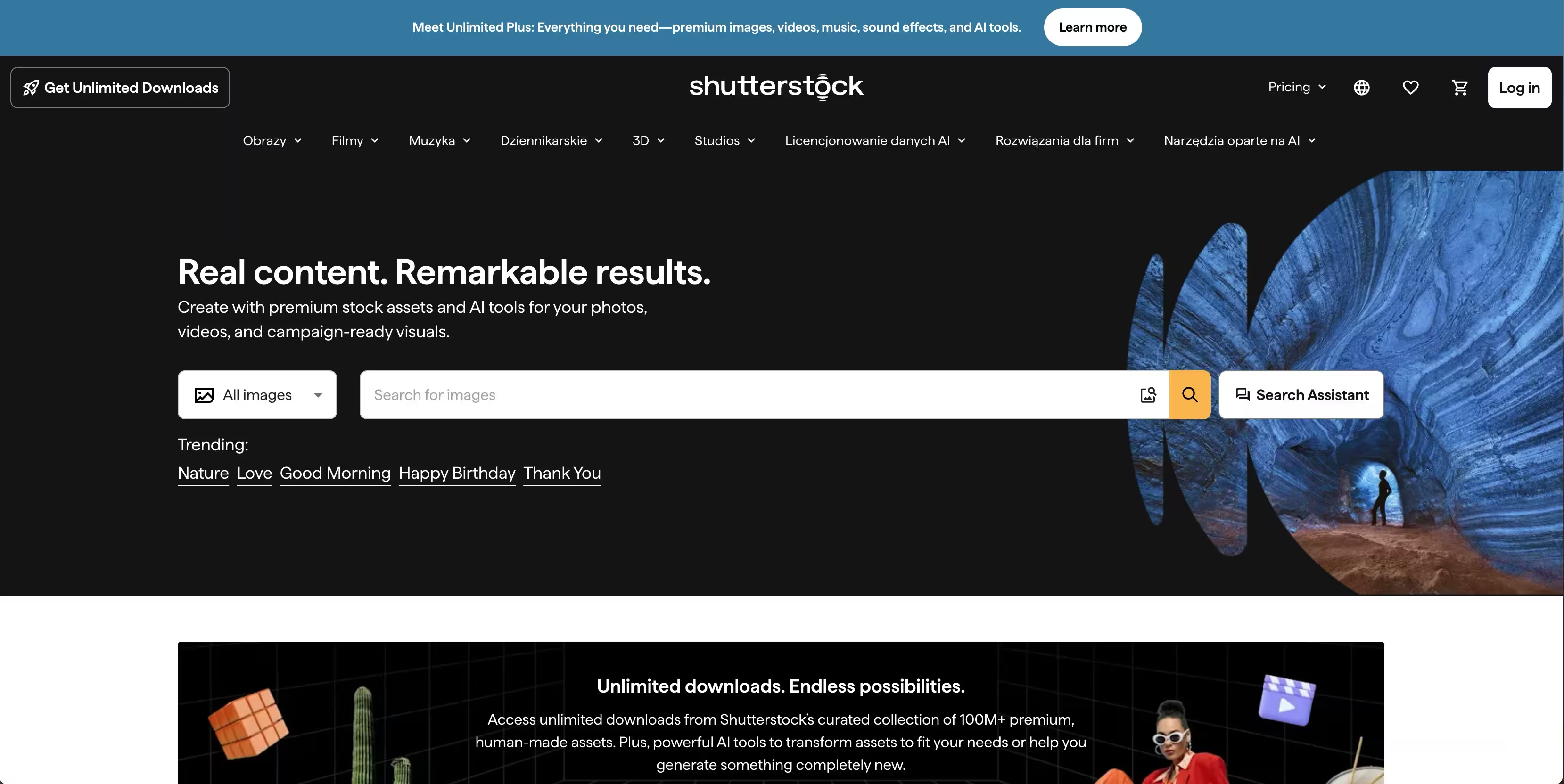
Shutterstock is a creative content platform offering licensed stock images, video, music, and AI-powered tools. Its draw is scale: one of the broadest inventories in the category, paired with search that holds up when you're digging for something specific. For high-volume teams that pull footage constantly across campaigns, that inventory depth means you rarely walk away empty-handed. It's a marketplace built for teams that need range and flexible plans over a single niche.
Best for: Teams or creators needing licensed stock visuals and flexible image plans.
Key strengths
- Massive inventory: Stock image subscriptions and on-demand packs across a very broad catalog.
- Clear licensing tiers: Standard and Enhanced licensing so you know your usage rights up front.
- Team and enterprise controls: SAML, API integrations, and DAM support for larger orgs.
Why choose Shutterstock: Its scale matters most when your team produces at volume and needs consistent breadth across formats. The team and enterprise controls also make it a fit for larger marketing orgs with governance and integration requirements. Smaller teams may not need all that infrastructure, but the search quality and inventory alone justify a look.
Shutterstock pricing: Image subscription plans start at €18/month, or €216 billed yearly, with subscription tiers scaling by monthly download volume across 10, 50, 350, or 750 downloads. Packs for 2, 5, or 25 image downloads start at €21 as a one-time purchase.
3. Pexels
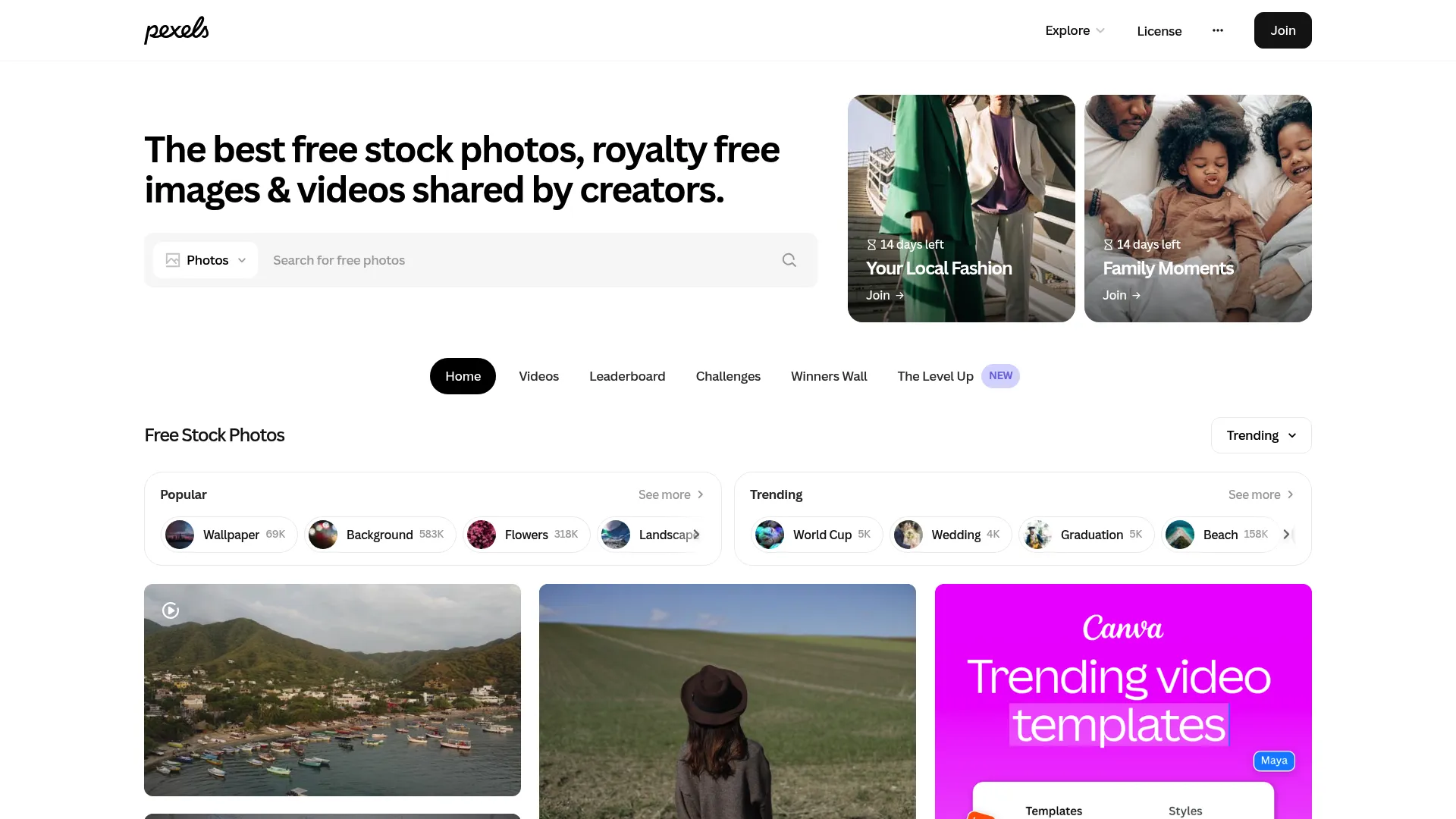
Pexels is a free stock photo and video library, now under the Canva brand. Its appeal is obvious: high-quality clips at no cost, downloadable in a couple of clicks with no attribution required. For marketers on a tight budget or a same-day deadline, that combination is hard to beat. You search, you download, you cut. When free content matches your need, there's no faster path from idea to asset.
Best for: Teams and creators needing free stock photos and videos.
Key strengths
- Genuinely free: Free photos and videos for personal and commercial use.
- Simple license: The Pexels license requires no attribution.
- Fast turnaround: Direct download with no account friction slowing you down.
Why choose Pexels: For low-stakes assets, quick tests, and social content where budget is zero, this is the fastest option on the list. The catalog is smaller than the paid marketplaces, so flagship brand work may need a premium source. Read the Pexels license before running a clip in a paid ad so you know exactly what your usage covers.
Pexels pricing: Pexels states its photos and videos are free to download and use. There is no paid tier or subscription price to weigh, which is exactly the point for budget-first teams.
4. iStock
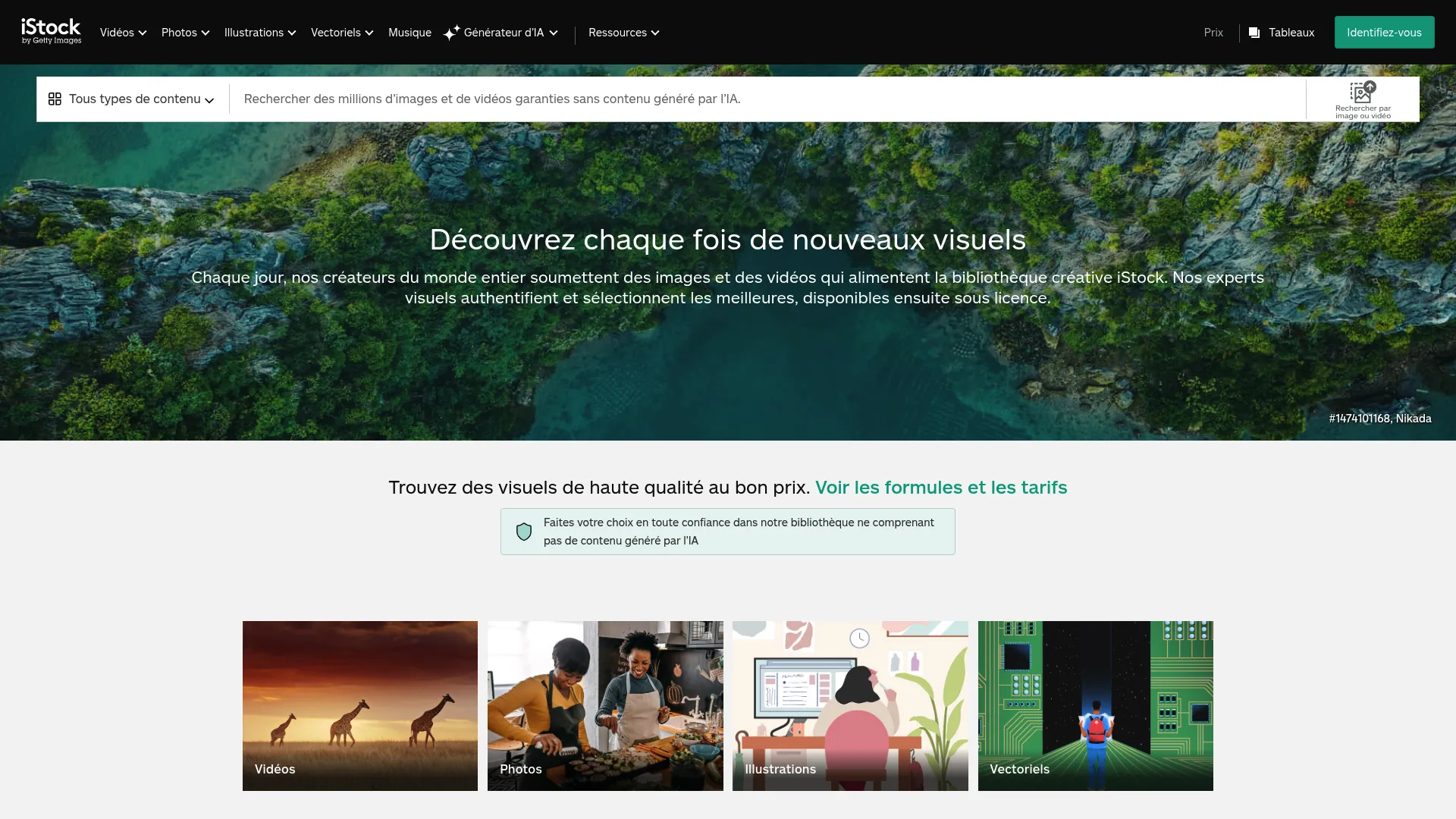
iStock is a royalty-free stock media marketplace from Getty Images, offering photos, illustrations, vectors, video, and music. It sits in the premium middle ground: more curated than the largest marketplaces, with tighter licensing and Getty's quality behind the catalog. For teams producing ads and brand videos who want a cleaner signal-to-noise ratio in search results, that curation pays off. You spend less time filtering and more time cutting.
Best for: Teams needing licensed stock visuals and occasional video and music in one library.
Key strengths
- Curated multi-format catalog: Search and license ready-to-use photos, illustrations, vectors, and video clips.
- Organization tools: Boards to save, organize, and share assets across a team.
- Precise discovery: Advanced filters and reverse image and video search.
Why choose iStock: Choose it when quality and licensing clarity matter more than raw catalog size. It's a strong fit for brand-facing work where you can't afford an off-brand clip slipping through. Teams chasing the largest possible inventory may prefer a broader marketplace, but iStock's curation is the trade-off that some teams want.
iStock pricing: Subscriptions start at $29/month for the Basic plan, $70/month for Premium, and $99/month for Premium + Video, with credit packs also available. Three free assets are offered on a recurring basis: three photos weekly, one video monthly, and three illustrations monthly. Subscriptions and credit packs are generally non-refundable unless local law requires otherwise.
5. Storyblocks
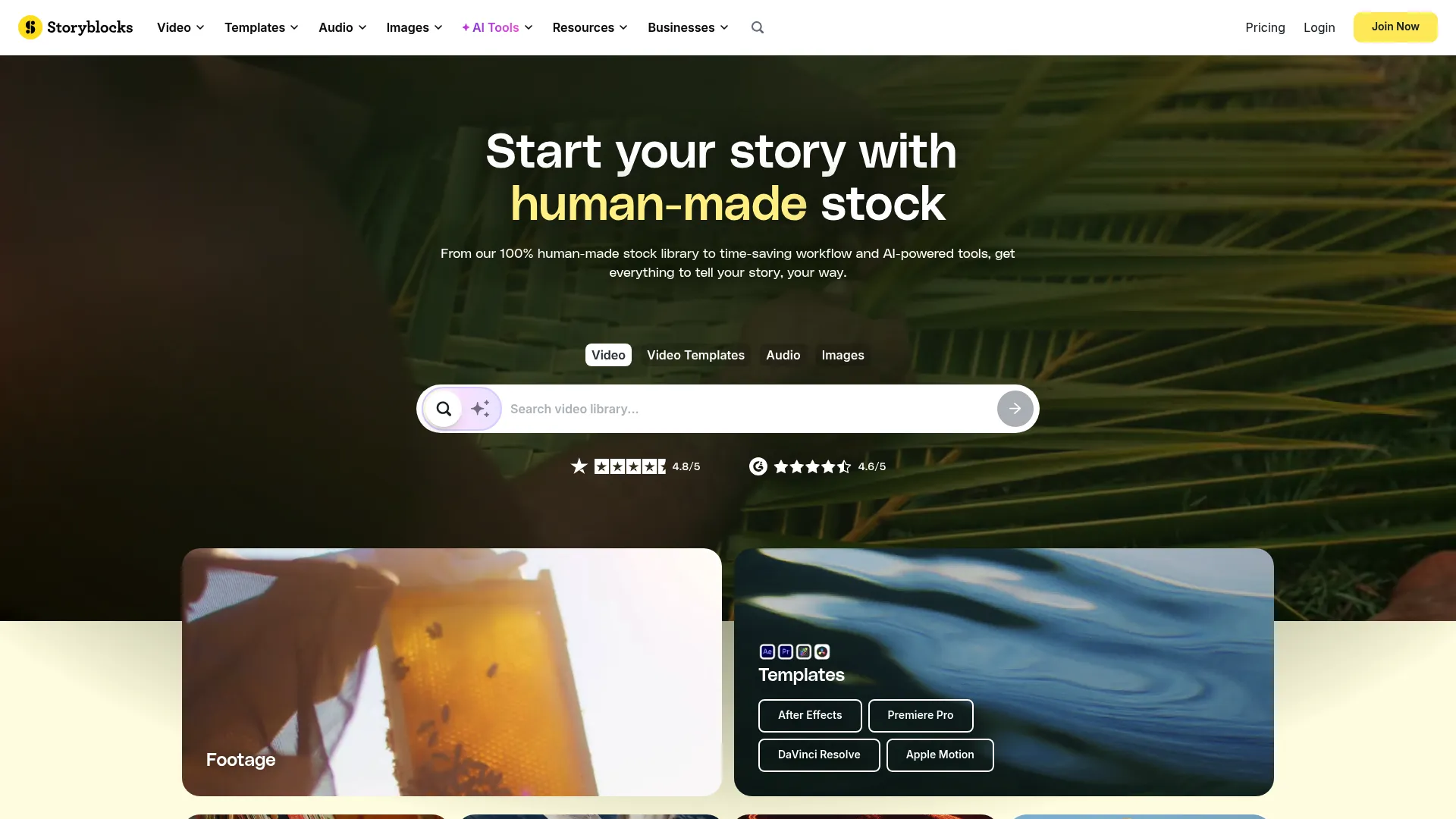
Storyblocks is a stock media subscription service offering video, audio, images, and creative tools. Its model is built for teams that produce video constantly: unlimited downloads on paid plans mean predictable spend no matter how many clips you pull. For a content team shipping weekly social cuts and monthly campaign videos, that removes the mental math of per-clip pricing. You license as much as the calendar demands without watching a credit balance.
Best for: Teams and creators needing a subscription library of stock video, audio, images, and AI-assisted editing tools.
Key strengths
- Unlimited downloads: Unlimited downloads on paid plans for predictable spend at any volume.
- High-resolution footage: 8K, 4K, and HD footage for modern campaign needs.
- Built-in editing: An AI Toolkit with video editing and voiceover to speed up assembly.
Why choose Storyblocks: Recurring creative teams care about one thing here: cost that doesn't scale with usage. If you produce video on a steady cadence, a flat subscription with unlimited downloads is easier to budget than credits. Occasional users who pull a handful of clips a year may not need the volume, but frequent producers will.
Storyblocks pricing: Individual plans start at $21 per month for Essentials, billed annually, with Unlimited All Access at $30 per month and Maker at $40 per month, both billed annually. A Business plan is quote-based. There is no free tier, so this one suits teams ready to commit to a subscription.
6. Pond5
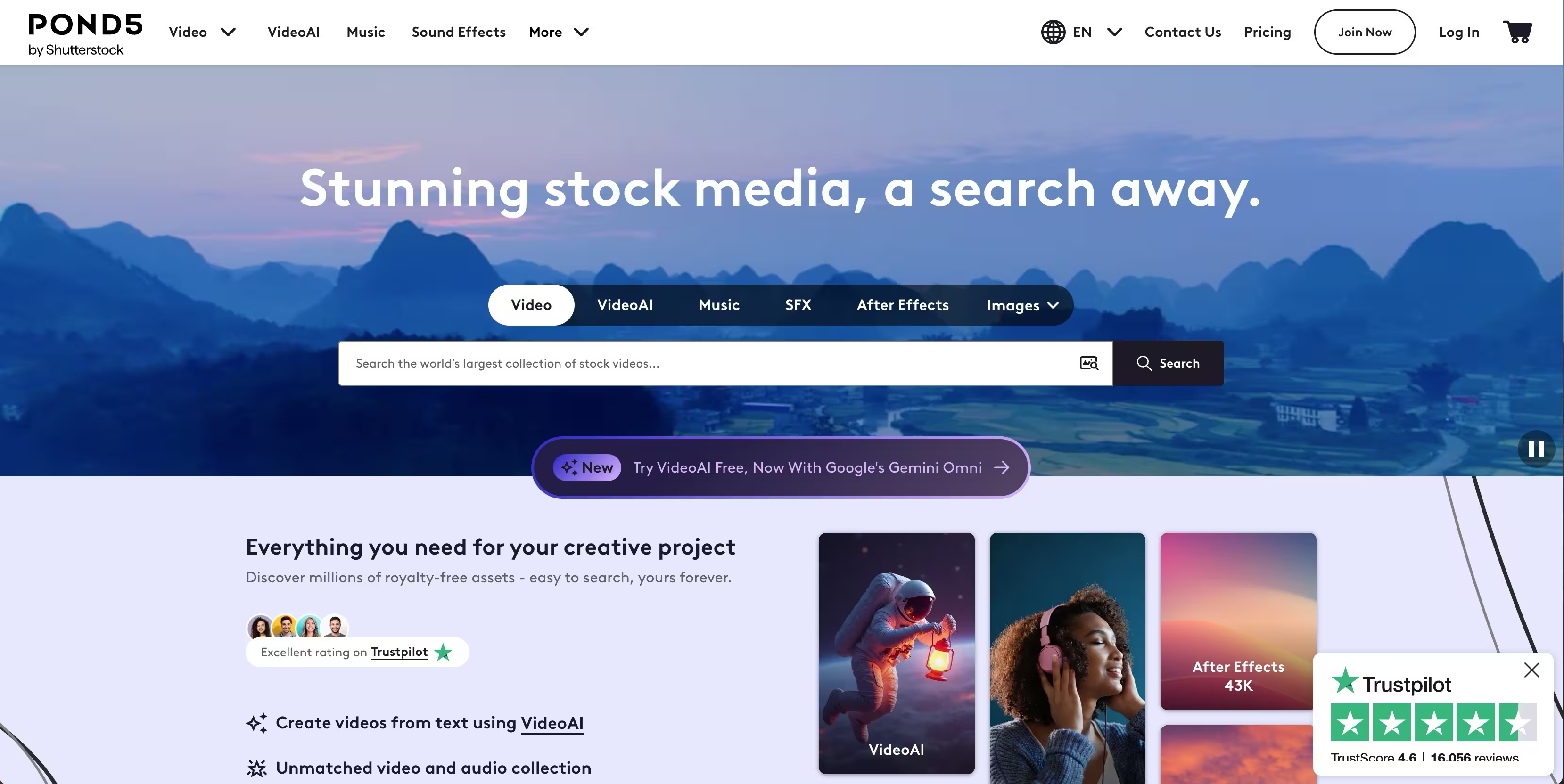
Pond5 is a stock media marketplace covering video, music, sound effects, photos, illustrations, and templates. Its strength is flexibility: pay-per-asset licensing lets you buy exactly what you need without a subscription, which suits teams that license occasionally rather than constantly. When you need one specific clip for one specific project, paying per asset beats committing to a recurring plan you'd barely use. The marketplace depth also means variety across formats and styles.
Best for: Teams and creators needing stock video and audio assets with flexible licensing options.
Key strengths
- Pay-per-asset licensing: Buy exactly the clips you need with no subscription required.
- Prepaid credit packs: Credit packs for teams that buy in batches.
- Focused subscriptions: Subscriptions for music, music and SFX, and footage when volume picks up.
Why choose Pond5: One-off clip buying beats a subscription when your usage is irregular or project-driven. You avoid paying monthly for a library you touch twice a quarter. Teams producing constant video will find a subscription more economical, but for occasional premium needs, per-clip control is the right model.
Pond5 pricing: Pay-per-asset licensing starts at $39 per clip, with credit packs available from $250. Subscriptions include Music at $10/mo, Music and SFX at $15/mo, and Footage Plus at $199/mo, with yearly options at $60, $90, and $999 respectively. A Free Collection is available for no-cost assets.
7. Artgrid
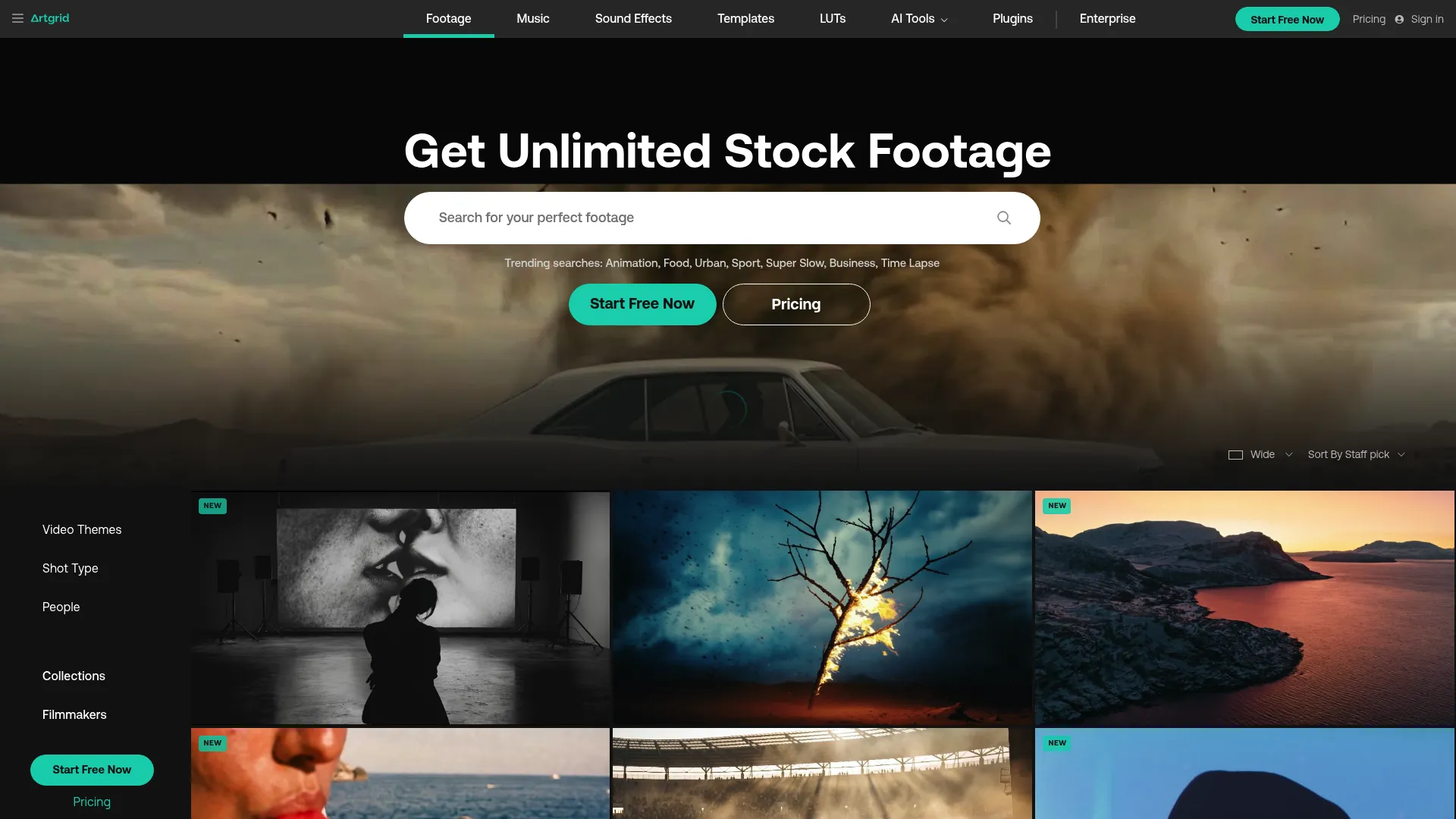
Artgrid is a subscription stock footage platform built for filmmakers and creators who care about cinematic quality. Its footage is story-driven and consistent in style, which matters when your campaign needs to feel produced rather than assembled. For brand teams running storytelling-heavy work, that visual polish separates a premium spot from a stock-looking one. The library leans toward high-end formats, so the raw material matches the ambition of the campaign.
Best for: Filmmakers needing high-quality, story-driven stock footage with simple licensing.
Key strengths
- Unlimited downloads: Download as much as your project needs on a subscription.
- High-end formats: Up to 8K, RAW, and LOG footage for maximum flexibility in the edit.
- Simple commercial license: A straightforward license covering commercial use.
Why choose Artgrid: It fits storytelling-heavy campaigns where visual consistency and cinematic quality carry the message. Brand films, hero videos, and premium ad spots benefit most from footage that already looks directed. Teams that just need functional B-roll may find broader marketplaces more efficient, but for polish, Artgrid delivers.
Artgrid pricing: Plans start around $24.92 a month, with the annual plan cited at roughly $25/month, or $299 billed annually. Artgrid promotes free sign-up calls to action, though a dedicated permanent free plan isn't detailed on the pricing page.
8. Vecteezy
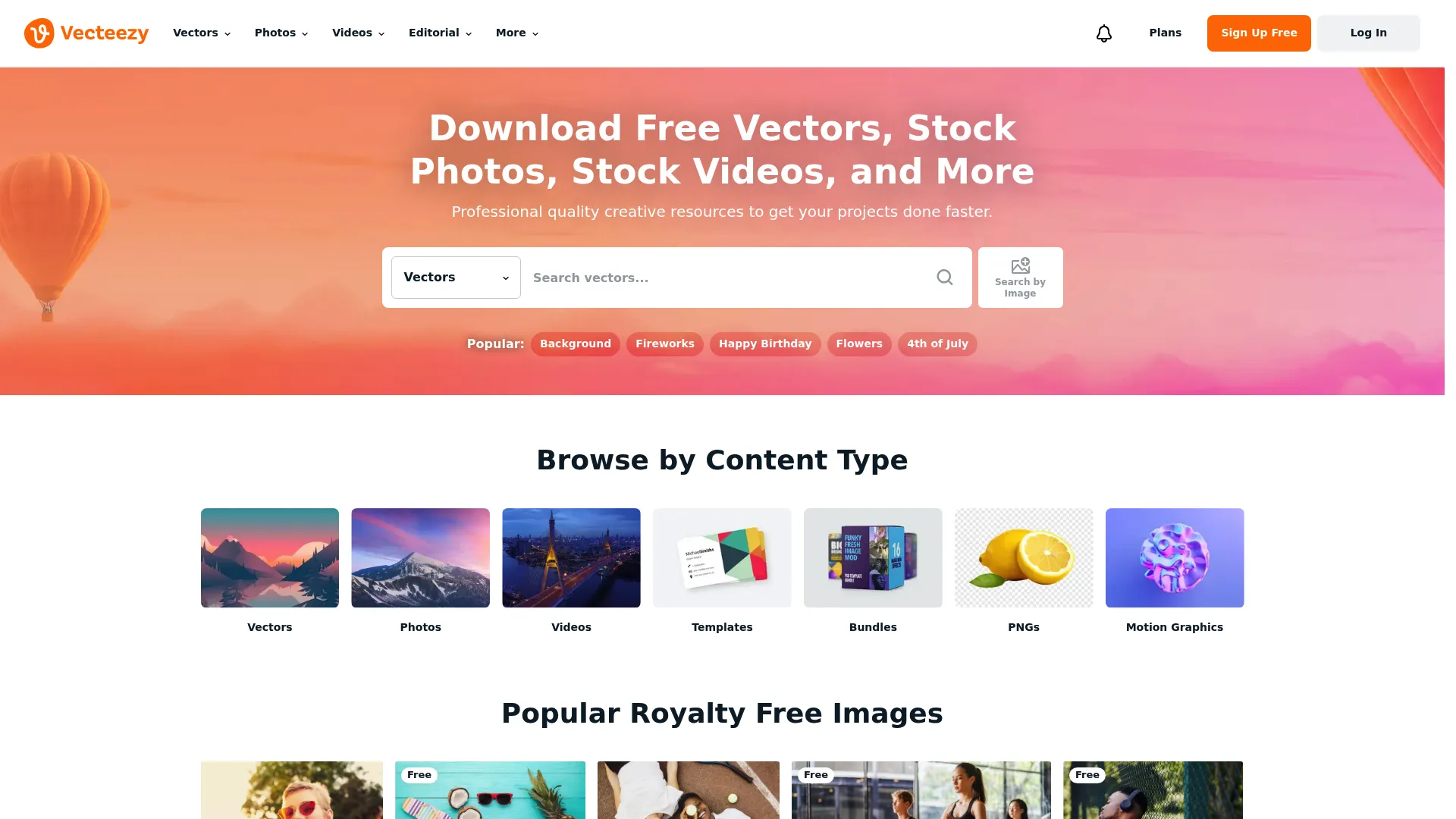
Vecteezy is an online marketplace for licensing stock photos, vectors, and stock footage, with a genuinely useful free tier and low-cost Pro plans. That mix makes it practical for smaller teams that want accessible footage plus other creative assets in one place. When your budget is thin but you need vectors, photos, and video without juggling three tools, the breadth helps. Pro unlocks unlimited downloads and full commercial rights at a low monthly price.
Best for: Teams and creators needing a large stock asset library with a free tier and low-cost Pro plans.
Key strengths
- Free browser editor: A free SVG editor in-browser for quick asset tweaks.
- Unlimited Pro downloads: Unlimited downloads and full commercial rights on Pro.
- No attribution on Pro: No attribution required and legal coverage on paid plans.
Why choose Vecteezy: It sits comfortably between free and paid workflows, which is exactly what smaller teams need. You can start free, then upgrade to Pro when commercial rights and unlimited downloads matter. Larger orgs producing at high volume may want a dedicated video marketplace, but for mixed-asset needs on a budget, Vecteezy is a strong utility pick.
Vecteezy pricing: A Free Subscription is available at no cost, with a Yearly Pro Subscription at $9 per month billed annually ($108) and a Monthly Pro Subscription at $14 per month. Pro includes unlimited photo, vector, and video downloads, exclusive bundles, commercial rights, editor access, no attribution, priority support, and no ads.
Considerations
Before you commit to any platform, run through this checklist. It's the difference between a clip you can ship and a legal problem you didn't see coming.
Check licensing before you publish
The clip is the easy part. The license is what determines whether you can legally run it in a paid ad, embed it on a landing page, or share the finished asset with a client. Confirm three things: commercial use rights, redistribution terms, and specific ad placement permissions. Royalty-free doesn't mean unrestricted. Read the actual license text for the asset, not the marketing copy on the homepage, and note whether the license covers the platforms you plan to publish on.
Match pricing model to output volume
Credits, subscriptions, and per-clip purchase each win in a different scenario. If you pull a few clips a year, per-clip buying like Pond5 avoids paying for idle capacity. If you produce video weekly, an unlimited subscription like Storyblocks or Artgrid is cheaper per asset and easier to forecast. Tie the choice to your campaign cadence, not to the sticker price. The right model is the one that matches how often you actually download.
Test search quality and filtering
Every platform claims a huge library. What matters is whether you can find a usable clip in that library in under two minutes. Test the search with a real brief before you subscribe. Check the filters for resolution, orientation, duration, and subject. Look at how relevant the top results are and how the thumbnails preview. Search speed and relevance decide whether the library size is an asset or just a number.
Evaluate freshness and content style
A library can be huge and still feel dated. Judge freshness by the signals that matter for modern marketing: 4K and 8K availability, vertical formats for social, and recent upload dates. Scan whether the visual style feels current or stuck a few years back. Footage that looks like stock undercuts the campaign. Footage that looks directed lifts it.
Consider workflow fit with your stack
Adobe-native workflows genuinely matter if your team edits in Creative Cloud, since Adobe Stock drops assets straight into your projects. If you edit elsewhere, that advantage fades and other factors take over: download speed, asset organization, and whether the platform supports team collaboration. Map the tool to how your team actually produces, not to a feature list.
Conclusion
The best stock footage software depends entirely on how you produce. For an all-around commercial pick, especially inside Creative Cloud, Adobe Stock covers the most ground. For sheer inventory at high volume, Shutterstock is the marketplace. On zero budget, Pexels is the fastest free-first option. For frequent video producers who want predictable spend, Storyblocks and its unlimited subscription model win, while Artgrid takes the top spot for cinematic, storytelling-heavy work.
The practical advice is simple: choose based on licensing, output volume, and creative fit, not on clip count alone. A bigger library you can't legally use in an ad is worthless. A smaller one that matches your budget and your workflow ships campaigns. Start with the option that fits your budget and your stack, test it against a real brief, and confirm the license before you publish. That order saves both money and headaches.
If your work also involves interactive product experiences alongside your video, start your journey with Guideflow today!