Here is how to share a widget from a dashboard in monday.com
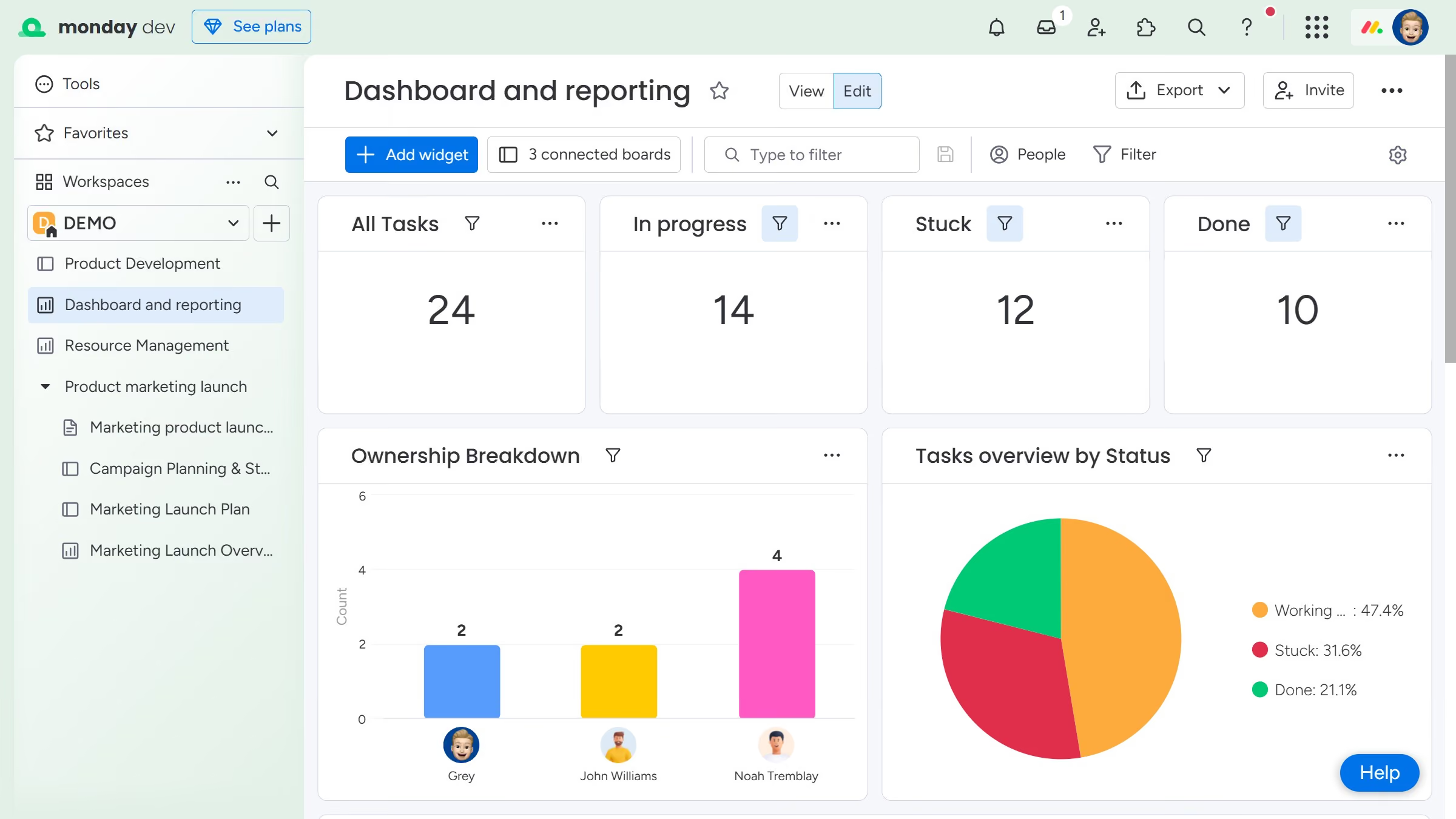
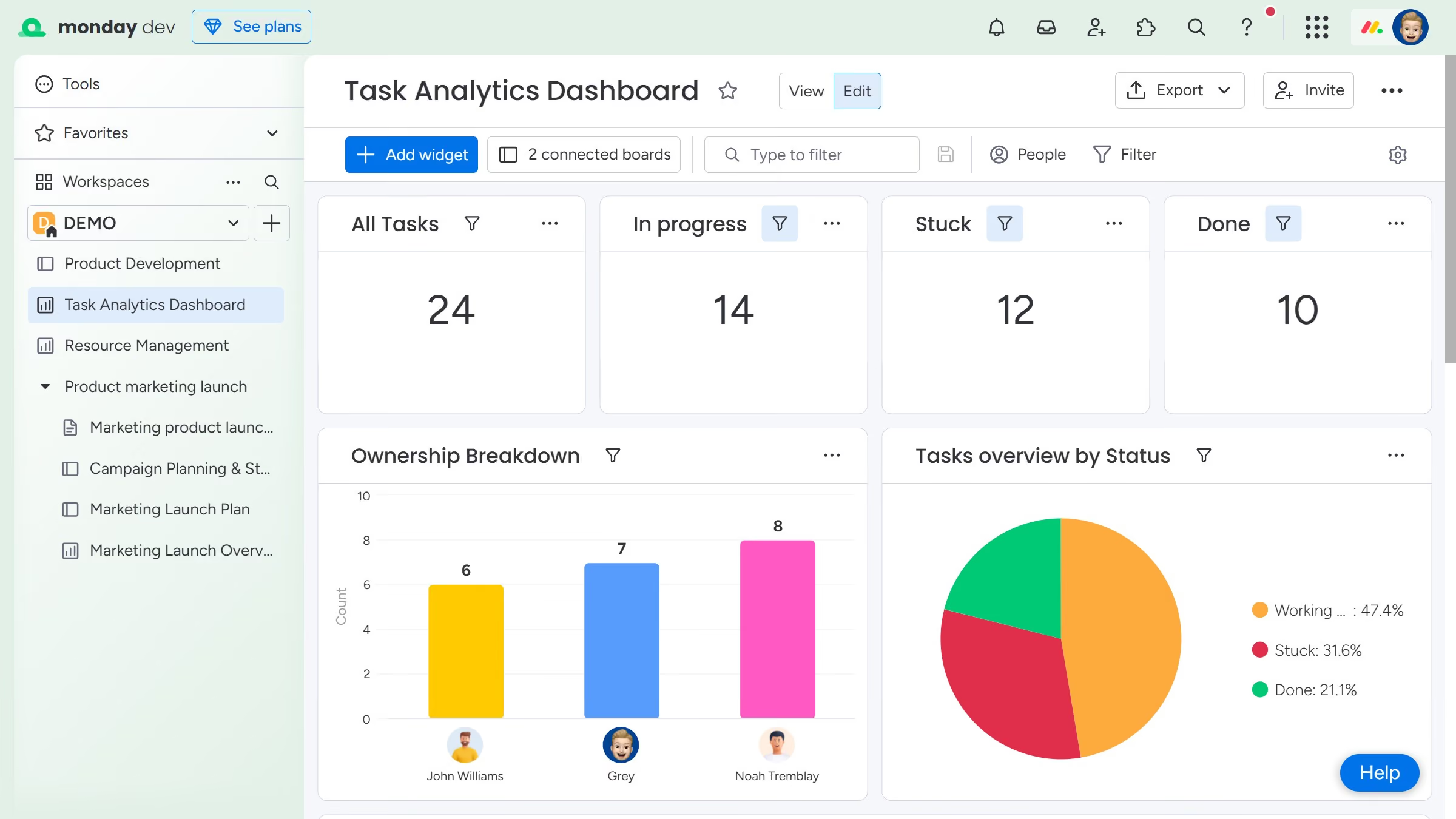
- First navigate to the dashboard and locate the widget you want to share
- Next click on the "More options" button (three dots) in the top-right of the widget
- Then click on the "Export" option from the dropdown menu
- Finally, select your preferred format from the available options
- The file will download to your device. You can then share it with team members who need to view the widgets’ data