Linkedin
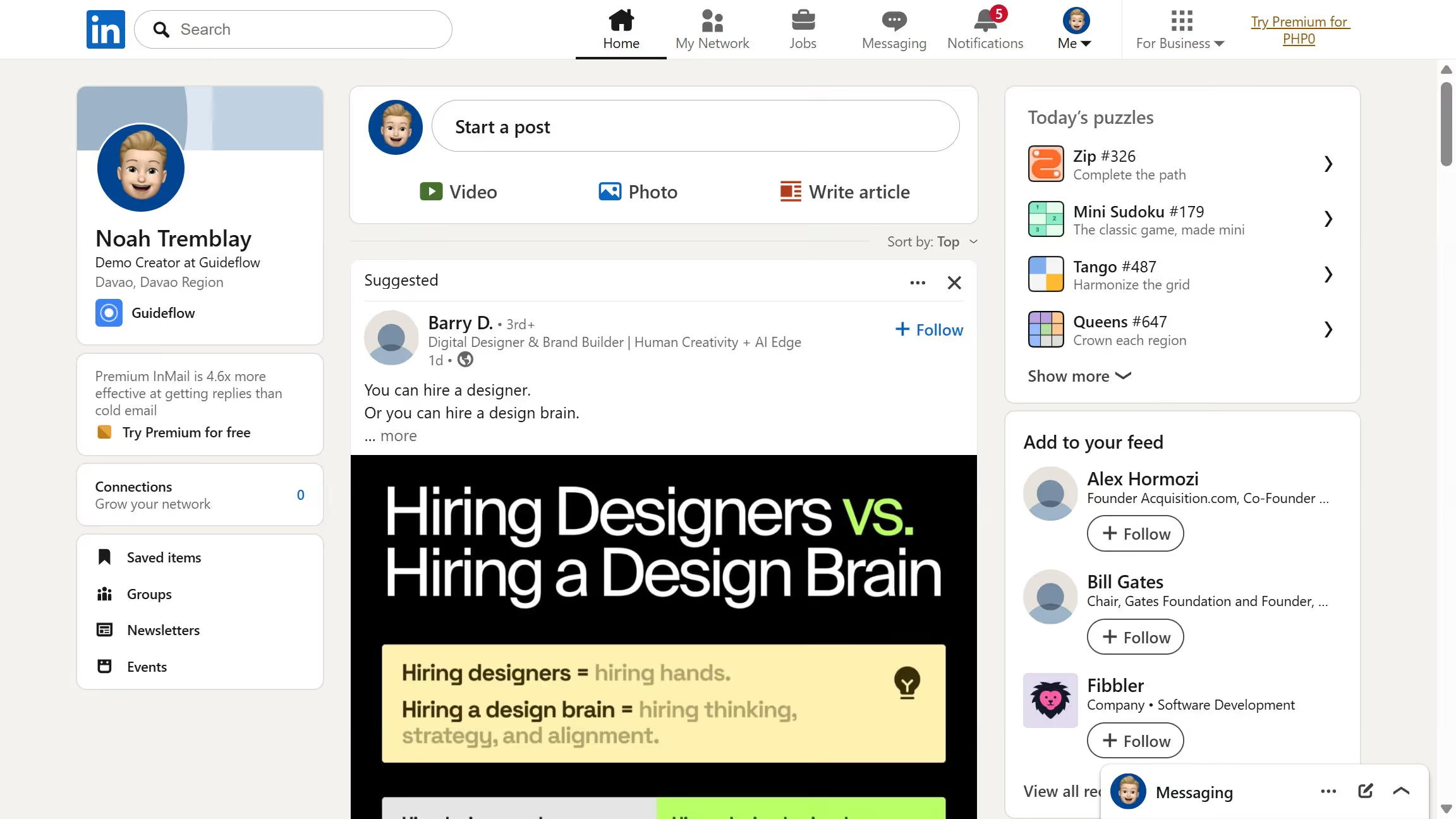
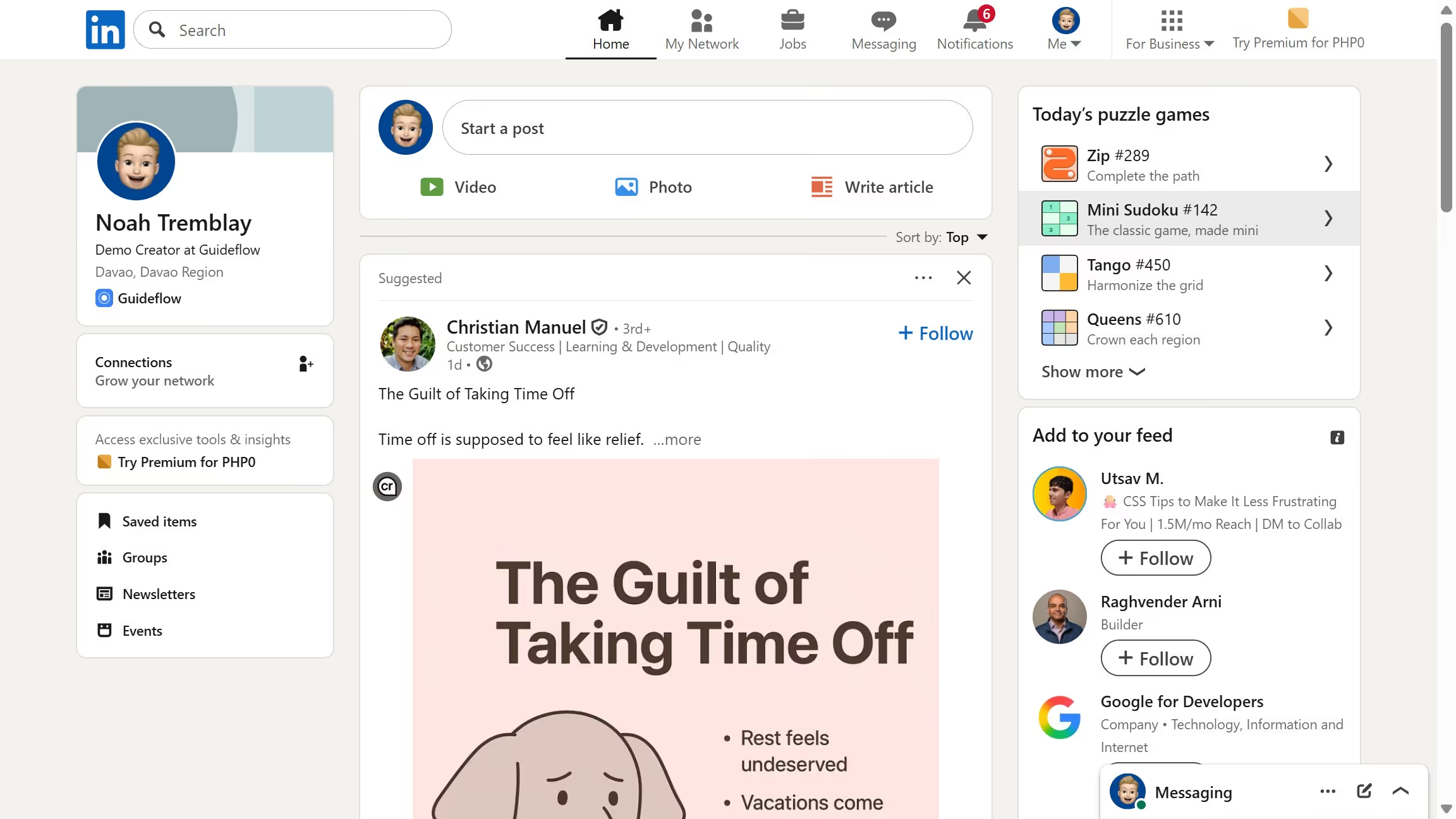
LinkedIn is a professional networking platform that helps individuals and businesses connect, share opportunities, and grow careers. It offers tools for recruiting, marketing, sales, and learning, with over 1 billion members worldwide, including executives from every Fortune 500 company.
Website
Industry
Leadgen
Share this article:

How to save a job in LinkedIn

Here is how to save a job in linkedin

  1. First click on the "Jobs" icon in the top navigation bar
  2. Then search for a job you’re interested in using the search bar
  3. Next click on the job title to open the job details page
  4. Finally click on the "Save" button to bookmark the job posting

Create your own interactive guide with Guideflow

Why should you save a job in LinkedIn

LinkedIn is the world's largest professional network, connecting professionals to new opportunities every day.

The feature to save a job allows users to bookmark interesting job listings for easy access later, simplifying the job search process significantly.

By leveraging this feature, job seekers can curate a list of potential opportunities, aiding in organized, strategic job hunting without missing out on exciting prospects.

This helps in ensuring that you have immediate access to listings whenever you're ready to apply or need to revisit specific details about a role.


Last update
July 14, 2026
Cursor MariaA cursor points to a button labeled "James."

Loo oma esimene demo vähem kui 30 sekundiga.