Linkedin
LinkedIn is a professional networking platform that helps individuals and businesses connect, share opportunities, and grow careers. It offers tools for recruiting, marketing, sales, and learning, with over 1 billion members worldwide, including executives from every Fortune 500 company.
Website
Industry
Leadgen
Share this article:

How to replace your resume in LinkedIn

Here is how to replace your resume in linkedin

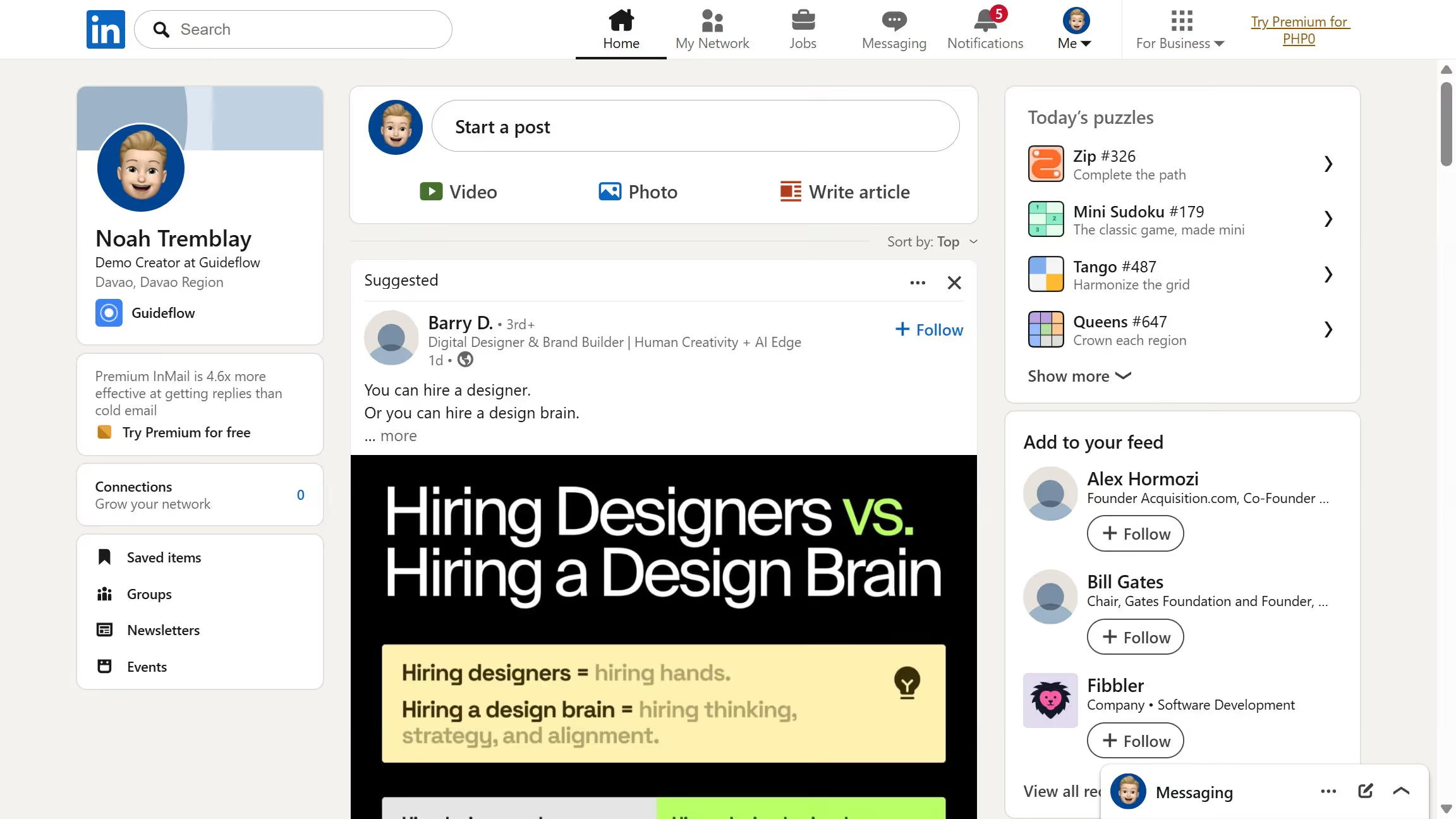
  1. First click on the "Me" dropdown menu in the top navigation bar
  2. Then click on "Settings & Privacy" in the dropdown menu
  3. Next click on "Data privacy" in the left sidebar menu
  4. Then click on "Job application settings" under the Job seeking preferences section
  5. Click on the menu icon (three dots) next to the resume file
  6. Select "Delete" from the dropdown menu
  7. Finally click on "Upload resume" button to replace your resume

Create your own interactive guide with Guideflow

Why should you replace your resume in LinkedIn

LinkedIn stands as a pivotal platform for professional networking and career development.

Replacing your resume on LinkedIn keeps your professional profile fresh and up-to-date, ensuring that connections and potential employers access your most current accomplishments.

This feature allows you to highlight recent skills and experiences, aligning your profile with your evolving career goals.

Enhancing your LinkedIn profile through updated resumes can increase visibility, showcase growth, and open new opportunities within your industry.


Last update
July 14, 2026
Cursor MariaA cursor points to a button labeled "James."

Loo oma esimene demo vähem kui 30 sekundiga.