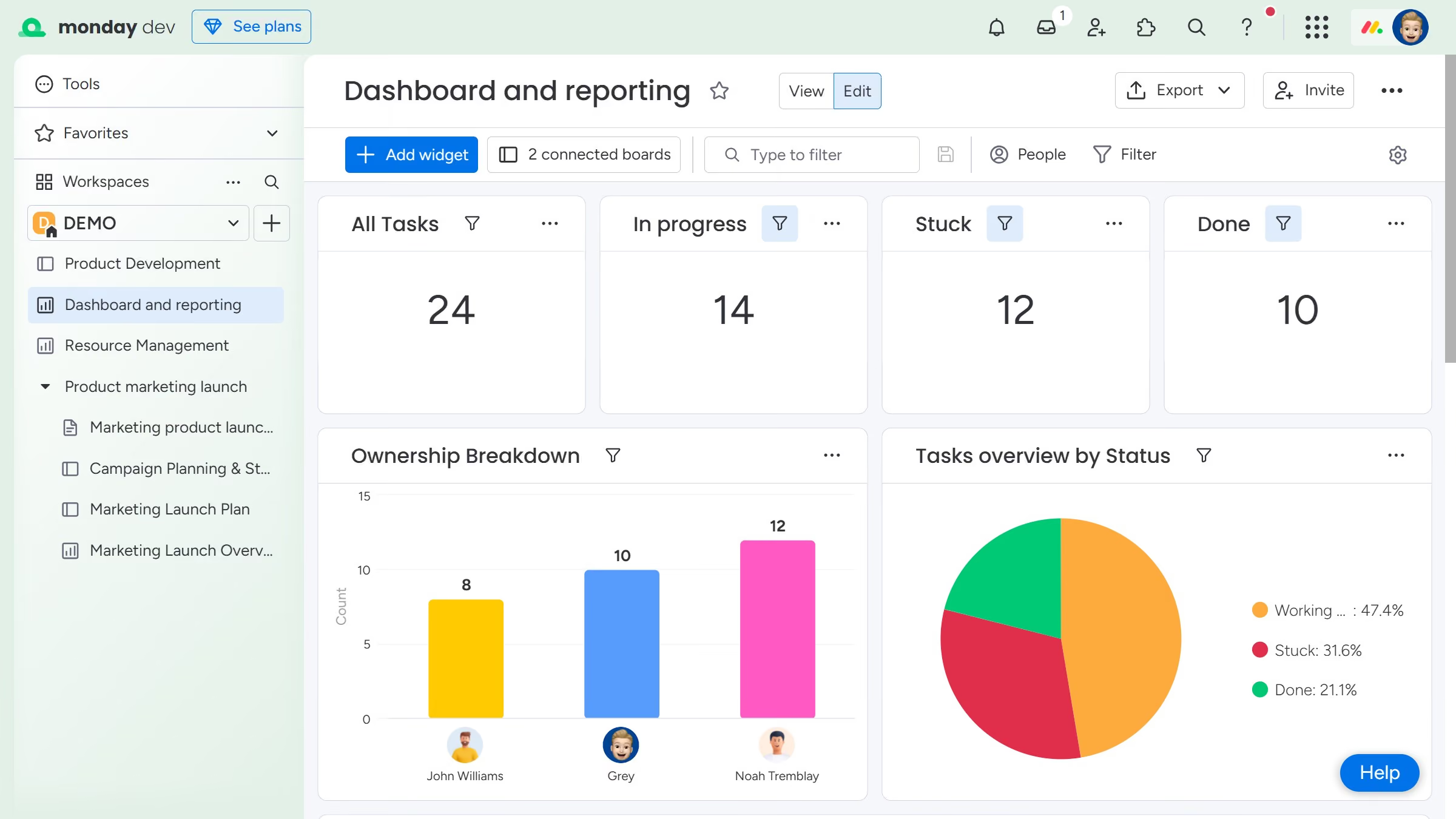
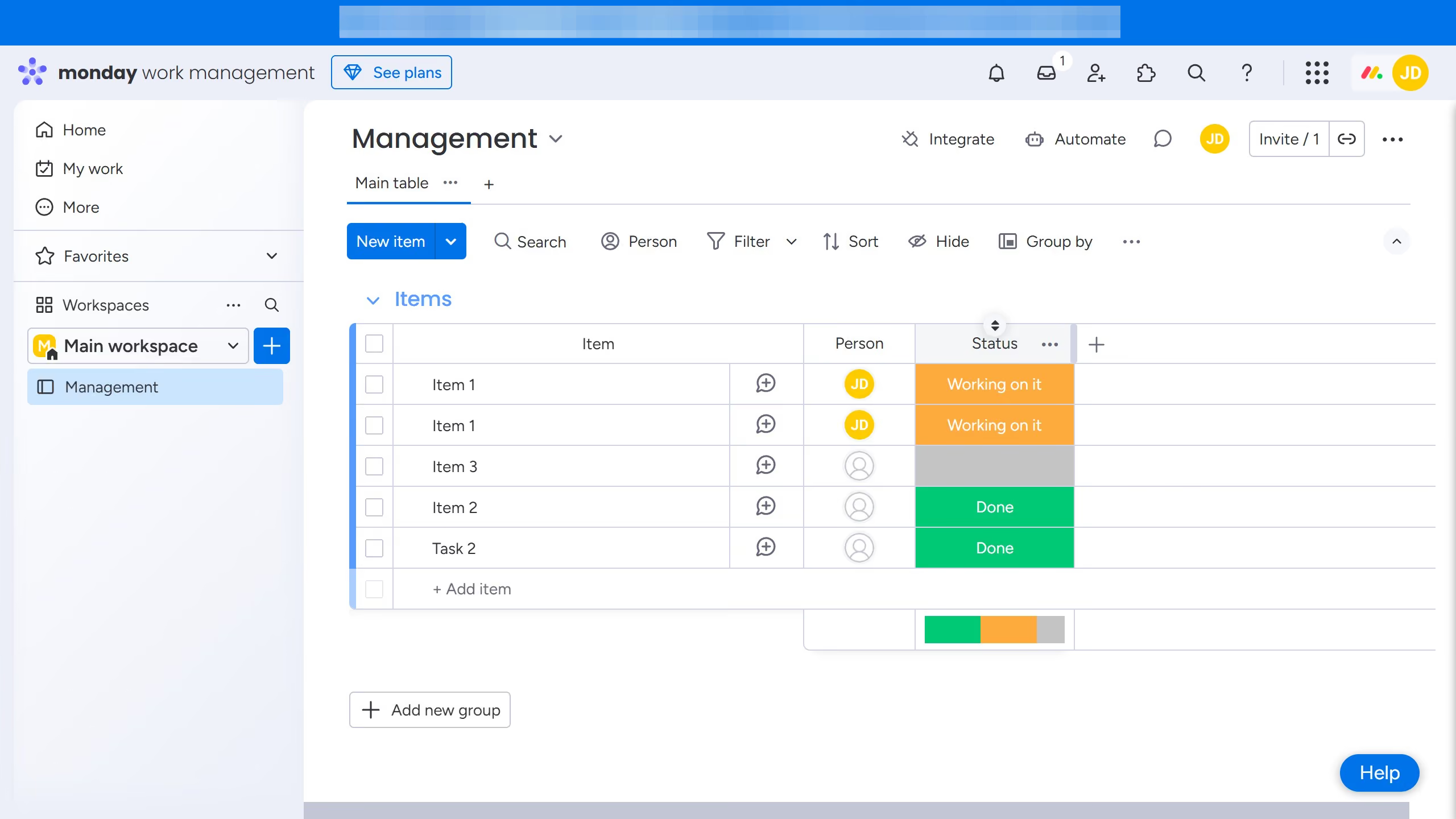
Here is how to restore a deleted dashboard in monday.com
- First click on the profile icon in the top-right corner of the main header
- Next click on the "Trash" option in the dropdown menu
- In the trash section, use the search bar or scroll to find the deleted dashboard you want to restore
- Then click on the option menu (three dots) next to the dashboard name
- Finally select the "Restore" option from the action menu
- The dashboard will be restored to its original location in the sidebar