Monday.com
Monday.com is a work operating system that helps teams plan, track, and deliver work with customizable workflows and collaboration features.
Website
Industry
Collaboration
Share this article:

How to stop sharing a board view in Monday.com

Here is how to stop sharing a board view in monday.com

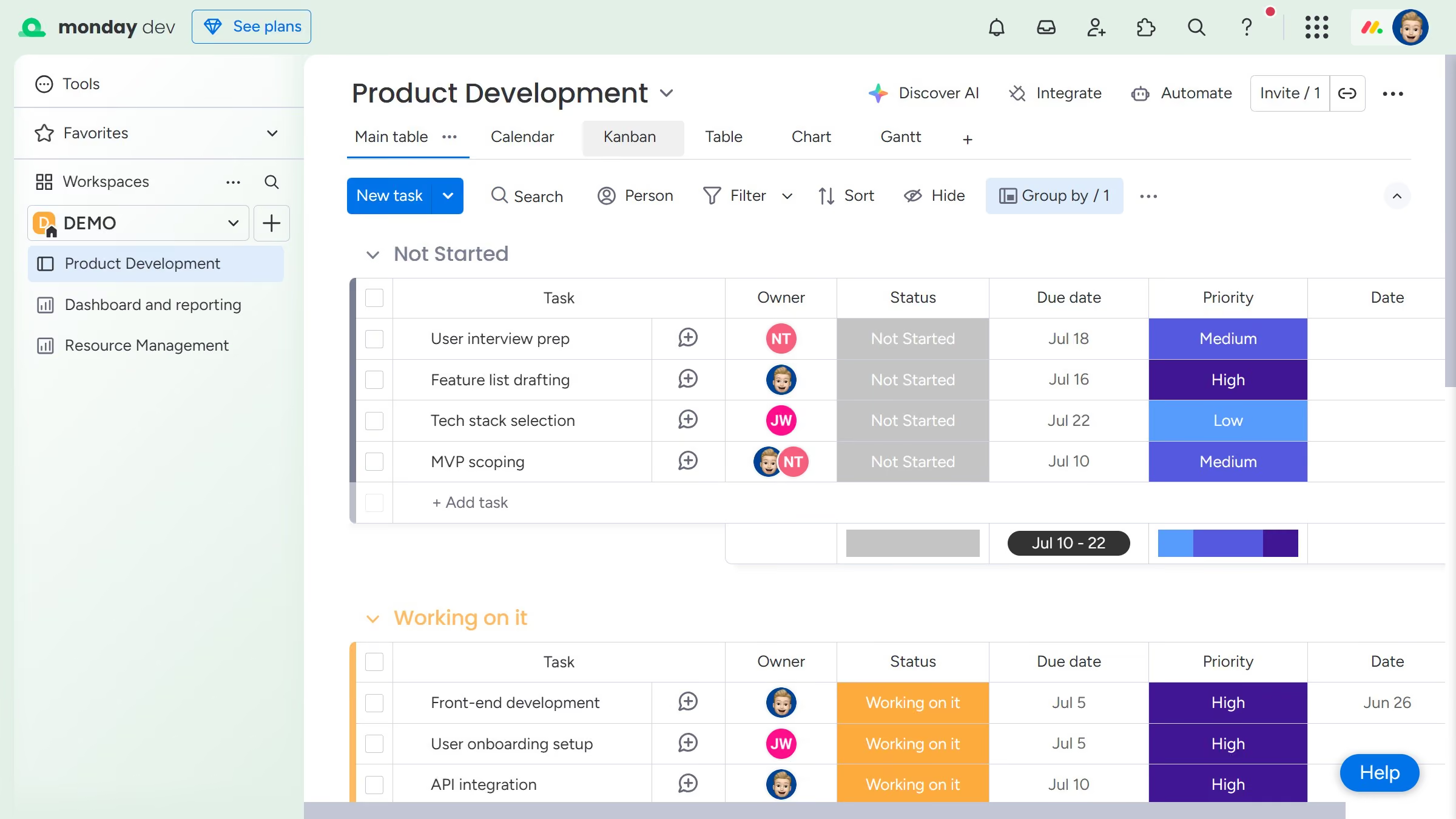
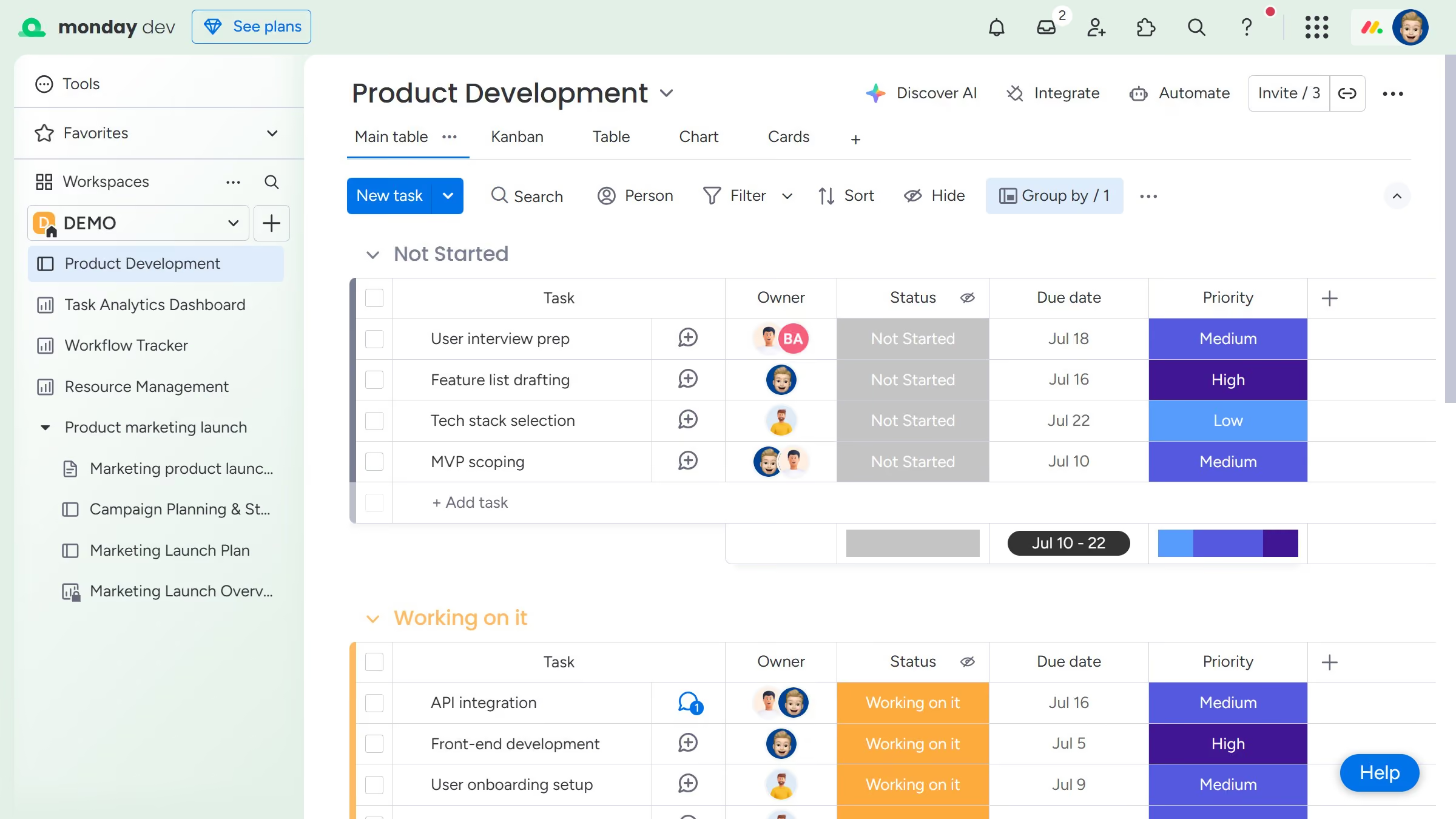
  1. First open the board and click on the view that is currently being shared
  2. Next click the more options menu (three dots) to the right of the view name
  3. Then click on "Share settings" option in the dropdown menu
  4. Finally, click the “Stop” button in the sharing dialog to stop sharing the view publicly
  5. Now the shareable link and embed code will be removed and can no longer be accessed or copied

Create your own interactive guide with Guideflow

Why should you stop sharing a board view in Monday.com

Monday.com is a versatile work operating system designed to streamline team collaboration and project management.

The feature to stop sharing a board view in Monday.com empowers users to maintain control over who has access to specific information. It is a simple yet effective way to manage privacy and ensure that sensitive data stays within trusted circles.

Utilizing this feature not only safeguards information but also allows teams to focus on their roles without the distraction of unrelated content. This ensures that the workflow remains organized and efficient.

Last update
July 14, 2026
Cursor MariaA cursor points to a button labeled "James."

Loo oma esimene demo vähem kui 30 sekundiga.