Monday.com
Monday.com is a work operating system that helps teams plan, track, and deliver work with customizable workflows and collaboration features.
Website
Industry
Collaboration
Share this article:

How to remove a board owner in Monday.com

Here is how to remove a board owner in monday.com

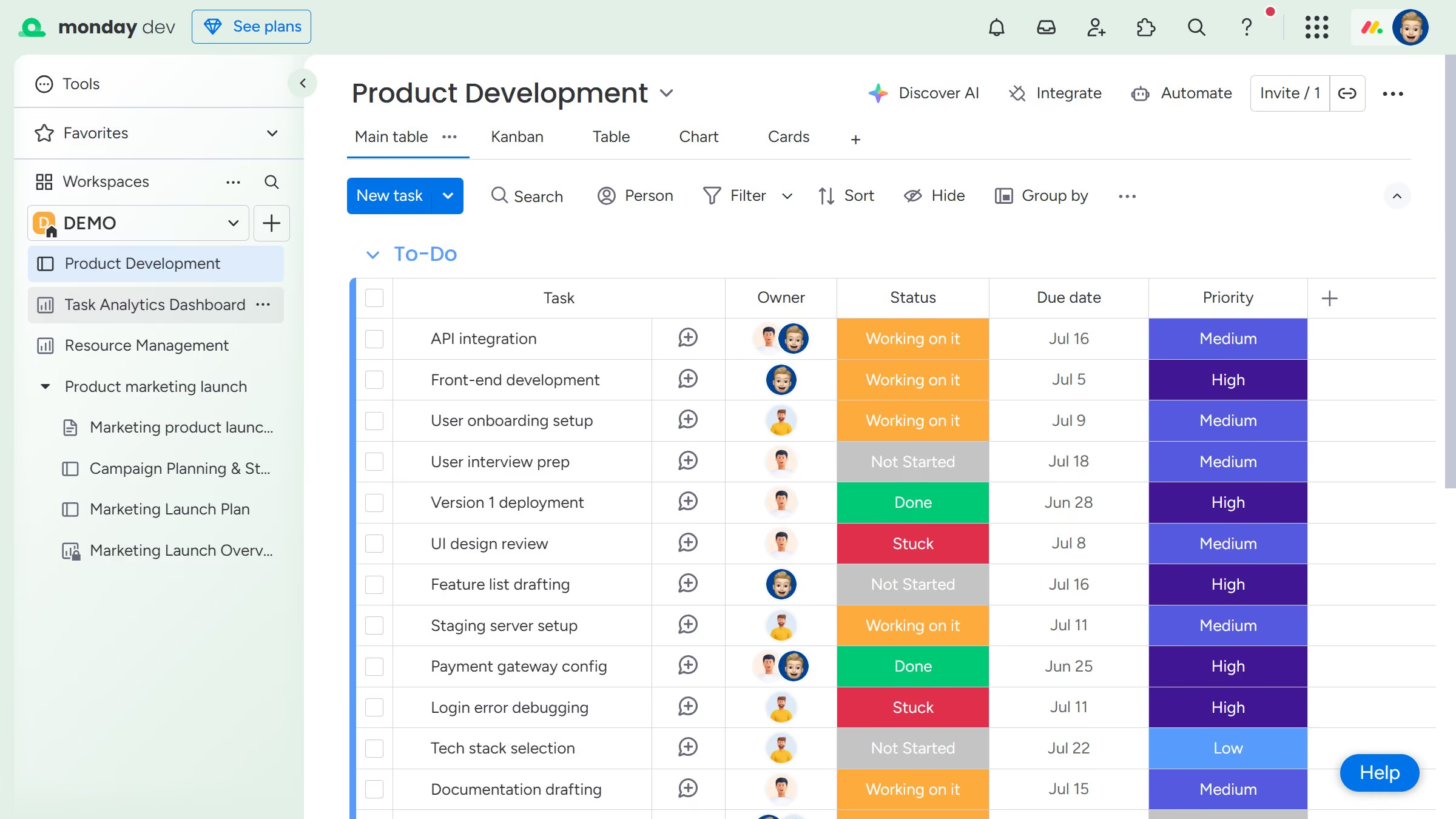
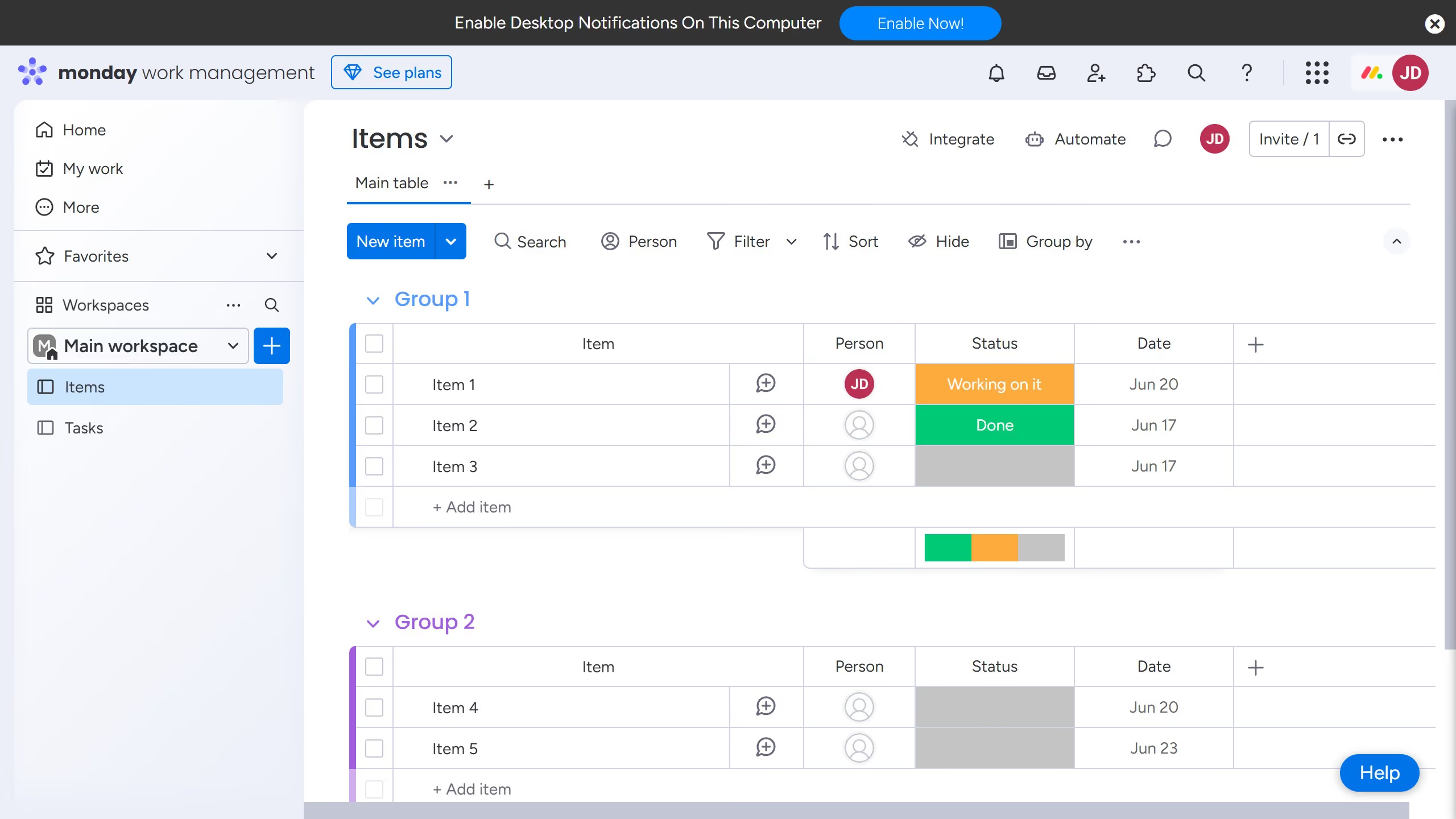
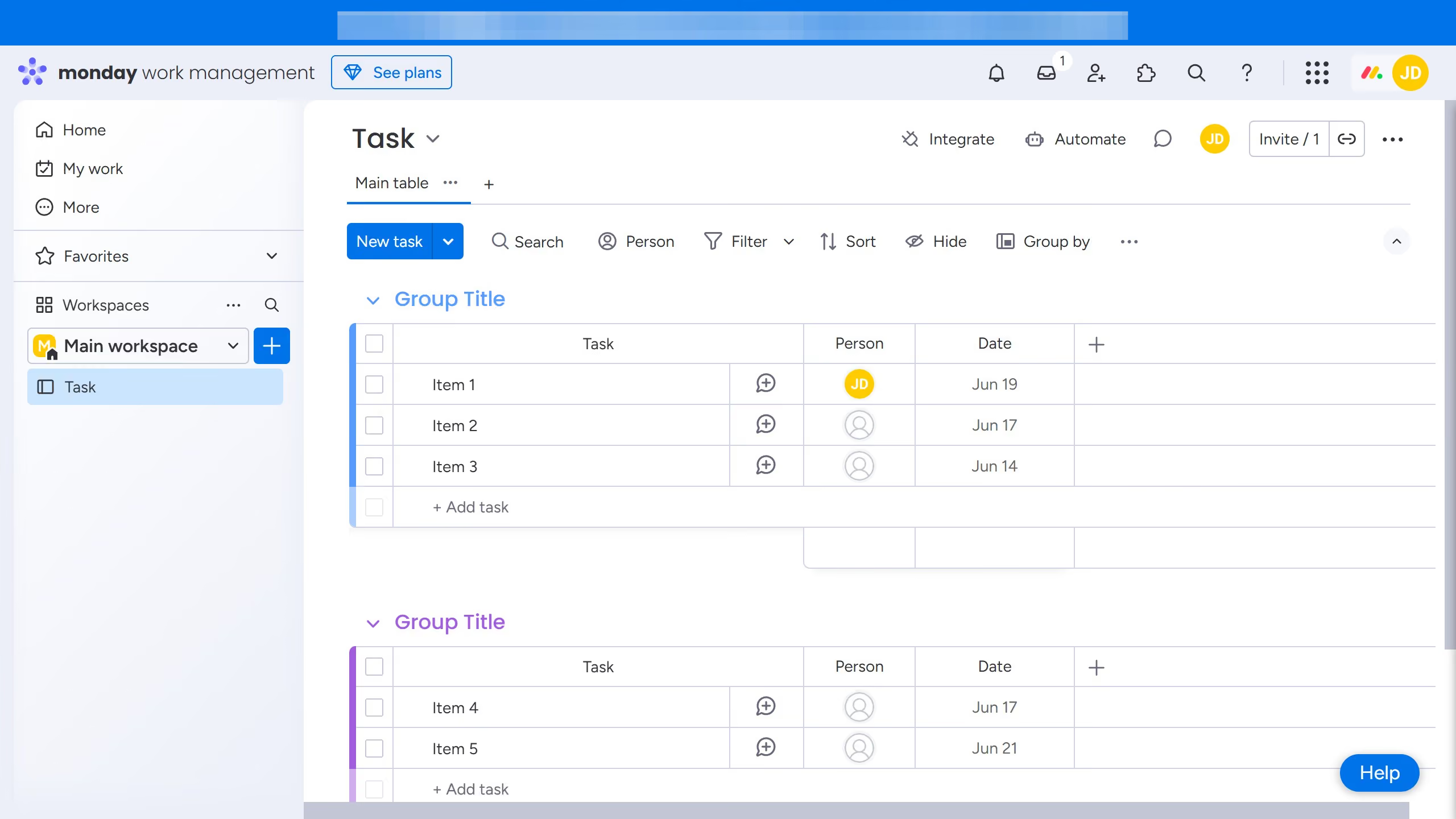
  1. First, in the left sidebar menu, open the board where you want to remove an owner
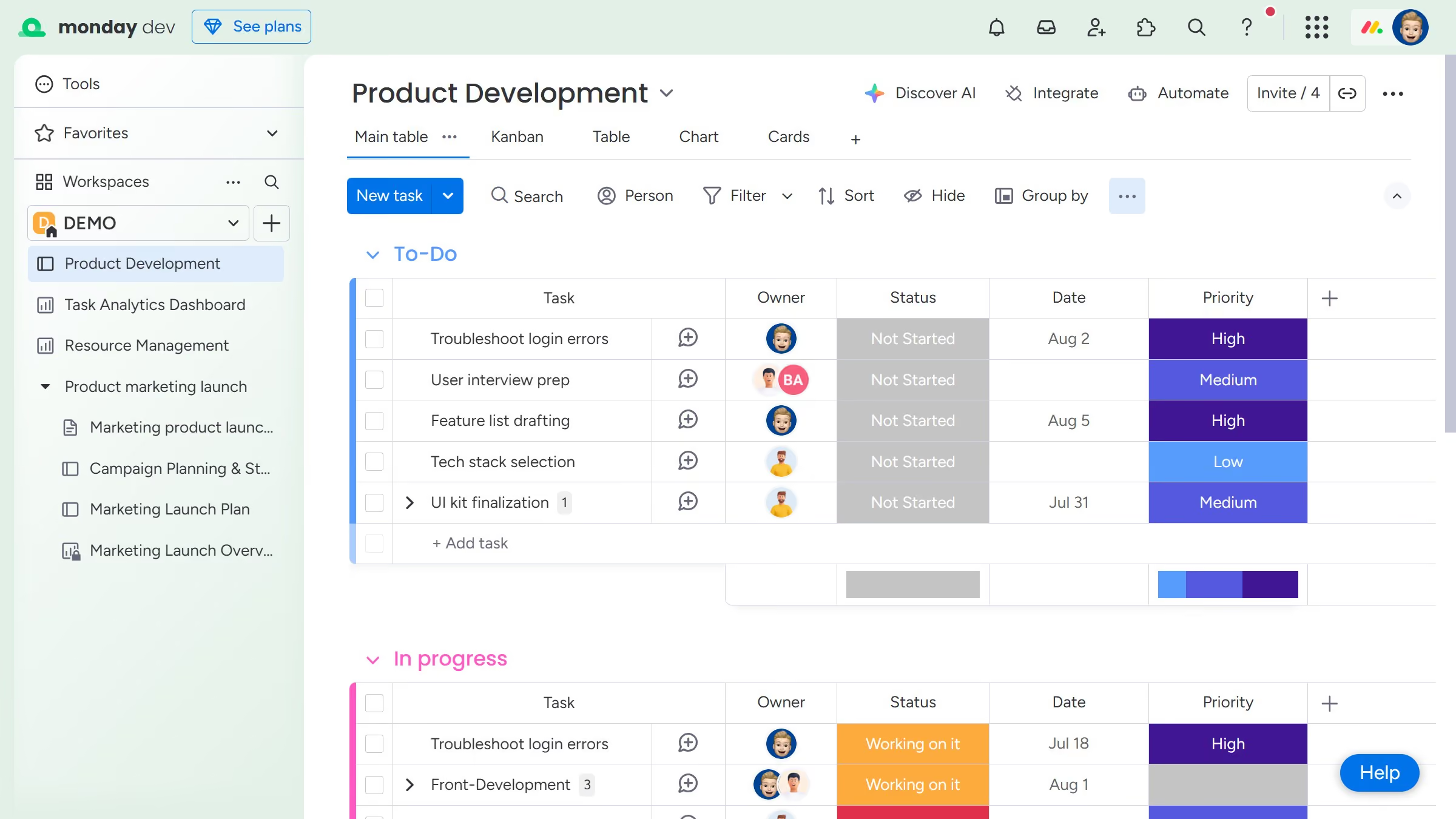
  2. Next click on the "Invite" button in the top toolbar
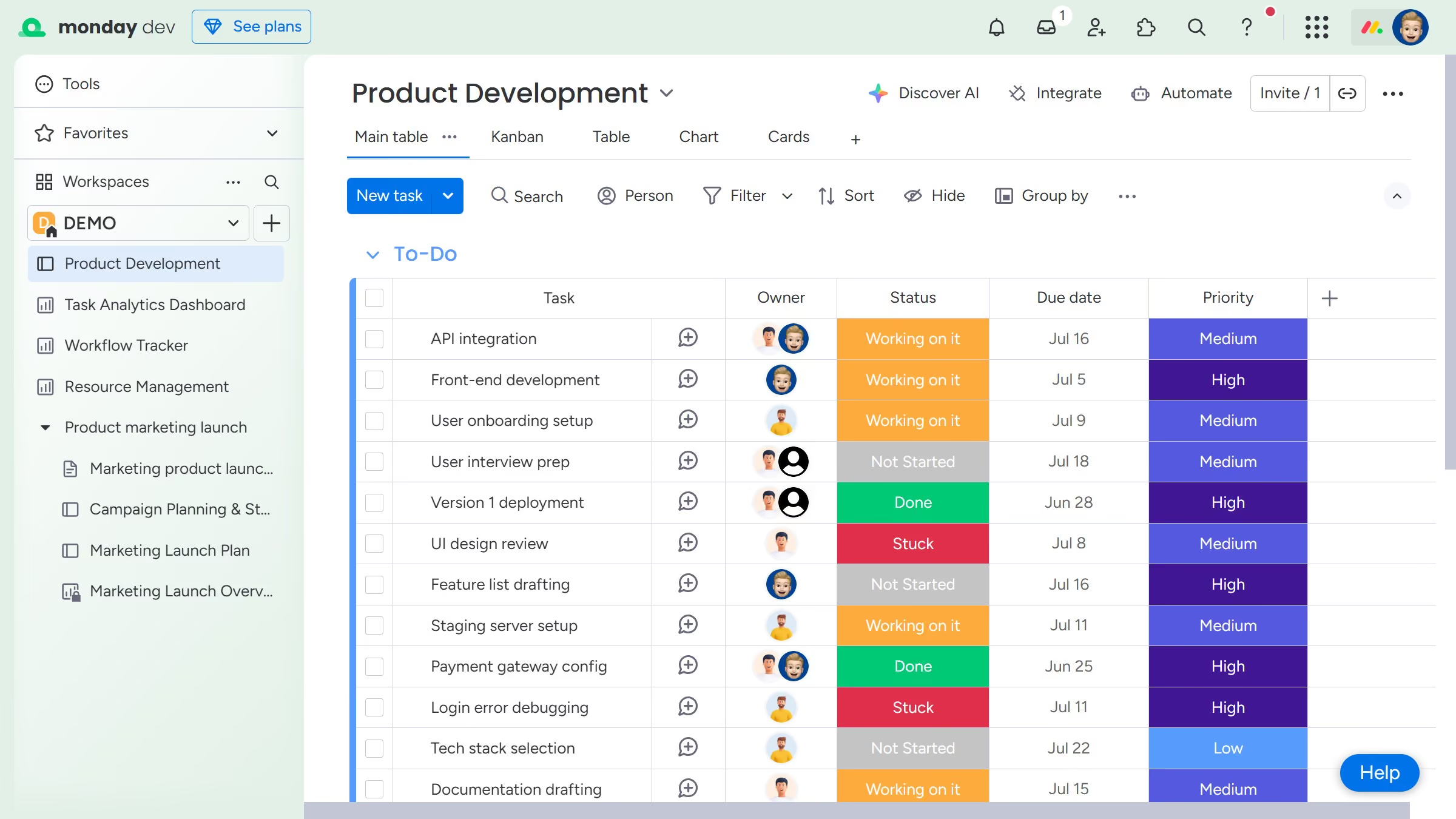
  3. Then locate the owner you want to remove in the members list
  4. Finally click on the blue crown icon next to their name to remove them from owners

Create your own interactive guide with Guideflow

Why should you remove a board owner in Monday.com

Monday.com is a dynamic work operating system that elevates team collaboration and productivity.

One valuable feature in Monday.com is the ability to remove a board owner. This functionality ensures that team dynamics remain balanced and responsive to changing project needs.

Using this feature can streamline workflows, delegate more effectively, and maintain clarity over project ownership. It empowers teams to realign responsibilities seamlessly, fostering an environment of adaptability and collaboration.

Last update
July 14, 2026
Cursor MariaA cursor points to a button labeled "James."

Loo oma esimene demo vähem kui 30 sekundiga.