Monday.com
Monday.com is a work operating system that helps teams plan, track, and deliver work with customizable workflows and collaboration features.
Website
Industry
Collaboration
Share this article:

How to mark a dashboard as a favorite in Monday.com

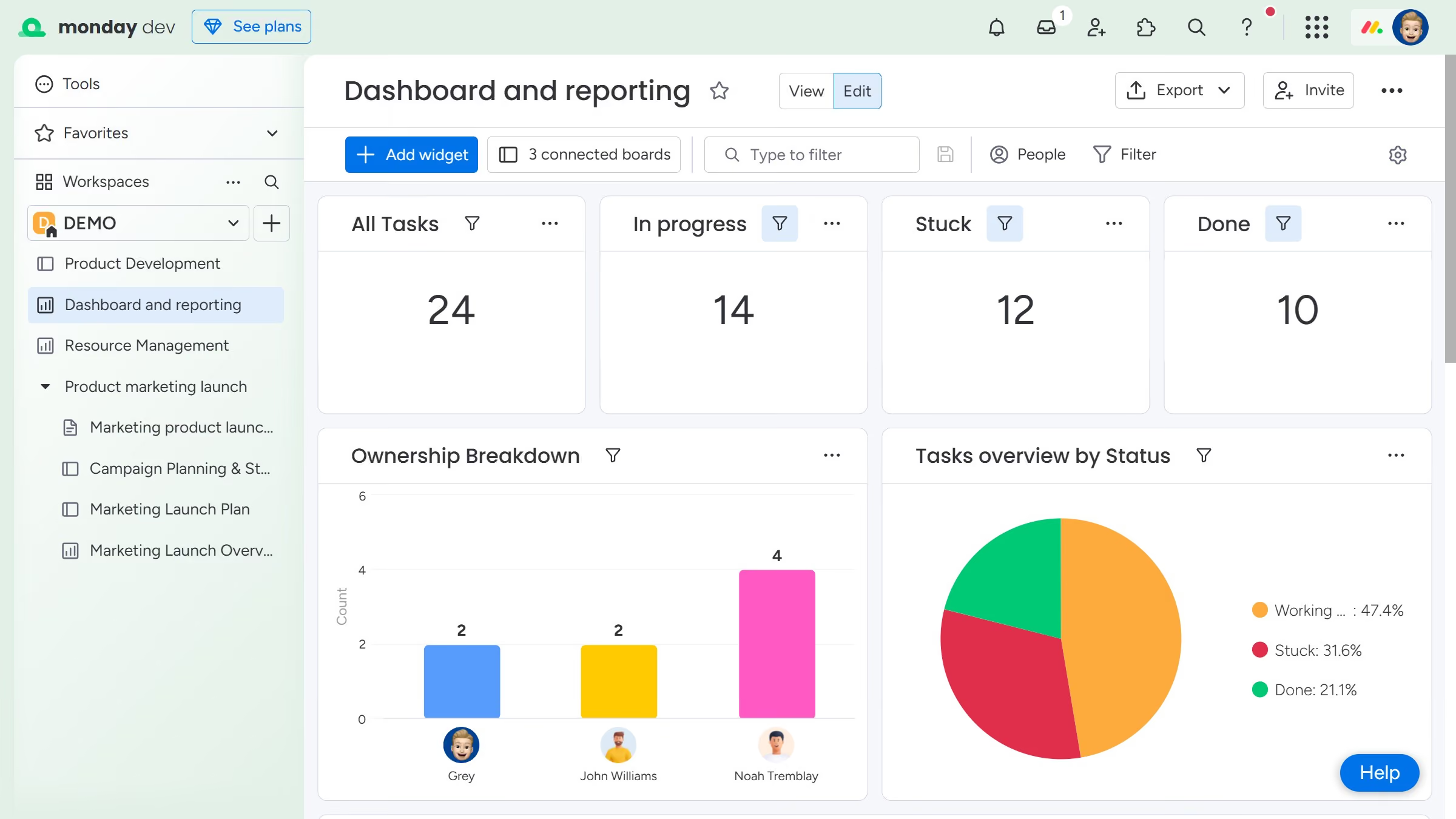
Here is how to mark a dashboard as a favorite in monday.com

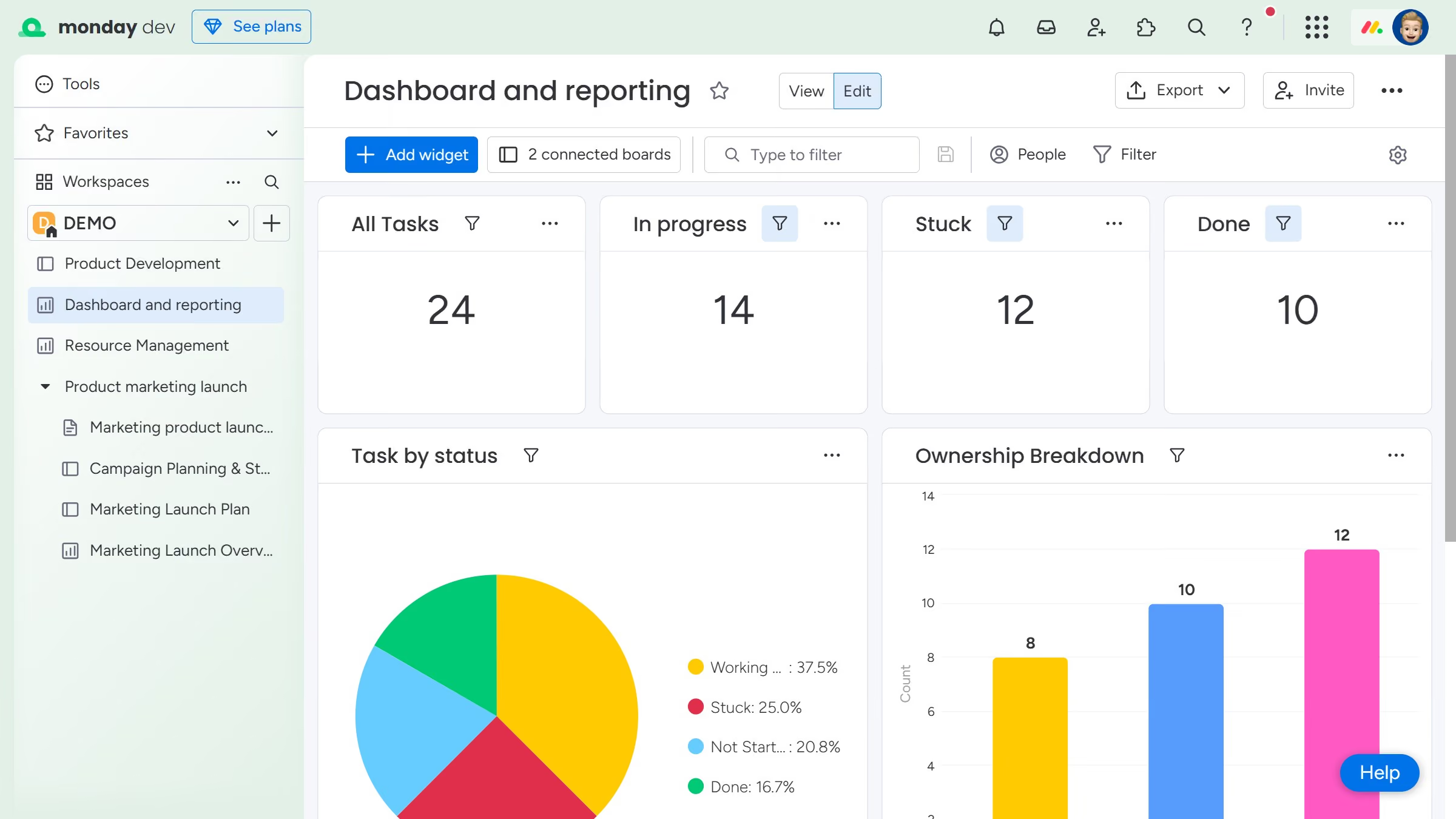
  1. First click on the dashboard you want to favorite in the left sidebar menu
  2. Next click on the options menu (three dots) next to the dashboard name
  3. Then select "Add to favorites" option from the dropdown menu
  4. Alternatively, you can click on the star icon next to the dashboard name in the top header

Create your own interactive guide with Guideflow

Why should you mark a dashboard as a favorite in Monday.com

Monday.com is a versatile project management tool that helps streamline workflows and enhance team collaboration.

Marking a dashboard as a favorite in Monday.com allows you to personalize your workspace efficiently. This feature ensures that your most important dashboards are easily accessible, saving you time navigating through multiple pages.

By prioritizing your frequently used dashboards, you enhance productivity and have critical information at your fingertips. This small customization empowers you to focus on what truly matters, boosting your overall work efficiency.

Last update
July 14, 2026
Cursor MariaA cursor points to a button labeled "James."

Loo oma esimene demo vähem kui 30 sekundiga.