Manychat
Manychat is a chat marketing automation platform that helps brands and creators drive sales and engagement through messaging apps like Instagram, WhatsApp, Facebook Messenger, and Telegram.
Website
Industry
Leadgen
Share this article:

How to move tags to a folder in Manychat

Here is how to move tags to a folder in manychat

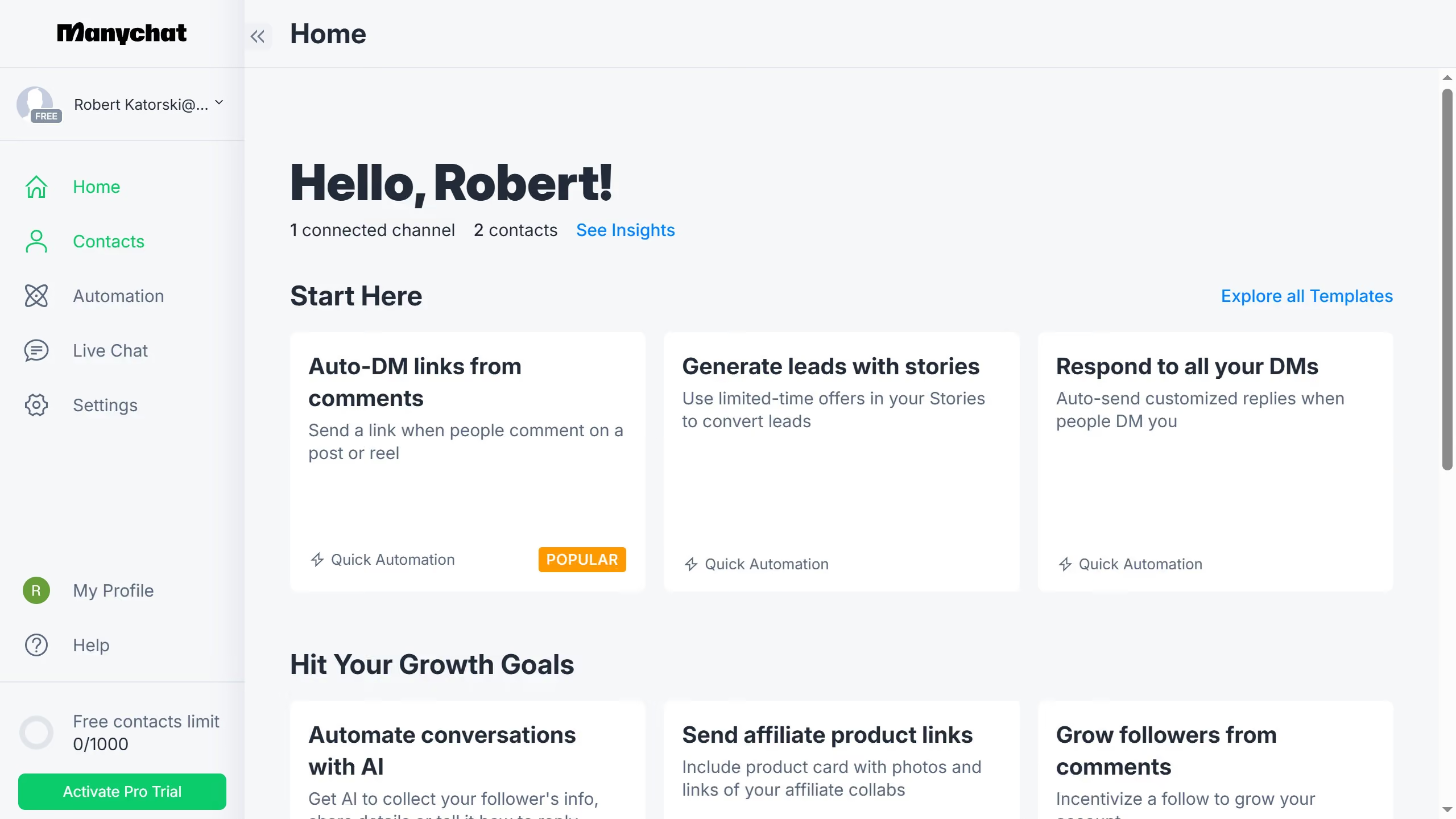
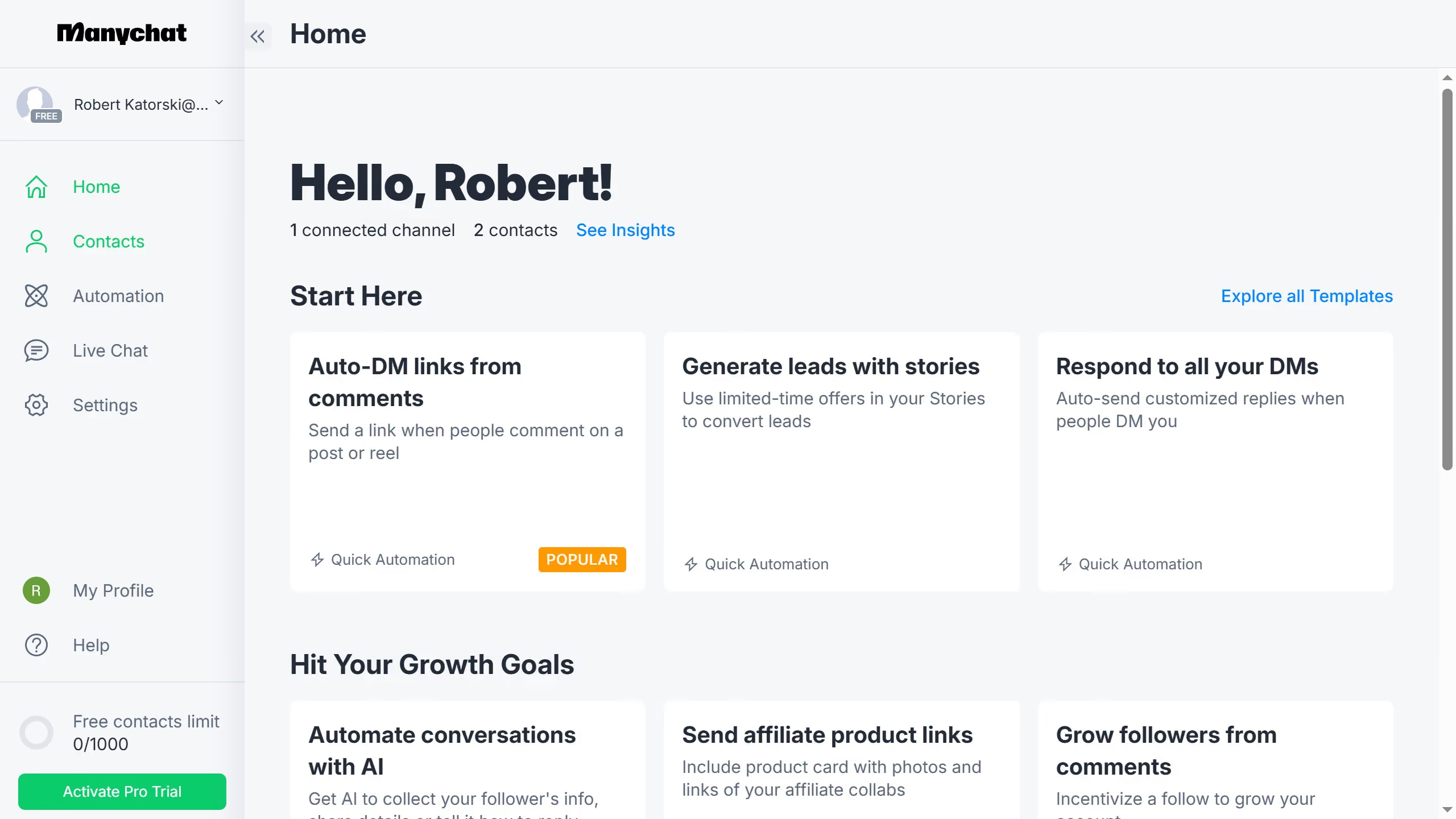
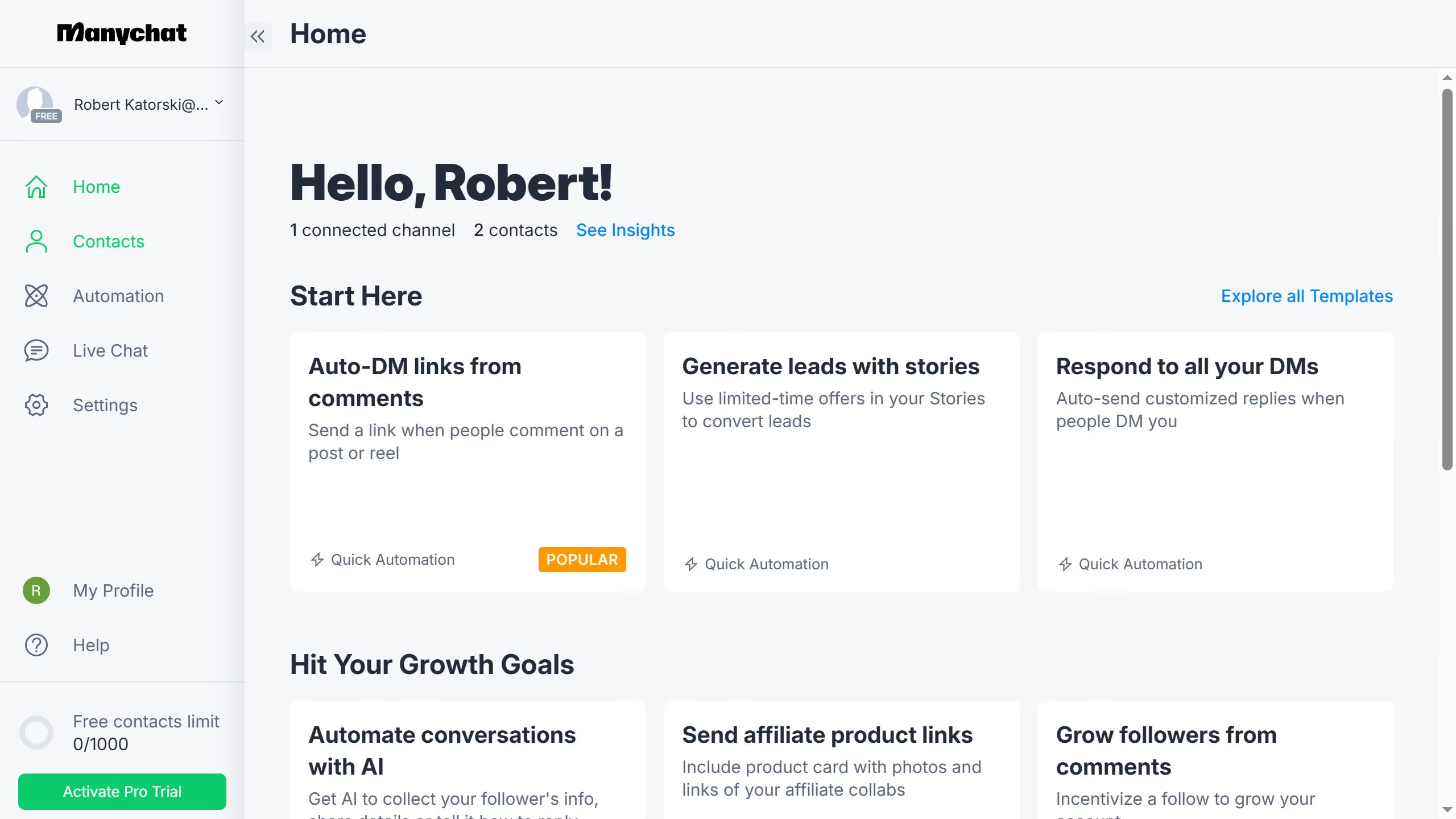
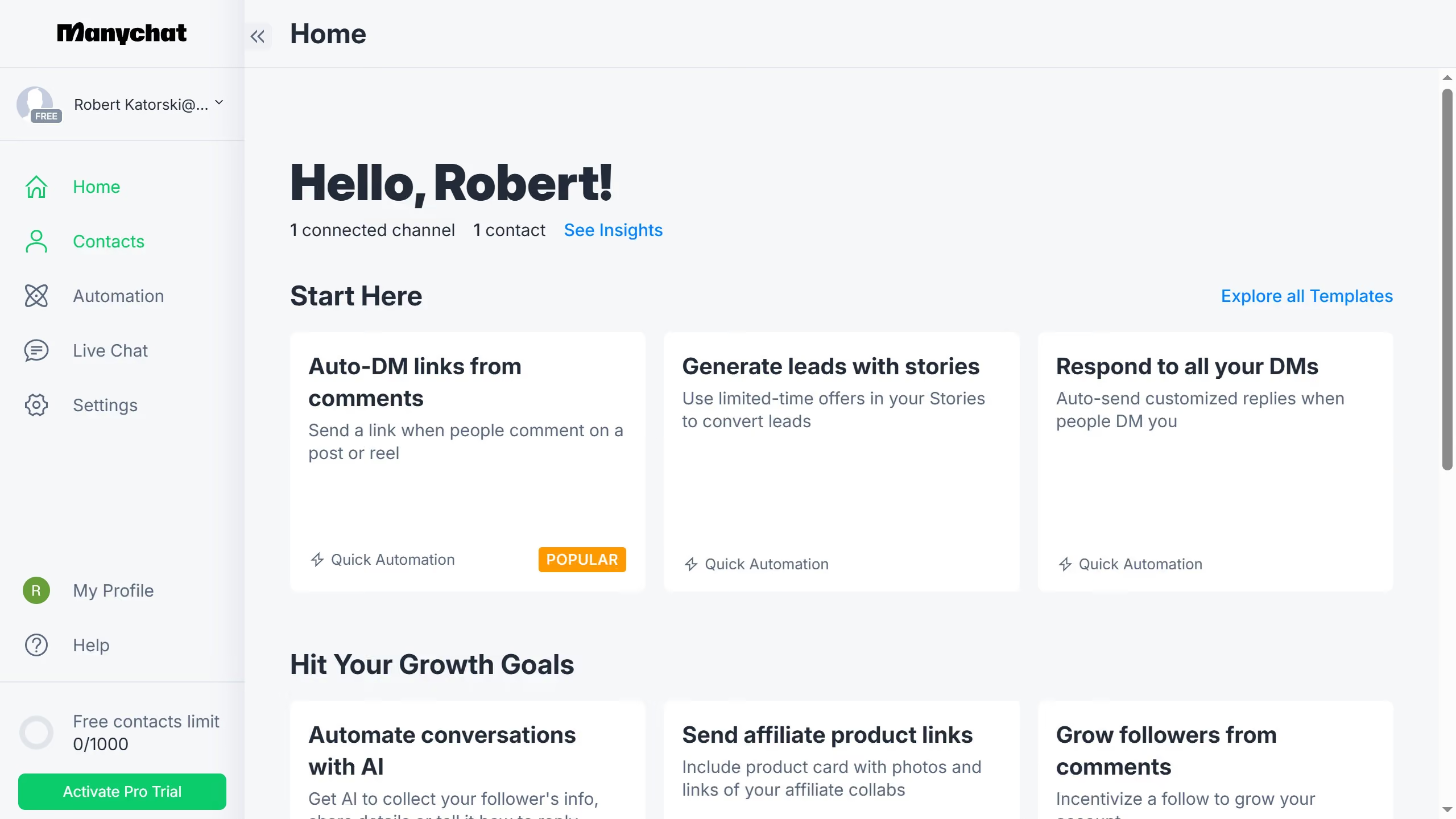
  1. First click on the "Settings" option in the left sidebar menu
  2. Next scroll down in the general settings
  3. Then click "Tags" in the left sidebar menu
  4. Scroll up in the tags settings page
  5. Click on the options menu (three dots) next to the tag you want to move
  6. Select "Move to" from the dropdown menu that appears
  7. Then click on the folder you want to move the tag
  8. Finally click the "Move" button to complete moving the tag
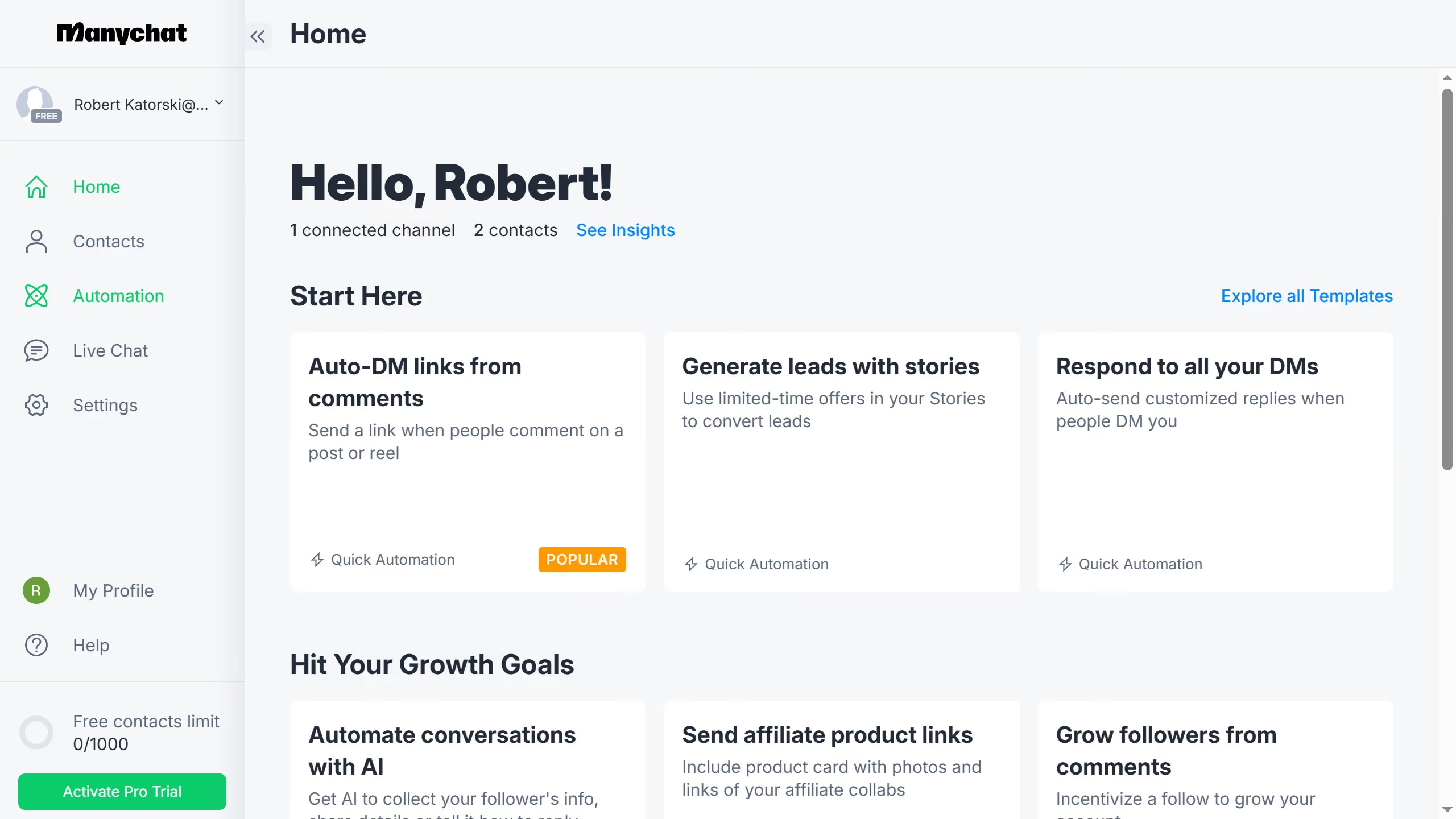
Create your own interactive guide with Guideflow

Why should you move tags to a folder in Manychat

Manychat is a powerful tool designed to enhance communication through chatbot automation.

One of its noteworthy features is the ability to move tags to a folder.

This function allows users to maintain a organized system, making it easier to manage and locate essential tags.

By efficiently sorting tags into designated folders, users can streamline their processes, ensure quick access, and maintain an orderly framework, ultimately boosting productivity and maintaining seamless operations.

Last update
July 14, 2026
Cursor MariaA cursor points to a button labeled "James."

Loo oma esimene demo vähem kui 30 sekundiga.