Here is how to add gallery content block in manychat
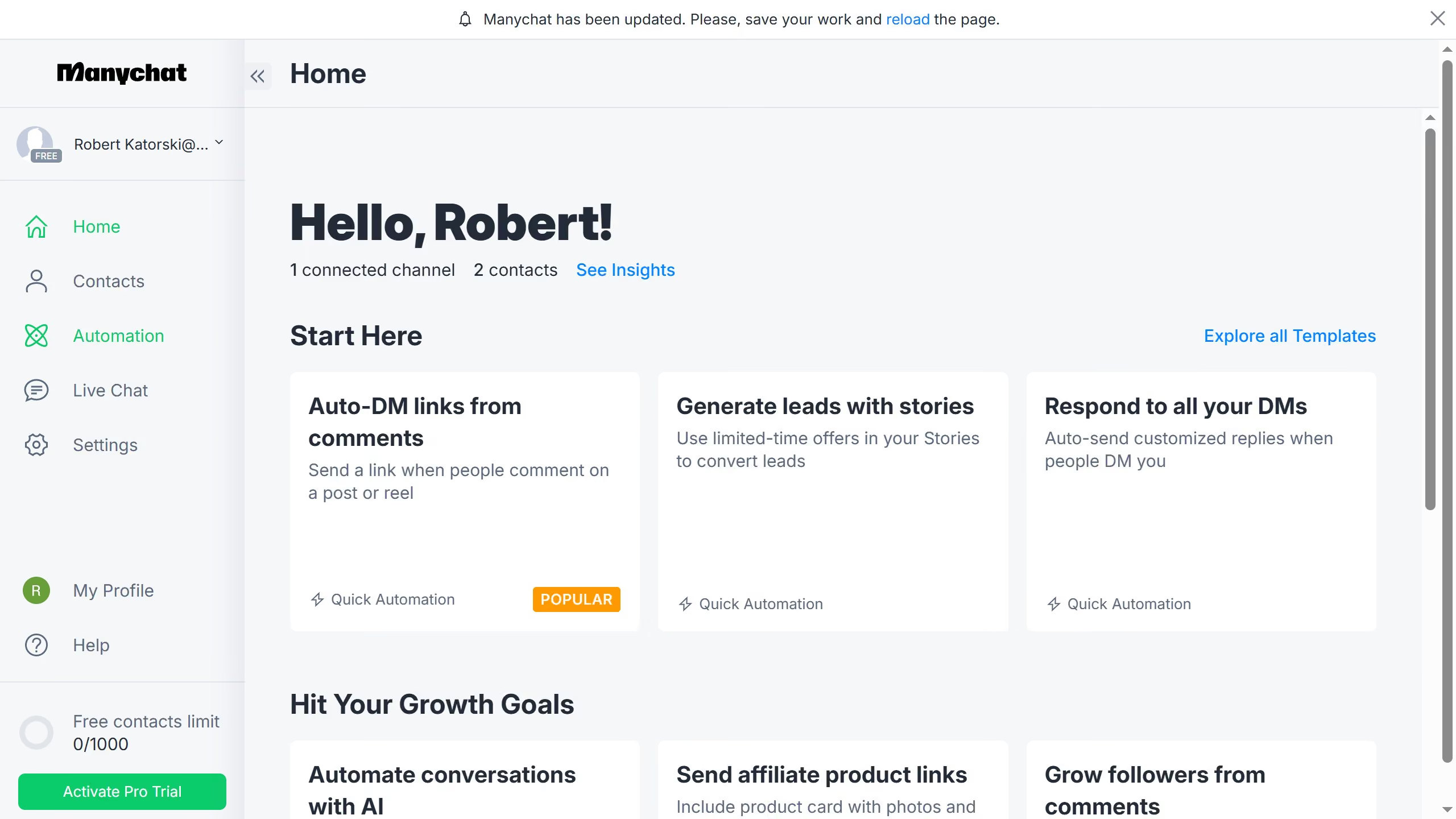
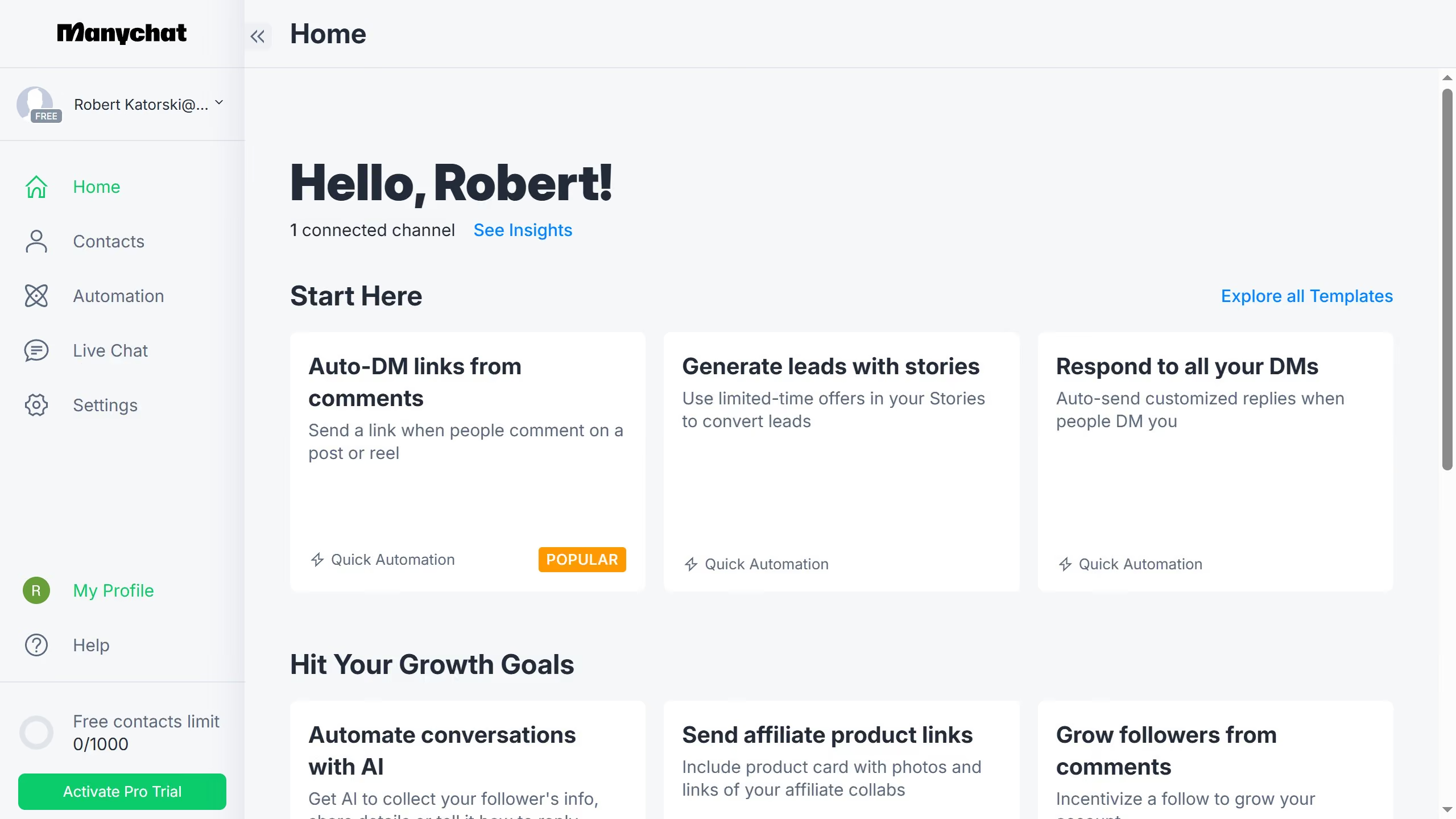
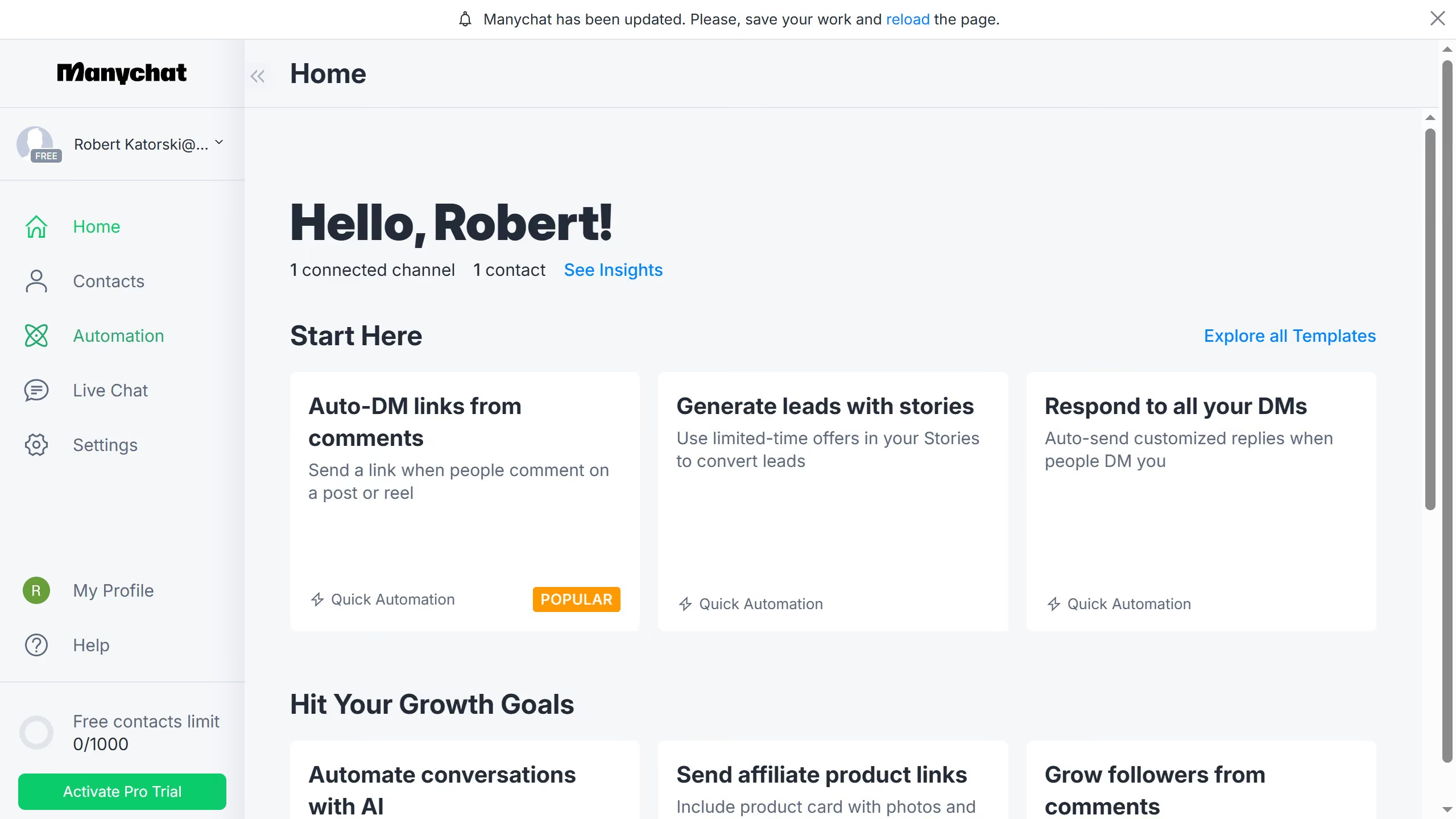
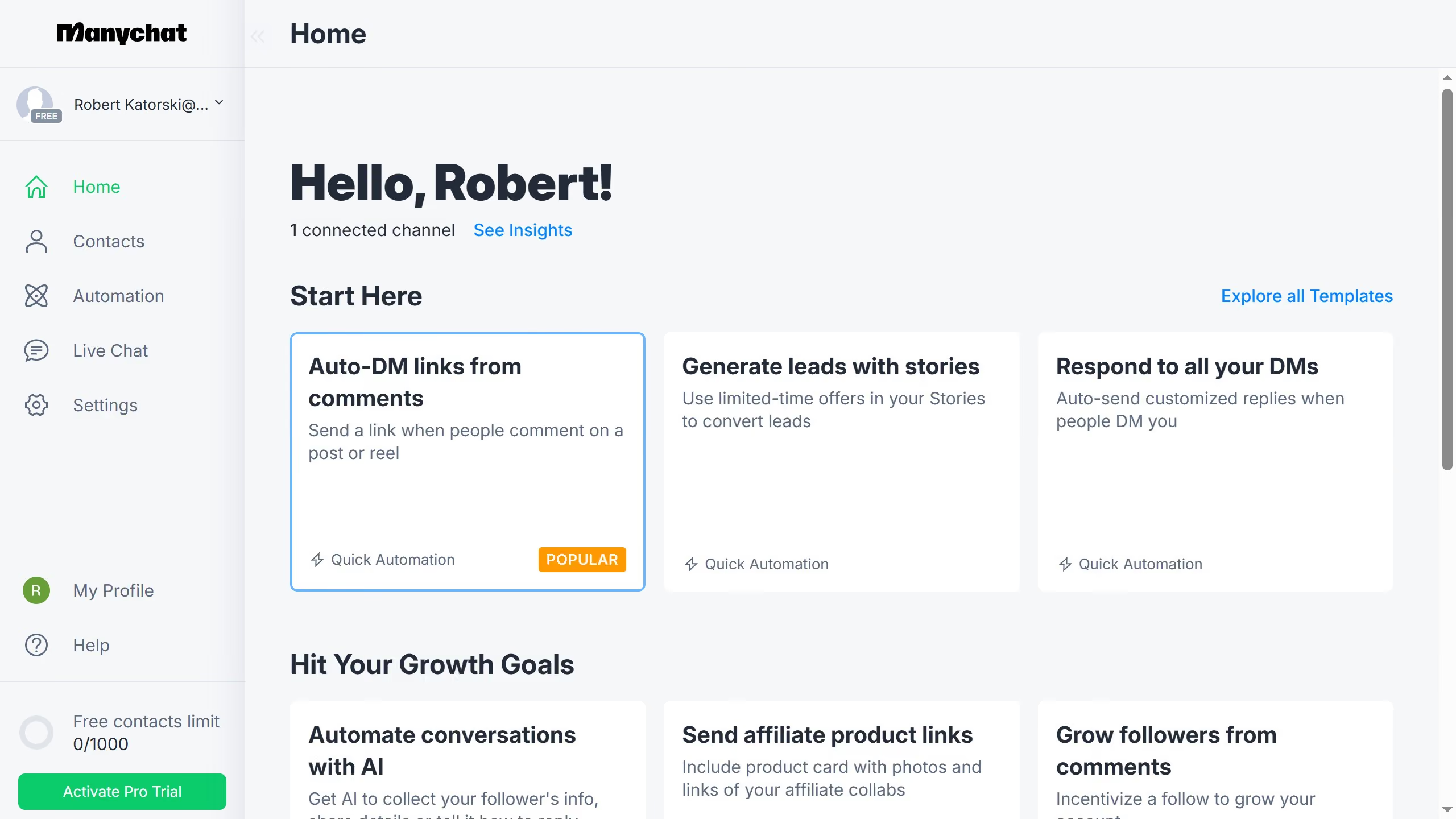
- First click on the "Automation" option in the left sidebar menu
- Then click on an automation in the automation list
- Click on the content block in the automation builder
- In the workflow editor, scroll down
- Click on "More" button at the bottom of the content blocks menu
- Finally click on "Gallery" to add the gallery content block