Make
Make is a no-code automation platform for teams to connect apps, build workflows, and automate repetitive tasks across business processes
Website
Industry
Collaboration
Share this article:

How to invite a user in Make

Here is how to invite a user in make

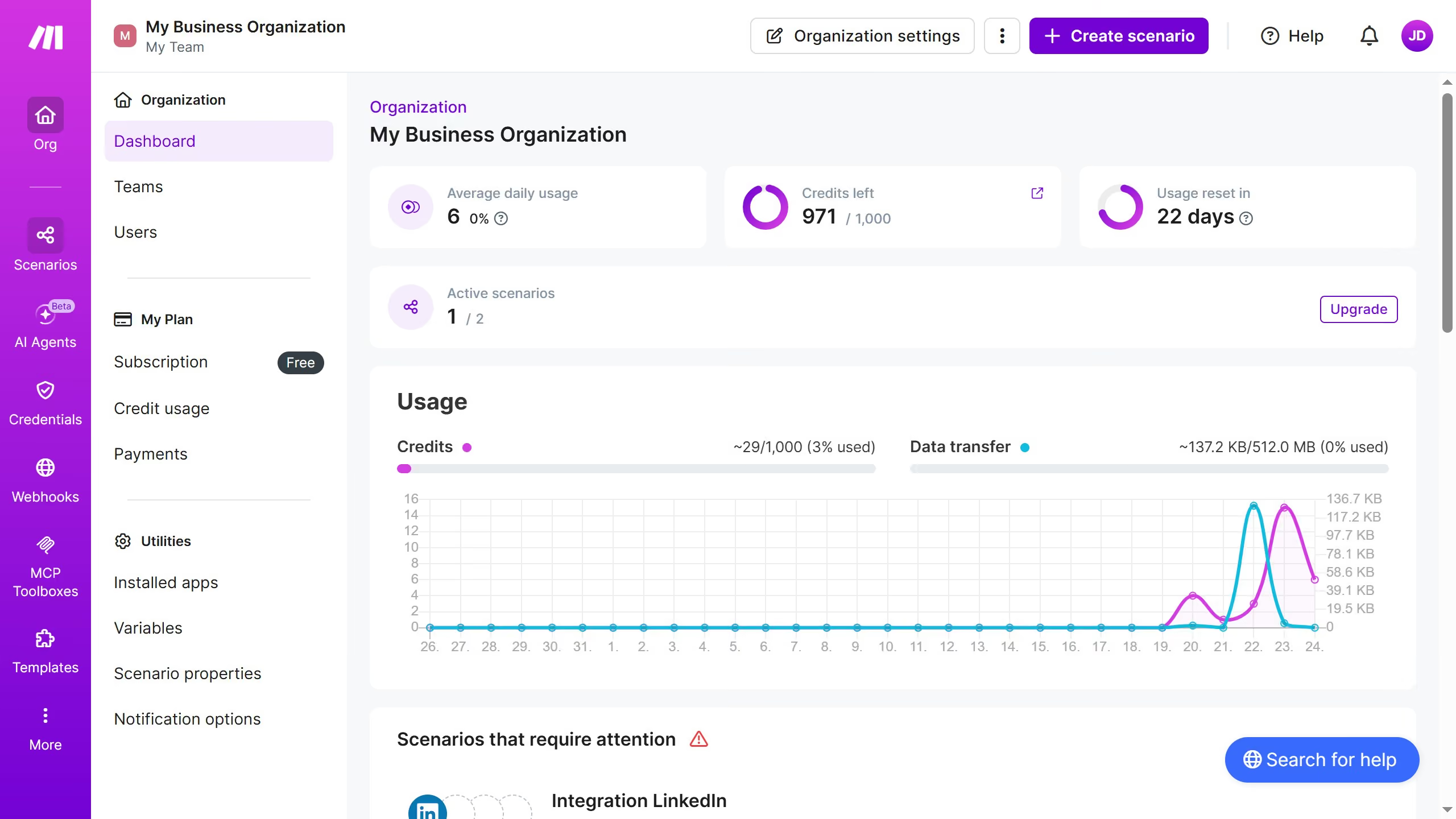
  1. First click on the three dots icon next to "Organization settings"
  2. Then click on "Invite user" option from the dropdown menu
  3. Next, click on the "Email" input field and enter the user's email address
  4. Then click on the "Name" input field and enter the user's name
  5. After that, click on the "Role" dropdown menu
  6. Then select from the role options
  7. Finally click on the "Save" button

Create your own interactive guide with Guideflow

Why should you invite a user in Make

Make is an innovative platform designed to streamline automation for businesses and individuals.

The feature of inviting a user in Make is pivotal for enhancing collaborative efforts within your team or organization. It allows for seamless integration of team members, ensuring everyone can contribute effectively to shared automation workflows.

Utilizing this feature can significantly boost productivity, improve communication, and simplify task management, making it easier to achieve set goals. The ease of inviting users ensures that expanding your collaborative efforts is just a few clicks away.

Last update
July 14, 2026
Cursor MariaA cursor points to a button labeled "James."

Loo oma esimene demo vähem kui 30 sekundiga.