Make
Make is a no-code automation platform for teams to connect apps, build workflows, and automate repetitive tasks across business processes
Website
Industry
Collaboration
Share this article:

How to update your state in Make

Here is how to update your state in make

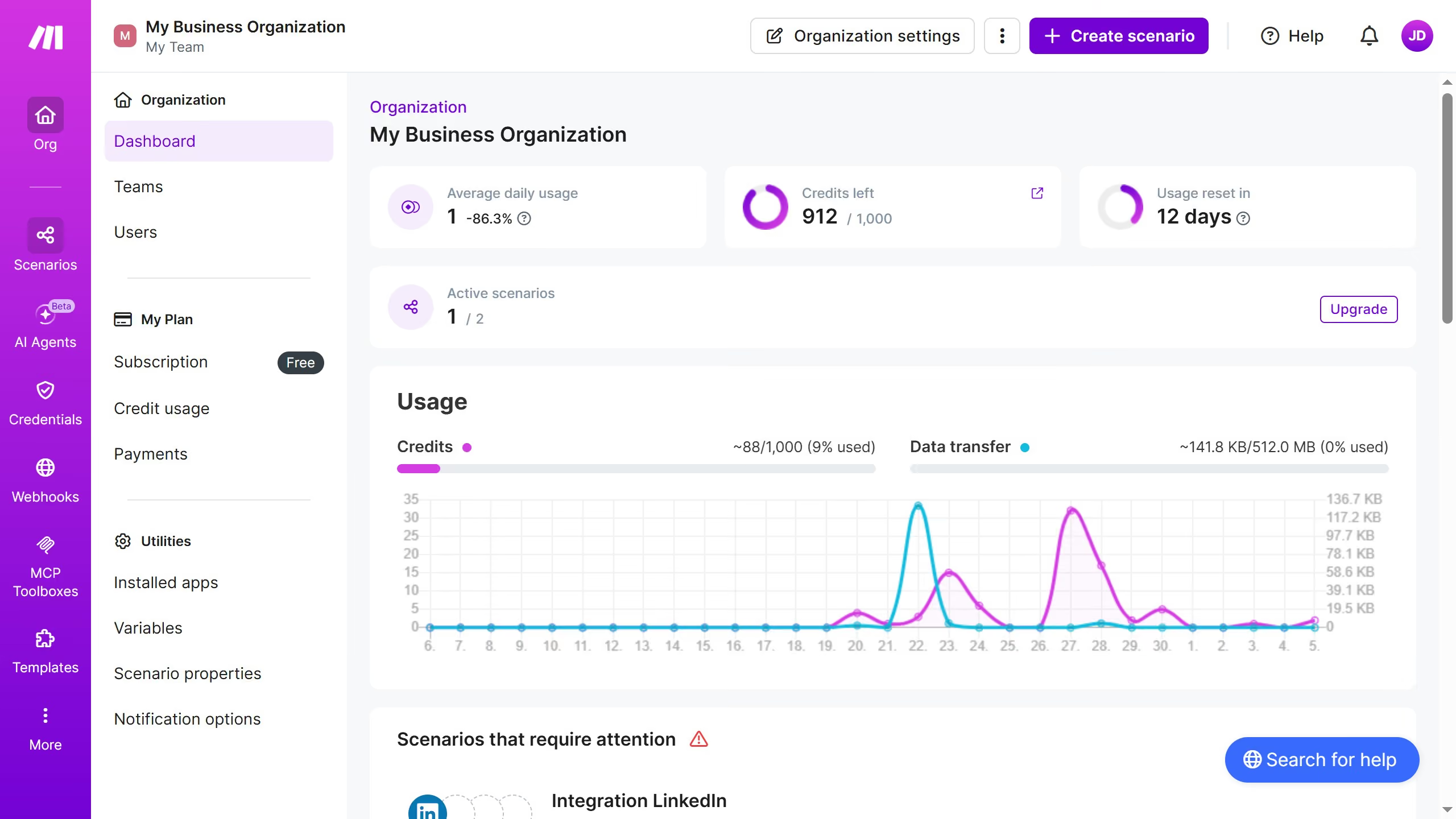
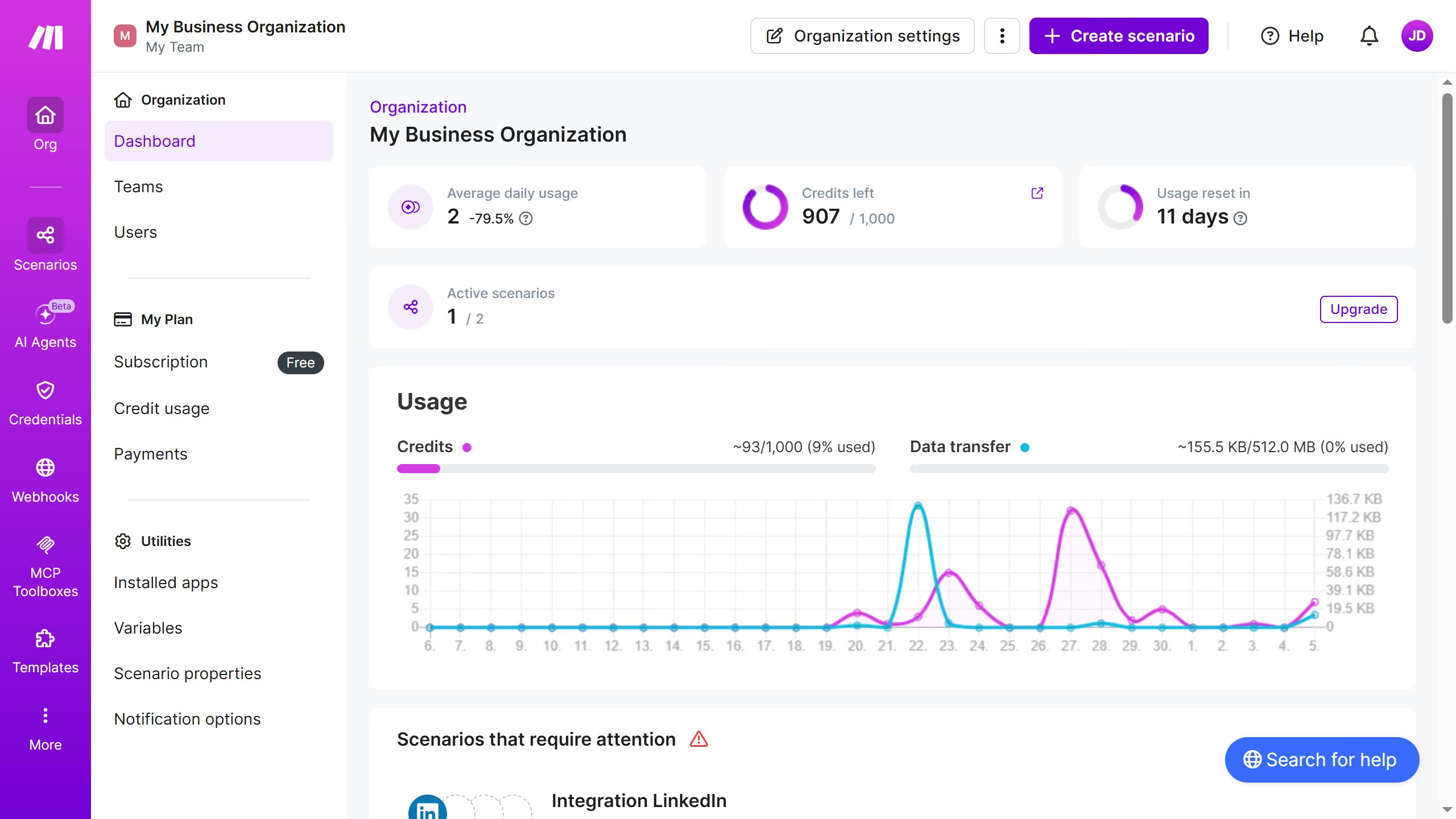
  1. First, click on the three dots icon next to "Organization settings" in the header
  2. Then, click on "Change billing details" from the dropdown menu
  3. Next, click on the "State" dropdown menu in the "Change billing details" form
  4. Then, select your state from the "State" dropdown menu
  5. Next, enter your zipcode into the "Zip or Postal Code" input field
  6. Finally, click on the "Save" button

Create your own interactive guide with Guideflow

Why should you update your state in Make

Make is a dynamic platform designed to streamline automation and integration for seamless workflows.

Updating your state in Make features allows you to efficiently manage your automations, ensuring they run smoothly and adapt to changes swiftly.

This flexibility empowers you to maintain control over your projects, optimally aligning resources with current requirements, which enhances productivity and efficiency.

By keeping your state updated in Make, you can leverage real-time data and insights for informed decision-making and improved outcomes.

Last update
July 14, 2026
Cursor MariaA cursor points to a button labeled "James."

Loo oma esimene demo vähem kui 30 sekundiga.