Confluence
Confluence is a team workspace platform for companies to create, organize, and collaborate on documents, project plans, and internal knowledge in one shared place.
Website
Industry
Collaboration
Share this article:

How to install External Data in Confluence

Here is how to install external data in confluence

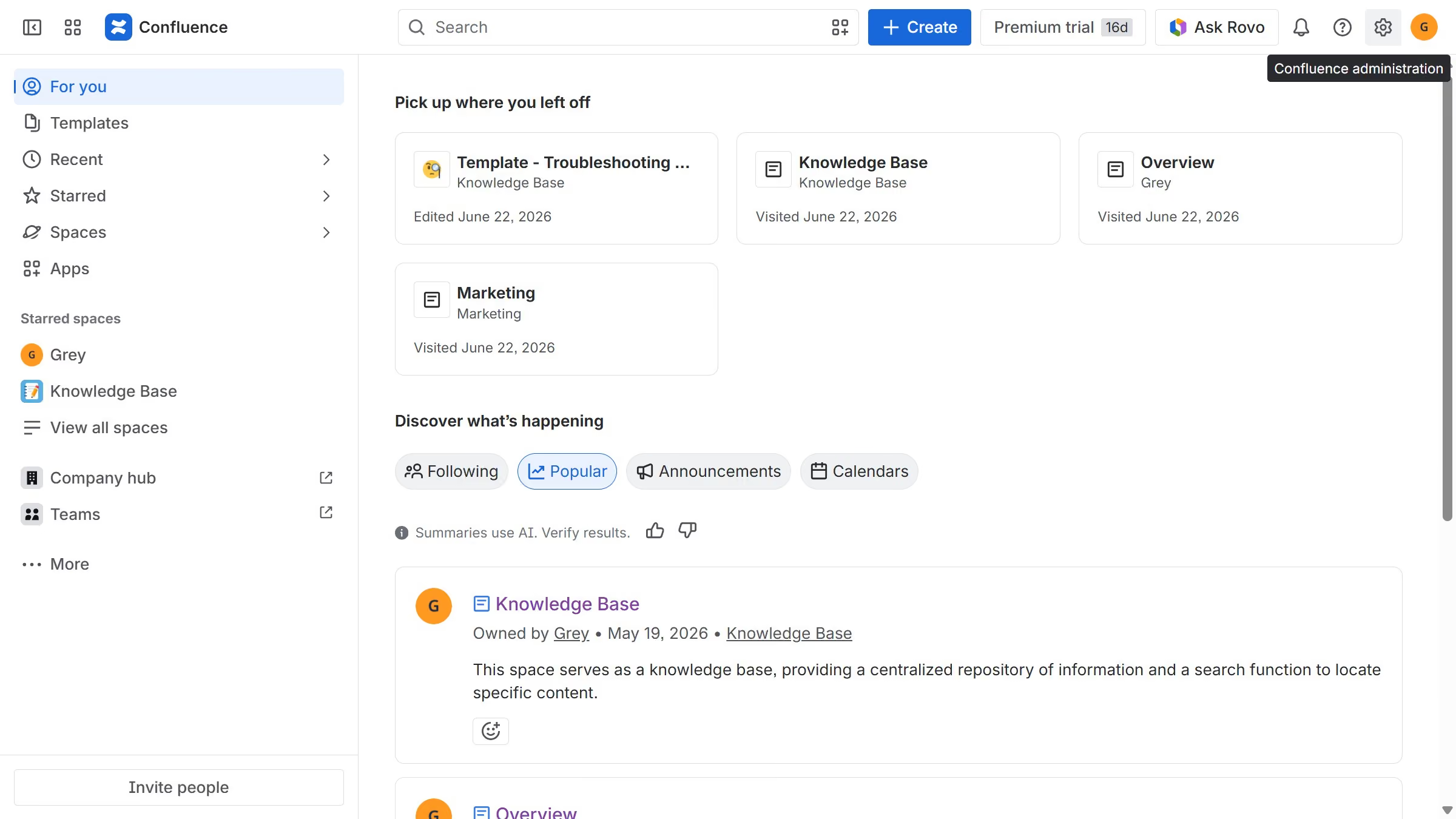
  1. First click on "Apps" in the navigation
  2. Next, select the "Explore more apps" option
  3. From the list, locate "External Data for Confluence" and click on it to open the app details page
  4. After that, click on the "Try it free" button
  5. Select the Confluence site where it will be installed
  6. Then click on the "Review" button to proceed
  7. Review the app details, permissions, and other information
  8. Finally, click on the "Start free trial" button

Create your own interactive guide with Guideflow

Why should you install External Data in Confluence

Confluence is a dynamic and collaborative workspace designed to help teams share knowledge and foster effective communication.

Installing External Data in Confluence enriches its capabilities by allowing users to seamlessly integrate external sources into their projects. This feature enables easy incorporation of diverse data sets, enhancing the understanding and utility of the information. Consequently, teams can make better-informed decisions without leaving the Confluence environment.

Utilizing external data within Confluence results in more rounded perspectives, eliminating data silos and enabling a more holistic approach to project management. This streamlining of processes can significantly boost productivity and collaboration.

Last update
July 14, 2026
Cursor MariaA cursor points to a button labeled "James."

Loo oma esimene demo vähem kui 30 sekundiga.