Confluence
Confluence is a team workspace platform for companies to create, organize, and collaborate on documents, project plans, and internal knowledge in one shared place.
Website
Industry
Collaboration
Share this article:

How to generate a space report in Confluence

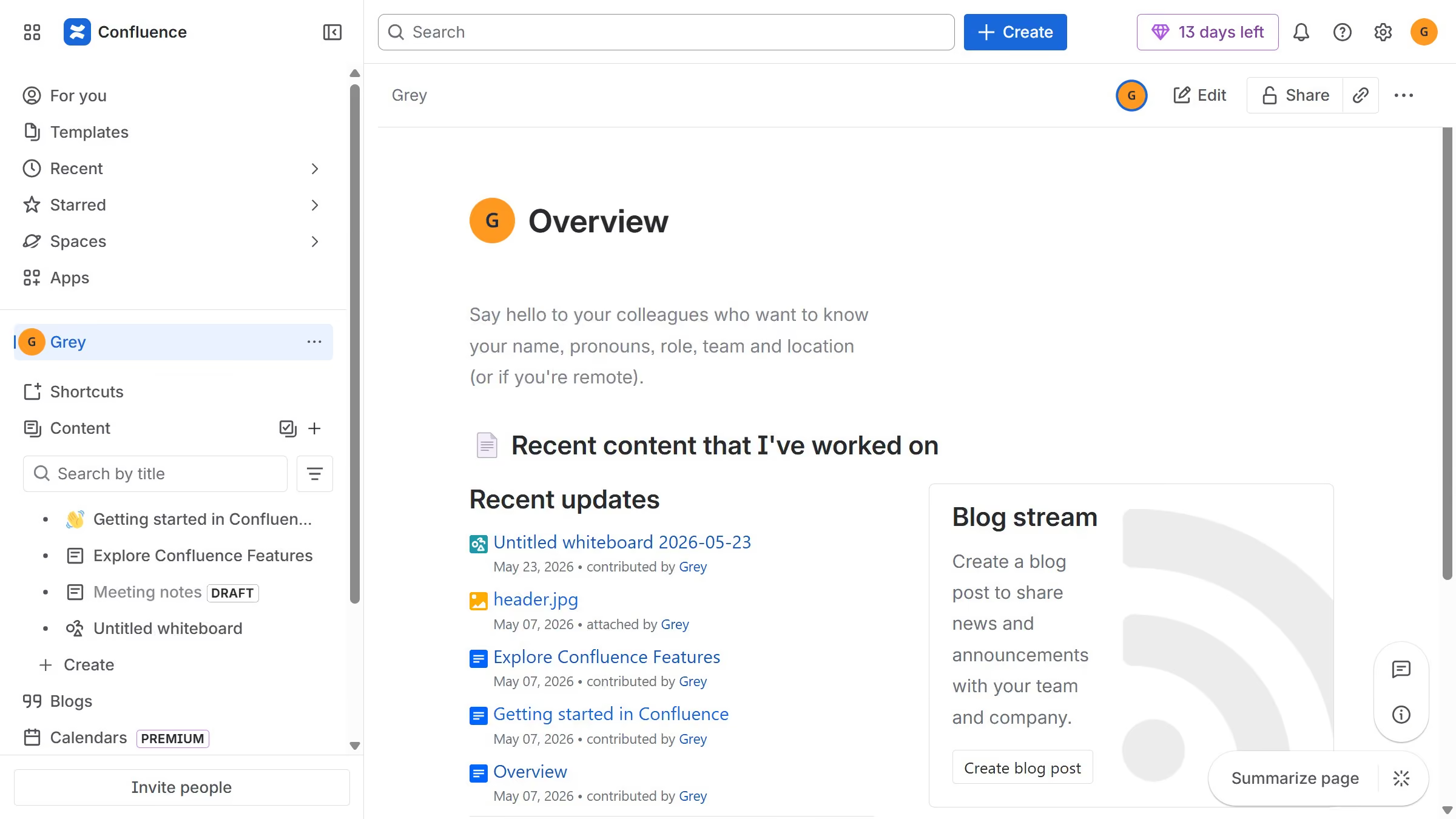
Here is how to generate a space report in confluence

  1. First click on the settings icon in the top right corner to open confluence administration
  2. In the sidebar, click on "Data management"
  3. Next select "Space reports" in the submenu
  4. Then click on the "Create report" button in the header
  5. Finally click on the "Download" button to download the report

Create your own interactive guide with Guideflow

Why should you generate a space report in Confluence

Confluence is a collaborative workspace designed to help teams create, share, and manage knowledge efficiently.

Generating a space report in Confluence is a powerful feature that provides a comprehensive overview of activity within a specific space.

Using this feature supports team transparency by highlighting what’s been accomplished, identifying areas for improvement, and ensuring everyone stays informed.

The ability to quickly generate a space report empowers teams to maintain focus and align on common goals.

Last update
July 14, 2026
Cursor MariaA cursor points to a button labeled "James."

Loo oma esimene demo vähem kui 30 sekundiga.