Intercom
Intercom is a customer messaging platform that enables businesses to provide live chat, automation, and support.
Website
Industry
Support
Share this article:

How to insert table in an internal article on Intercom

Here is how to insert table in an internal article on intercom

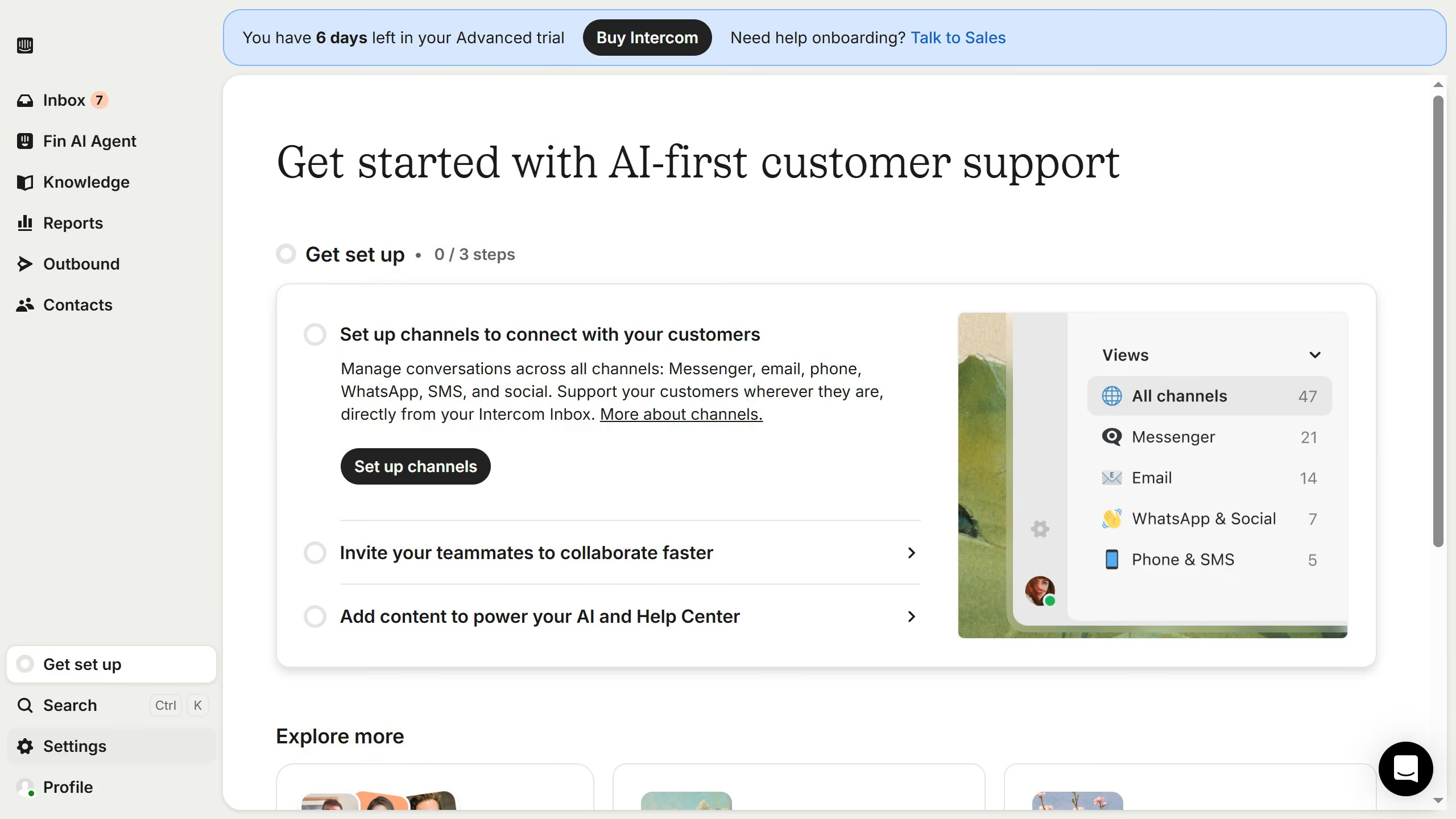
  1. First click on "Knowledge" in the left sidebar
  2. Then click on the article title in the content area
  3. Then click on the "Edit" button
  4. Then click on the "Insert table" button
  5. Finally click on the "Save" button

Create your own interactive guide with Guideflow

Why should you insert table in an internal article on Intercom

Intercom is a powerful communication platform designed to enhance customer interaction and support.

Inserting a table into an internal article on Intercom is a remarkable feature that augments data organization and clarity.

By using tables, teams can present information in a structured manner, making it easier to digest and analyze.

This feature not only boosts information retention but also ensures a seamless workflow, fostering better communication and collaboration among team members.

Last update
July 14, 2026
Cursor MariaA cursor points to a button labeled "James."

Loo oma esimene demo vähem kui 30 sekundiga.