Intercom
Intercom is a customer messaging platform that enables businesses to provide live chat, automation, and support.
Website
Industry
Support
Share this article:

How to delete conversation tags on Intercom

Here is how to delete conversation tags on intercom

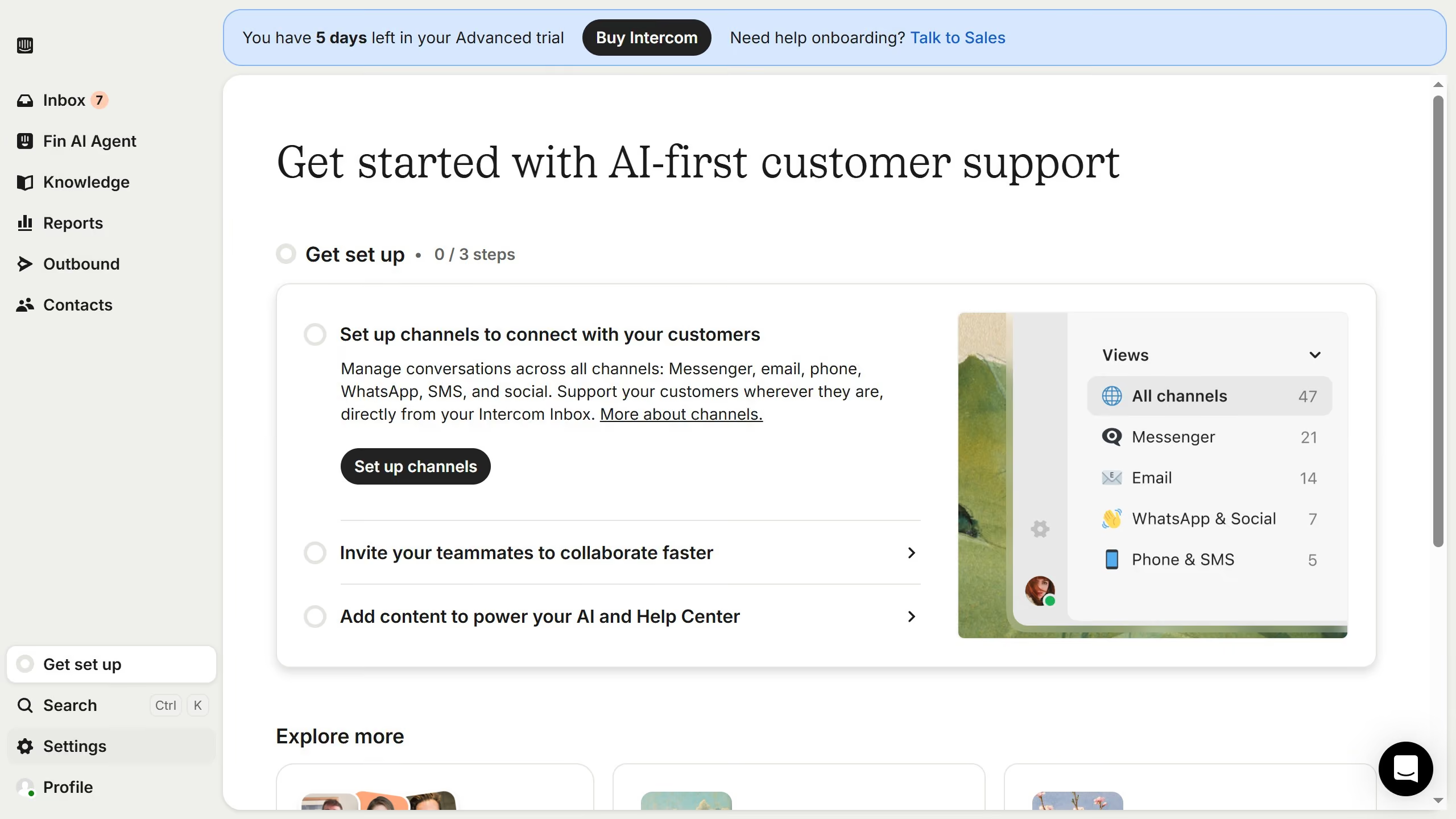
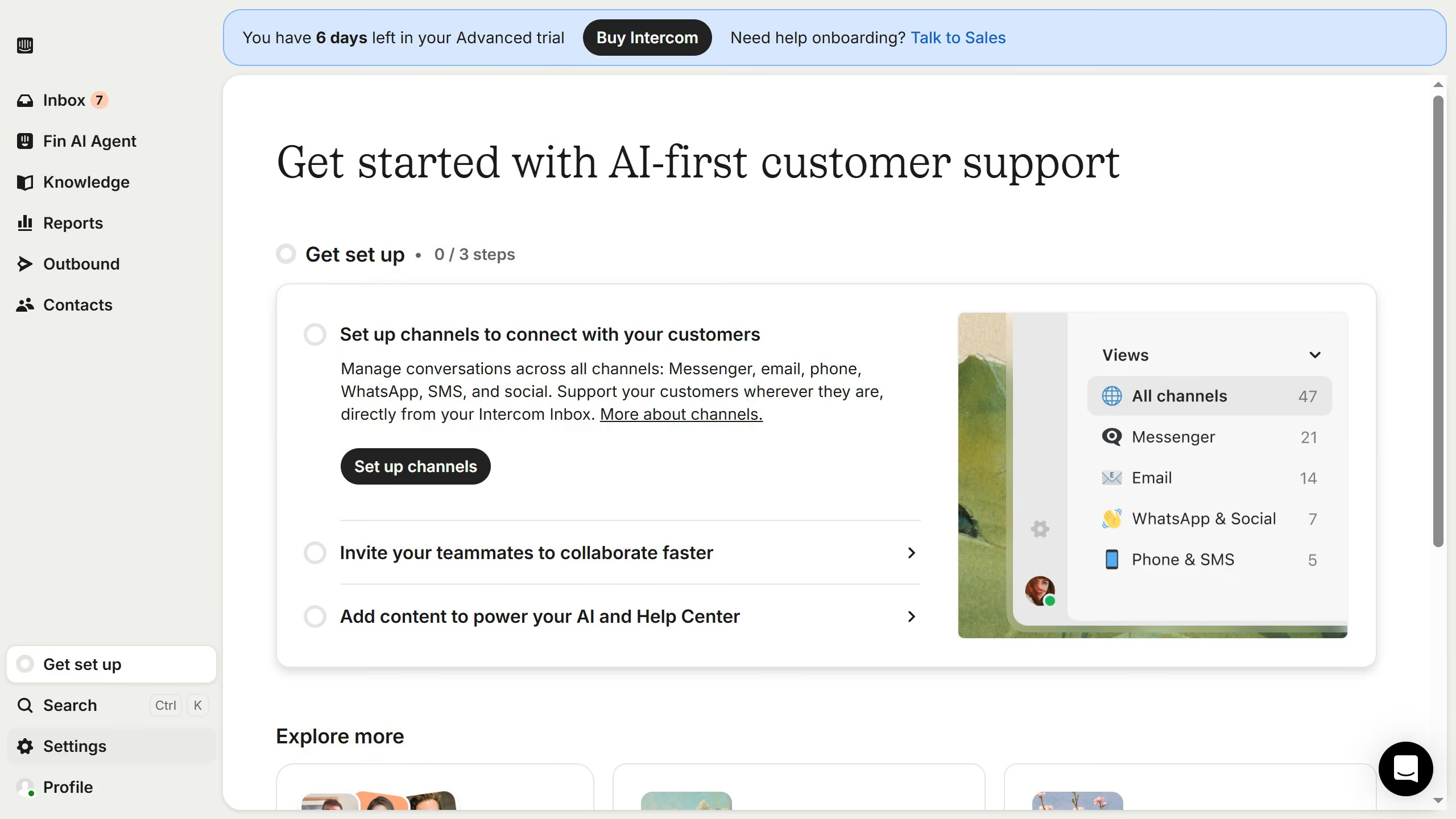
  1. First click on "Settings" item in the left sidebar
  2. Then click on "Data" item in the left sidebar
  3. Then click on "Tags" item in the left sidebar
  4. Then click on "Archive" button
  5. Finally click on "Delete immediately" button

Create your own interactive guide with Guideflow

Why should you delete conversation tags on Intercom

Intercom is an innovative customer communication platform designed to enhance interaction and foster deeper connections.

Understanding how to delete conversation tags on Intercom allows for streamlined organization within your communication channels.

This feature helps in removing unnecessary clutter, ensuring that only relevant tags are maintained, thus improving the efficiency of customer outreach.

By keeping your tags relevant and up-to-date, you create a more organized system that facilitates better tracking and analysis of customer interactions.

Last update
July 14, 2026
Cursor MariaA cursor points to a button labeled "James."

Loo oma esimene demo vähem kui 30 sekundiga.