Confluence
Confluence is a team workspace platform for companies to create, organize, and collaborate on documents, project plans, and internal knowledge in one shared place.
Website
Industry
Collaboration
Share this article:

How to filter users by Site admin role in Confluence

Here is how to filter users by site admin role in confluence

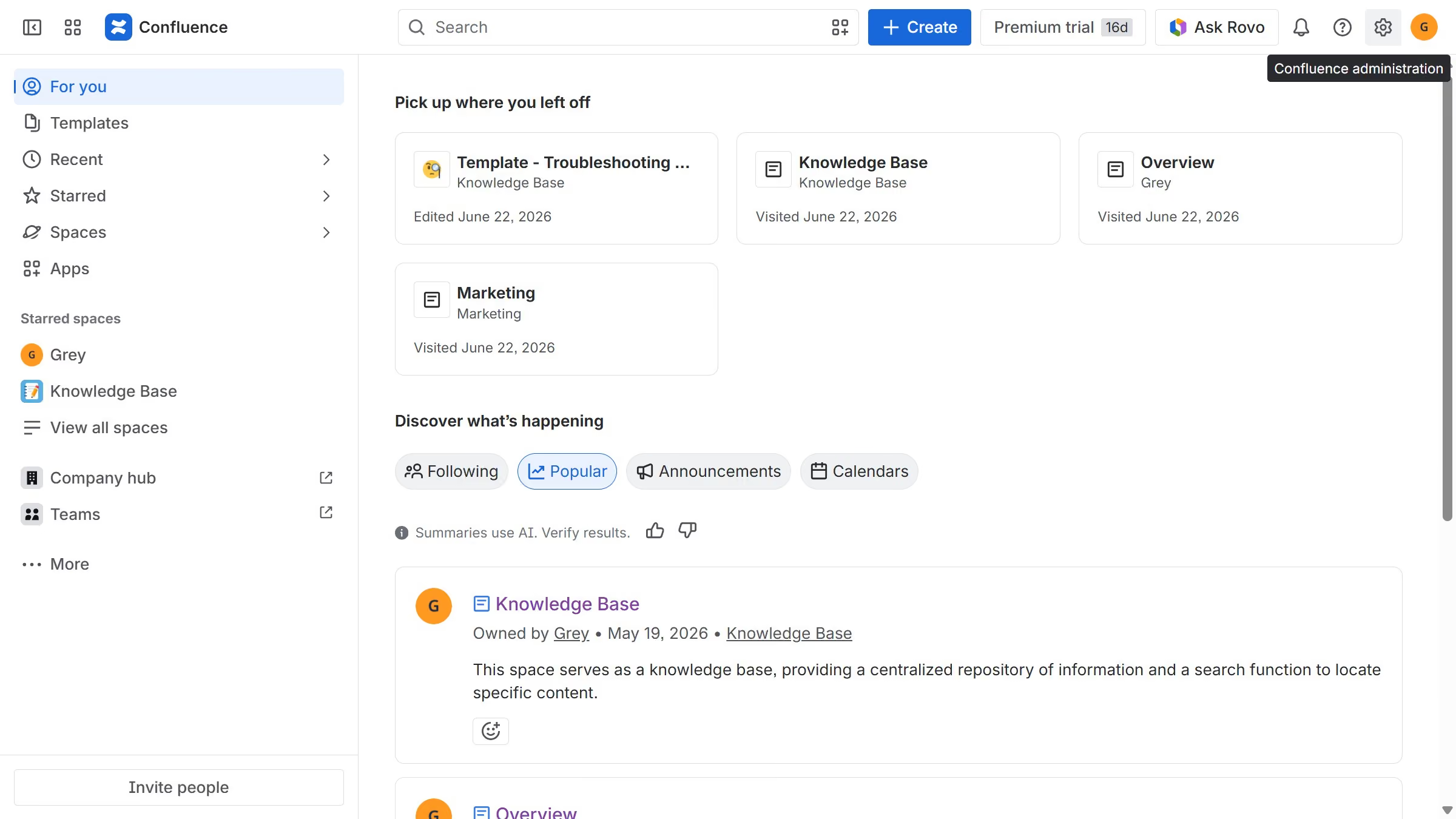
  1. First click on the "Switch sites or apps" button in the top left corner
  2. Next select "Administration" in the dropdown menu
  3. In the administration sidebar, click on "Directory"
  4. Select "Users" from the directory submenu
  5. After that click on the "Role" filter above the user list
  6. Then select "Site admin" from the role options
  7. The user list will now display only users with the Site admin role

Create your own interactive guide with Guideflow

Why should you filter users by Site admin role in Confluence

Confluence, a collaborative workspace, streamlines team communication and project management.

A notable feature within Confluence is the ability to filter users by their Site admin role. This enhances user management by allowing quick identification and access to administrators.

Utilizing this filter ensures efficient organization by streamlining administrative tasks, saving time and enhancing productivity.

For teams utilizing Confluence, the ability to filter by site admin roles optimizes collaboration and maintains a secure and well-managed workspace.

Last update
July 14, 2026
Cursor MariaA cursor points to a button labeled "James."

Loo oma esimene demo vähem kui 30 sekundiga.