Monday.com
Monday.com is a work operating system that helps teams plan, track, and deliver work with customizable workflows and collaboration features.
Website
Industry
Collaboration
Share this article:

How to edit card details in Monday.com

Here is how to edit card details in monday.com

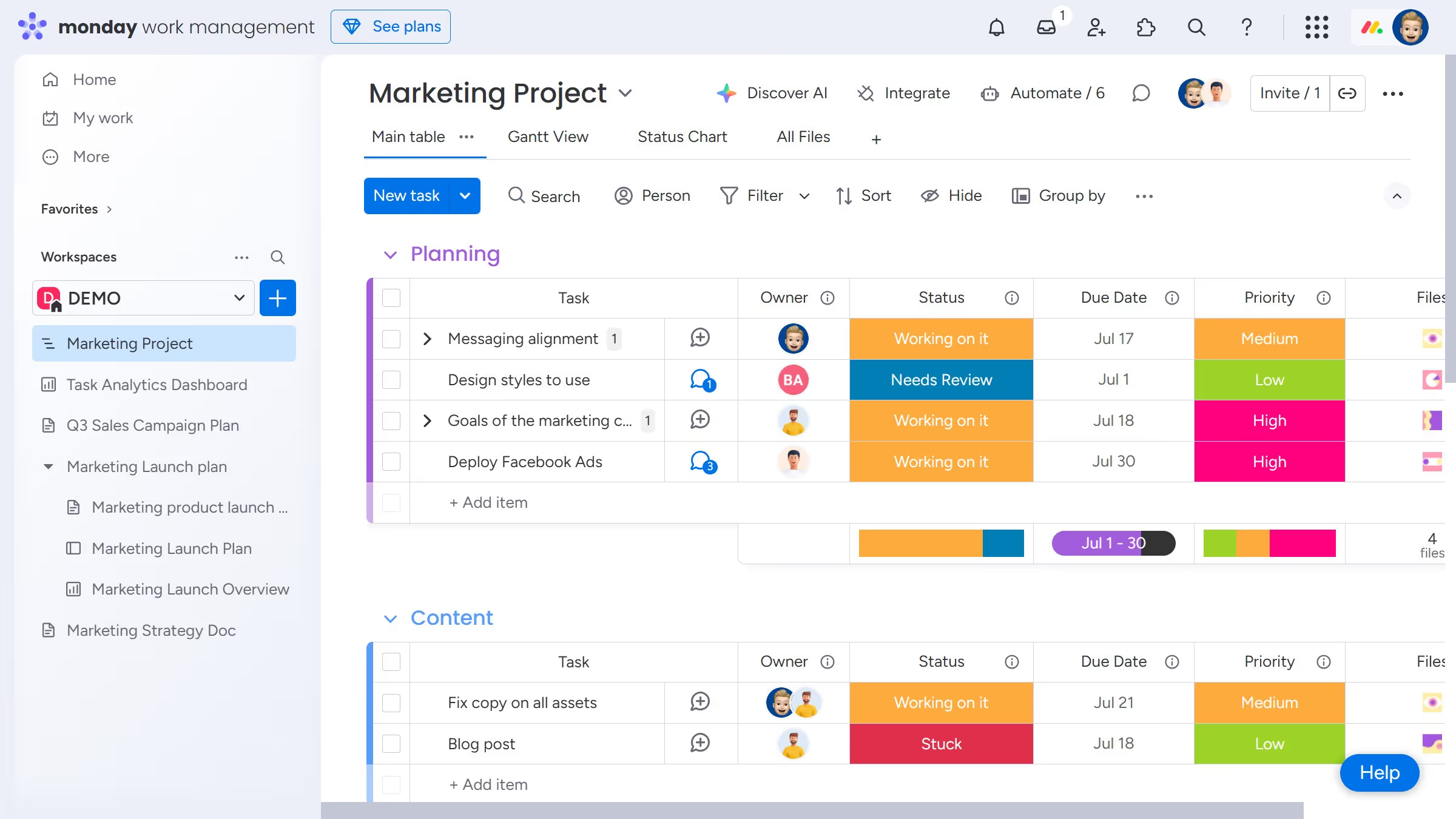
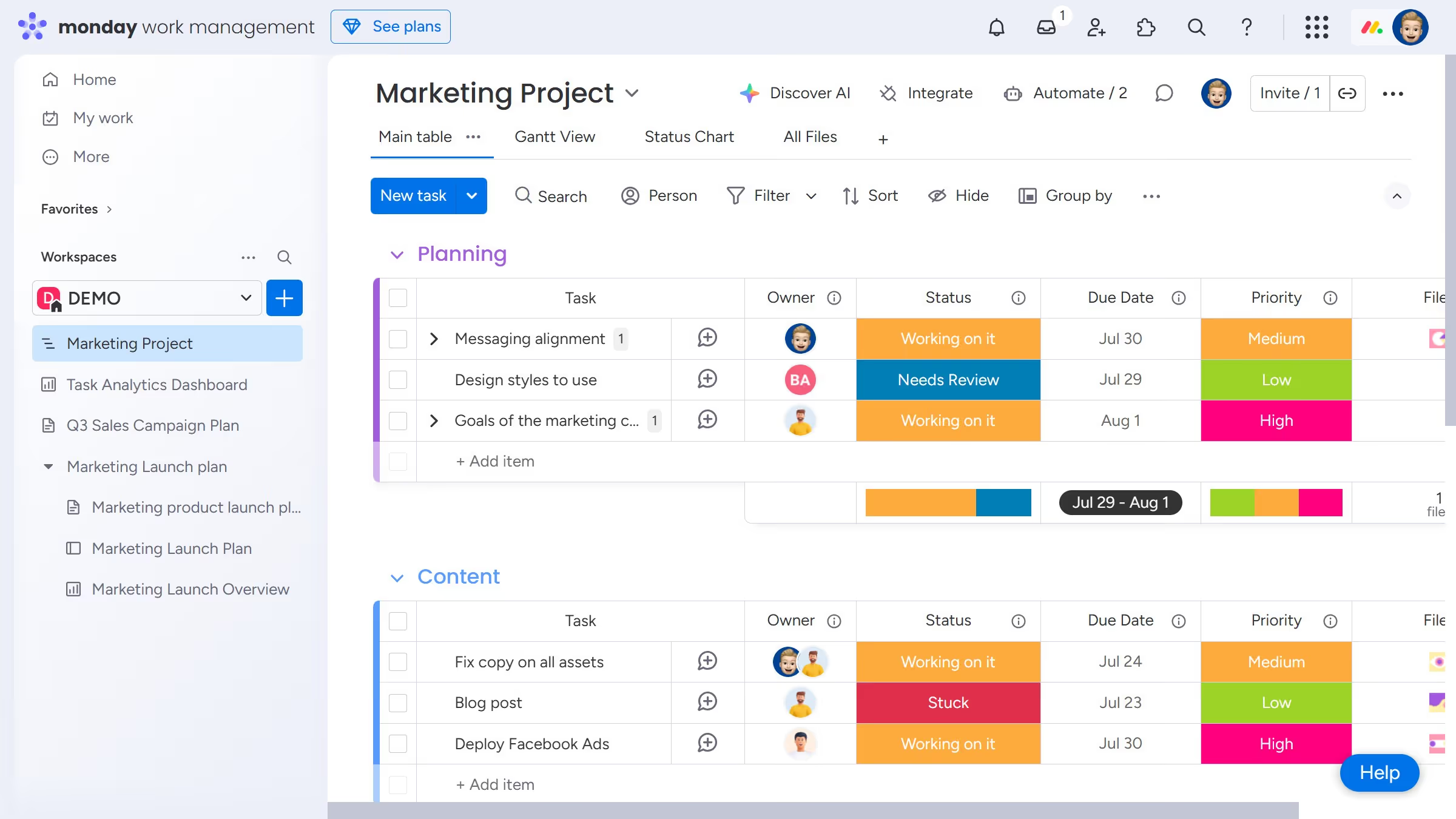
  1. First click on the "Cards" view option at the top of the board to open it
  2. Then locate the card you want to edit
  3. Finally click on any field you want to edit and make your desired changes directly within the field

Create your own interactive guide with Guideflow

Why should you edit card details in Monday.com

Monday.com is a powerful project management tool designed to enhance team collaboration and productivity.

One of its standout features is the ability to edit card details seamlessly, ensuring that all task-related information is both accurate and easily accessible.

Utilizing this feature promotes efficiency by enabling users to keep data up-to-date, reducing the chance of errors and miscommunications.

In turn, editing card details in Monday.com offers a streamlined workflow, fostering a culture of transparency and responsiveness within your team.

Last update
July 14, 2026
Cursor MariaA cursor points to a button labeled "James."

Loo oma esimene demo vähem kui 30 sekundiga.