Manychat
Manychat is a chat marketing automation platform that helps brands and creators drive sales and engagement through messaging apps like Instagram, WhatsApp, Facebook Messenger, and Telegram.
Website
Industry
Leadgen
Share this article:

How to disable group for conversations assignment in Manychat

Here is how to disable group for conversations assignment in manychat

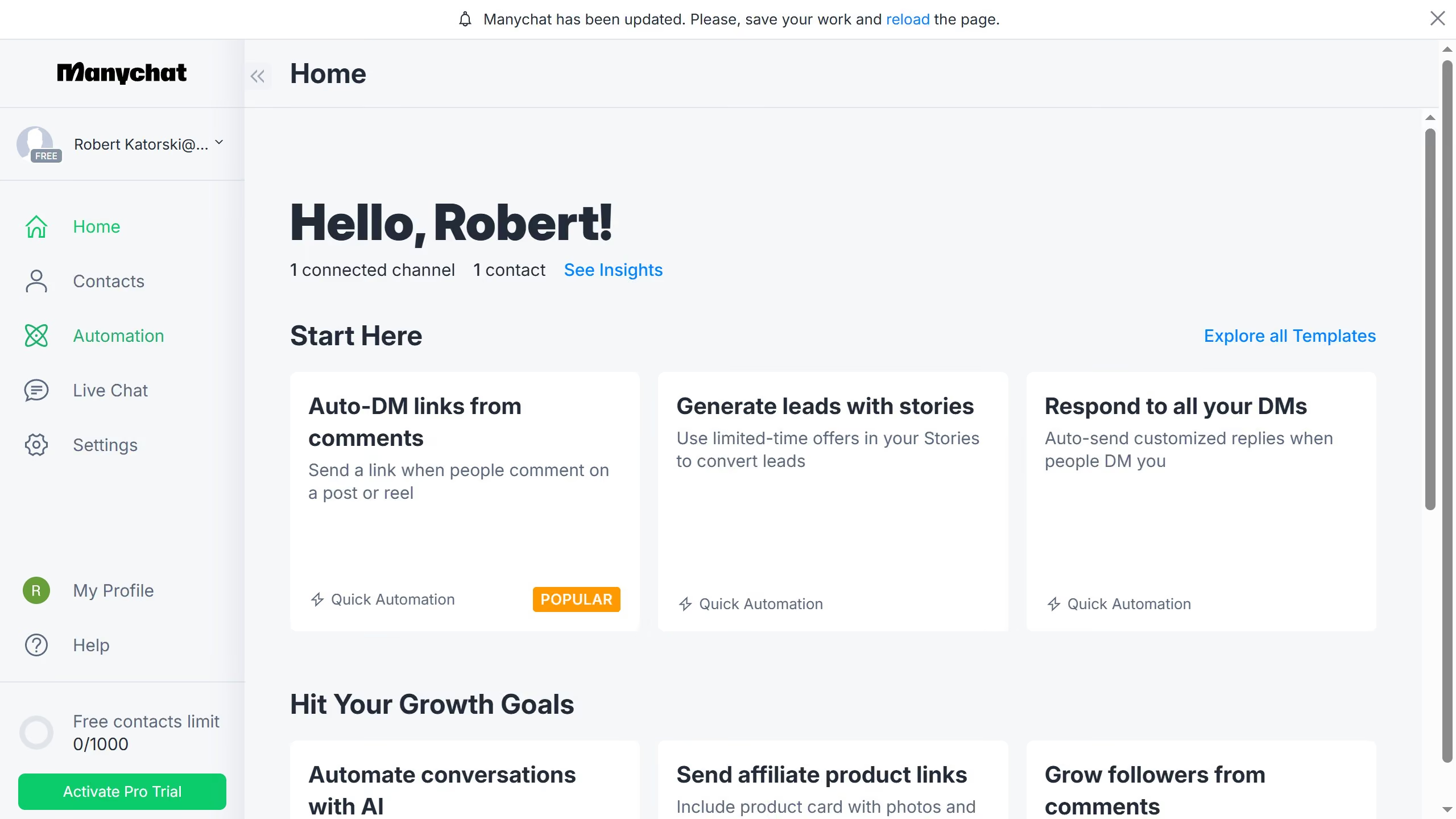
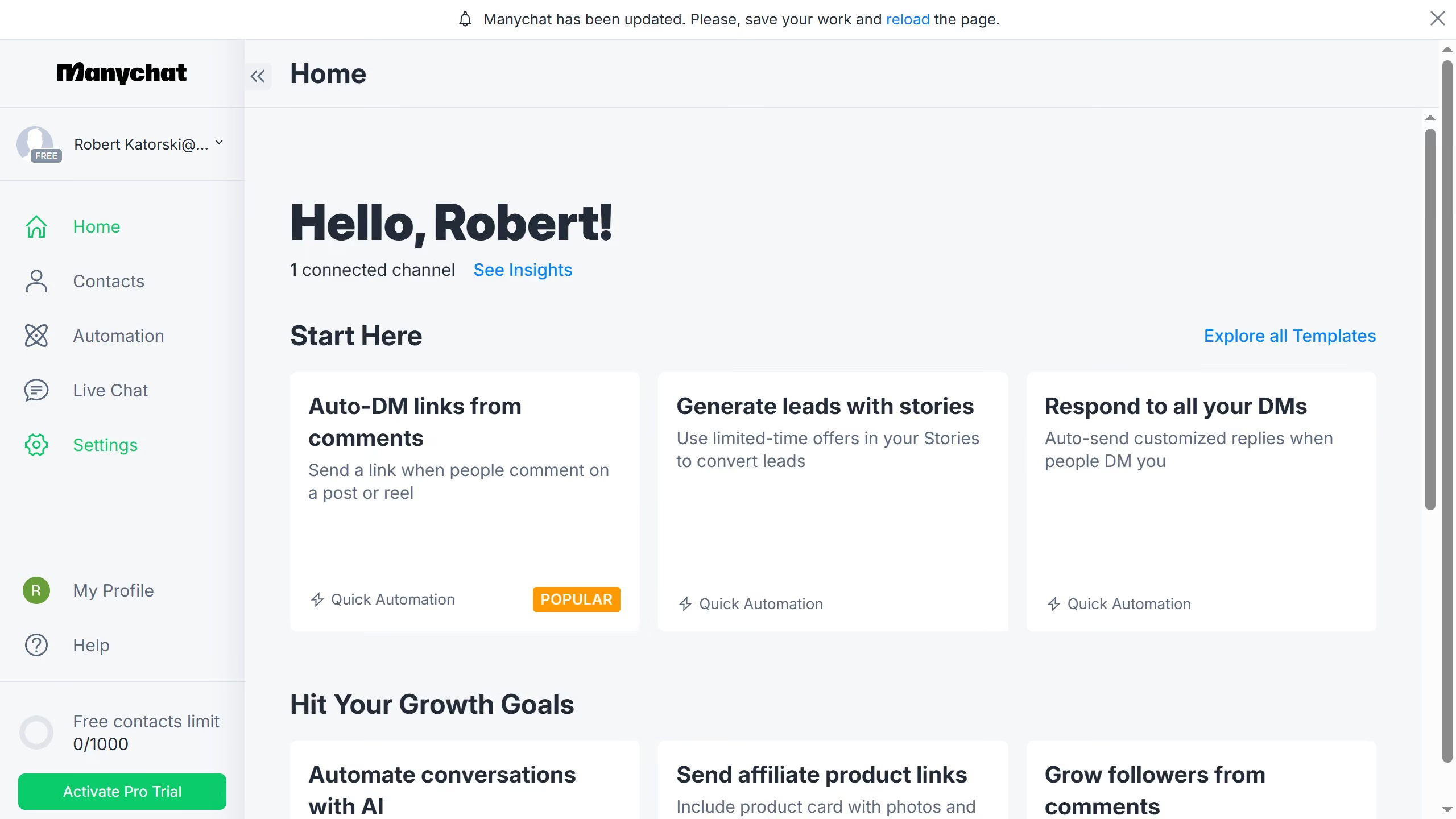
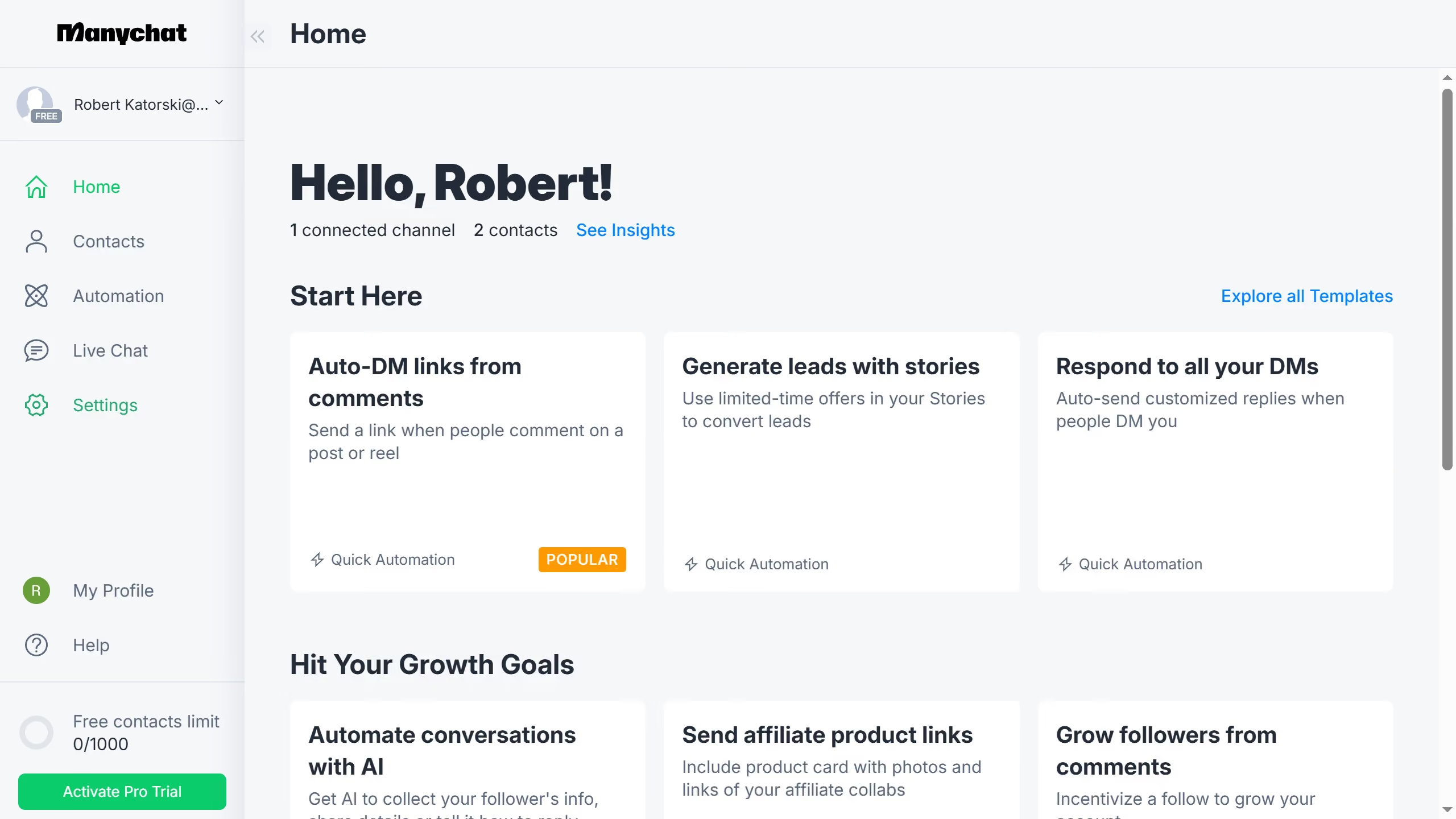
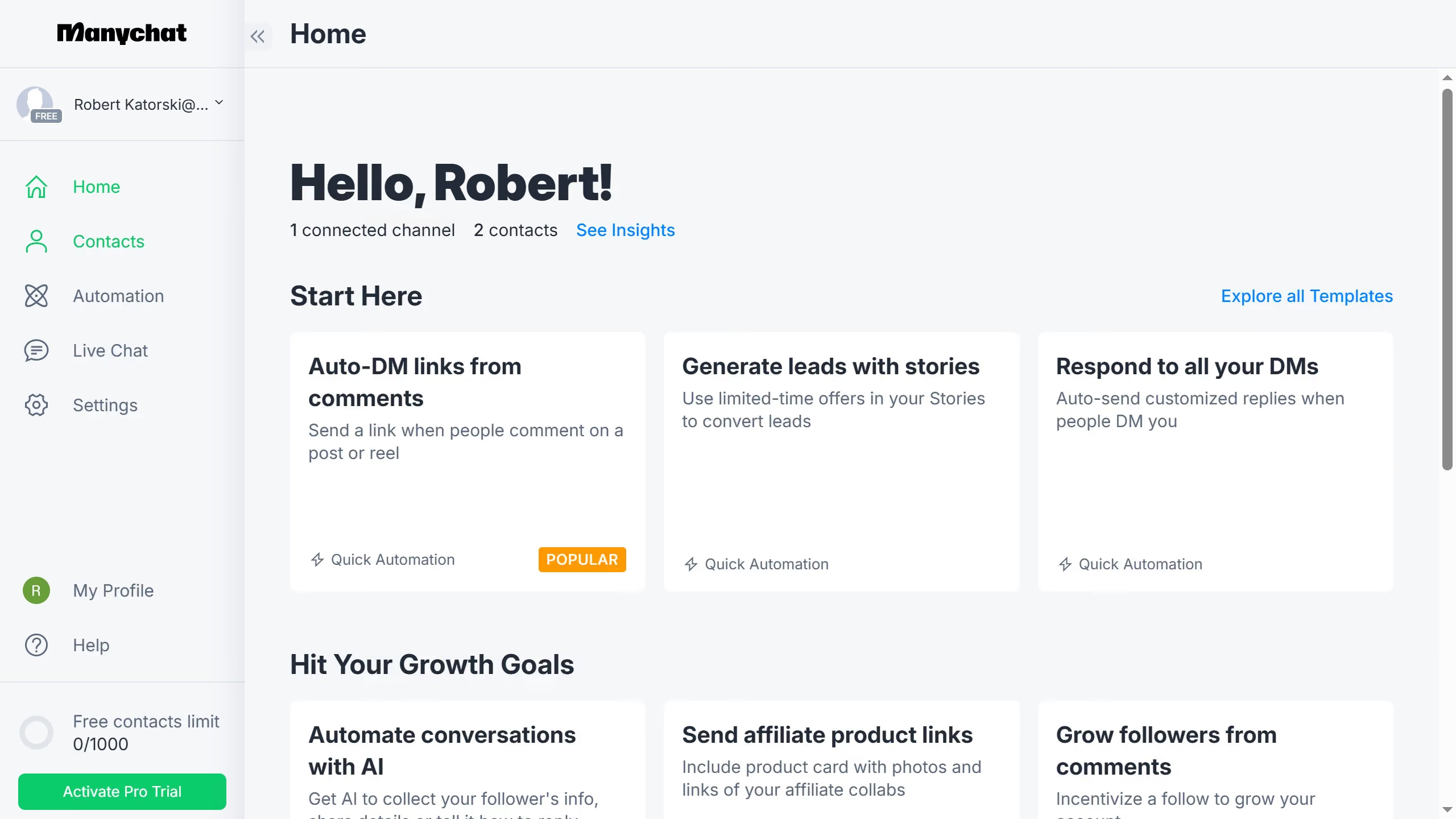
  1. First click on the "Settings" option in the left sidebar menu
  2. Then click on "Team Members" in the settings submenu
  3. Next click on the "Groups" tab in the team members section
  4. Then click on the group you want to disable conversations assignment in the groups list
  5. Finally click on the "Available for conversations assignment" toggle switch off in the group settings

Create your own interactive guide with Guideflow

Why should you disable group for conversations assignment in Manychat

Manychat is a powerful platform designed to revolutionize communication through seamless chatbot engagement.

Disabling groups for conversation assignment in Manychat can streamline your team's workflow. By managing how conversations are assigned, you can significantly reduce confusion and improve response times for customer inquiries.

This feature provides the flexibility to assign conversations to individual team members, promoting efficiency and ensuring that the right person handles each interaction.

Ultimately, this empowers teams to deliver personalized and prompt customer service, enhancing customer satisfaction and business success.

Last update
July 14, 2026
Cursor MariaA cursor points to a button labeled "James."

Loo oma esimene demo vähem kui 30 sekundiga.