Manychat
Manychat is a chat marketing automation platform that helps brands and creators drive sales and engagement through messaging apps like Instagram, WhatsApp, Facebook Messenger, and Telegram.
Website
Industry
Leadgen
Share this article:

How to create a group in Manychat

Here is how to create a group in manychat

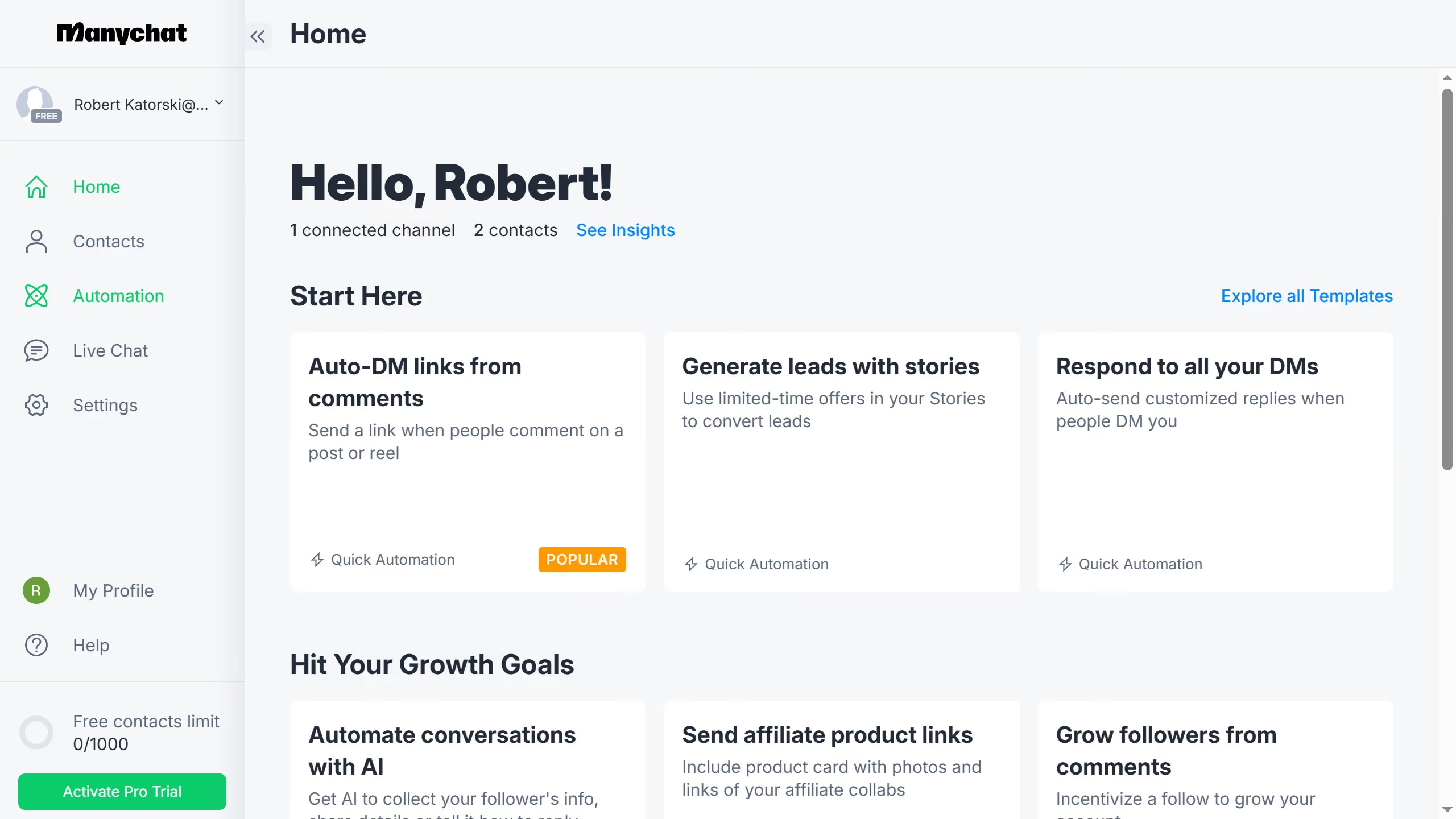
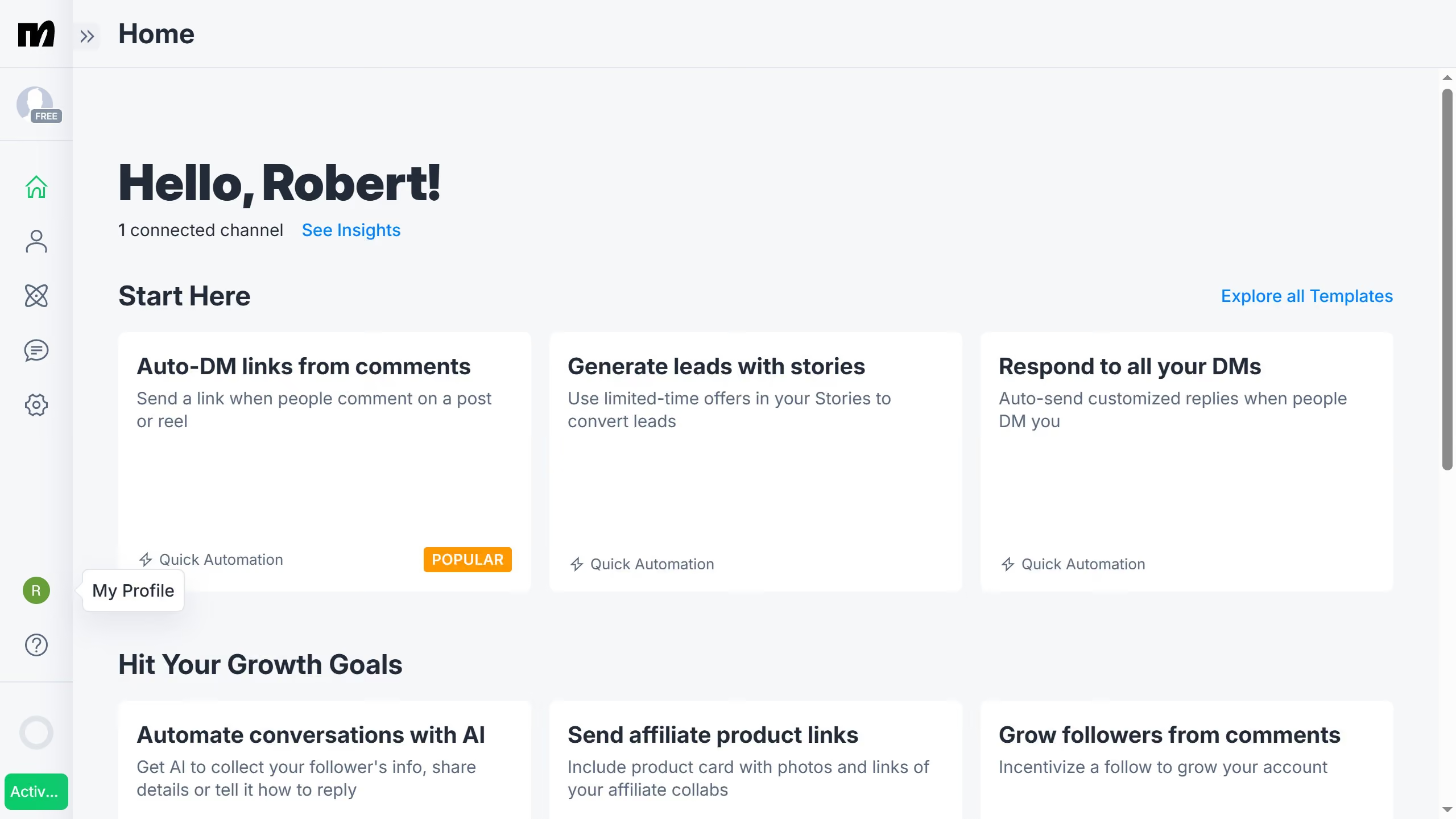
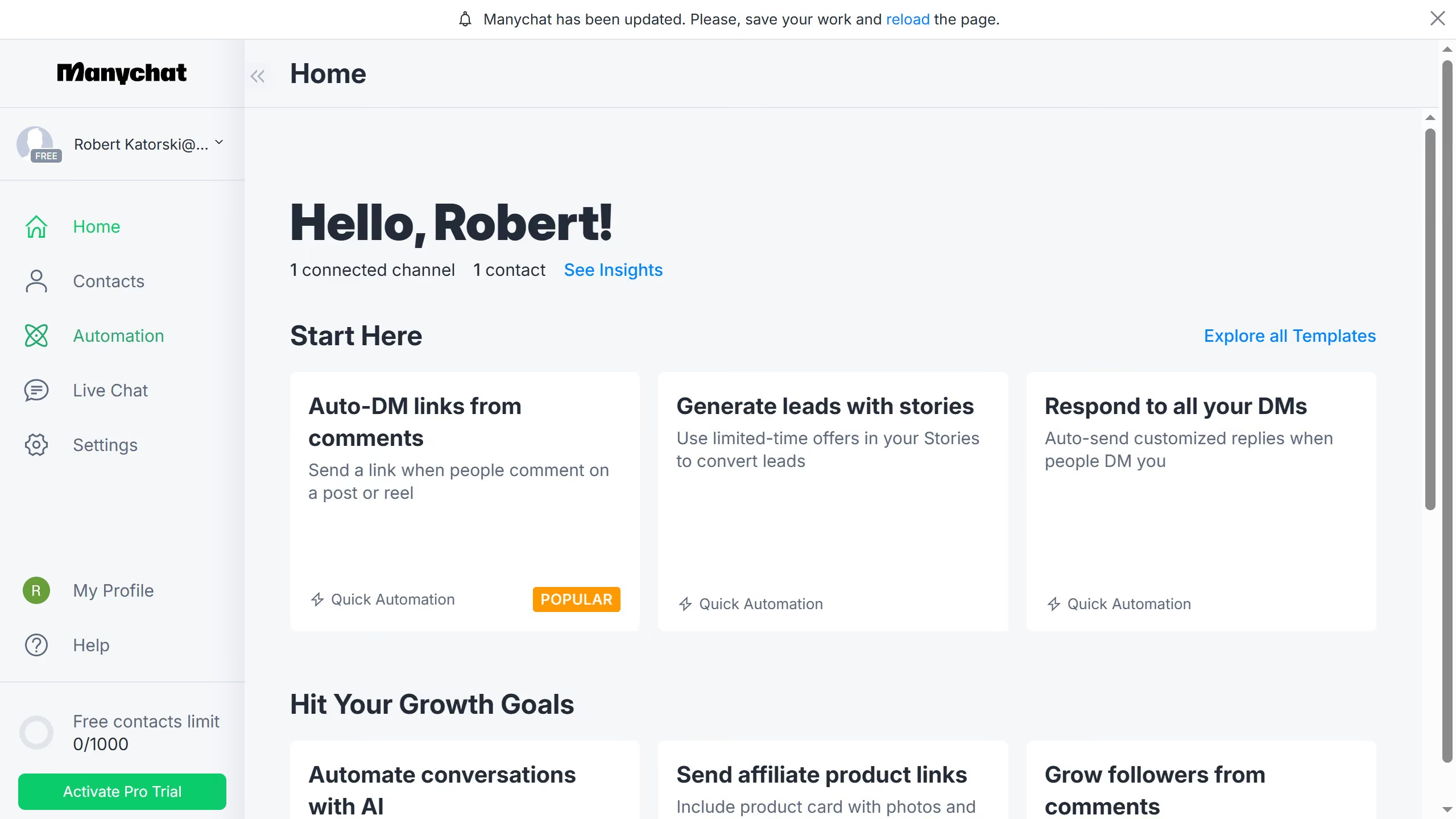
  1. First click on the "Settings" option in the left sidebar menu
  2. Then click on "Team Members" in the settings menu
  3. Next click on the "Groups" tab in the Team Members section
  4. Then click on the "+ Group" button to create a new group
  5. Click the group name text input field and type in the desired group name
  6. Next click the checkbox to select the team member
  7. Finally click the "Save" button to create the group

Create your own interactive guide with Guideflow

Why should you create a group in Manychat

Manychat revolutionizes how you interact with your audience through seamless chatbot automation.

By creating a group in Manychat, users can organize their audiences efficiently, ensuring targeted and effective engagement. This feature allows you to categorize contacts based on various criteria, enhancing personalization and relevance of communication.

Utilizing group creation optimizes your messaging strategy, fostering stronger relationships with your audience and potentially boosting conversions.

It's a simple yet powerful way to tailor interactions to meet specific business needs.

Last update
July 14, 2026
Cursor MariaA cursor points to a button labeled "James."

Loo oma esimene demo vähem kui 30 sekundiga.