Here is how to change the role used by the guest assigned to space system operation in confluence
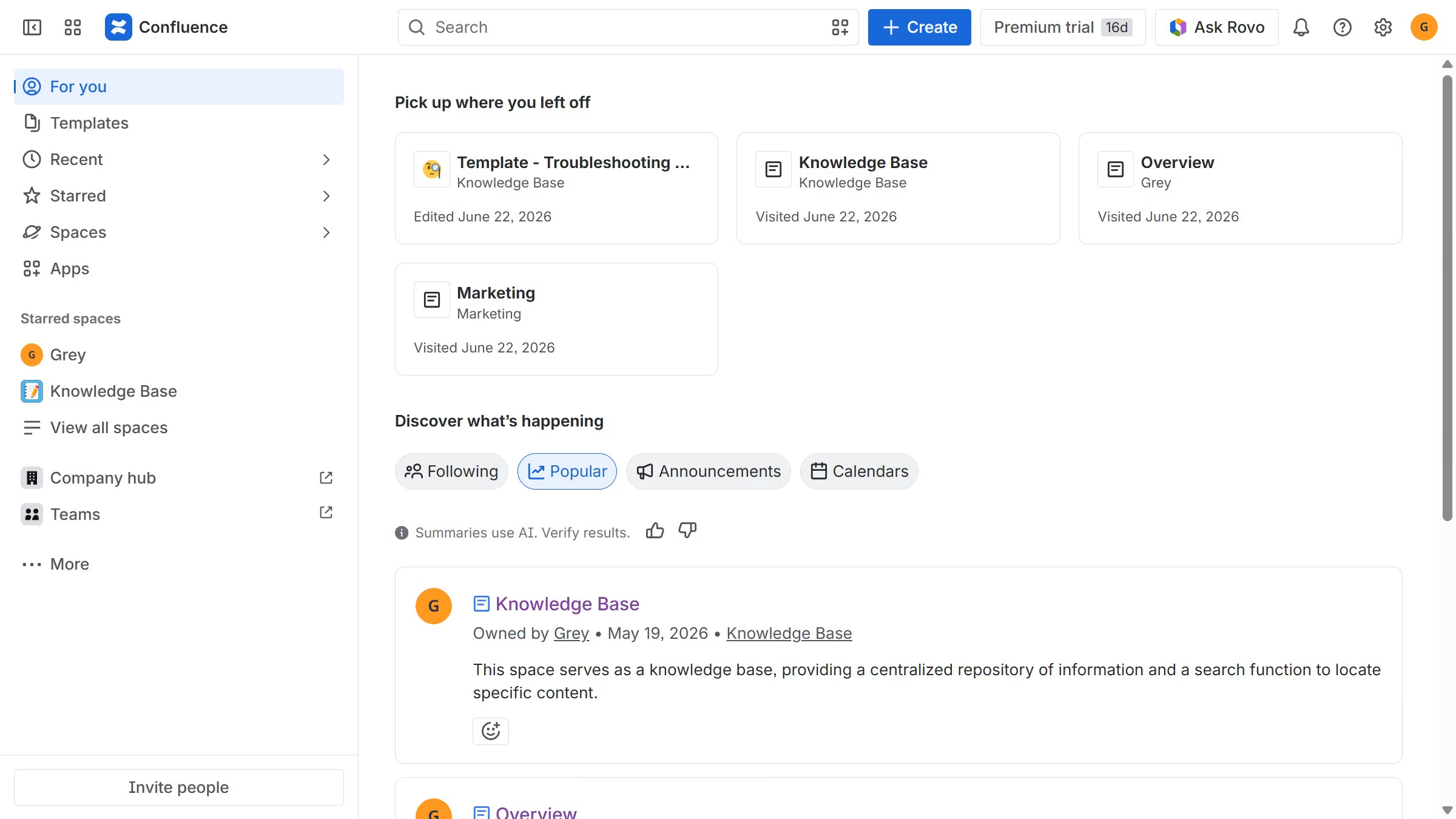
- First click on the settings icon in the top right corner to open confluence administration
- In the sidebar, click on "Permissions"
- Next, click on "System operations" in the submenu
- Locate the "Guest assigned to space" system operation
- After that, click on the role dropdown next to it
- Then, select the new role you want to use from the dropdown menu
- Finally click on the "Change role" button to confirm