Confluence
Confluence is a team workspace platform for companies to create, organize, and collaborate on documents, project plans, and internal knowledge in one shared place.
Website
Industry
Collaboration
Share this article:

How to set a system operation to not assign a role in Confluence

Here is how to set a system operation to not assign a role in confluence

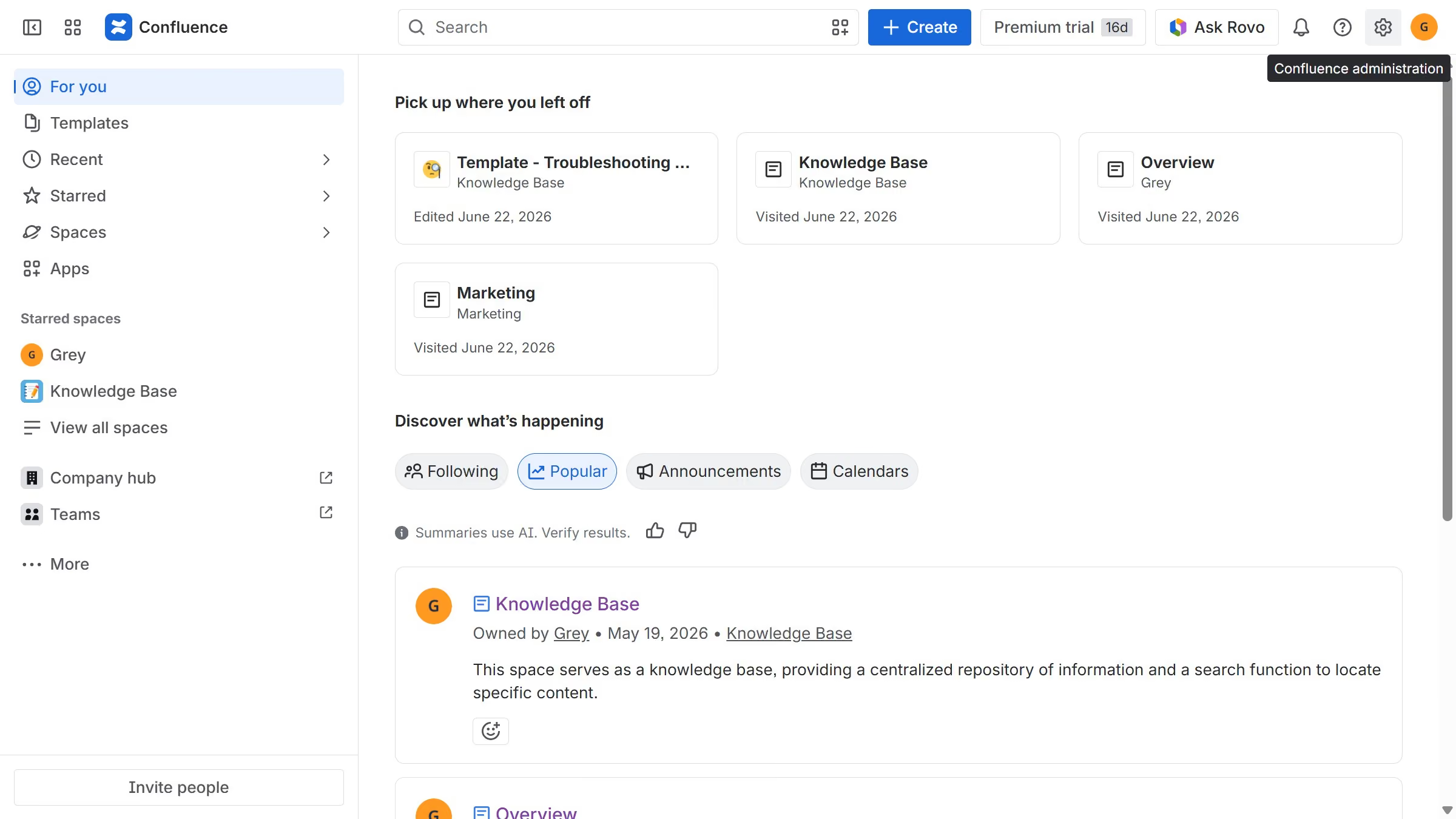
  1. First click on the settings icon in the top right corner to open confluence administration
  2. In the sidebar, click on "Permissions"
  3. Next, click on "System operations" in the submenu
  4. Locate the system operation whose role assignment you want to disable
  5. After that, click on the role dropdown next to it
  6. Then, select "Don't assign a role" from the dropdown menu
  7. Finally, click on the "Remove access" button in the confirmation dialog

Create your own interactive guide with Guideflow

Why should you set a system operation to not assign a role in Confluence

Confluence is a powerful collaboration software designed to help teams work together efficiently by creating and sharing content.

Setting system operations to not assign a role in Confluence allows for a tailored user experience, ensuring that only necessary permissions are granted, enhancing security and reducing complexity.

This feature is beneficial as it helps maintain a clean and organized workspace, enabling teams to focus on their tasks without unnecessary distractions. By controlling role assignments, you streamline team interactions and enhance operational efficiency.

Last update
July 14, 2026
Cursor MariaA cursor points to a button labeled "James."

Loo oma esimene demo vähem kui 30 sekundiga.