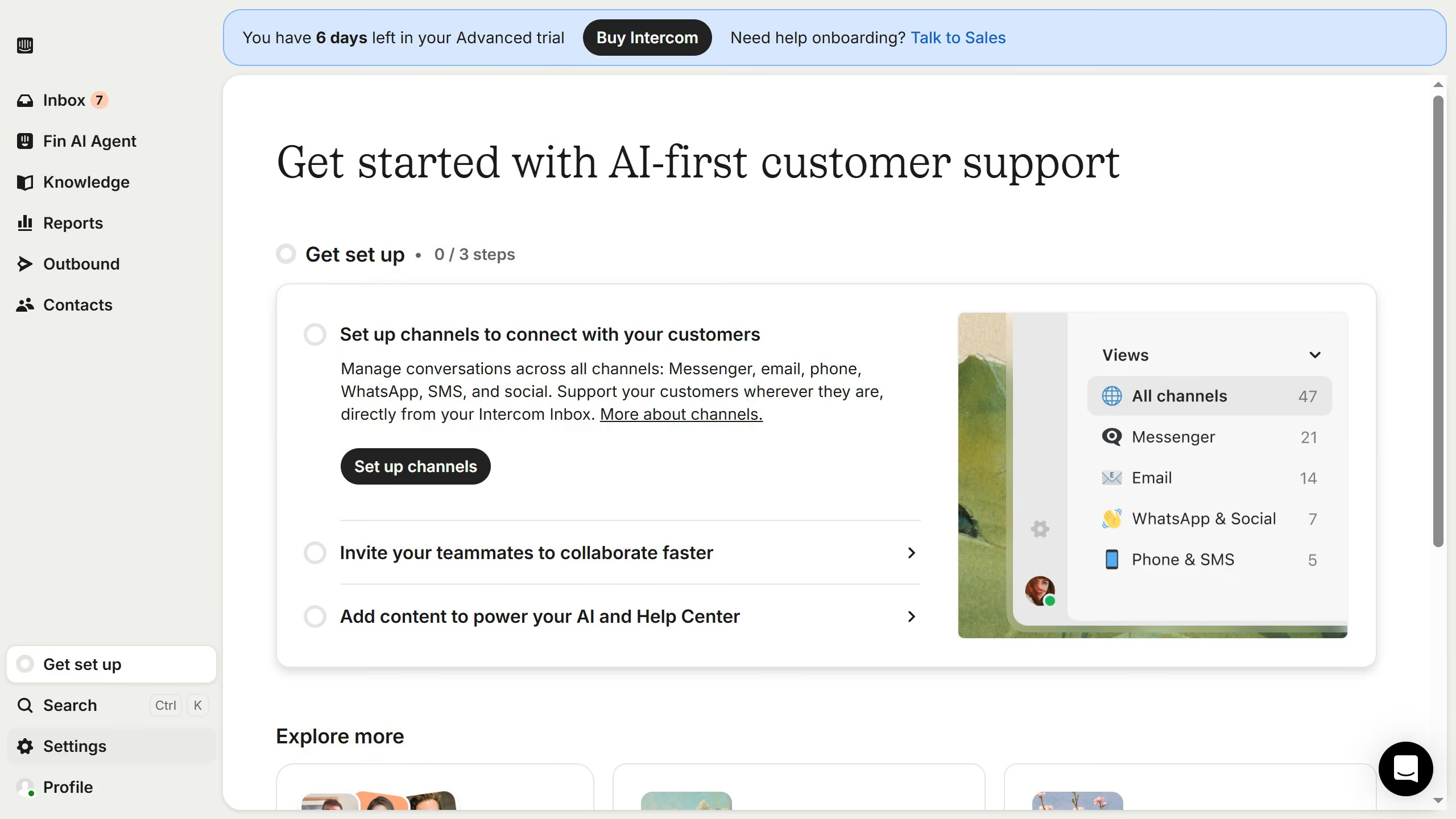
Here is how to add end time to scheduled agent availability in articles on intercom
- First click on "Knowledge" in the left sidebar
- Then click on the article title in the content area
- Next click on the "Schedule availability" button
- Then click on the scheduled date
- After that, click on the toggle switch to set an end time
- Finally click on the "Schedule" button to confirm