Here is how to add to trusted senders in intercom
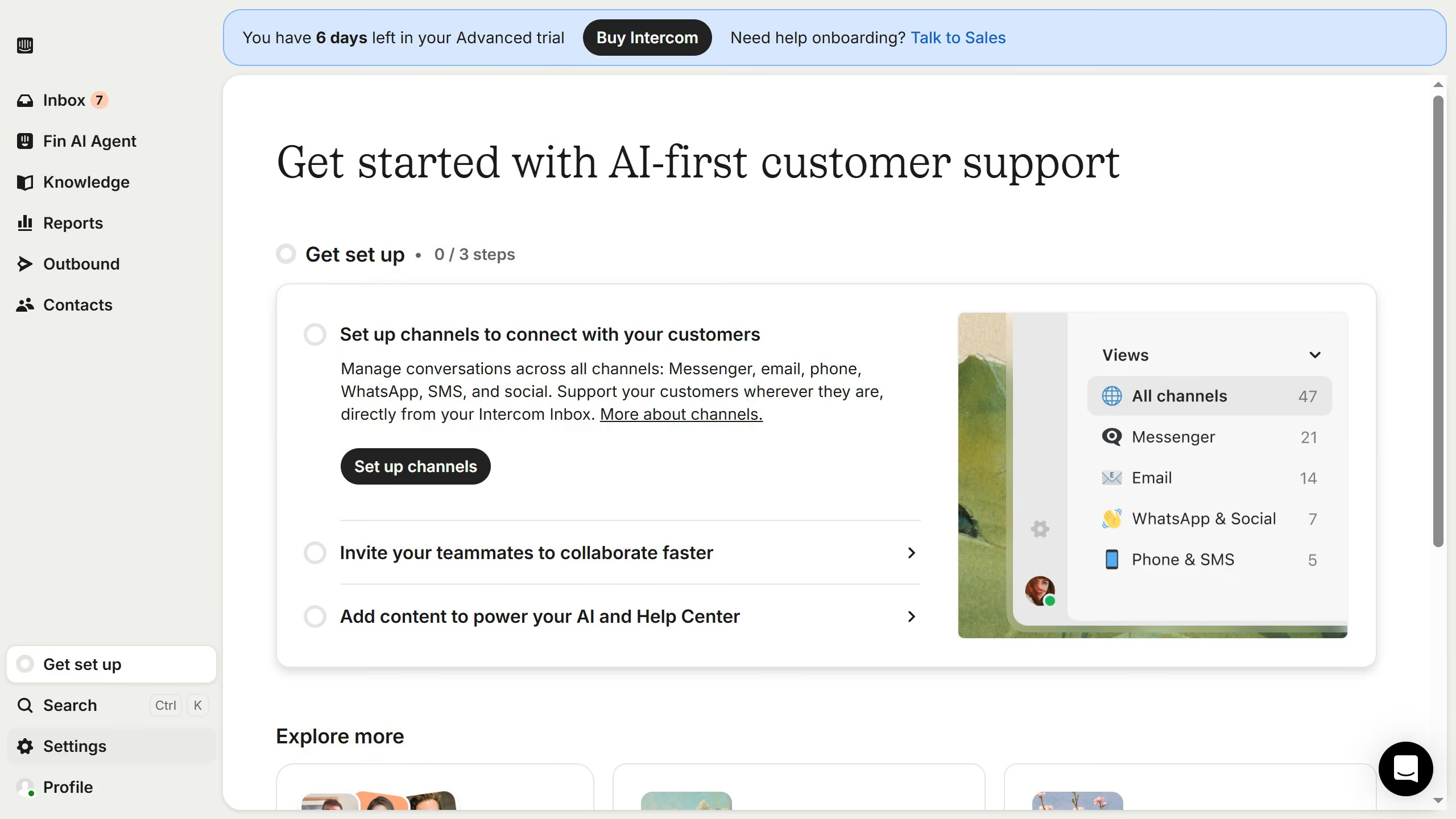
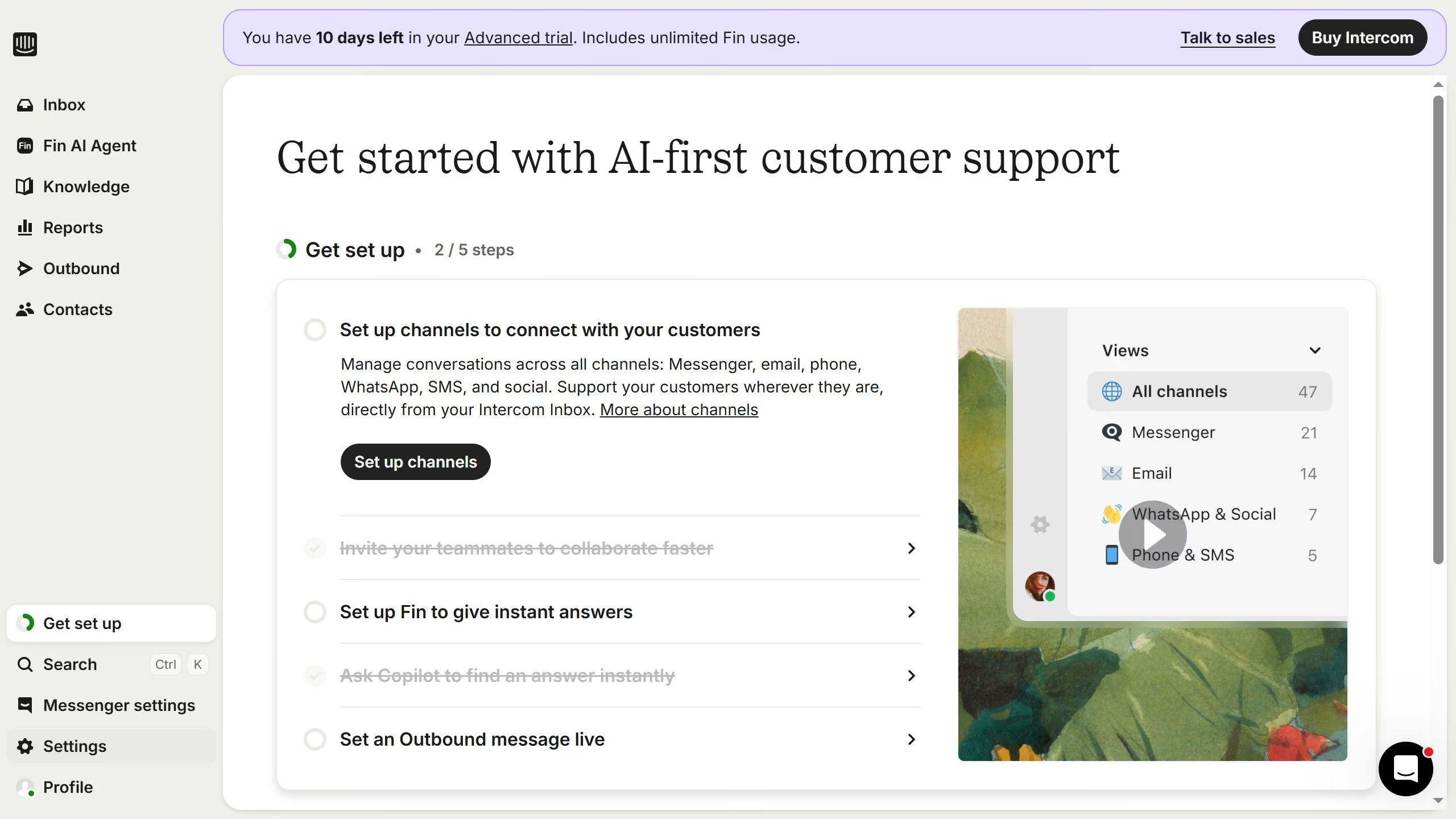
- First click on "Settings" in the left sidebar
- Then click on "Channels" in the left sidebar
- Next, click on "Email" under Channels
- Then click on "Email settings" in the main content area
- After that, click on "Configure trusted senders" in the main content area
- Next, click on "Add email address" button
- Then enter your trusted senders email address into the email address field
- Finally click on the "Save" button