Manychat
Manychat is a chat marketing automation platform that helps brands and creators drive sales and engagement through messaging apps like Instagram, WhatsApp, Facebook Messenger, and Telegram.
Website
Industry
Leadgen
Share this article:

How to add a pause all automations action in Manychat

Here is how to add a pause all automations action in manychat

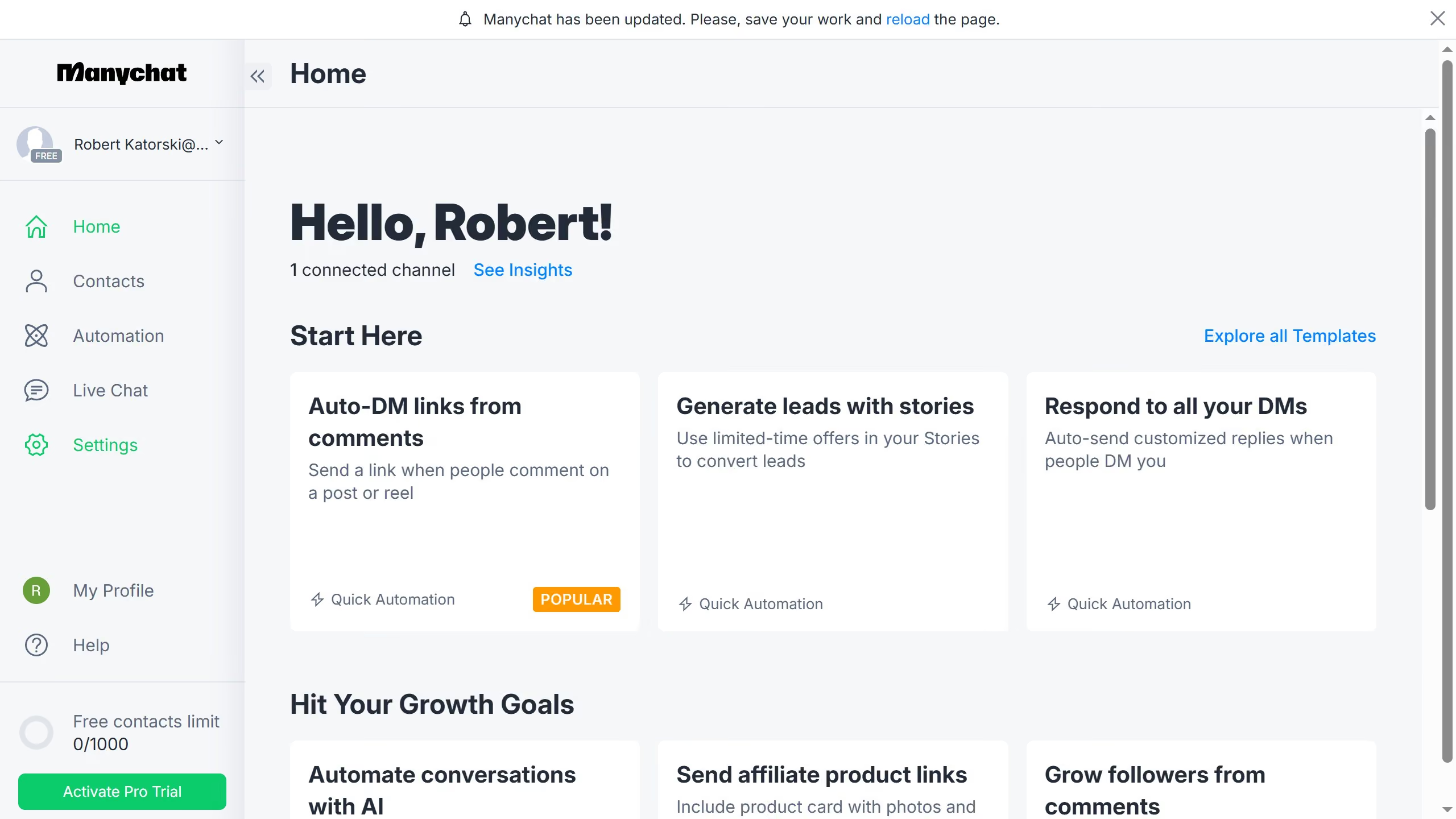
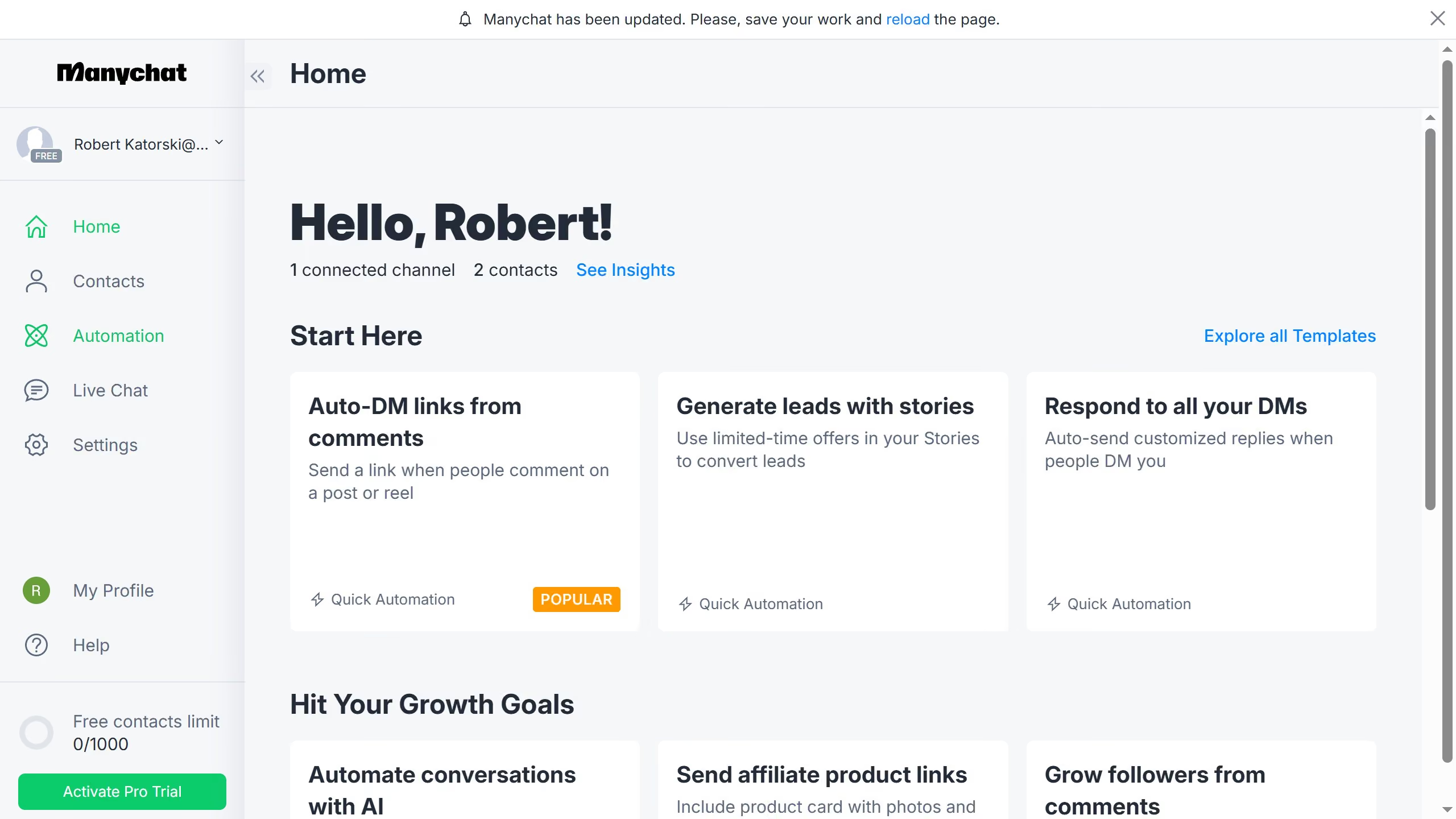
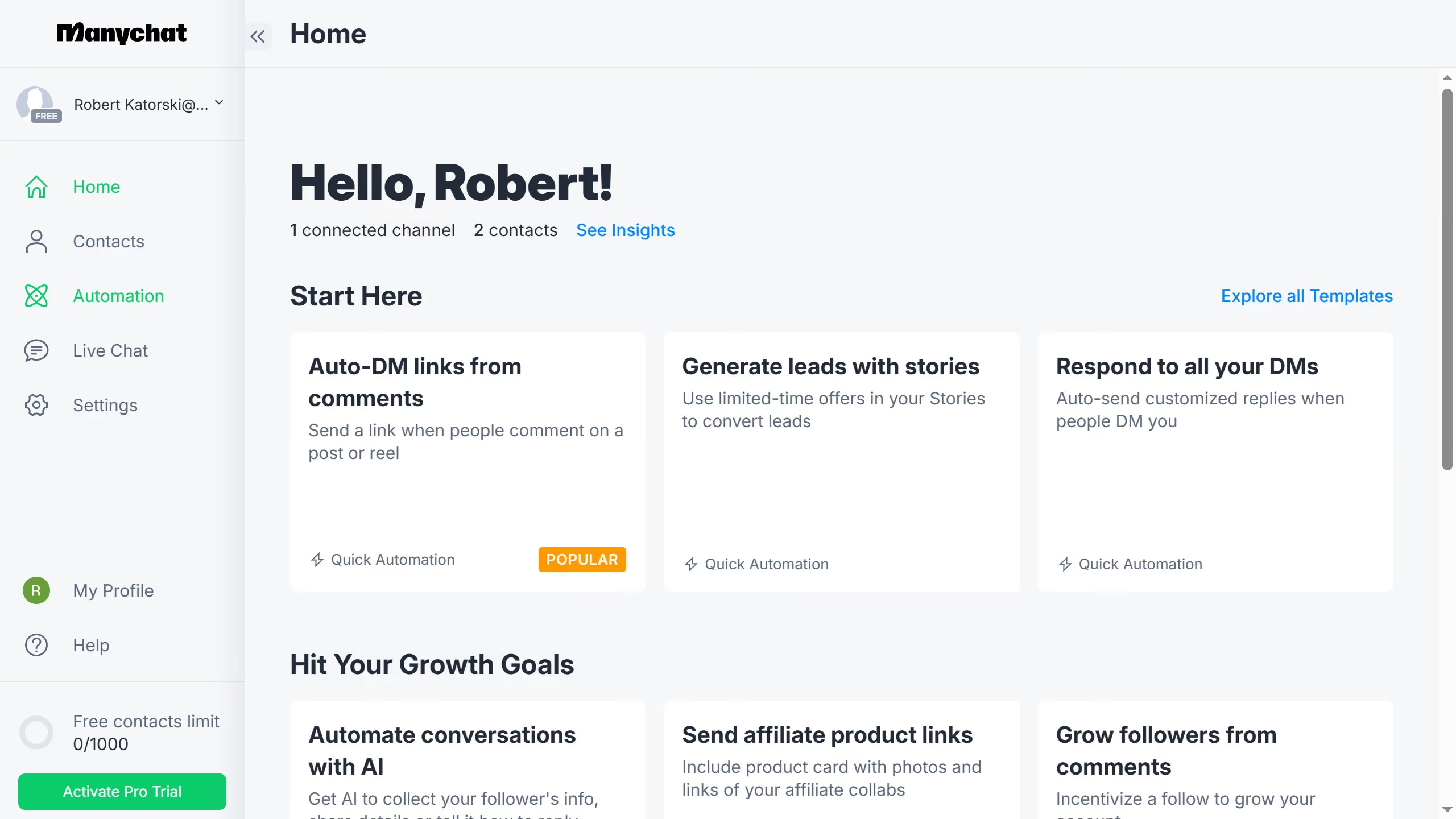
  1. First click on the "Automation" option in the left sidebar menu
  2. Then click an automation from the automation list
  3. Click the "+" (plus) button in the top-right corner of the automation builder
  4. Scroll down in the menu pop up
  5. Then click "Actions" from the Logic section in the right sidebar
  6. Click on the "+ Action" button in the Actions configuration panel
  7. Select the "Automation" category from the left menu in the actions modal
  8. Scroll down in the actions list
  9. Then select "Pause all automations" from the list of automation actions
  10. Click on the "Select amount of time" dropdown menu in the action settings
  11. Finally select your preferred time duration from the dropdown options

Create your own interactive guide with Guideflow

Why should you add a pause all automations action in Manychat

Manychat is a dynamic platform designed to elevate customer engagement through automated messaging.

The "Pause All Automations" feature in Manychat is an ingenious tool for those moments when businesses need to temporarily halt communications. This feature allows users to take a breather, assess strategies, or address unforeseen events without losing their setup.

Utilizing this pause function can enhance control over marketing campaigns, ensuring that audiences only receive messages during optimal periods, ultimately boosting the effectiveness and relevance of each interaction.

Last update
July 14, 2026
Cursor MariaA cursor points to a button labeled "James."

Loo oma esimene demo vähem kui 30 sekundiga.