Manychat
Manychat is a chat marketing automation platform that helps brands and creators drive sales and engagement through messaging apps like Instagram, WhatsApp, Facebook Messenger, and Telegram.
Website
Industry
Leadgen
Share this article:

How to move a user field to a folder in Manychat

Here is how to move a user field to a folder in manychat

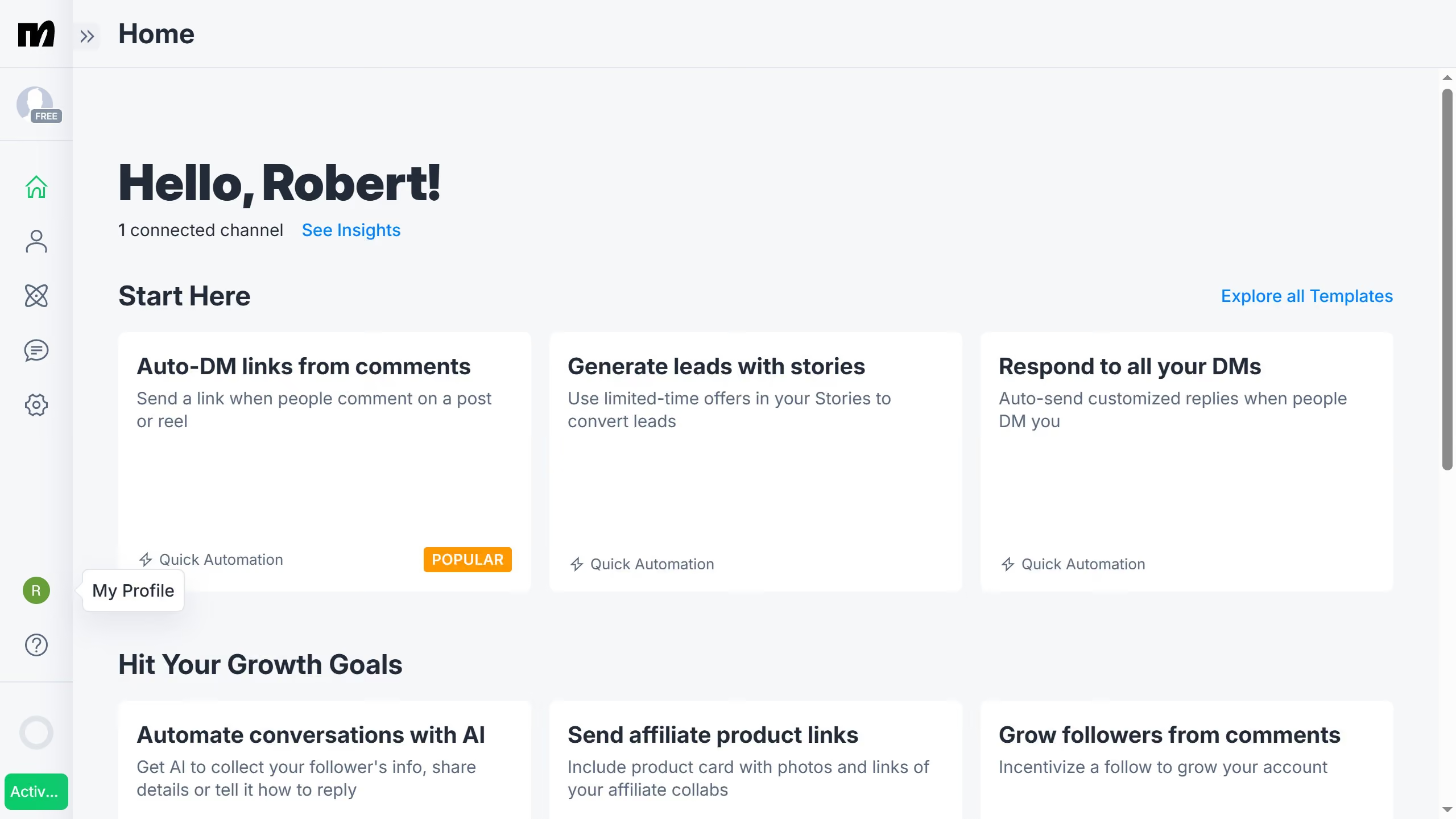
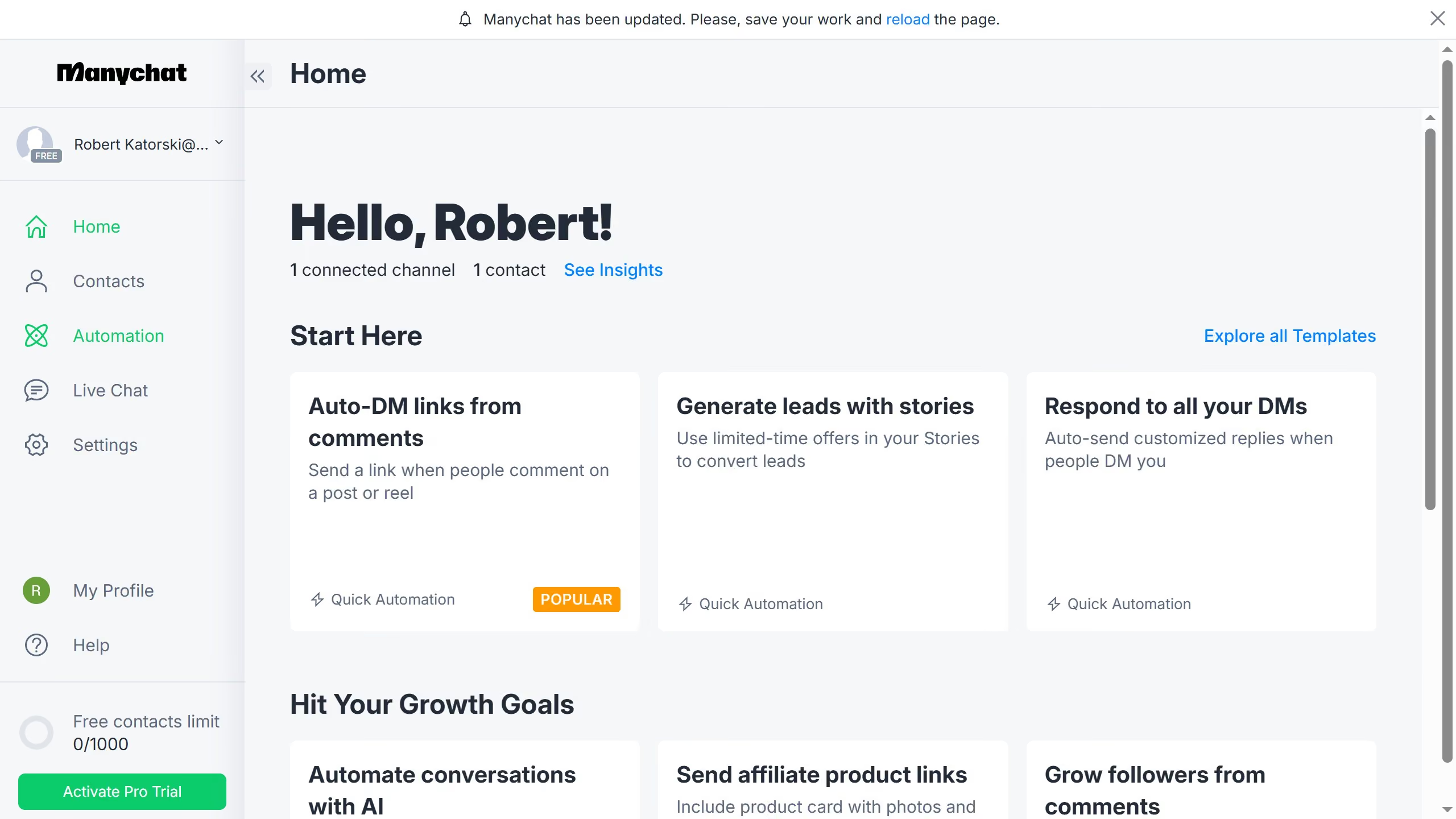
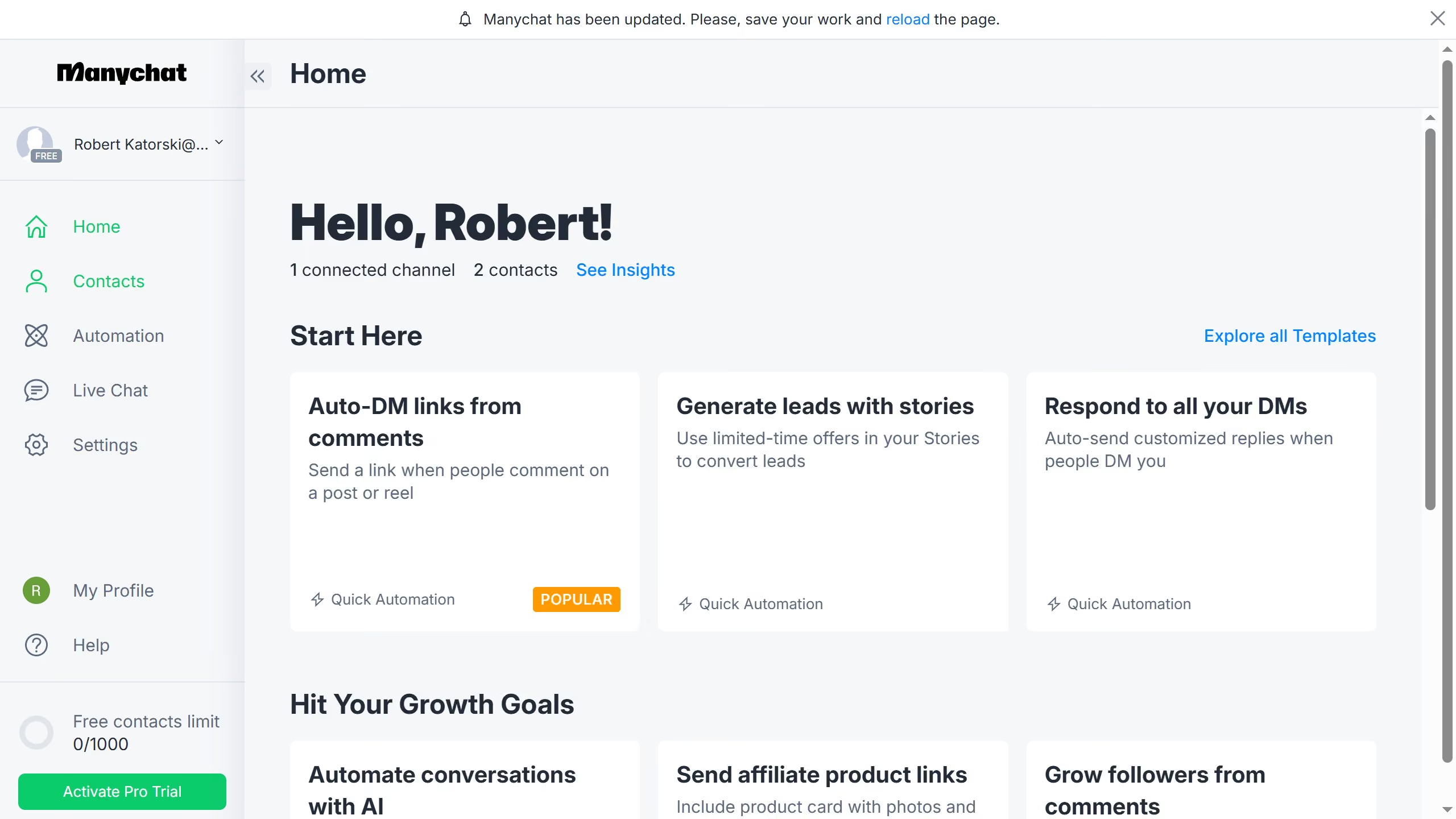
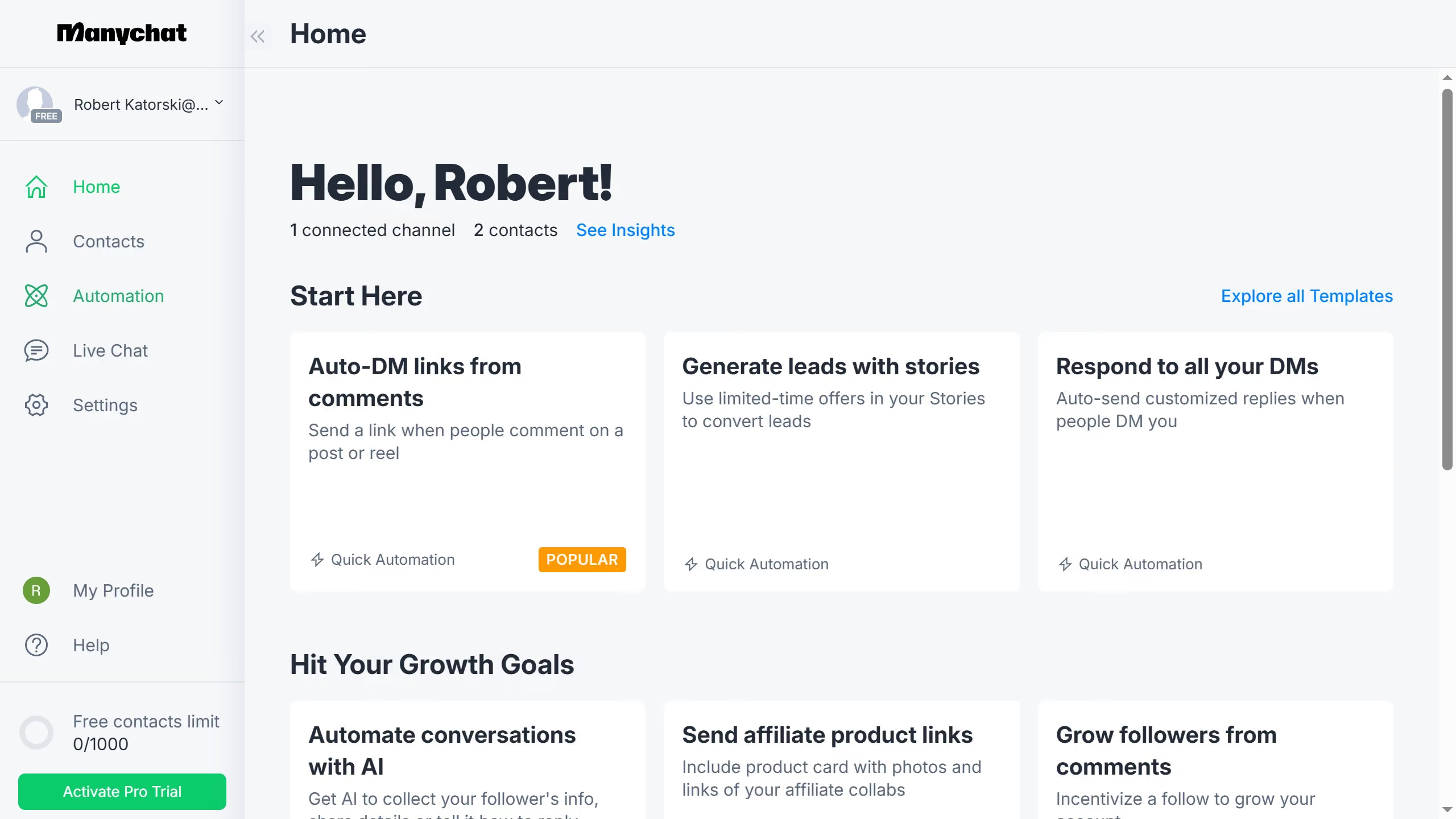
  1. First click on "Settings" in the left sidebar menu
  2. Then scroll down in the general settings page
  3. Next click on "Fields" under the Automation section in the left menu
  4. Scroll up in the fields settings page
  5. Click the three dots menu next to the name of the tag you want to move to a different folder
  6. Click the "Move to" button from the dropdown menu
  7. Select the folder you want to move the tag to from the Move User Fields modal
  8. Finally click the "Move" button in the move dialog to complete the action

Create your own interactive guide with Guideflow

Why should you move a user field to a folder in Manychat

Manychat is an intuitive platform designed for businesses to automate and elevate their customer interactions through chat.

A valuable feature in Manychat is the ability to organize user fields into specific folders. This enhances your workflow by categorizing information effectively, ensuring that user data is intuitive and easily accessible.

Utilizing folders for user fields streamlines data management, making it easier to personalize customer interactions. It supports efficient data organization, leading to more tailored and insightful communication strategies.

Last update
July 14, 2026
Cursor MariaA cursor points to a button labeled "James."

Loo oma esimene demo vähem kui 30 sekundiga.