Your site started on shared hosting. It was fine. Then traffic climbed, a neighbor on the same box got hammered, and your response times fell apart at the worst possible moment. That is the exact friction VPS hosting solves: dedicated, isolated resources on a virtualized slice of a physical server, so a noisy neighbor stops being your problem.
The market reflects that pressure. The global virtual private server market reached USD 5.7 billion in 2025 and is projected to hit USD 15.6 billion by 2034 at an 11.47% CAGR, according to IMARC Group (2026). In the WebPros Web Hosting Trends Report (2026), many hosting providers named VPS their primary growth segment for the year. Demand is rising because more teams sit in the awkward middle: too big for shared hosting, not ready to commit to a dedicated server.
If you are on a presales or technical evaluation team, you already know the questions buyers ask before they commit. Managed or unmanaged? Do I get root access? What happens to backups and snapshots? How fast can I scale? This guide answers those questions provider by provider, so you can shortlist fast and validate without surprises. If your own product is easier to show than to explain, an interactive demo does the same job for software that this guide does for infrastructure: it lets people evaluate before they buy.
What's inside
This is a buyer's decision guide, not just a roundup. We picked seven VPS hosting providers that cover the full range of buyer needs: budget-first value, managed hands-off setups, high-performance NVMe VPS, and enterprise-grade flexibility. Selection came down to four criteria: price-to-performance, management options (managed VPS hosting versus unmanaged VPS hosting), control and root access, and operational support like backups, migration, and uptime. Each section includes who the provider fits best, so you can match a provider to your workload instead of chasing a generic "best" label.
TL;DR
- Best for global footprint and compliance: OVHcloud, with wide data center coverage and anti-DDoS protection built in.
- Best for managed simplicity: Namecheap, for teams that want a hands-off setup with free migration.
- Best for performance per dollar: Hostinger, with KVM VPS, NVMe storage, and AI-managed tooling.
- Best cheap VPS hosting: Contabo, for resource-heavy plans at low monthly rates.
- Best for configurability: Kamatera, with custom resource sizing and pay-as-you-go billing.
- Best for fully managed support: Liquid Web, for businesses that want less server babysitting.
- Best for managed control panel: ScalaHosting, with SPanel and beginner-friendly management.
What is a VPS server?
A VPS server is a virtual private server: a virtualized partition of a physical machine that gives you dedicated CPU, RAM, and storage, plus full root access, isolated from other users on the same hardware. You get the control and performance of a private machine without paying for the whole physical box.
Most modern VPS hosting runs on KVM (Kernel-based Virtual Machine) virtualization, which enforces hard resource boundaries so your allocated resources stay yours. Storage increasingly uses NVMe VPS drives, which read and write far faster than older SATA SSDs and make a real difference for database hosting and high-traffic sites.
Key features to expect from a VPS provider:
- Dedicated resources: guaranteed CPU, RAM, and storage that a noisy neighbor cannot touch.
- Full root access: install any software, configure the operating system, and run custom stacks.
- Operating system choice: Linux VPS distributions (Ubuntu, Debian, CentOS, AlmaLinux) or a Windows VPS.
- Control panel options: cPanel VPS, Plesk VPS, or a provider's own panel for managing sites and services.
- Backups and snapshots: point-in-time restore points and scheduled backup retention.
- DDoS protection: network-level filtering to absorb volumetric attacks.
- API and automation: provisioning through APIs, CLI tools, cloud-init, and Terraform.
- Scaling: 1-click scaling or resize paths to add resources as you grow.
VPS sits between two neighbors. Shared hosting puts many sites on one server with pooled resources, which is cheaper but leaves you exposed to other tenants. A dedicated server hands you an entire physical machine, which is powerful but costs more and often needs more management. VPS gives you isolation and control at a middle price.
When to use VPS hosting
Outgrow shared hosting without over-buying
When your site slows down under traffic or you hit CPU limits on a shared plan, VPS is the natural next step. The shared hosting vs VPS decision usually comes down to isolation: shared hosting is enough for a low-traffic brochure site, but the moment performance or security matters, dedicated resources pay for themselves.
Run applications and databases that need control
Application hosting, database hosting, and custom web hosting stacks need root access and specific software versions. A VPS lets you install exactly what you want, tune the operating system, and control the environment. Shared hosting rarely gives you that depth.
Host WordPress at scale
A WordPress VPS handles higher-traffic and multi-site installs far better than shared plans. You get resources to run caching layers, tune PHP workers, and isolate the database. For agencies managing many client sites, this control is the difference between fast and fragile.
Comparison table
Here is how the seven providers compare on intent, standout use case, entry pricing, and public G2 rating. Pricing reflects publicly listed entry rates at the time of writing and varies by term length and promotion, so confirm current specs before you buy.
| # | Product | Intent | Key use case | Pricing | G2 rating |
|---|---|---|---|---|---|
| 1 | OVHcloud | Global cloud + VPS | Compliance, locality, infrastructure breadth | Usage-based; US$200 free credit on Public Cloud | 3.2/5 |
| 2 | Namecheap | Managed simplicity | Hands-off WordPress and small business hosting | EasyWP from $0 first month, renews $9.88/mo | 4.3/5 |
| 3 | Hostinger | Performance per dollar | KVM + NVMe VPS with AI management | From $2.99/mo (48-month term) | 4.4/5 |
| 4 | Contabo | Value pricing | Resource-heavy VPS at low cost | From €4.50/mo | 2.2/5 |
| 5 | Kamatera | Configurability | Custom-sized, pay-as-you-go cloud servers | From $4/mo | 4.5/5 |
| 6 | Liquid Web | Fully managed | High-touch managed VPS and support | From $5/mo | 4.2/5 |
| 7 | ScalaHosting | Managed control panel | Managed VPS with proprietary SPanel | From $2.95/mo | 4.8/5 |
1. OVHcloud
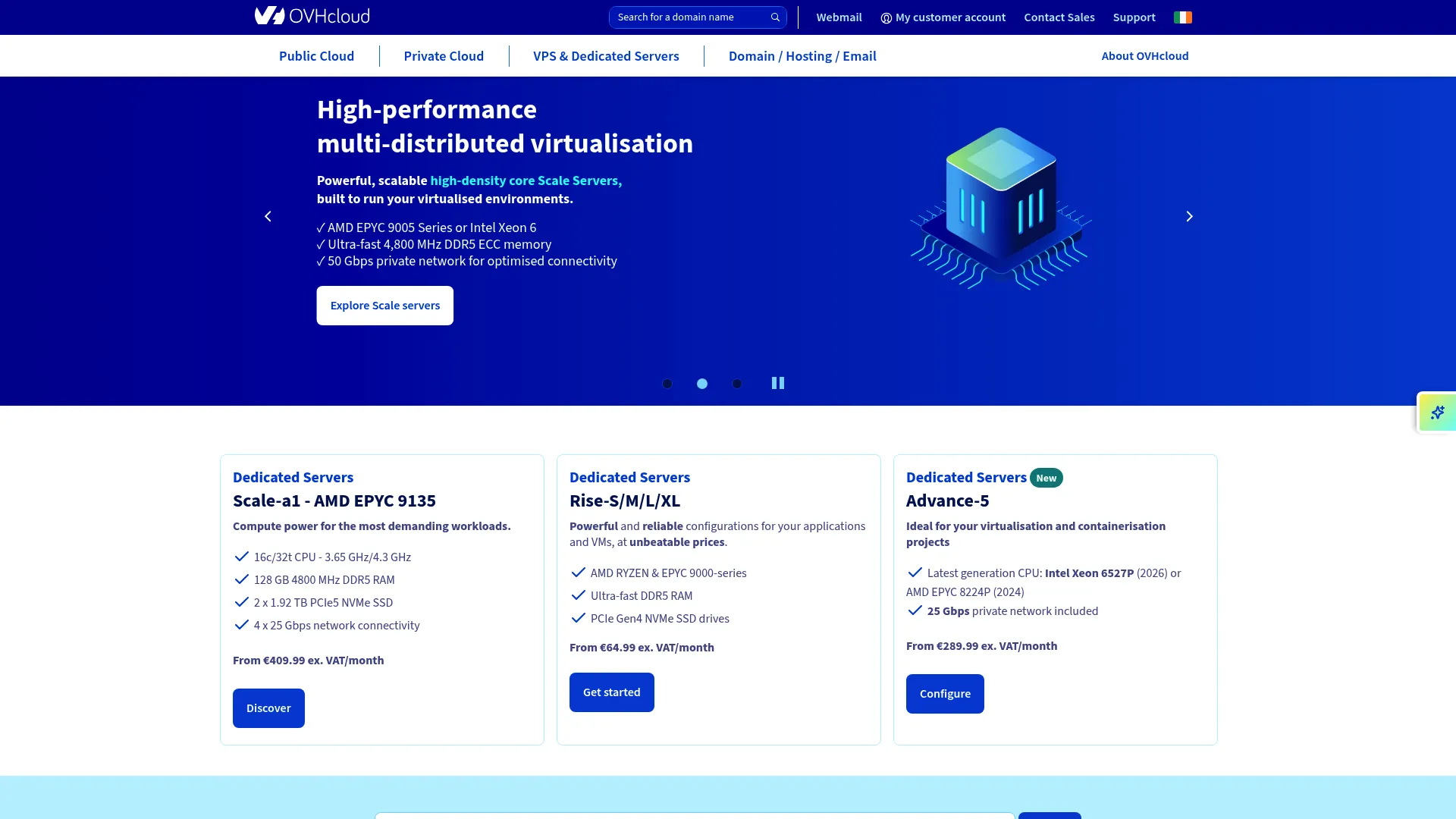
OVHcloud is a global cloud provider that spans public cloud, storage, network, and managed infrastructure. Its VPS and cloud offerings appeal to teams that care about locality, data sovereignty, and infrastructure breadth. With data centers across Europe, North America, and beyond, plus built-in anti-DDoS protection, OVHcloud is a strong fit for buyers with compliance and latency requirements.
Best for: Teams that want a broad, self-service cloud platform with usage-based pricing and global data center choice.
Key strengths
- Global data centers: wide regional coverage lets you place workloads close to users to cut latency and meet data residency rules.
- Anti-DDoS protection: network-level filtering is included to absorb volumetric attacks without extra fees.
- OpenStack API automation: provision and manage infrastructure programmatically for repeatable, automated deployments.
Why choose OVHcloud: If compliance, sovereignty, and locality are your first filter, OVHcloud's footprint is hard to match. Its OpenStack-based API and managed Kubernetes service suit technical teams that want automation and infrastructure flexibility rather than a simple point-and-click panel. The self-service model rewards buyers who know what they need.
OVHcloud pricing: OVHcloud Public Cloud uses hourly, usage-based billing, and first-time Public Cloud projects get a US$200 free credit. Public pricing pages list individual service rates rather than a single subscription fee: object storage starts around $0.00001111 per GiB per hour, and block storage classic runs about $0.000066 per GB per hour. Confirm VPS-specific plan rates on the current pricing page, since they vary by region and configuration.
2. Namecheap
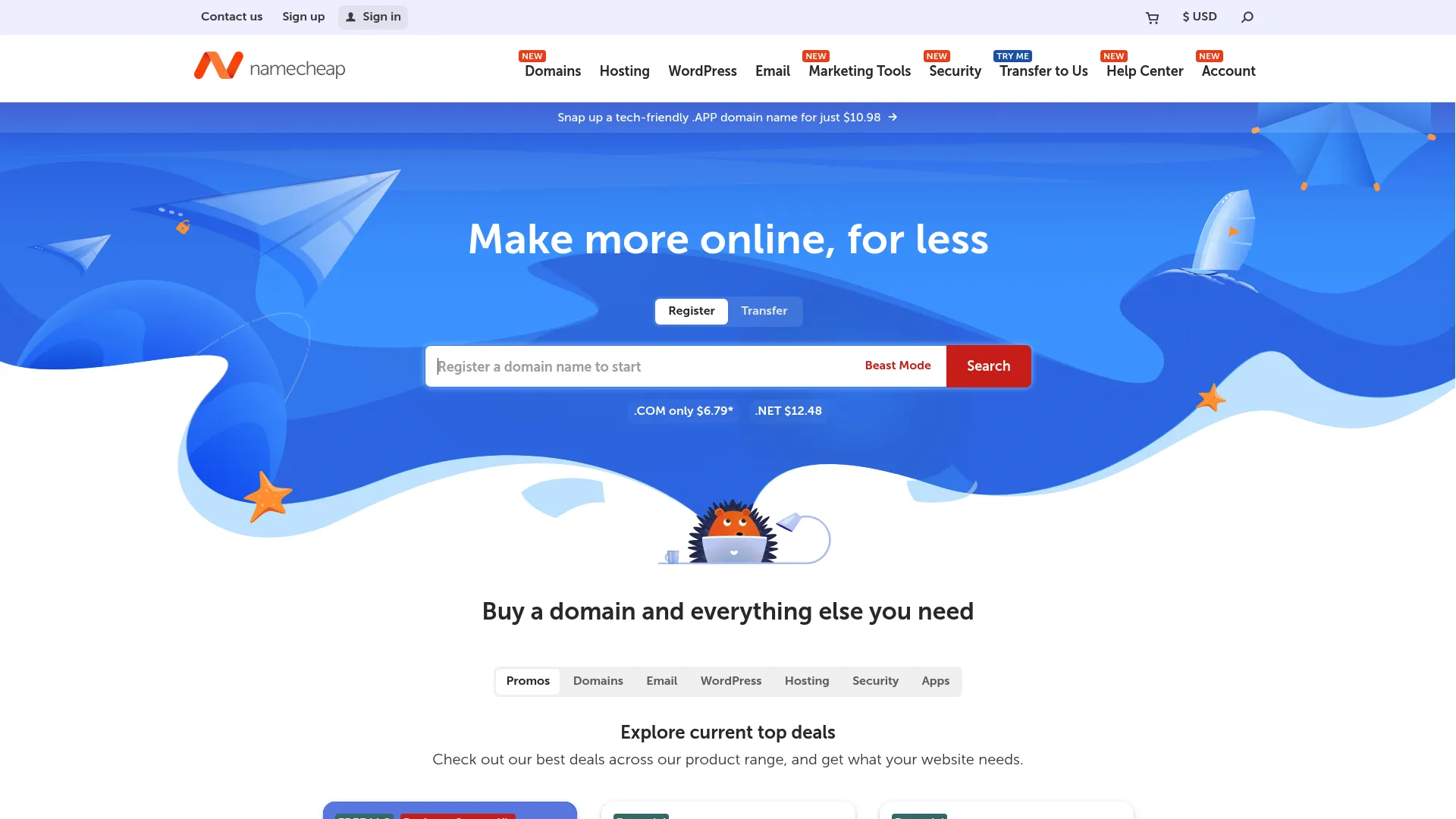
Namecheap started as a domain registrar and grew into a full hosting provider with domains, hosting, email, and security tools. For VPS buyers, its appeal is managed simplicity: a hands-off path to get a site or app running without deep server administration. Free lifetime domain privacy and features like 2FA and DNSSEC add security value on top of the hosting.
Best for: Businesses that want low-cost domains plus managed WordPress hosting with room to grow.
Key strengths
- Managed WordPress hosting: EasyWP bundles free SSL, CDN, and backups so WordPress runs without manual tuning.
- Security tooling: 2FA and DNSSEC come built in, hardening accounts and DNS out of the box.
- Free migration: move an existing site over without paying transfer fees or wrestling with manual exports.
Why choose Namecheap: Namecheap fits teams that want to skip server babysitting. The managed WordPress path handles updates, backups, and security, so you spend time on the site instead of the stack. It is a practical choice when hands-off setup matters more than deep root-level control.
Namecheap pricing: EasyWP managed WordPress has three tiers. Starter is free for the first month, then renews at $9.88/mo. Turbo runs $13.88/mo and Supersonic $35/mo, both billed monthly. The first-month free trial on Starter lets you test the managed experience before committing. VPS-specific plans are priced separately, so check the current VPS page for tier details.
3. Hostinger

Hostinger is a web hosting and website-building platform with AI-powered tools for launching and managing sites and web apps. Its VPS line leans on KVM virtualization and NVMe VPS storage for speed, paired with AI-managed features that lower the operational burden. This makes it a strong pick for buyers who want modern performance and a clean interface without a steep learning curve.
Best for: Small businesses, creators, and developers who need affordable, fast hosting plus AI-assisted management.
Key strengths
- KVM VPS with NVMe storage: hard resource isolation and NVMe drives deliver fast, consistent performance for high-traffic sites.
- AI management tools: an AI web terminal and assistant help with commands and troubleshooting, useful for developers who want speed.
- Node.js and app deployment: built-in support for modern app stacks plus API access for automation tooling.
Why choose Hostinger: Hostinger targets buyers who care about speed and modern UX without paying enterprise rates. The KVM plus NVMe combination gives strong price-to-performance, and the AI-managed layer reduces how much you need to know to run a healthy server. It suits both new developers and teams that want automation shortcuts.
Hostinger pricing: Public rates start at $2.99/mo for the Premium plan on a 48-month term, with Cloud Startup at $7.99/mo and Unlimited and Business Website Builder at $3.79/mo, all on long introductory terms. The website builder is not free but includes a 14-day free trial. Renewal rates differ from introductory pricing, so read the term details before you buy.
4. Contabo
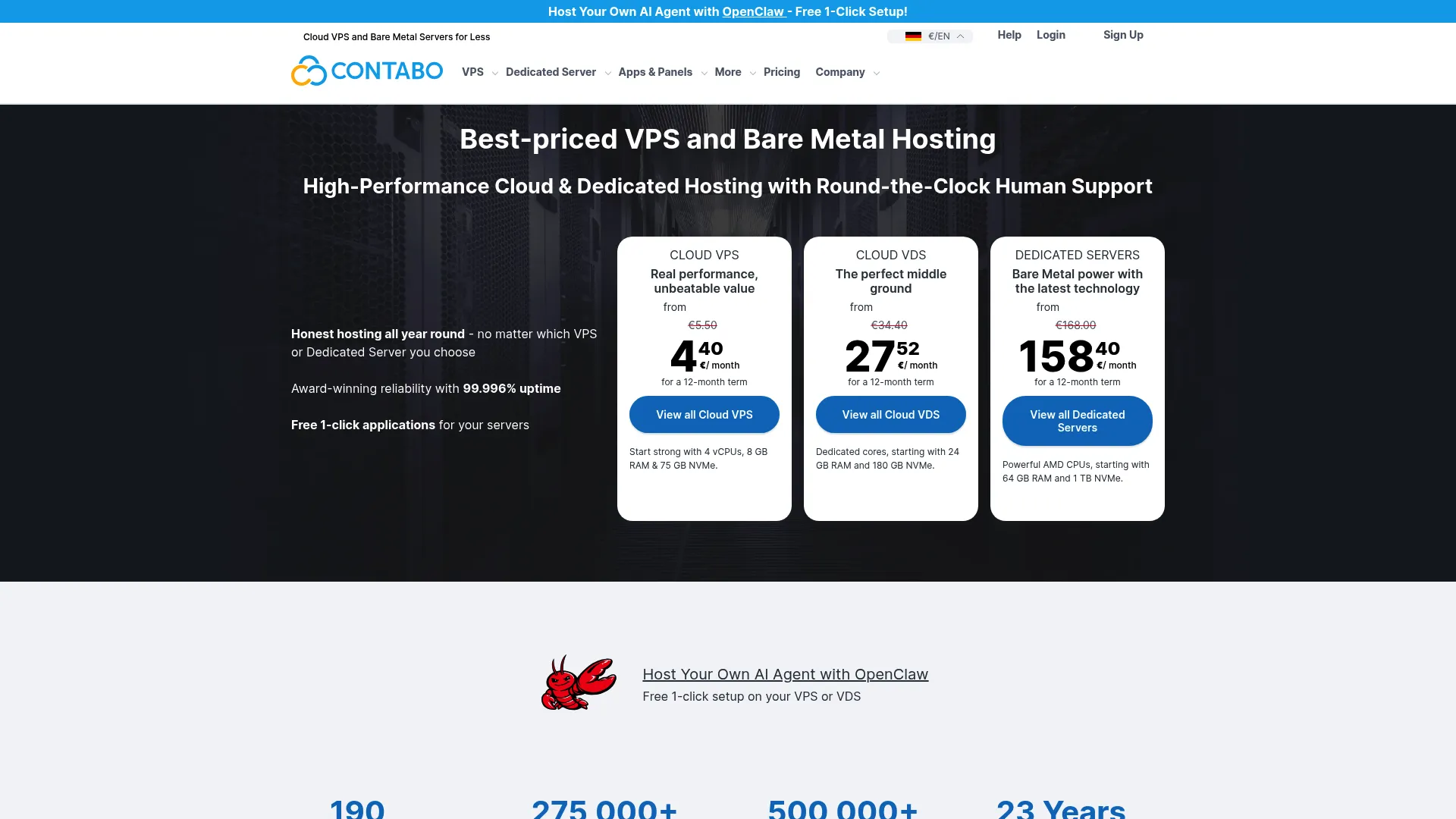
Contabo is a cloud infrastructure provider offering VPS, VDS, bare metal servers, and object storage. Its reputation is built on value: resource-heavy plans at low monthly rates. For buyers where price-to-performance is the first and most important filter, Contabo consistently packs more CPU, RAM, and storage into a low price point than most competitors.
Best for: Budget-conscious teams that need low-cost VPS or bare metal infrastructure with generous specs.
Key strengths
- Cloud VPS and Storage VPS: high resource allocations at low cost, with Storage VPS options for data-heavy workloads.
- API and CLI automation: the Contabo API, CLI, cloud-init, and SSH key support let you automate provisioning and integrate with Terraform.
- Custom images and snapshots: bring your own OS image and take snapshots for point-in-time restore.
Why choose Contabo: Choose Contabo when the budget is tight and you still want real resources. The plans lean toward developers and technical teams comfortable with unmanaged VPS hosting, since automation tooling like cloud-init and CLI rewards hands-on control. If you want maximum specs per euro, few providers compete.
Contabo pricing: Pricing is shown in EUR and is among the most aggressive on this list. Cloud VPS 10 and Storage VPS 10 both start at €4.50/mo. Cloud VDS S runs €34.40/mo, the AMD Ryzen 12 plan €121.00/mo, and 250 GB of European object storage €2.49/mo. There is no free tier, but the entry price is low enough to test cheaply.
5. Kamatera

Kamatera is a cloud infrastructure provider built around highly customizable cloud servers. Instead of fixed tiers, you configure CPU, RAM, storage, and network to match the exact workload, then pay as you go with hourly or monthly billing. Instant provisioning and global regions make it a favorite for technical teams that want control and the ability to scale quickly.
Best for: Teams that need flexible, scalable cloud servers with pay-as-you-go billing and custom resource sizing.
Key strengths
- Custom resource sizing: build a server to your exact CPU, RAM, and storage spec instead of accepting a fixed plan.
- Pay-as-you-go pricing: hourly and monthly billing means you pay for what you run, ideal for variable workloads.
- Instant provisioning: spin up servers across global regions in minutes for quick 1-click scaling and testing.
Why choose Kamatera: Kamatera fits technical teams that treat infrastructure as something to tune, not accept off the shelf. The configurability and hourly billing suit spiky workloads, dev environments, and cloud VPS hosting setups where you scale up and down often. A 30-day free trial lets you validate before you commit.
Kamatera pricing: Server configuration starts at $4/mo, with example plans at Basic $4/mo, Standard $25/mo, and Pro $39/mo, and both monthly and hourly billing available. Kamatera advertises a 30-day trial to test the platform. Because pricing is configuration-based, your final cost depends entirely on the resources you allocate.
6. Liquid Web

Liquid Web is a managed hosting provider covering VPS, dedicated, cloud, and WordPress hosting. Its positioning is high-touch: strong 24/7 support, reliability, and hands-on administration for businesses that would rather focus on their product than on server maintenance. This is the provider for buyers who want managed VPS hosting done properly.
Best for: Businesses that need managed hosting with 24/7 support and scalable infrastructure.
Key strengths
- Managed VPS hosting: the team handles setup, updates, and monitoring so you avoid routine server babysitting.
- 24/7 support: responsive support is a core part of the offer, valuable when uptime and fast fixes matter.
- Managed WordPress and cloud: dedicated managed WordPress and managed cloud hosting options for higher-demand workloads.
Why choose Liquid Web: Liquid Web makes sense when operational help is worth paying for. If your team is small, lacks deep sysadmin skills, or simply values reliability over tinkering, the managed service removes the day-to-day maintenance load. It is the opposite end of the spectrum from a bare unmanaged box.
Liquid Web pricing: Public starting prices include VPS hosting from $5/mo, managed WordPress hosting from $24/mo, and managed cloud hosting from $71.50/mo. Plan tables are extensive and vary by region and promotion, so confirm the current tier and included management level before purchase.
7. ScalaHosting
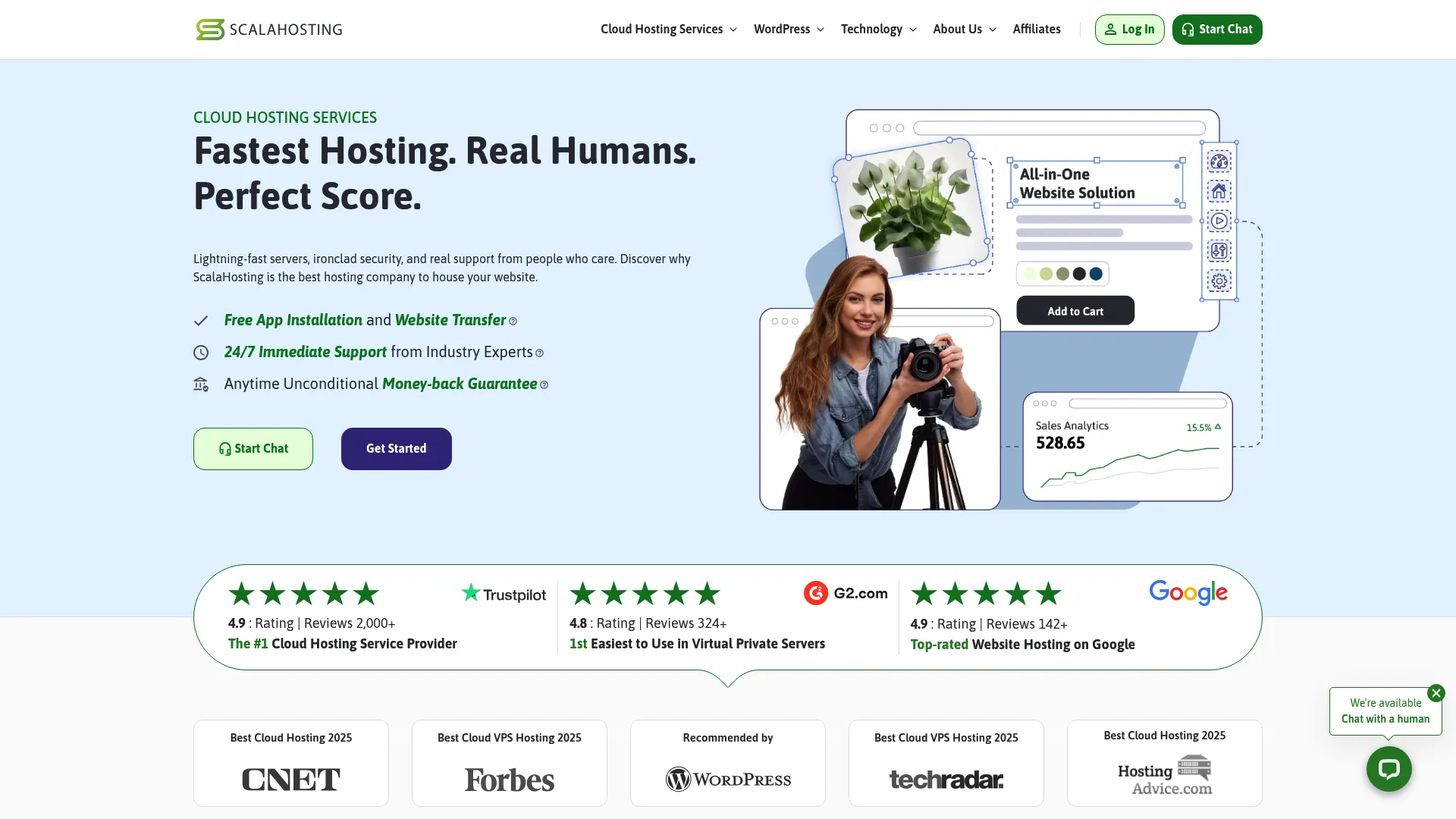
ScalaHosting is a cloud web hosting provider focused on managed VPS, shared, reseller, and email hosting, built around its own SPanel control panel. SPanel is a cPanel alternative that keeps management approachable while preserving VPS control. Combined with SShield security monitoring, it is a good fit for buyers who want a simpler managed path without giving up flexibility.
Best for: Businesses that want managed cloud hosting with a proprietary control panel and hands-on support.
Key strengths
- SPanel control panel: a built-in cPanel alternative for managing sites, email, and databases without extra licensing.
- SShield security monitoring: real-time monitoring that watches for and blocks attacks in the background.
- App managers: WordPress, Joomla, and Node.js managers streamline deployment for common stacks.
Why choose ScalaHosting: ScalaHosting balances managed convenience with real control. SPanel removes the licensing cost and learning curve of some third-party panels while still giving you the ability to manage your environment. It suits buyers who want managed VPS hosting with a friendly interface and strong security defaults.
ScalaHosting pricing: Publicly listed PHP hosting plans start at $2.95/mo for Mini and $5.95/mo for Start, with terms of 36, 12, or 1 month and renewal pricing shown per plan. Managed VPS lines are priced separately, so check the VPS page for current tiers. There is no free tier listed.
Considerations before you buy
Before committing to a VPS provider, run through this checklist. These are the factors that trip up buyers who move too fast.
Management level
Decide between managed VPS hosting and unmanaged VPS hosting first, because it changes everything downstream. Managed means the provider handles OS updates, security patches, and monitoring. Unmanaged hands you full root access and full responsibility. Match this to your team's sysadmin skills and available time.
Performance and storage
Confirm the VPS uses KVM virtualization for hard resource isolation and NVMe VPS storage for speed. Ask about latency to your primary user base and whether the provider has global data centers near them. Slow disk or a distant region will undercut even generous CPU and RAM.
Backups and recovery
Verify the backup and snapshot model before you need it. Check backup retention length, whether snapshots are automatic or manual, and how fast a restore runs. A cheap plan with no reliable recovery path is a false economy.
Root access and control
If you plan to run custom stacks, confirm you get full root access and your choice of operating system, whether a Linux VPS or a Windows VPS. Check control panel options too, since cPanel VPS, Plesk VPS, or a proprietary panel each change the day-to-day experience.
Scaling and automation
Look for 1-click scaling or clear resize paths so growth does not force a migration. For developer VPS and automation-heavy teams, verify API and automation support, cloud-init, CLI tools, and Terraform compatibility. Free migration also saves real time when moving an existing site.
Conclusion
The right VPS hosting provider depends on your workload, not on a single "best" label. If compliance, sovereignty, and global reach lead your list, OVHcloud fits. For hands-off managed WordPress, Namecheap and ScalaHosting both deliver, with ScalaHosting adding its SPanel control panel. When performance per dollar matters, Hostinger's KVM and NVMe VPS combination is hard to beat, while Contabo wins outright on cheap VPS hosting with heavy specs. For configurability and pay-as-you-go flexibility, Kamatera stands out, and Liquid Web is the pick when you want fully managed support and less server babysitting.
The practical move is to shortlist two or three providers that match your budget, management level, and control needs, then compare their current specs and free migration terms directly. Prices and plans shift often, so validate before you commit.
If you build software yourself and want prospects to evaluate it as easily as buyers here compare servers, letting them experience the product through a guided, self-serve walkthrough removes the same friction. Start your journey with Guideflow today!
FAQs
VPS hosting gives you a virtual private server: a virtualized slice of a physical machine with dedicated CPU, RAM, and storage, plus full root access. Unlike shared hosting, where many sites compete for pooled resources on one server, a VPS isolates your resources so another tenant's traffic spike cannot slow you down.
For anything beyond a low-traffic site, yes. VPS gives you resource isolation, better performance, and full control, so you can install custom software and tune the server. Shared hosting is still enough for a simple brochure site or a personal blog where cost matters more than control and traffic stays low.
The VPS vs cloud hosting distinction comes down to infrastructure and scaling. A traditional VPS runs on a single physical server with fixed allocated resources. Cloud hosting spreads across multiple machines, so it scales more elastically and handles hardware failure better. Many modern VPS offerings are effectively cloud VPS hosting, blending the two. The right answer depends on how predictable your workload is and how much automation you need.
The managed vs unmanaged VPS decision hinges on skill, time, and support needs. Managed VPS hosting suits teams without a sysadmin, since the provider handles updates, patching, and monitoring. Unmanaged VPS hosting gives you full root access and full responsibility, which developers and technical teams often prefer for the control and lower cost.
Most unmanaged VPS plans include full root access, letting you install any software, configure the operating system, and run custom stacks. Some fully managed plans limit root access to protect stability, so if deep control matters, confirm the provider grants full root access before you buy.
Usually yes. Many providers offer 1-click scaling or resize paths that add CPU, RAM, or storage without a full migration. Before purchase, verify whether scaling is in-place or requires moving to a new server, and check whether resizing causes downtime. Configuration-based providers make scaling especially smooth.
A WordPress VPS handles higher-traffic and multi-site installs far better than shared plans. You get dedicated resources to run caching, tune PHP workers, and isolate the database, plus the control to optimize performance. For agencies or growing sites, that headroom is the main reason to move up.
Focus on the essentials: reliable backups and snapshots with clear retention, responsive support, strong uptime, your choice of operating system, and enough bandwidth for your traffic. Also check DDoS protection, control panel options, root access, and whether the provider offers free migration to move your existing site.