Someone on your team deletes the wrong Salesforce records. A phishing attack encrypts a shared drive. Legal asks for a mailbox that was purged 90 days ago. In each case, the first question is the same: can we get it back? And the answer, more often than not, is uncomfortable. Native retention windows expire, "recycle bins" purge on a schedule you don't control, and the shared responsibility model quietly puts the burden of recovery on you, not your SaaS vendor.
The market has caught up to that gap. The SaaS backup software market was valued at roughly USD 1.71 billion in 2024 and is projected to reach USD 5.68 billion by 2032 at a 16.2% CAGR, according to Verified Market Research (2024). SaaS application backup is also the fastest-growing backup type inside the broader Backup-as-a-Service category, growing at 34.15% CAGR through 2031 per Mordor Intelligence (2026). Translation: more teams are realizing that "our vendor stores it" is not a recovery strategy.
If you sit in presales, IT, or security, you already know the friction. Backup buying stalls on technical diligence, not on the pitch. You need to answer hard questions about RPO, RTO, immutability, and app coverage before anyone signs. This shortlist is built for that moment. If you're also evaluating adjacent categories like reporting and analytics, our roundup of the best business intelligence software covers that terrain separately.
What's inside
This guide covers seven SaaS backup and recovery tools worth shortlisting in 2026, from broad security-forward platforms to app-specific specialists. We selected each tool on four criteria that matter to technical evaluators: app coverage (Microsoft 365, Google Workspace, Salesforce, Jira, AWS, Azure, and more), recovery depth (granular restore and point-in-time recovery), security and resilience (immutable backups, encryption, ransomware protection), and administrative fit (automation, retention controls, and ease of governance). Every entry includes verified pricing where public, a G2 rating, and a clear "best for" so you can match the tool to your stack instead of your vendor's marketing.
TL;DR
- Best overall for broad SaaS and cloud coverage: Acronis, which pairs backup with integrated cyber protection across endpoints and cloud workloads.
- Best for enterprise governance and centralized management: Cohesity, built for unified protection across hybrid environments at scale.
- Best for a trusted enterprise vendor with hybrid cloud depth: IBM, for organizations that need recovery discipline inside a larger cloud strategy.
- Best for Atlassian and developer tools: GitProtect.io, purpose-built for Jira, Confluence, GitHub, GitLab, and Bitbucket.
- Best for Microsoft 365 and Google Workspace collaboration data: afi.ai and Backupify, both focused on productivity ecosystems.
- Best for app-specific SaaS backup: Rewind, strong across GitHub, Jira, and commerce tools like Shopify.
What is SaaS backup software?
SaaS backup software is a separate service that copies your cloud application data, stores it independently of the source app, and lets you restore it on demand after deletion, corruption, or attack. It is not the same as your SaaS vendor's native retention, and treating the two as interchangeable is where most recovery gaps begin.
Here is the distinction that matters. Under the shared responsibility model, your SaaS provider guarantees uptime and infrastructure. You are responsible for your data: recovering it, retaining it, and proving you can restore it. Native retention windows are short, purge on the vendor's schedule, and rarely offer granular, point-in-time recovery. A true backup is an independent, versioned copy you control.
Common data loss causes SaaS backup addresses:
- Accidental deletion by users or admins
- Overwrites and bad bulk edits
- Ransomware and malware encryption
- Phishing and compromised accounts
- Sync errors across connected apps
- Malicious insider actions
- Mistaken configuration changes
Core capabilities to expect:
- Automated backups: scheduled copies without manual intervention
- Granular restore: recover a single file, email, record, or project object
- Point-in-time recovery: roll back to a specific moment before the damage
- Immutable backups: copies that cannot be altered or deleted, even by an attacker
- Retention controls: keep data as long as compliance requires
- Restore testing: verify recoveries actually work before you need them
Apps typically protected include Microsoft 365, Google Workspace, Salesforce, Jira, Confluence, Box, Dropbox, GitHub, and cloud workloads on AWS and Azure.
A quick note on RPO and RTO. Recovery point objective (RPO) is how much data you can afford to lose, measured in time. If your backups run every 24 hours, your RPO is 24 hours. Recovery time objective (RTO) is how fast you must be back up after an incident. These two numbers should drive your entire selection, because a tool that backs up daily and restores slowly may not survive a serious outage. Native retention rarely lets you define either with precision. A dedicated secure SaaS backup solution does.
When to use SaaS backup software
Back up collaboration data before a security or compliance review
When legal, security, or audit teams ask for records, they rarely ask on your timeline. Microsoft 365, Google Workspace, and file collaboration tools generate the exact data these teams request, and native retention often can't produce a clean, point-in-time copy from months back. A dedicated backup gives you defensible retention and fast retrieval, which matters when a regulator or opposing counsel sets the deadline. It also removes the scramble of reconstructing deleted mailboxes or purged shared drives under pressure.
Protect SaaS apps from accidental deletion and admin mistakes
Most data loss isn't dramatic. It's a bulk edit gone wrong, a deleted project, or an admin who removed the wrong user and took their files with them. Granular restore is the answer here. Instead of rolling back an entire tenant, you recover the single record, mailbox item, file, or Jira issue that was lost, and you do it without touching everything around it. That precision keeps a small mistake from becoming a company-wide disruption.
Build a ransomware-ready recovery plan
Ransomware assumes your backups are reachable and deletable. Immutable backups break that assumption by storing copies that cannot be altered or encrypted, even with stolen admin credentials. Pair immutability with version history, tight retention controls, and regular restore testing, and you have a recovery plan that survives contact with an attacker. The teams that recover fastest are the ones who tested restores before the incident, not during it.
Comparison table
Sorted by relevance to SaaS backup buyers evaluating broad coverage first, then enterprise and app-specific fit. Pricing and G2 ratings reflect verified values at publish time.
| # | Product | Intent | Key use case | Pricing | G2 rating |
|---|---|---|---|---|---|
| 1 | Acronis | Broad, security-forward backup | Backup plus integrated cyber protection across cloud and endpoints | From $49.99/year (True Image) | 4.3/5 |
| 2 | Cohesity | Enterprise data protection | Unified backup and cyber resilience across hybrid environments | Custom (contact sales) | 4.4/5 |
| 3 | IBM | Trusted enterprise vendor | Hybrid cloud backup and recovery inside a broader cloud strategy | Free tier; pay-as-you-go | 4.3/5 |
| 4 | GitProtect.io | DevOps and Atlassian backup | Backup and DR for Jira, Confluence, GitHub, GitLab, Bitbucket | From $3/mo (Confluence Pro) | 4.3/5 |
| 5 | afi.ai | Collaboration cloud backup | Google Workspace and Microsoft 365 backup with search and recovery | From $53/mo per user | 4.7/5 |
| 6 | Backupify | Productivity suite backup | Cloud-to-cloud backup for Google Workspace and Microsoft 365 | Request quote | 4.2/5 |
| 7 | Rewind | App-specific SaaS backup | Backup and recovery for GitHub, Jira, and commerce apps | Free plan; from $20/mo | 4.7/5 |
The 7 best SaaS backup software for 2026
1. Acronis
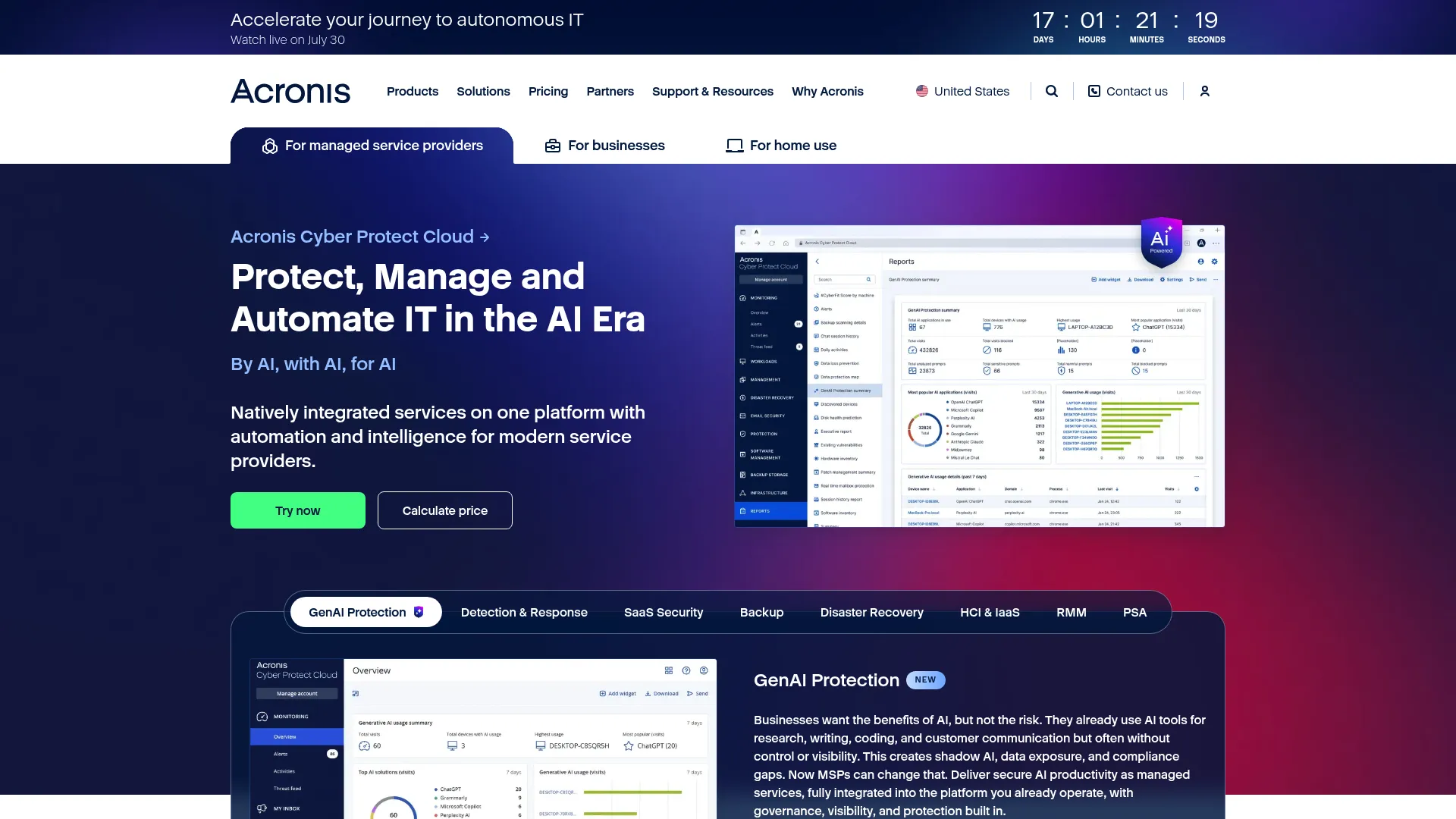
Acronis is a cyber protection company that combines backup, recovery, and security into one platform for consumers, businesses, and MSPs. Rather than treating backup and threat defense as separate purchases, it folds them together, which is why it lands at the top of this list for teams that want broad coverage without stitching multiple vendors together. It protects cloud workloads, endpoints, and popular SaaS apps under one console.
Best for: individuals, businesses, and MSPs that want backup and integrated cyber protection in a single platform.
Key strengths
- Backup and recovery: automated, versioned copies with disk cloning for full-system restores.
- Anti-malware and anti-ransomware protection: active defense layered on top of backup, not bolted on after.
- Centralized management: one console for cloud, endpoint, and SaaS protection, which reduces tool sprawl.
Why choose Acronis: if you want fewer vendors and tighter integration between backup and security, Acronis is the practical choice. The combined approach means a ransomware event and its recovery live in the same system, so you're not correlating logs across tools during an incident. It fits teams that value consolidation over best-of-breed point solutions.
Acronis pricing: Acronis True Image is sold in three one-year subscription plans for individuals: Essentials at $49.99, Advanced at $72.99, and Premium at $124.99, each billed for one year. Business and MSP tiers are quoted separately. There is no free tier, though trials are typically available. Acronis Cyber Protect holds a 4.3/5 rating on G2.
2. Cohesity
Cohesity is a data security and management platform built for backup, recovery, ransomware resilience, and AI-ready data insights. It targets enterprises that need to protect a sprawling estate of workloads across cloud, on-premises, and SaaS from one system. Where lighter tools focus on a handful of apps, Cohesity's Data Cloud spans over 1,000 workloads, which is why it's the pick for centralized governance at scale.
Best for: enterprises needing unified backup, cyber resilience, and data protection across hybrid environments.
Key strengths
- Broad workload coverage: Cohesity Data Cloud protects 1,000+ workloads across cloud, on-prem, and SaaS.
- Modern data protection: DataProtect delivers hyperscale backup and recovery designed for large estates.
- Immutable cloud backups: managed Cloud Services offer immutable copies and rapid recovery for ransomware resilience.
Why choose Cohesity: the value here is consolidation plus resilience. For a large organization, having backup, recovery, and ransomware defense on a single platform simplifies governance, audit, and reporting. It's a platform decision more than a point purchase, which suits teams standardizing protection across many business units.
Cohesity pricing: Cohesity does not publish public dollar pricing. Its Cloud Services packaging shows Standard and Custom tiers, with a 12-month minimum on the Standard plan, and directs buyers to sales for a quote. Free trials and demo access are available through Cohesity's site. Cohesity holds a 4.4/5 rating on G2.
3. IBM
IBM is the credibility-first option for organizations that want backup and recovery inside a larger, trusted enterprise cloud strategy. IBM's strength is breadth: hybrid and multicloud deployment, AI and automation services, and a mature approach to recovery planning that maps cleanly to RPO and RTO targets. For buyers who need a vendor that will survive a decade of contracts and audits, that track record carries weight.
Best for: large organizations seeking hybrid cloud backup and recovery within a broader IBM Cloud footprint.
Key strengths
- Hybrid and multicloud deployment: protect and recover data across on-prem and multiple clouds.
- AI and automation services: automate backup workflows and recovery orchestration at scale.
- Flexible commercial model: a free tier and pay-as-you-go options lower the barrier to starting.
Why choose IBM: IBM fits when backup is one piece of a wider infrastructure and compliance mandate. If your organization already runs IBM Cloud or needs enterprise-grade governance and support, folding backup into that relationship reduces vendor overhead. It's the disciplined, long-horizon choice rather than the fastest point solution.
IBM pricing: IBM Cloud uses flexible, customizable plans with pay-as-you-go options and a free tier, with public pricing shown on product-specific pages. Because IBM spans many products, backup pricing varies by the specific service you deploy. IBM holds a 4.3/5 company-level rating on G2.
4. GitProtect.io
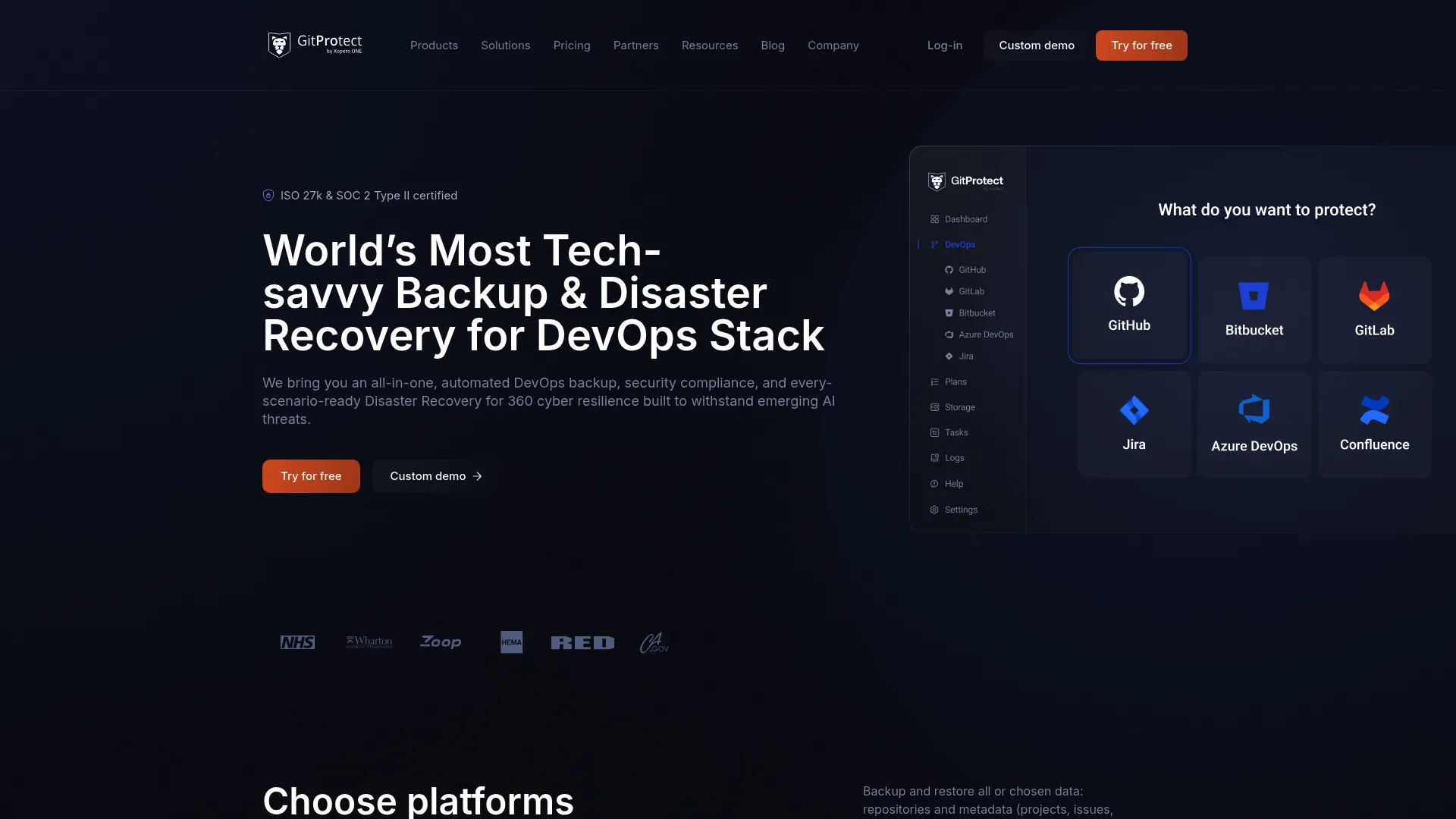
GitProtect.io is a DevOps backup and disaster recovery platform built for repositories and the tools engineering teams depend on. If your critical data lives in Jira, Confluence, GitHub, GitLab, or Bitbucket, this is the specialist that understands those ecosystems deeply. It handles the objects generic backup tools miss, from Jira issues and workflows to repository metadata, and adds disaster recovery on top.
Best for: teams that need backup and DR for GitHub, GitLab, Bitbucket, Jira, and Microsoft 365 ecosystems.
Key strengths
- Automated backup: scheduled protection for repos, projects, and Atlassian data without manual runs.
- Granular and point-in-time restore: recover a single issue, repo, or object to an exact moment.
- Ransomware protection and data residency: on-prem or SaaS deployment with control over where data lives.
Why choose GitProtect.io: for engineering-heavy organizations, generic SaaS backup often skips the Atlassian and Git objects that matter most. GitProtect.io is purpose-built for that gap, with disaster recovery and residency controls that satisfy security review. It's the right call when developer tooling is business-critical.
GitProtect.io pricing: the public pricing page shows Team at $80/mo ($960 annually), Enterprise at $155/mo ($1,860 annually), and per-app Pro plans including Jira Pro at $4/mo, Microsoft 365 Pro at $4/mo, and Confluence Pro at $3/mo, all billed annually. A free trial is available, and enterprises can request custom packaging. GitProtect.io holds a 4.3/5 rating on G2.
5. afi.ai
afi.ai is a cloud backup and data protection platform centered on collaboration ecosystems, with primary coverage for Google Workspace and Microsoft 365 and additional support for Azure, AWS, and Kubernetes. It emphasizes fast, clean recovery workflows: full-text search across backups, instant content preview, and export. For teams that live inside productivity suites, that search-first recovery model is a genuine time-saver.
Best for: teams needing cloud backup for Microsoft 365 or Google Workspace with strong search and recovery.
Key strengths
- Automated backups and point-in-time recovery: scheduled protection with rollback to a specific moment.
- Full-text search and instant preview: find and export the exact item you need without a full restore.
- Security controls: BYOK, RBAC, and anti-ransomware protections for stricter environments.
Why choose afi.ai: the search and preview workflow is what sets afi.ai apart for collaboration-heavy teams. Instead of restoring blindly, an admin can locate the exact file or message and export it in seconds. Combined with BYOK and role-based access, it satisfies both operational speed and security diligence.
afi.ai pricing: the public pricing page lists SaaS Backup starting from $53/mo per user, with a minimum of five users, plus a Data Platform plan with custom pricing. A free trial is available. afi.ai holds a strong 4.7/5 rating on G2.
6. Backupify
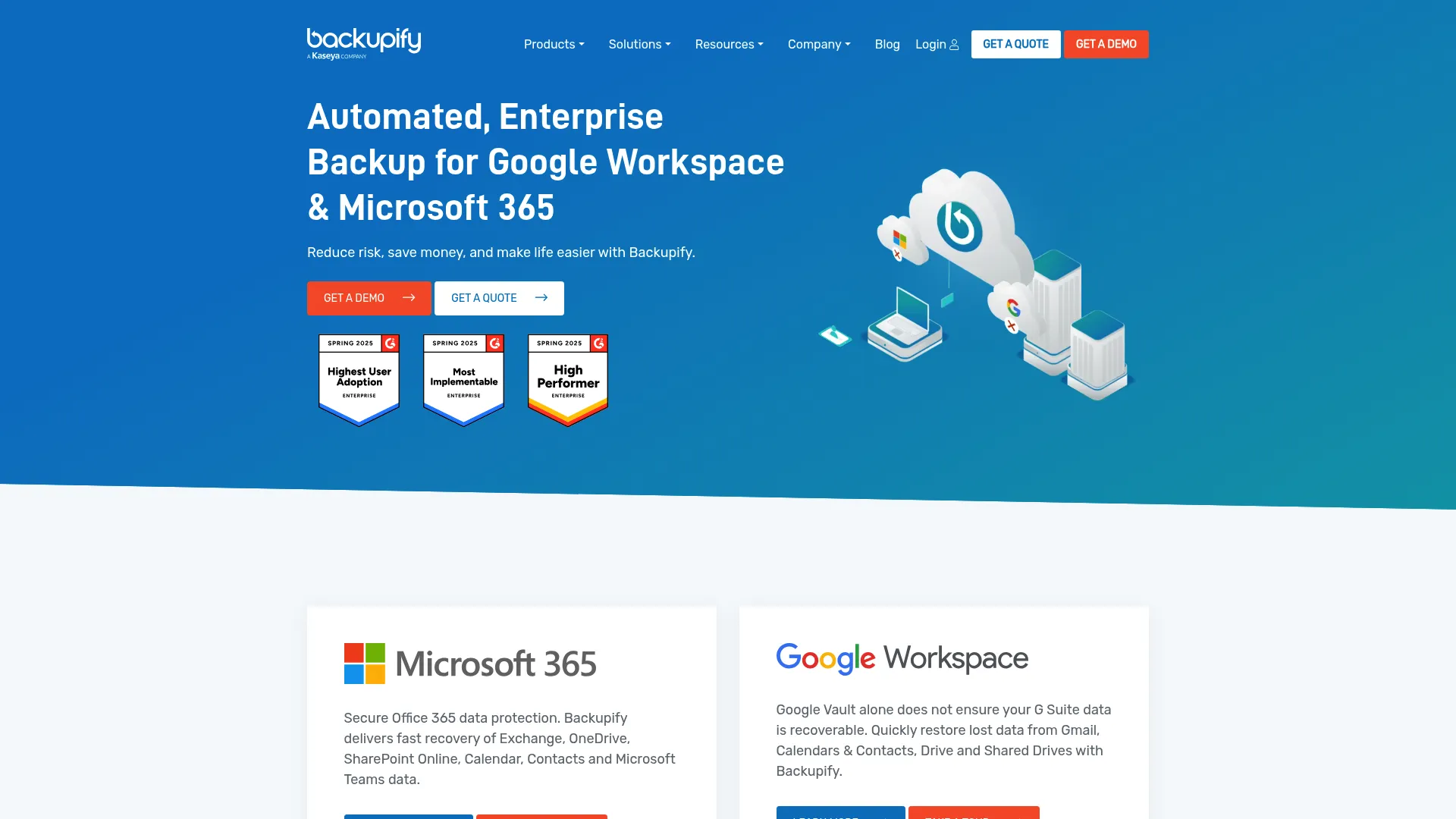
Backupify is a familiar name in cloud-to-cloud backup for Google Workspace and Microsoft 365. It leans into simplicity for IT teams: automated backups three times daily, granular restore for files, emails, and folders, and unlimited cloud retention. If your priority is dependable protection of productivity and collaboration data without a heavy admin lift, Backupify fits that brief.
Best for: IT teams needing straightforward backup and recovery for Google Workspace or Microsoft 365.
Key strengths
- Automated 3x daily backups: frequent capture tightens your effective RPO without manual scheduling.
- Granular restore: recover individual files, emails, and folders instead of whole accounts.
- Unlimited cloud retention: keep data as long as compliance or policy requires.
Why choose Backupify: the appeal is operational simplicity for the two ecosystems most teams rely on. Three-times-daily backups and unlimited retention address the everyday risks of deletion and overwrite, while granular restore keeps recovery precise. It's a solid fit for admins who want protection that runs quietly in the background.
Backupify pricing: Backupify prices per user per month or year, but no public numeric price is listed; the site asks visitors to request a quote. Pricing structure is exposed on the pricing page even though the dollar amount is not. Backupify holds a 4.2/5 rating on G2.
7. Rewind
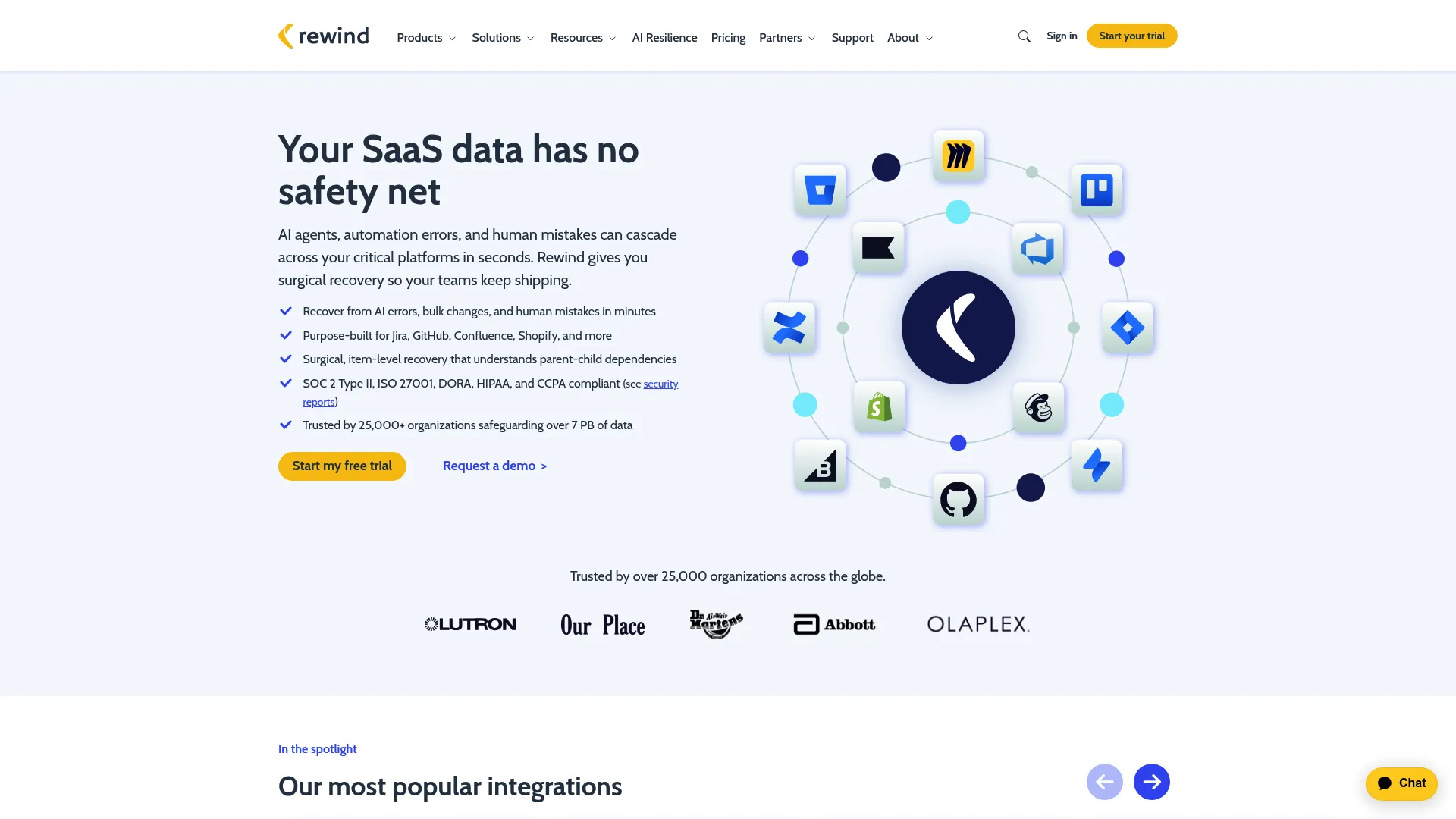
Rewind rounds out the list as the practical pick for app-specific SaaS backup, especially across GitHub, Jira, and commerce tools like Shopify. It focuses on automated daily backups, granular restores, and point-in-time recovery, with data residency and SSO support for teams that need them. Rewind's per-app model means you protect exactly the tools that matter without paying for a broad suite you won't use.
Best for: teams needing automated backup and recovery for specific SaaS apps like GitHub, Jira, and Shopify.
Key strengths
- Automated daily backups: hands-off protection per connected app.
- Granular restores and point-in-time recovery: roll back an app to a clean state before the damage.
- Data residency and SSO: control over where data lives plus enterprise sign-on.
Why choose Rewind: Rewind wins on focus and speed. If a specific SaaS app is business-critical and you don't want to buy an enterprise platform to protect it, Rewind's app-by-app approach and recovery speed make sense. Its free and low-cost entry tiers also make it easy to protect one app and expand later.
Rewind pricing: Rewind shows product-specific pricing across apps, including a Free plan at $0/month, a Pro plan at $20/month, a Business plan at $69/month, and an Enterprise plan at $349/month, with month-to-month billing on applicable plans. Exact pricing varies by the app you protect. Rewind holds a 4.7/5 rating on G2.
Considerations before you buy
Backup buying lives or dies on technical diligence. Use this checklist to pressure-test any tool before you commit.
App coverage matches your actual stack
List the apps that hold business-critical data first: Microsoft 365, Google Workspace, Salesforce, Jira, GitHub, and any cloud workloads on AWS or Azure. Then confirm the tool protects the specific objects inside them, not just top-level files. A tool that "supports Jira" but skips workflows and permissions leaves you exposed.
Recovery depth and point-in-time control
Backing up is easy; restoring cleanly is the hard part. Verify granular restore for individual records, files, and objects, and confirm point-in-time recovery to a specific moment. Ask whether restores are self-service or ticket-based, because that difference shapes your RTO.
Immutability and ransomware resilience
Confirm the tool offers immutable backups that cannot be altered or deleted, even with compromised admin credentials. Pair that with version history and retention controls. This is the single most important defense against ransomware that targets your backups directly.
RPO, RTO, and restore testing
Define your recovery point and recovery time objectives before you shortlist, then match tools to those numbers. A daily backup gives a 24-hour RPO; if you need less, look for higher backup frequency. Insist on restore testing so you know recoveries work before an incident, not after.
Security, compliance, and governance
Check for encryption in transit and at rest, RBAC, SSO, BYOK where required, and data residency options. Map these to your compliance obligations early, because a security review that surfaces gaps late will stall the deal harder than any pricing objection.
Conclusion
The right SaaS backup software depends on your stack, not on a leaderboard. For broad, security-forward coverage across cloud and endpoints, Acronis is the strongest all-around pick. For enterprise governance and unified protection across hybrid environments, Cohesity and IBM lead, with IBM the safer bet when backup sits inside a wider cloud and compliance mandate. When your critical data lives in specific ecosystems, go specialist: GitProtect.io for Atlassian and developer tools, afi.ai and Backupify for Microsoft 365 and Google Workspace, and Rewind for app-by-app protection of tools like GitHub, Jira, and Shopify.
Before you sign anything, do three things. Define your RPO and RTO so the tool matches your recovery reality. Confirm the tool protects the exact apps and objects your business runs on. And run a restore test, because a backup you've never restored is a hypothesis, not a plan. Get those three right and the purchase decision defends itself in any internal review.
FAQs
SaaS backup software is a service that creates independent, versioned copies of your cloud application data and stores them separately from the source app, so you can restore after deletion, corruption, or attack. It differs from native vendor retention by giving you granular restore, point-in-time recovery, and retention controls you actually own.
Under the shared responsibility model, your vendor guarantees uptime and infrastructure, but you're responsible for recovering your own data. Native retention windows are short, purge on the vendor's schedule, and rarely offer point-in-time recovery. A dedicated backup gives you an independent copy you control, which matters most during ransomware, mass deletion, or a compliance request.
Prioritize the apps holding business-critical data: Microsoft 365, Google Workspace, Salesforce, Jira, Confluence, and developer tools like GitHub, GitLab, and Bitbucket, plus cloud workloads on AWS and Azure. Confirm the tool protects the objects inside each app, not just top-level files, since that granularity is what makes restores clean.
Immutable backups store copies that cannot be altered or deleted, even by an attacker with stolen admin credentials, which is what breaks a ransomware playbook. Combined with version history, retention controls, and regular restore testing, immutability lets you roll back to a clean point-in-time state instead of paying a ransom.
Backup is a recoverable copy focused on fast restore after loss. Archive is long-term storage optimized for compliance and reference, not rapid recovery. Retention is the policy that governs how long any of that data is kept. A strong SaaS backup and recovery setup addresses all three, but backup is the layer that gets you operational again quickly.
Look at backup frequency (which sets your RPO), granular restore for mailboxes, files, and shared drives, retention length, and search or preview features that speed recovery. Then check security controls like encryption, RBAC, and BYOK, plus data residency if you have compliance obligations. Tools like afi.ai and Backupify focus specifically on these two ecosystems.
Confirm app and object coverage for your actual stack, verify granular and point-in-time restore, and require immutable backups for ransomware resilience. Define your RPO and RTO up front, insist on restore testing, and validate security features such as encryption, SSO, RBAC, and data residency against your compliance requirements.
RPO defines how much data you can afford to lose, so it dictates required backup frequency; a tighter RPO needs more frequent backups. RTO defines how fast you must recover, so it dictates whether you need self-service, near-instant restore versus a slower ticket-based process. Match both numbers to a tool before comparing anything else, because they shape which options are even viable.