

You finished the inspection two hours ago. You are still at your desk, retyping handwritten notes, cropping photos, and formatting a report that should have been done in the field. The client emails: "Any update?" You do not have one yet.
That gap between finishing the walk-through and delivering the report is where most inspection businesses lose time, and it compounds across every job. Multiply a 90-minute report by 15 inspections a week and you have lost a full working day to admin no one is paying you for. The global inspection management software market is projected to reach USD 18.86 billion by 2030, growing at a 13.2% CAGR from 2025, according to Grand View Research (2024). That growth is not hype. It reflects a real shift from paper forms and spreadsheets to mobile-first workflows that capture findings once and turn them into a finished report before you leave the driveway.
The right tool does more than write reports. It standardizes how findings get captured, keeps a defensible audit trail, and makes multi-inspector or multi-site work consistent. For teams building repeatable field operations, that consistency is the difference between a process that scales and one that routes every report through one overworked person. If you are also thinking about how to present digital products interactively, the same show-don't-tell logic behind an ai app builder software roundup applies to how modern software earns trust: let people see the workflow, not just read about it.
What's inside
This guide covers seven inspection software tools built for teams comparing mobile capture, report automation, branding, template control, and workflow fit. It is written for anyone evaluating and shortlisting: solo home inspectors, property management teams, facility operators, and multi-site inspection businesses.
We selected tools on five criteria that matter when you are trying to prove ROI quickly:
- Workflow coverage: capture, report, and follow-up in one place
- Report quality: branded, professional web and PDF output
- Vertical fit: residential, commercial, property, hospitality, or facility use
- Usability: mobile field experience and template control
- Pricing transparency: clear plans, free trials, and predictable costs
TL;DR
- Best for property and facility teams: Property Inspect, with tenancy-aware workflows and a full audit trail
- Best home inspection workflow: Spectora, an all-in-one platform for report writing, scheduling, and payments
- Best for broad inspection and operations: SafetyCulture, flexible checklists across any site or process, with a free tier
- Best for simple mobile inspections: SnapInspect, mobile-first capture with branded reports
- Best for AI-assisted reporting: InspectForge, with photo analysis and voice-to-text findings
- Best desktop-to-field home inspection: HomeGauge, desktop report writer plus a Companion mobile app
- Best for report-writing control: Home Inspector Pro, flexible templates and built-in business tools
What is inspection software?
Inspection software is a digital tool that helps teams capture findings, document issues with photos and notes, generate branded reports, and track follow-up actions from a single mobile-first workflow. It replaces paper forms, loose photos, and manual report writing with a repeatable, auditable process.
Most inspection report software shares a common set of capabilities. Look for these when you compare tools:
- Mobile inspection capture: run the inspection from a phone or tablet, online or offline
- Photo, video, and notes: attach media to specific findings in context
- Branded web and PDF reports: professional output that carries your logo and colors
- Customizable templates and checklists: standardize inspections by property type or job
- Action tracking and audit history: GPS, timestamps, and a defensible record of who did what
- Integrations and sharing: send reports, sync data, and connect scheduling or payments
- Vertical workflows: support for residential, commercial, housing, hospitality, and facility inspections
The market split matters here. Property inspection software alone is forecast to grow from USD 3.2 billion in 2025 to USD 7.8 billion by 2034 at a 10.2% CAGR, according to Dataintelo (2024). That tells you the category is not one monolithic tool. Home inspection software, property inspection software, and facility inspection software each optimize for different jobs, and the best fit depends on what you inspect and how often.
When to use inspection software
Replace paper and spreadsheets
If your inspectors still carry clipboards and retype notes at the office, you are paying twice for the same data. Paper introduces inconsistent formats, missing photos, and no audit trail. A mobile inspection app standardizes every field entry, forces required fields, and attaches media to the right line item the moment it is captured. The result is one clean record instead of a folder of paper and a camera roll no one can match up later.
Shorten report turnaround
The report is the product clients actually see. When inspectors write reports at a desk hours after the job, revisions pile up and delivery slips. Inspection reporting software builds the report as you inspect, so a polished, branded PDF is ready to send before you leave the site. Faster turnaround means faster invoicing and fewer "any update?" emails.
Standardize multi-site or multi-inspector workflows
Property managers, facilities teams, and multi-branch operators cannot afford one inspector doing things one way and another doing them differently. Property management inspection software enforces consistent templates, role-based permissions, and a shared audit history across every site. That consistency is what makes the operation auditable for compliance and repeatable as you add inspectors.
Comparison table
Here is a side-by-side view of the seven tools, sorted by how broadly they cover the inspection workflow. Pricing and ratings reflect verified values at the time of writing. Where a vendor gates pricing or has limited public reviews, we note it rather than guess.
| # | Product | Intent | Key differentiation | Pricing | G2 rating |
|---|---|---|---|---|---|
| 1 | Property Inspect | Property and facility teams | Tenancy-aware workflows, actions board, full audit trail | From $49/month | Not yet rated |
| 2 | Spectora | Home inspection businesses | All-in-one reporting, scheduling, and payments | From $109/month | 2.8/5 |
| 3 | SafetyCulture | Broad inspections and operations | Flexible checklists across any site or process | Free plan; Premium from $24/month | 4.6/5 |
| 4 | SnapInspect | Property managers and owners | Mobile-first capture with branded reports | Custom (quote-based) | 5/5 |
| 5 | InspectForge | AI-assisted reporting | AI photo analysis and voice-to-text findings | From $39/month | Not publicly rated |
| 6 | HomeGauge | Home inspectors | Desktop report writer plus Companion app | Free trial, then $89/month | Not yet rated |
| 7 | Home Inspector Pro | Home inspectors | Flexible report templates and business tools | From $74/month | 5.0/5 |
1. Property Inspect
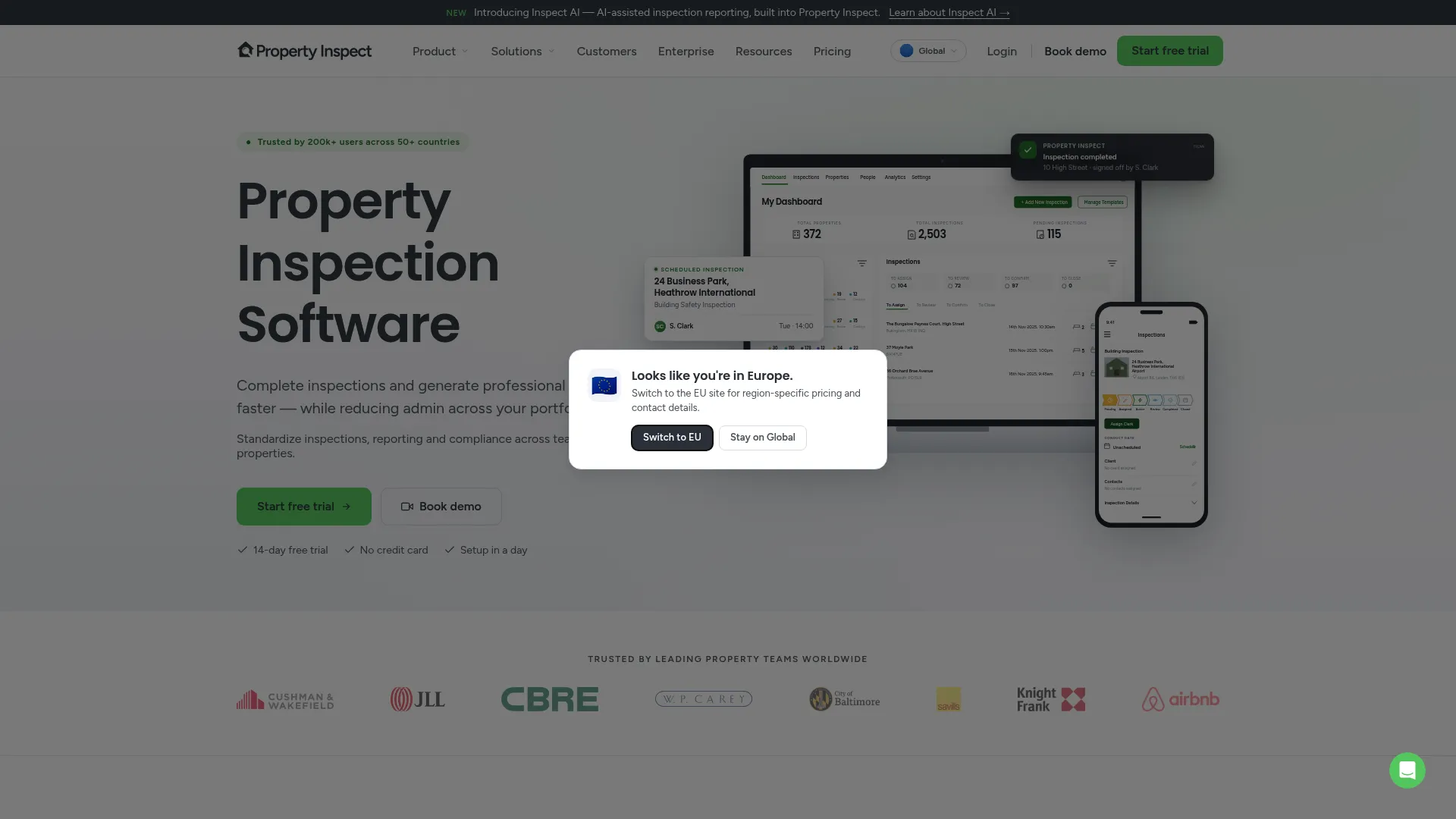
Property Inspect leads this list because it covers the widest range of property and facility workflows in one platform. It handles inspections, reporting, actions, and compliance for teams that manage buildings rather than one-off home sales. The mobile app runs on iOS and Android, findings link to assets and tenancies, and every action is stamped with GPS and timestamps for a defensible audit trail.
Best for: Property management and facility teams that need a unified inspection, reporting, and compliance workflow across many sites.
Key strengths
- Unlimited inspections: run as many inspections as your team needs without per-job caps
- Actions and maintenance board: turn findings into tracked repair and follow-up tasks
- Audit trail with GPS and timestamps: keep a defensible record for compliance reviews
Why choose Property Inspect: If your inspections feed into ongoing property or facility management, this is the tool that connects the dots. Branded PDF reports keep client-facing output professional, while the actions board and audit trail give operations leads the governance they need. It fits teams that value consistency and auditability over the simplicity a solo home inspector might prefer.
Property Inspect pricing: Plans start with Solo at $49/month, Standard at $97/month, and Pro at $275/month, all billed monthly. Enterprise pricing is custom. A 14-day free trial is available with no credit card required. As a newer entry on G2, it does not yet carry a substantive third-party rating, so weigh the free trial heavily in your evaluation.
2. Spectora
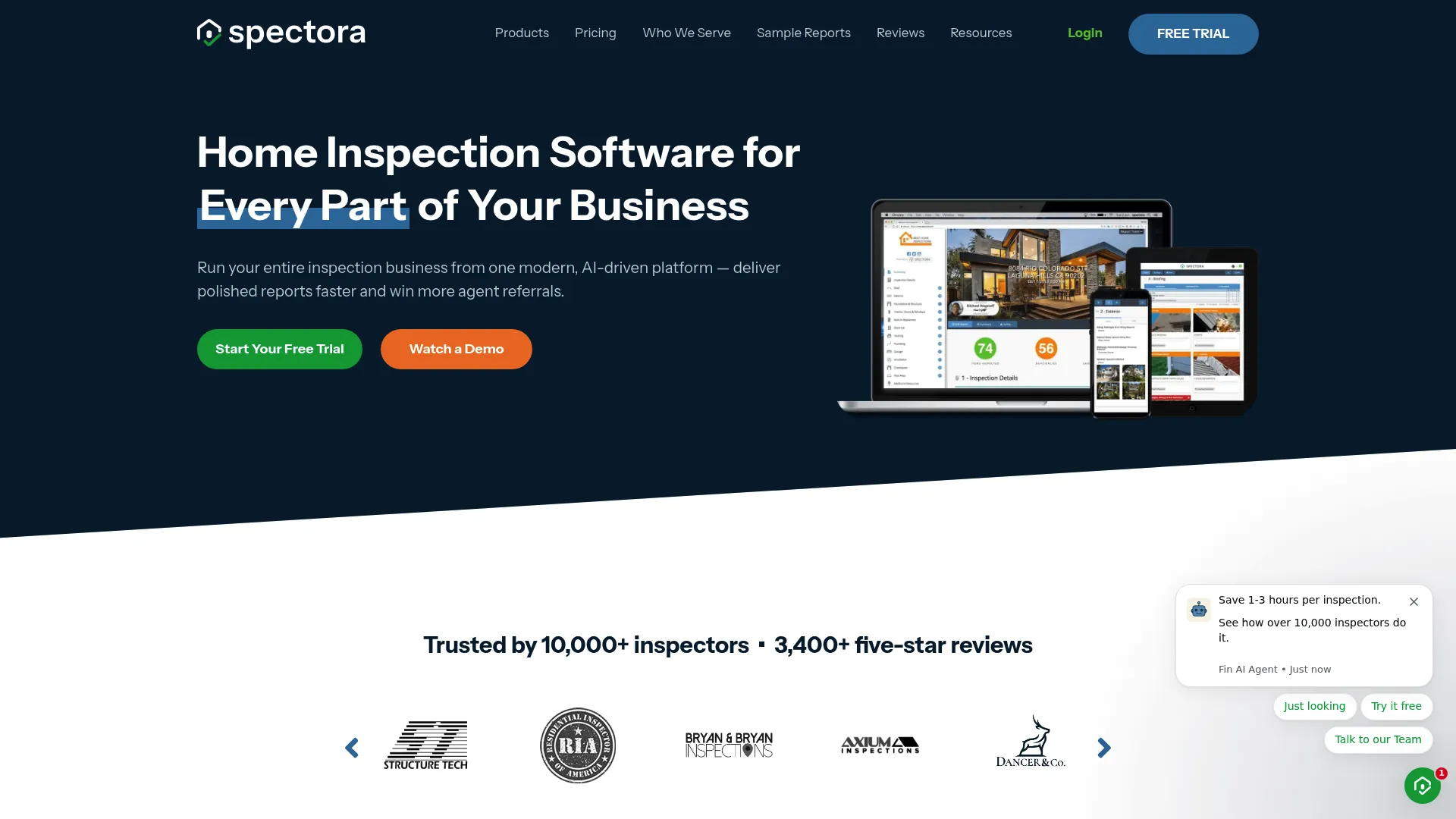
Spectora is built specifically for home inspection businesses that want one platform for field capture and office operations. It combines mobile and web report writing with scheduling, online booking, integrated payments, and automated follow-ups. The pitch is simple: run the whole business from one place instead of stitching together a report tool, a calendar, and a payment processor.
Best for: Home inspection businesses that want an all-in-one reporting and operations platform.
Key strengths
- Mobile and web report writing: build reports in the field or at the desk, whichever fits the job
- Scheduling and online booking: let clients book directly and cut back-and-forth
- Integrated payments and automated follow-ups: collect payment and nurture leads without manual chasing
Why choose Spectora: For a home inspector who wants to run reporting and operations together, Spectora consolidates the stack. The automated follow-ups and online booking reduce admin time that otherwise eats into billable hours. Its G2 rating sits at 2.8/5, so read recent reviews closely and lean on the trial to confirm the workflow matches how your team actually inspects.
Spectora pricing: The base software is $109/month or $1,090/year, with annual billing including savings. Additional inspectors are $99/month or $999/year. An Advanced option is priced at $4/inspection. Optional website add-ons start at $699/year or $69/month. There is no free tier, but Spectora offers a free trial covering two inspections with no credit card required.
3. SafetyCulture
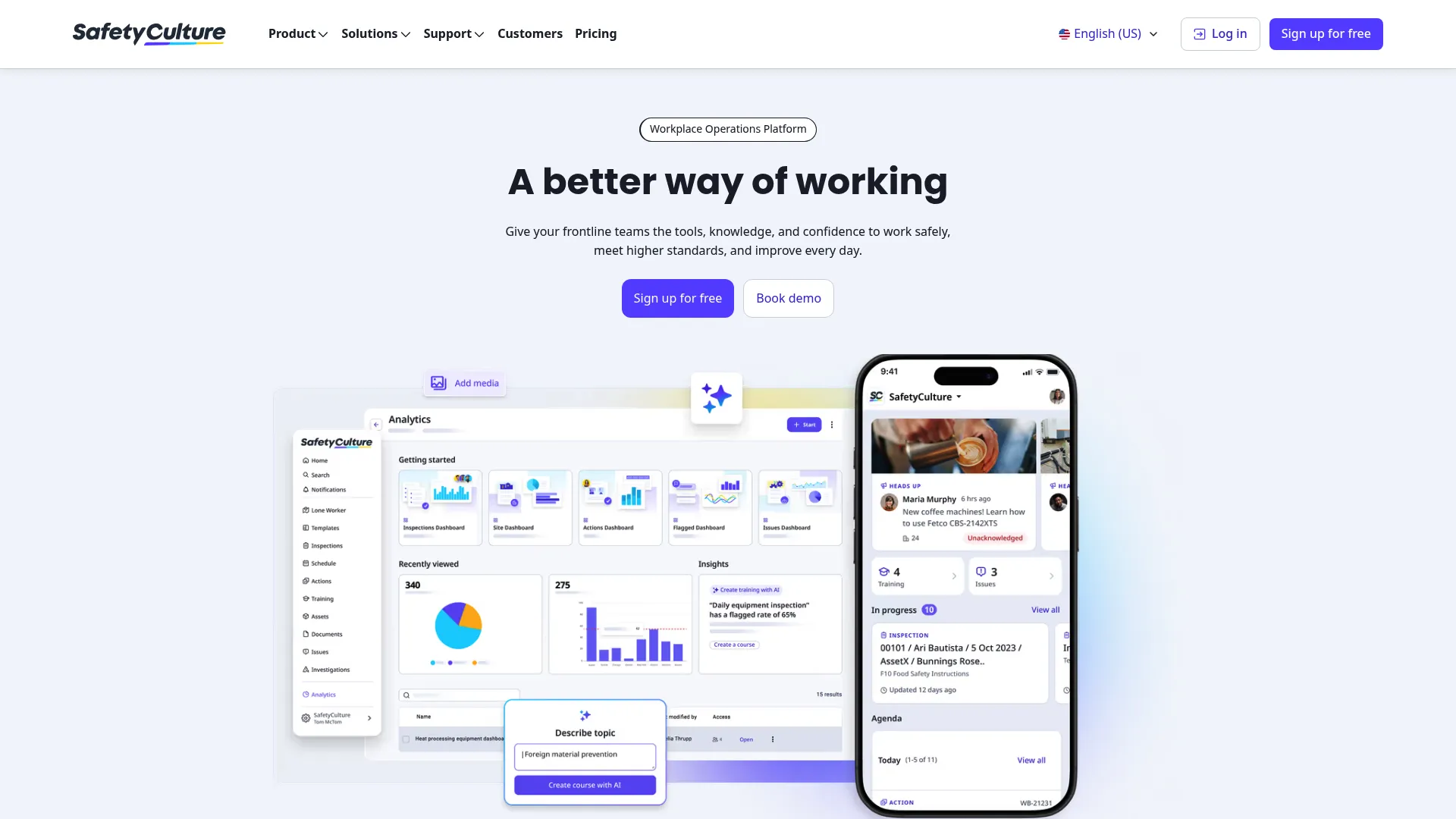
SafetyCulture is the broadest option here, built as a workplace operations platform rather than a home-inspection-only tool. It handles inspections, actions, training, assets, sensors, and analytics, which makes it a strong fit for teams that inspect many different things across many sites. You digitize checklists as templates, run inspections on mobile, and generate reports from the same flow.
Best for: Teams needing mobile-first inspections and operational compliance workflows across varied sites and processes.
Key strengths
- Templates for digitizing checklists: convert any paper checklist into a structured digital inspection
- Inspections with report generation: capture findings and produce reports in one workflow
- Operations suite: schedules, actions, issues, training, assets, sensors, and analytics in one platform
Why choose SafetyCulture: If your inspection needs stretch beyond a single vertical, into safety audits, equipment checks, or facility management, SafetyCulture's flexibility is hard to match. It carries a 4.6/5 G2 rating, the strongest verified rating on this list, and its free plan lets you test the workflow before committing.
SafetyCulture pricing: There is a free plan at $0/year. Premium starts at $24/month billed annually and includes unlimited active users with expanded features. Enterprise pricing requires contacting sales for a quote. The free plan makes it low-risk to trial across a small team before scaling up.
4. SnapInspect

SnapInspect is a cloud-based property inspection and maintenance tool focused on fast, mobile-first inspections and clean branded reports. It works well for property managers, owners, and inspection teams that want customizable workflows without a heavy learning curve. The mobile app runs offline on iOS and Android, so a spotty connection at a remote property does not stop the job.
Best for: Property managers and inspection teams that need customizable, mobile inspection workflows and branded reports.
Key strengths
- Customizable checklists and templates: shape inspections around your property types and standards
- Offline iOS and Android app: capture findings anywhere, sync when you reconnect
- Digital branded reports with photos and videos: deliver professional reports with rich media attached
Why choose SnapInspect: For property teams that want a straightforward mobile inspection app with strong report branding, SnapInspect keeps the workflow simple while still handling photos and video. It holds a 5/5 G2 rating, which is a strong signal even at a smaller review count. The tradeoff is pricing visibility: plans are quote-based, so you will need a conversation to confirm cost.
SnapInspect pricing: SnapInspect does not publish numeric pricing. The site lists Essential, Premium, and Enterprise plans on a monthly subscription basis in USD, with the Enterprise plan available via custom quote. Because no public starting price is shown, budget-conscious buyers should request a quote early in evaluation.
5. InspectForge

InspectForge leans into AI to speed up the slowest part of the job: writing the report. It offers AI photo analysis and defect detection, voice-to-text and video-to-findings workflows, and a mobile app with offline mode and e-signatures. It supports home, commercial, and fleet inspections, so it fits inspectors who want to describe a finding out loud and let the software draft the write-up.
Best for: Inspection teams that want AI-assisted report creation and mobile field workflows.
Key strengths
- AI photo analysis and defect detection: surface likely issues from photos to speed documentation
- Voice-to-text and video-to-findings: dictate findings in the field instead of typing
- Mobile app with offline mode and e-signatures: work anywhere and close out reports on site
Why choose InspectForge: If report writing is your bottleneck, the AI-assisted workflow is the differentiator here. Voice and photo capture cut the time between observing a defect and documenting it. It performs best for inspectors comfortable adopting newer AI tooling and willing to review AI-drafted findings before delivery.
InspectForge pricing: Plans are Starter at $39/month, Pro at $69/month, and Business at $99/month, all billed monthly. Every plan includes a 14-day free trial. There is no free tier. A verified G2 rating was not available at the time of writing, so lean on the trial and check current reviews before committing.
6. HomeGauge
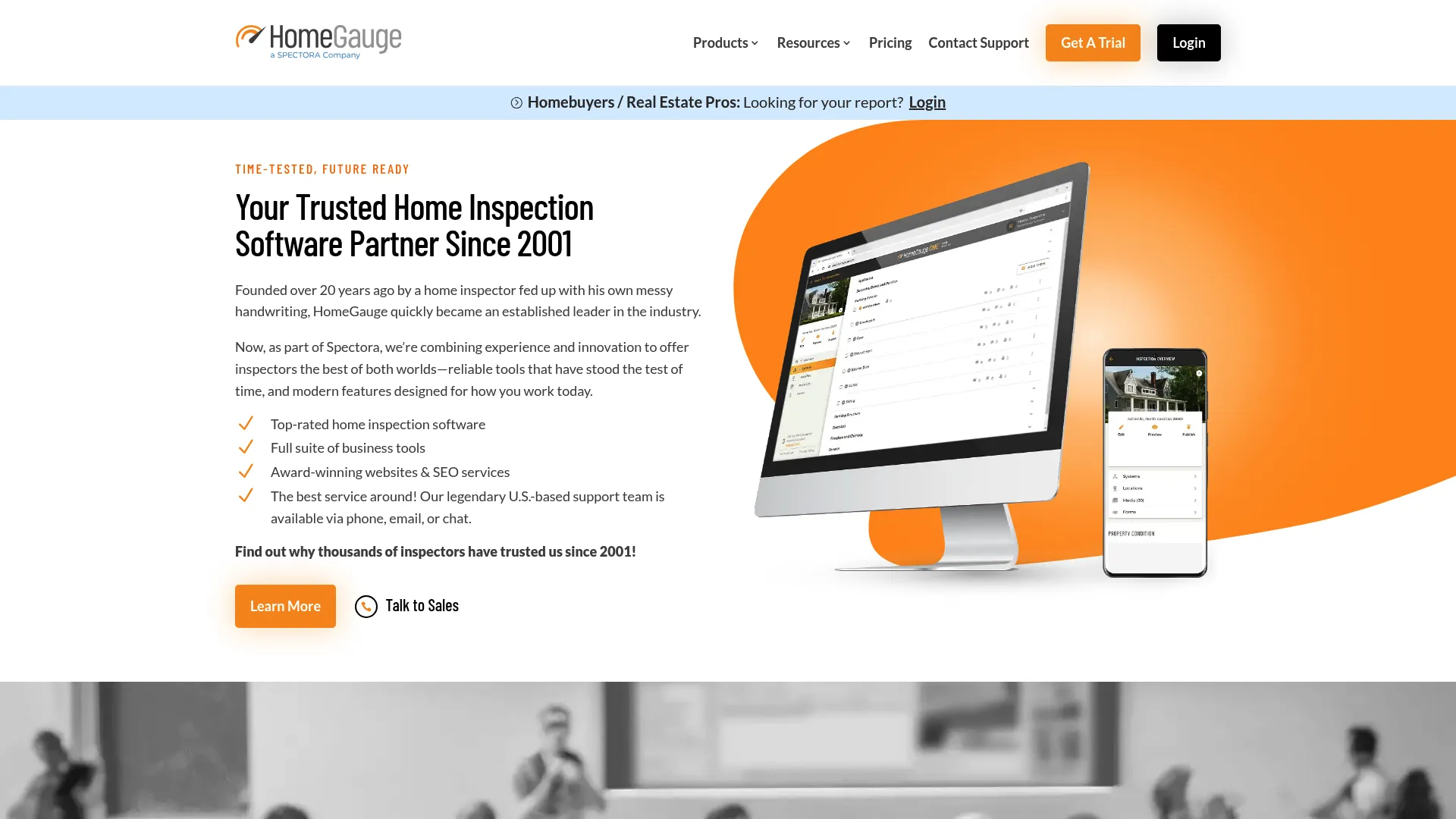
HomeGauge is a long-standing home inspection tool built around a desktop report writer paired with a Companion mobile app. That split appeals to inspectors who capture in the field but prefer to finalize detailed reports on a full desktop editor. It also bundles online agreements, scheduling, payments, and report delivery and storage, plus a Create Request List for repairs that agents and clients can act on.
Best for: Home inspectors who want desktop report writing plus integrated business tools.
Key strengths
- Desktop report writer with Companion app: capture on mobile, finalize on desktop
- Business tools built in: online agreements, scheduling, payments, and report delivery
- Create Request List for repairs: turn findings into an actionable repair list for agents
Why choose HomeGauge: If you value a powerful desktop editing experience over a mobile-only workflow, HomeGauge fits the way many established inspectors already work. The Create Request List is a genuinely useful bridge between your report and the real estate transaction. G2 does not yet have enough reviews for a meaningful rating, so treat the free trial as your primary evaluation tool.
HomeGauge pricing: HomeGauge Software includes a 30-day free trial with $0 to start, then $89/month after the trial. The bundled business tools are included, which simplifies the math against stacking separate scheduling and payment tools.
7. Home Inspector Pro
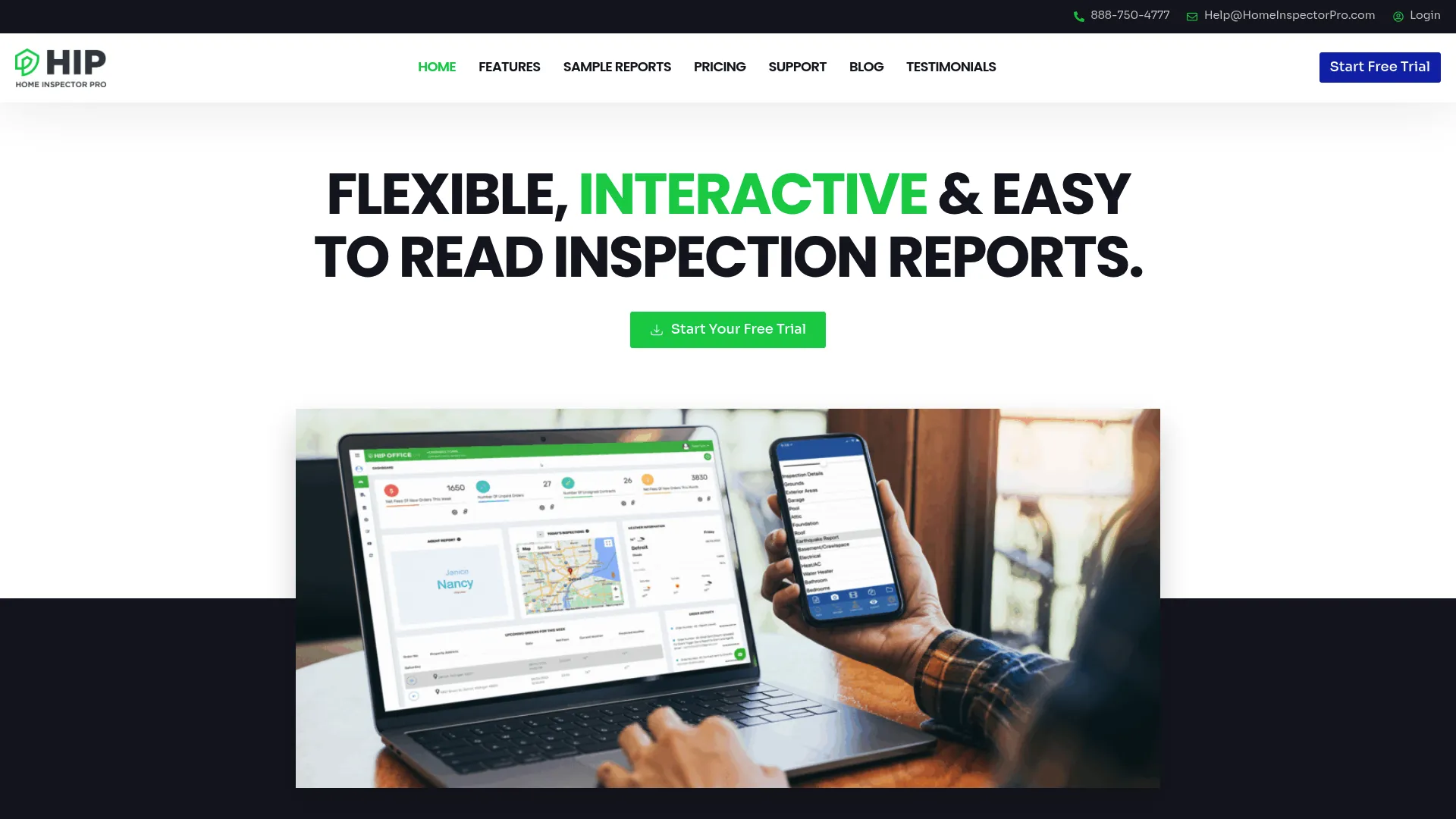
Home Inspector Pro is a home inspection reporting and business management tool built for inspectors who want deep control over their report templates. It runs on both desktop and mobile, offers customizable templates, and includes scheduling, payments, contracts, and report delivery. It has a long track record with inspectors who prize flexibility in how their reports look and read.
Best for: Home inspectors who want report-writing control plus built-in business management tools.
Key strengths
- Desktop and mobile report writing: build reports on whichever device suits the job
- Customizable templates: tailor report structure and wording to your standards
- Business tools built in: scheduling, payments, contracts, and report delivery in one place
Why choose Home Inspector Pro: If you care more about controlling exactly how your reports look than about the simplest possible workflow, Home Inspector Pro rewards that preference. It holds a 5.0/5 G2 rating, and its template flexibility suits inspectors who have refined their reporting style over years. Buyers who want minimal setup may prefer a more opinionated tool, but for control, this one delivers.
Home Inspector Pro pricing: The main plan is $89/month with a free 30-day trial, and additional tiers start at $74/month per the tool's public listings. A one-time Foundation option is available at $899. The monthly plan bundles business management tools, so factor that in when comparing against report-only options.
Considerations before you buy
The comparison table gets you a shortlist. These criteria get you to a decision.
Report quality and branding
The report is what your client remembers. Check whether the tool produces branded web and PDF reports, how photos and video render, and whether the layout looks professional out of the box. Ask to see a real sample report, not a marketing mockup, before you commit.
Mobile field usability
Your inspectors live in the mobile app. Test it on the actual devices your team uses, in real field conditions. Confirm offline capture works and that syncing is reliable when connectivity returns. A clumsy field experience will erase any time you save on the report.
Template and checklist control
Standardization is the whole point. Verify you can build and edit templates without vendor help, enforce required fields, and adapt checklists by property type or inspection standard. Rigid templates will slow you down; flexible ones will scale with you.
Audit trail and compliance
For property, facility, and multi-site work, the audit trail is not optional. Look for GPS, timestamps, and a clear record of who inspected what and when. If compliance reporting is part of your job, confirm the tool produces the records auditors expect.
Pricing and total cost
Read past the headline price. Check per-inspector costs, whether scheduling and payments are bundled or add-ons, and what the free trial actually includes. A tool that bundles business tools may cost less than a cheaper report writer plus three separate subscriptions.
Conclusion
There is no single best inspection software, only the best fit for what you inspect and how often. Property Inspect covers the broadest property and facility workflows with a strong audit trail. Spectora is the all-in-one pick for home inspection businesses that want reporting and operations together. SafetyCulture wins on flexibility and has a free plan for teams inspecting across many processes. For AI-assisted reporting, InspectForge speeds up the write-up with photo analysis and voice capture.
Start with the tool that matches your inspection volume, report complexity, and team size, then use the free trial to confirm the mobile workflow feels right in the field. Solo home inspectors and multi-site property teams have genuinely different needs, so let your actual jobs, not the feature list, decide. Shortlist two, run a real inspection through each, and pick the one that gets a polished report out the door before you reach your next appointment.
FAQs
Inspection software is used to capture findings in the field, document issues with photos and notes, generate branded reports, and track follow-up actions digitally. It replaces paper forms and manual report writing with a mobile-first workflow, which speeds up reporting turnaround and keeps a defensible audit trail. Teams use it for home, property, commercial, and facility inspections.
Prioritize mobile capture that works offline, photo and video attachment tied to specific findings, customizable templates and checklists, and branded web and PDF reports. For multi-site or compliance-heavy work, add audit trail features like GPS and timestamps, plus role-based permissions. Integrations for scheduling, payments, and data sync round out a complete inspection app.
Yes, often more so than for large teams, because solo inspectors feel report turnaround pain directly. Building the report as you inspect can cut hours of desk work per week, which frees you to book more jobs. Tools like Spectora, HomeGauge, and Home Inspector Pro bundle scheduling and payments, so a single subscription can replace several tools.
For property management, Property Inspect and SnapInspect are strong picks because they support tenancy-aware and asset-linked workflows, branded reports, and audit trails across multiple sites. SafetyCulture also fits property teams that inspect varied assets and need broader operations features. The best choice depends on how many sites you manage and how much compliance reporting you need.
Most inspection reporting software produces branded web and PDF reports carrying your logo, colors, and layout. Property Inspect, SnapInspect, Spectora, and HomeGauge all generate professional client-facing reports with photos attached to findings. Always request a real sample report to confirm the output matches the quality your clients expect.
Yes, several tools offer offline mobile capture, which is essential for remote properties or buildings with poor connectivity. SnapInspect and InspectForge both provide offline modes on iOS and Android, syncing data once you reconnect. Confirm offline behavior during a trial, since sync reliability varies between products.
Pricing ranges from free to a few hundred dollars per month depending on features and team size. SafetyCulture offers a free plan, InspectForge starts at $39/month, Property Inspect at $49/month, Home Inspector Pro at $74/month, and Spectora at $109/month. Some tools like SnapInspect quote custom pricing, and many include a free trial so you can test before paying.
Home inspection software is built for inspectors doing pre-purchase home inspections, with a focus on report writing, scheduling, payments, and the real estate transaction. Property inspection software targets ongoing property and facility management, with tenancy-aware workflows, asset tracking, and audit trails across many sites. Home inspection tools optimize for the one-off report; property tools optimize for repeatable, multi-site operations.