Pipedrive
Pipedrive is a sales CRM designed to streamline pipeline management and deal tracking.
Website
Industry
CRM
Share this article:

How to view overdue activities in Pipedrive

Here is how to view overdue activities in pipedrive

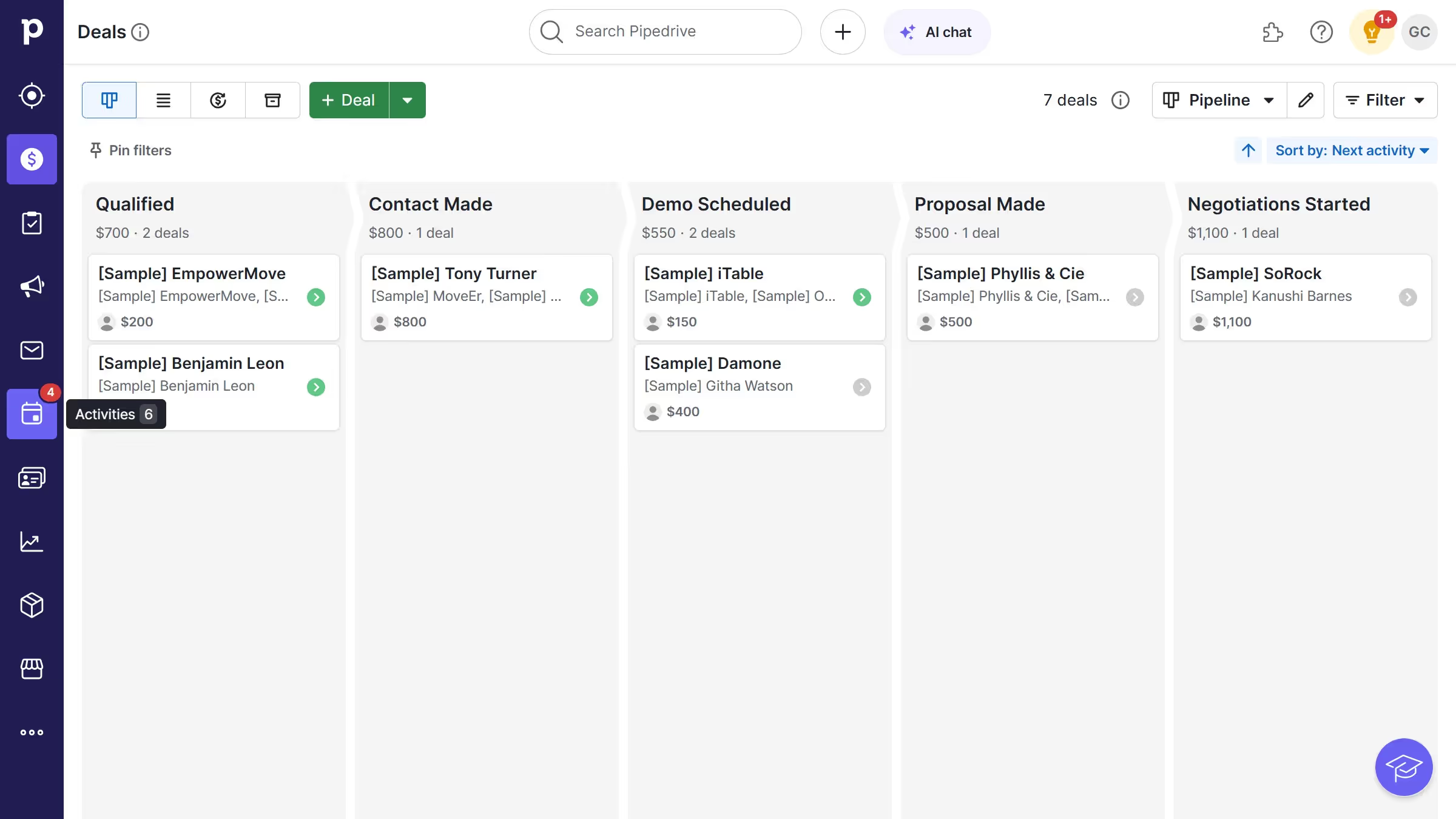
  1. First, click on the "Activities" tab in the left sidebar to view the list of activities
  2. Then select the "Overdue" filter in the top toolbar of the Activities page
  3. The activity list will now display only overdue activities, sorted by date

Create your own interactive guide with Guideflow

Why should you view overdue activities in Pipedrive

Pipedrive, a streamlined sales management tool, is designed to help businesses drive success through organized processes.

The ability to view overdue activities in Pipedrive ensures that no task or meeting slips through the cracks, enhancing accountability and productivity.

With this feature, you can prioritize tasks effectively, reducing stress and improving workflow management.

By staying on top of overdue tasks, teams can maintain momentum and achieve goals more efficiently, fostering a proactive work environment.


Last update
July 14, 2026
Cursor MariaA cursor points to a button labeled "James."

Loo oma esimene demo vähem kui 30 sekundiga.